
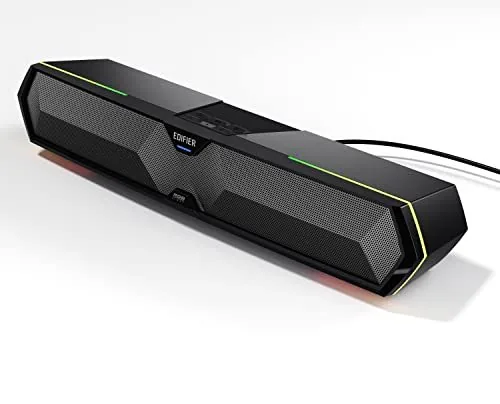
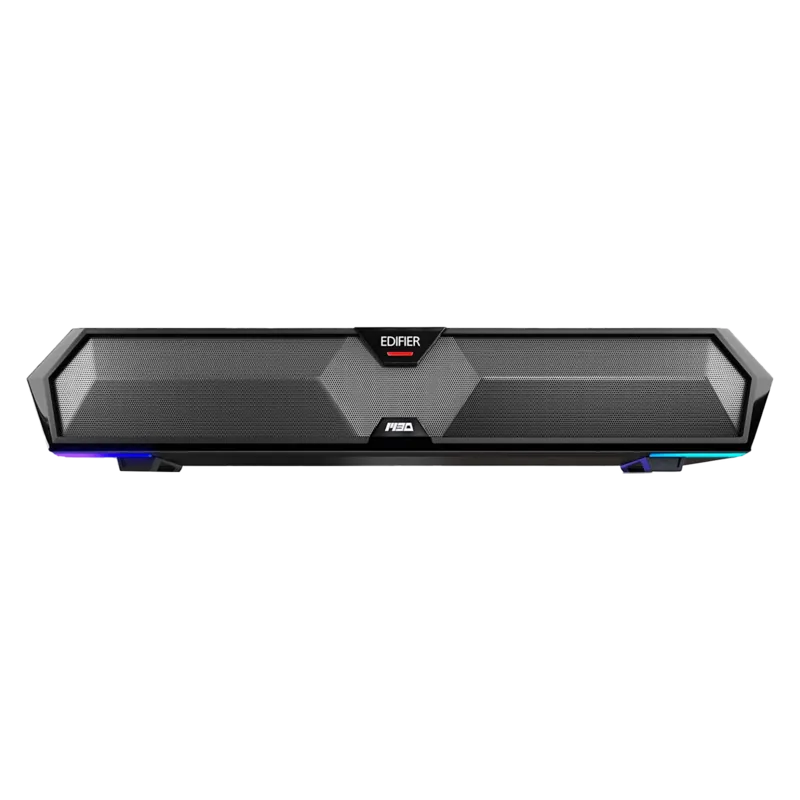
Edifier MG300 Manual
PDF manual · 65 Pages
English



Quick check
Incorrect answer, please try again.
Chat with your Edifier MG300 manual using AI
Get instant AI answers from your Edifier MG300 manual
Ask anything about the Edifier MG300. Answers come from this manual, with the pages they are based on.
Ask a Question
Do you recommend MG300?
Yes NoFrequently Asked Questions
Power on the speaker and press the mode button until the blue light blinks. Select EDIFIER MG300 on your device to pair. If hidden, hold the button to re-enable connection state quickly.
Is this answer helpful?
No, the speaker does not support volume sync in USB streaming mode. You must adjust the speaker volume and computer volume separately using their independent controls.
Is this answer helpful?
The device should be used in an environment between zero and thirty-five degrees Celsius. Storage and shipping should also maintain this temperature range to ensure safety.
Is this answer helpful?
The effective Bluetooth transmission range is approximately ten meters. Ensure operation is within this range to prevent connection drops from other devices.
Is this answer helpful?
No, the symbol indicates for indoor use only. Do not expose the product to rain or moisture as this risks electric shock or fire hazards.
Is this answer helpful?
Press the Play/Pause button twice rapidly. This toggles the audio sound mode between specific profiles optimized for gameplay or music listening.
Is this answer helpful?
Check if the speaker is ON and volume is up. Ensure audio cables are firmly connected and the input setting matches your audio source device correctly.
Is this answer helpful?
Advantages and Disadvantages
Advantages

- Supports USB Audio Streaming and Bluetooth connectivity for versatile input methods.
- Features RGB light effects customizable for gaming or music mode profiles.
- Built-in microphone supports hands-free calling on mobile devices easily.
- Dual 2.5W drivers deliver clear audio within 80Hz to 20KHz frequency range.
- Intuitive button controls allow for easy track navigation and volume adjustment.
Disadvantages

- Bluetooth range is limited to approximately ten meters operational distance.
- USB audio mode does not support volume synchronization with computer.
- Product is intended for indoor use only with strict temperature limits.
- Requires power input voltage between five volts and one ampere for operation.
- Not recommended for use in environments with high humidity or moisture.
Product Specification
Type
Soundbar
Channels
2.0
Total Power
5 W Peak
Frequency Range
80 Hz - 20 kHz
Additional Connections
USB-A
Wireless
Bluetooth 5.3
Features
USB powered, RGB lighting
Color
Black
Includes
Soundbar
Product Description
Discover the Sound of the Edifier MG300
Audio enthusiasts often search for the Edifier MG300 Manual to understand capabilities. This multimedia speaker delivers impressive quality within a small footprint. It bridges casual listening and gaming experiences. Connecting via USB or wireless Bluetooth, the device adapts to your setup seamlessly. This overview explores key features for modern users.
Versatile Connectivity Options
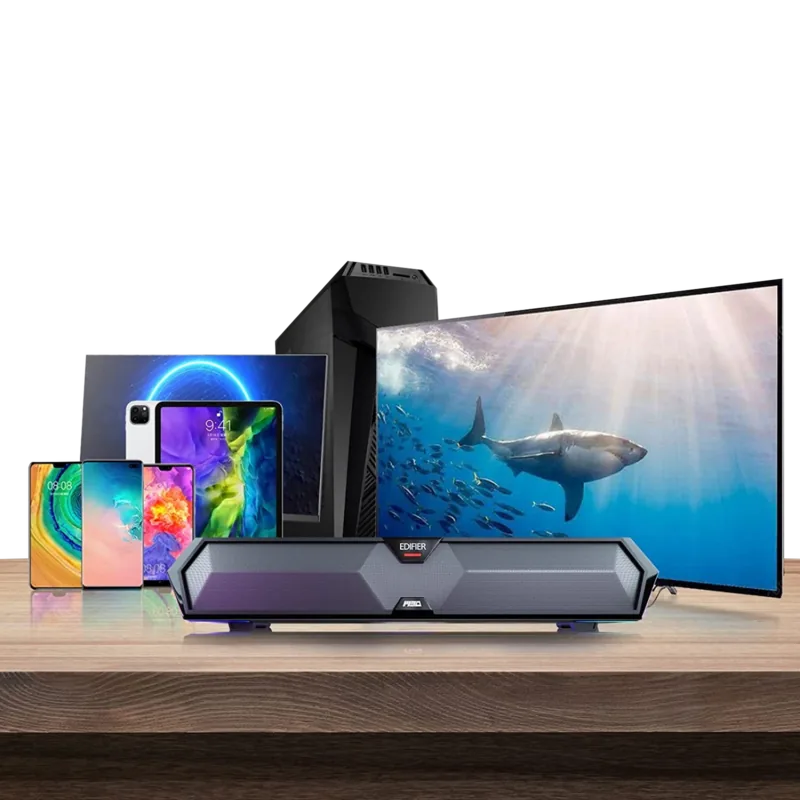
The speaker supports multiple inputs across systems. Stream audio from a computer using the USB port which powers the unit automatically. Alternatively, pair with a smartphone via Bluetooth for freedom. Range reaches ten meters. Switch modes easily using dedicated control buttons. A built-in microphone allows for hands-free calls. Answering calls is simple with one button.
Enhanced User Experience Features
Lighting effects add dynamic visuals to your desk. Toggle patterns or disable them for focus. Dual drivers provide eighty to twenty kilohertz response. This ensures clear highs and punchy bass. Volume control is intuitive with clear buttons. Longer presses control track navigation efficiently. A double press switches between game and music modes for optimized profiles.
Practical Usage Guidelines
Proper installation ensures longevity and safety. Keep away from water and direct heat. Recommended operating temperature ranges from zero to thirty-five degrees Celsius. Ventilation gaps prevent overheating. Clean surface with a dry cloth when powered off. Avoid harsh chemicals on the exterior. Rated for indoor use only. Functions well below two thousand meters altitude.
Troubleshooting Common Issues
If no sound is heard, check if the unit is powered on. Verify that cable connections are firm and input settings match the source. Bluetooth pairing failures often stem from proximity or incorrect mode selection. Noise during playback indicates background signal interference rather than equipment failure. Resetting Bluetooth settings clears old pairing records. Refer to product specifications for input voltage requirements.
Final Thoughts
Integrating knowledge of usage helps optimize your audio system. It is designed for safety and efficiency. Build quality supports regular use in office or home. Enjoy music, games, and calls with this versatile speaker. Check official specifications for power input details. This device remains a strong contender for desktop audio needs. Its design prioritizes user control and sound clarity.
Search for 67,706 Manuals online


Type-in Brand or Model