
Edifier MF200 Manual
PDF manual · 57 Pages
English



Quick check
Incorrect answer, please try again.
Chat with your Edifier MF200 manual using AI
Get instant AI answers from your Edifier MF200 manual
Ask anything about the Edifier MF200. Answers come from this manual, with the pages they are based on.
Ask a Question
Do you recommend MF200?
Yes NoFrequently Asked Questions
Press the button to switch to Bluetooth input. Select EDIFIER MF200 in your device settings to connect. The blue LED will turn solid when connected.
Is this answer helpful?
Charge using a 5V 1A adapter via the USB-C port. The red LED indicates charging, and turns off when fully charged.
Is this answer helpful?
Yes, use the USB-C cable to connect to the computer for audio streaming. It may require manual selection on Apple computers.
Is this answer helpful?
The product must be used at an altitude of lower than 2000 meters to ensure safe operation and battery stability.
Is this answer helpful?
Use a dry cloth to turn off and disconnect. Do not use strong acid or solvents, only neutral solvent or clear water.
Is this answer helpful?
The box contains the speaker, a carry pouch, a USB-C to USB-C cable, and the user manual.
Is this answer helpful?
Visit the relevant country page on www.edifier.com and review the Warranty Terms section for queries.
Is this answer helpful?
Advantages and Disadvantages
Advantages

- Versatile connectivity options including Bluetooth, USB, and AUX input.
- Clear frequency response from 100Hz to 20KHz for good audio quality.
- Compact design with included carry pouch for easy portability.
- Simple control interface for volume, playback, and mode switching.
- Comprehensive user manual covering safety and troubleshooting details.
Disadvantages

- Requires careful storage to maintain temperature between 0 and 35 degrees Celsius.
- Must be kept away from water and moisture to prevent electrical hazards.
- Does not support battery replacement by the user due to safety risks.
- Altitude usage is limited to below 2000 meters for safe operation.
- Power output may be insufficient for large outdoor spaces.
Product Specification
Type
Soundbar
Total Power
8W RMS
Frequency Range
100Hz-20kHz
Audio Connectors
AUX In (3.5mm Jack)
Additional Connectors
1x USB-C
Wireless
Bluetooth 5.0
Features
LED Lighting
Dimensions
11.54x1.77x2.09in (WxHxD)
Consists of
Soundbar
Product Description
Discover the Full Potential of the Edifier MF200 Portable Bluetooth Speaker
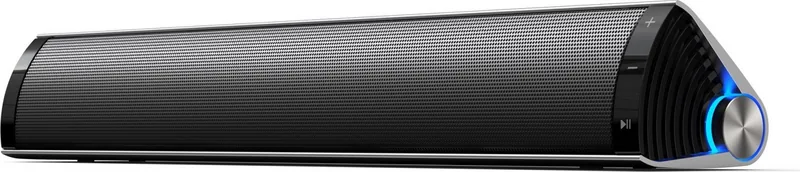
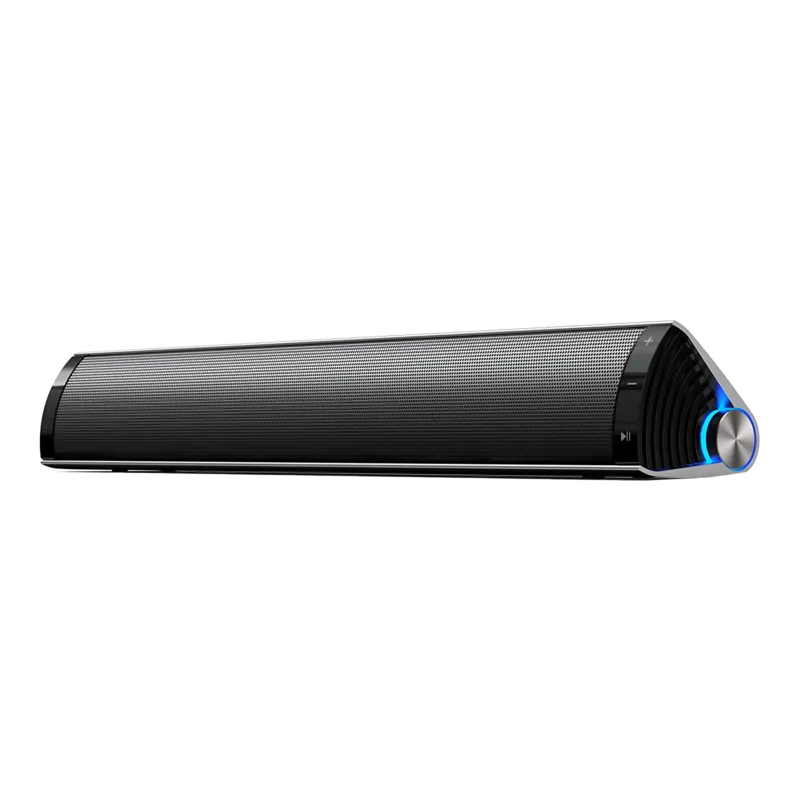
The Edifier MF200 stands out as a reliable companion for audio enthusiasts seeking true portability without compromise in sound quality. Users often refer to the Edifier MF200 Manual to understand the full range of features available within this compact audio device. It is specifically designed for daily use in various environments including homes, offices, and outdoor gatherings. The speaker offers an impressive frequency response of 100Hz to 20KHz. This ensures clear highs and decent bass for its specific class. The output power is officially specified at 4W per channel. This level of power is sufficient for personal listening or small gatherings.
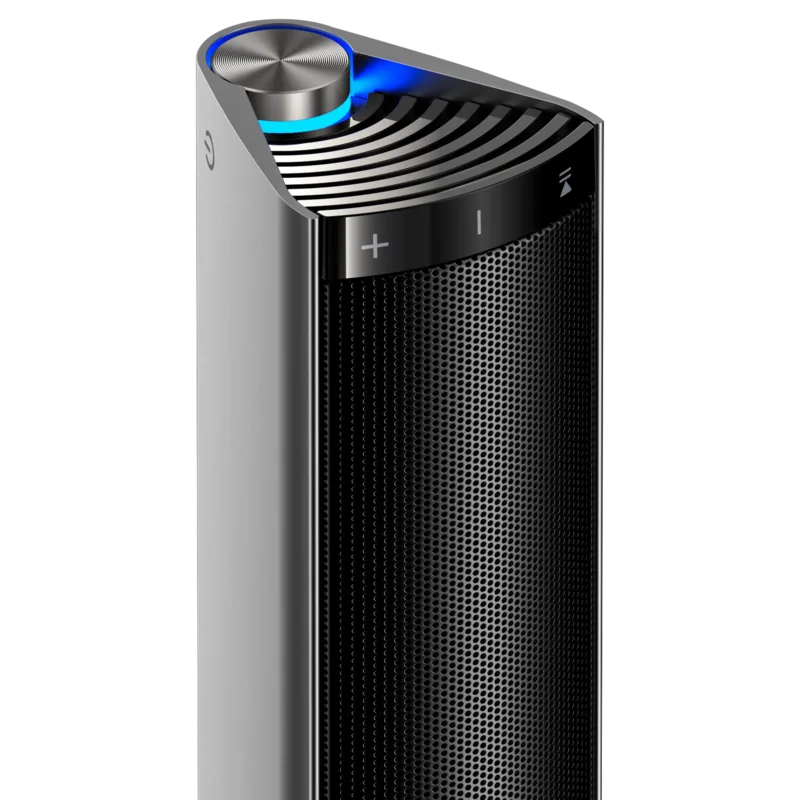
Connect your devices wirelessly or with cables easily. The unit supports Bluetooth for streaming from phones directly. You can also use a USB cable for direct computer audio streaming without wireless interference. The AUX input provides flexibility for older devices without wireless capabilities. The manual guides users through pairing processes effectively. Red indicates USB audio and green indicates AUX mode. Users can check battery levels with a double press of the power button. Long press disconnects Bluetooth if needed. Control music with tap or long press commands on the volume or play buttons. It is easy to switch input modes quickly without complex steps.
Battery life is managed via a built-in rechargeable cell. Charging requires a standard 5V 1A adapter via the USB-C port. The LED shows red while charging and turns off when full. It is important to store the device between 0 and 35 degrees Celsius. Safety instructions emphasize keeping liquids away from the speaker. Altitude usage should remain below 2000m for optimal performance. Avoid direct sunlight or high heat sources for safety. Do not let metal objects contact battery poles. Replace batteries only with the same or equivalent type if applicable.
The package includes a carry pouch and the user manual for reference. Troubleshooting sections address common issues like no sound or connection failures. Users should avoid disassembling the housing themselves. Contacting authorized service is required for repairs. Cleaning should only use neutral solvents or water. This ensures longevity and safety for the consumer. Enjoy your music anywhere with this practical audio device. Be sure to keep the manual accessible for warranty purposes. Recycle responsibly according to local laws for waste disposal to help the environment.
Notes
Please read all safety instructions carefully before initial use. Keep the manual in a safe place for future reference. Do not use near water or open fire. Ensure ventilation is not blocked during operation.
Search for 67,706 Manuals online


Type-in Brand or Model