Manual.ly Logo

Edifier M601DB Manual

0.0 · 0 Ratings

PDF manual · 90 Pages

English

M: QW-35-FL
page

/ 90

Loading...
f884c82b82e50f03c77a6b726dc3b075855d page 2
1
English
Important safety instruction
1. Please read the instructions carefully. Keep it in safe place for future reference.
2. Use only accessories approved by the manufacturer.
3. Install the instrument properly by following the instructions in the device connection section.
4. Using the product in a 0-35℃ environment is recommended.
5. To reduce the risk of fire and electric shock, do not expose the product to rain or moisture.
6. Do not use this product near water. Do not immerge the product into any liquid or have it exposed to dripping or splashing.
7. Do not install or use this product near any heat source (e.g. radiator, heater, stove, or other devices that generate heat).
8. Do not place any object filled with liquids, such as vases on the product; neither should any open fire, such as lighted candles be placed on the product.
9.
Do not block any ventilation openings. Do not insert any object into ventilation openings or slots. It may cause fire or electric shock.
10. Keep sufficient clearance around the product to maintain good ventilation (minimum 5cm is recommended).
11. Do not force a plug into the jack. Before connection, check for blockage in the jack and whether the plug matches the jack and is oriented to the right direction.
12. Keep the provided accessories and parts (such as screws) away from children to prevent from being swallowed by mistake.
13.
Do not open or remove the housing yourself. It may expose you to dangerous voltage or other hazardous risks. Regardless the cause
o
f damage (such as damaged wire
or plug, exposure to liquid splash or foreign object falling in, exposure to rain or moisture, product not working or being dropped, etc.), the repair has to be
performed by an authorized service professional immediately.
14. Before cleaning the product with dry cloth, always turn off the product and disconnect the power plug first.
15. Never use strong acid, alkali, gasoline, alcohol, or other chemical solvents to clean the product surface. Use only neutral solvent or clear water for cleaning.
This device contains licence-exempt transmitter(s)/receiver(s) that comply with Innovation, Science and Economic Development Canada’s licence-exempt RSS(s).
Operation is subject to the following two conditions:
(1) This device may not cause interference.
(2) This device must accept any interference, including interference that may cause undesired operation of the device.
L’émetteur/récepteur exempt de licence contenu dans le présent appareil est conforme aux CNR d’Innovation, Sciences et Développement économique Canada applicables aux
appareils radio exempts de licence. L’exploitation est autorisée aux deux conditions suivantes :
(1) L’appareil ne doit pas produire de brouillage;
(2) L’appareil doit accepter tout brouillage radioélectrique subi, même si le brouillage est susceptible d’en compromettre le fonctionnement.
The OEM integrator is responsible for ensuring that the end-user has no manual instruction to remove or install module.
The module is limited to installation in mobile application;
A separate approval is required for all other operating configurations, including portable configurations with respect to Part 2.1093 and difference antenna configurations.
There is requirement that the grantee provide guidance to the host manufacturer for compliance with Part 15B requirements.
This device complies with Part 15 of the FCC Rules. Operation is subject to the following two conditions:
(1) this device may not cause harmful interference, and
(2) this device must accept any interference received, including interference that may cause undesired operation.
Changes or modifications do not expressly approved by the party responsible for compliance could void the user’s authority to operate the equipment.
Please notice that if the FCC identification number is not visible when the module is installed inside another device, then the outside of the device into which the module
is installed must also display a label referring to the enclosed module. This exterior label can use wording such as the following: “Contains FCC ID: 2ABA2ATM200” any
similar wording that expresses the same meaning may be used.
This equipment complies with FCC radiation exposure limits set forth for an uncontrolled environment. This equipment should be installed and operated with a minimum
distance of 20cm between the radiator & your body. This transmitter must not be co-located or operating in conjunction with any other antenna or transmitter.
The module is limited to OEM installation ONLY.
The statements for 5.8G module:

Chat with your Edifier M601DB manual using AI

Get instant AI answers from your Edifier M601DB manual

Ask anything about the Edifier M601DB. Answers come from this manual, with the pages they are based on.

M601DB Maintenance Schedule

As needed
Clean the product surface

Turn off and unplug the product. Use a dry cloth or neutral solvent/water only. Do not use strong acid, alkali, gasoline, or alcohol.

Before extended storage
Remove remote control batteries

If the remote is unused for a long period, remove the CR2032 battery to prevent leakage or damage.

M: qwen/qwen3.8-flash

Ask a Question

0/1000

Do you recommend M601DB?

Yes No

Frequently Asked Questions

A

The system offers a peak power of 220 watts and an RMS power of 110 watts, distributed as 20 watts per satellite speaker and 70 watts for the subwoofer.

Is this answer helpful?

A

Yes, you can connect your TV using the Optical or Coaxial inputs for digital audio, or use the AUX/Line In port with an analog cable.

Is this answer helpful?

A

No, the coaxial cable is not included in the box. You will need to purchase it separately to use the Coaxial input mode.

Is this answer helpful?

A

Power on both units. If they do not connect automatically, press the Pair button on the back of the subwoofer until the light blinks fast, then press the Pair button on the active speaker until the lights stay solid.

Is this answer helpful?

A

The effective Bluetooth transmission range is approximately 10 meters, provided there are no significant obstacles or interference.

Is this answer helpful?

A

Yes, there is a dedicated Bass Adjustment knob on the active speaker that allows you to increase or decrease the subwoofer output.

Is this answer helpful?

M: QW-35-FL

Advantages and Disadvantages

Advantages

  • High power output with 110W RMS delivering loud and clear audio
  • Versatile connectivity options including Bluetooth, Optical, and Coaxial
  • Dedicated bass adjustment knob for customizing low-frequency response
  • Includes comprehensive accessories like fiber optic and RCA cables
VS

Disadvantages

  • Coaxial cable is not included in the box despite being a supported input
  • Bluetooth range is limited to approximately 10 meters effectively
  • Subwoofer pairing may require manual reconnection if signal is lost
  • Not suitable for outdoor use due to indoor-only classification
M: QW-35-FL

Product Specification

Type

Speaker system

Channels

2.1

Power

110W RMS

Frequency range

50Hz-20kHz

HDR

No

Audio connections

1x Digital Audio In (coaxial), 1x Digital Audio In (optical), 1x Stereo Line In (RCA), 1x AUX In (3.5mm jack)

Wireless

Bluetooth 5.1, aptX

Color

Black

Consists of

1x Wireless subwoofer, 2x Compact speakers

M: QW-35-FL

Product Description

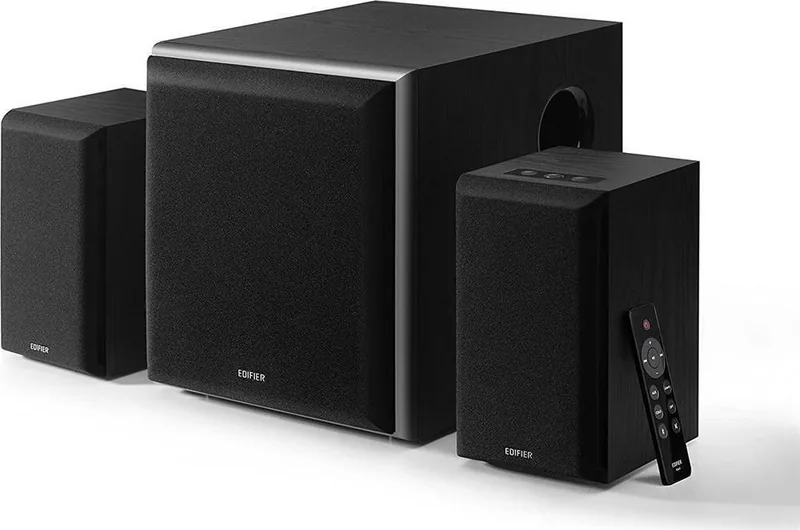
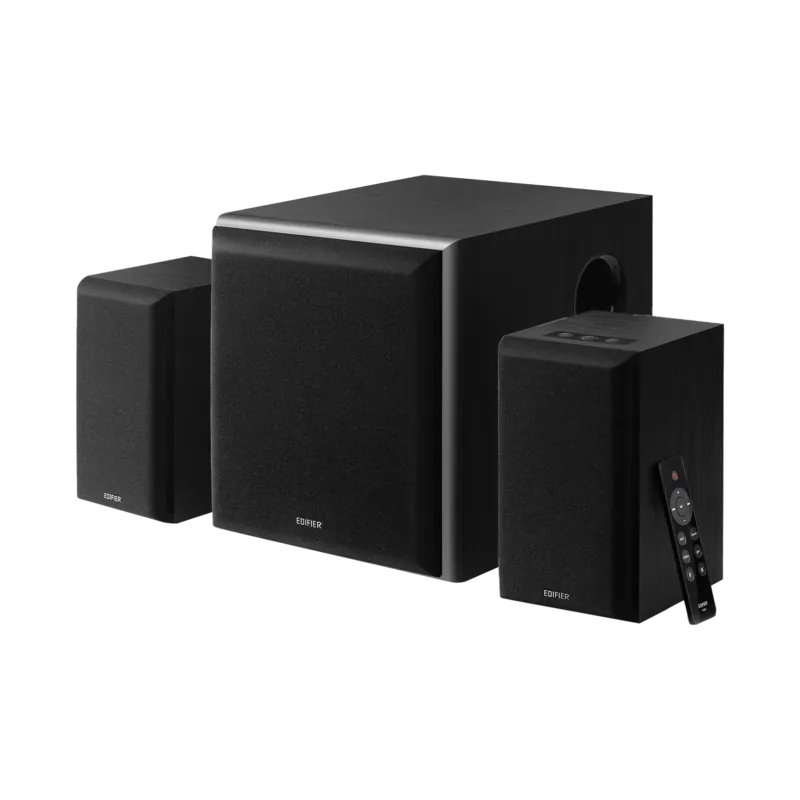
Discover the Edifier M601DB Multimedia Speaker System

The Edifier M601DB represents a pinnacle of audio engineering designed for those who demand high-fidelity sound without compromising on versatility. This powerful multimedia speaker system delivers an impressive total peak power of 220 watts, with a robust RMS output of 110 watts split between the active satellite speakers and the subwoofer. The frequency response is carefully tuned to ensure deep, resonant bass from the subwoofer ranging from 50Hz to 170Hz, while the satellites handle mid-to-high frequencies from 140Hz up to 20kHz with clarity.

Connectivity is at the heart of the M601DB experience. Users can effortlessly switch between multiple input sources including Bluetooth 5.0, Optical (Toslink), Coaxial, AUX, and Line In. The Bluetooth connection allows for wireless streaming from smartphones, tablets, or laptops within a reliable 10-meter range. For home theater enthusiasts, the optical and coaxial inputs enable direct digital connections to TVs, gaming consoles, or set-top boxes, ensuring low-latency audio transmission.

The system features a sleek design with a dedicated remote control that simplifies volume adjustments, mode switching, and playback controls. A unique bass adjustment knob on the active speaker allows users to fine-tune the low-end response to suit their room acoustics or personal preference. Safety features are integrated throughout, including protection against moisture, overheating, and electrical hazards, ensuring long-term reliability in environments between 0 and 35 degrees Celsius.

Whether you are watching movies, playing games, or listening to music, the Edifier M601DB provides an immersive auditory experience. The package includes all necessary cables such as RCA, fiber optic, and power cords, along with a passive speaker option for expanded stereo setups. Always follow safety guidelines regarding battery handling for the remote and proper ventilation to maintain optimal performance.

M: QW-35-FL

© Copyright 2026 Manual.ly
