
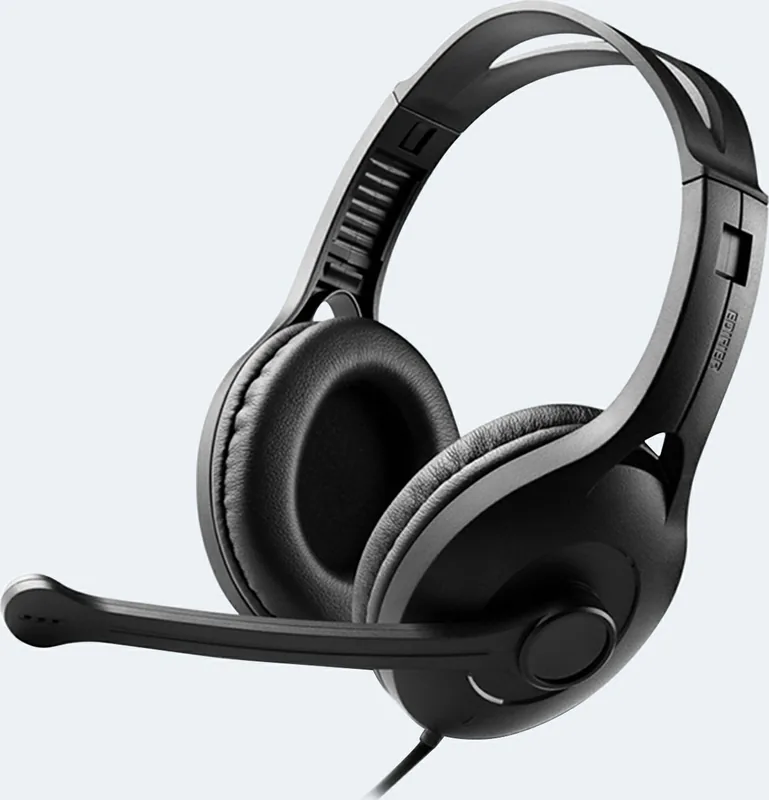
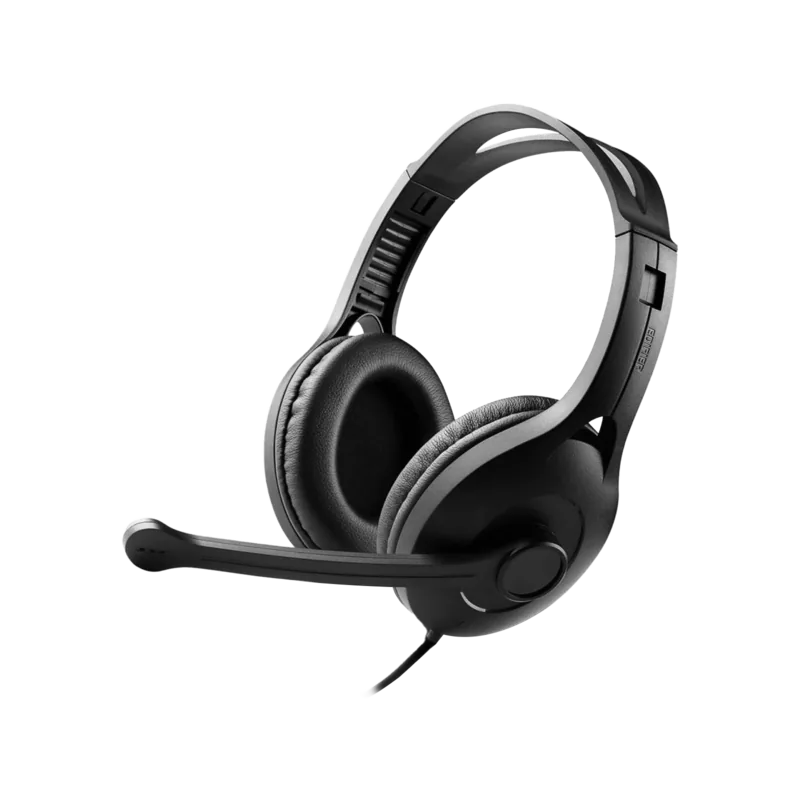
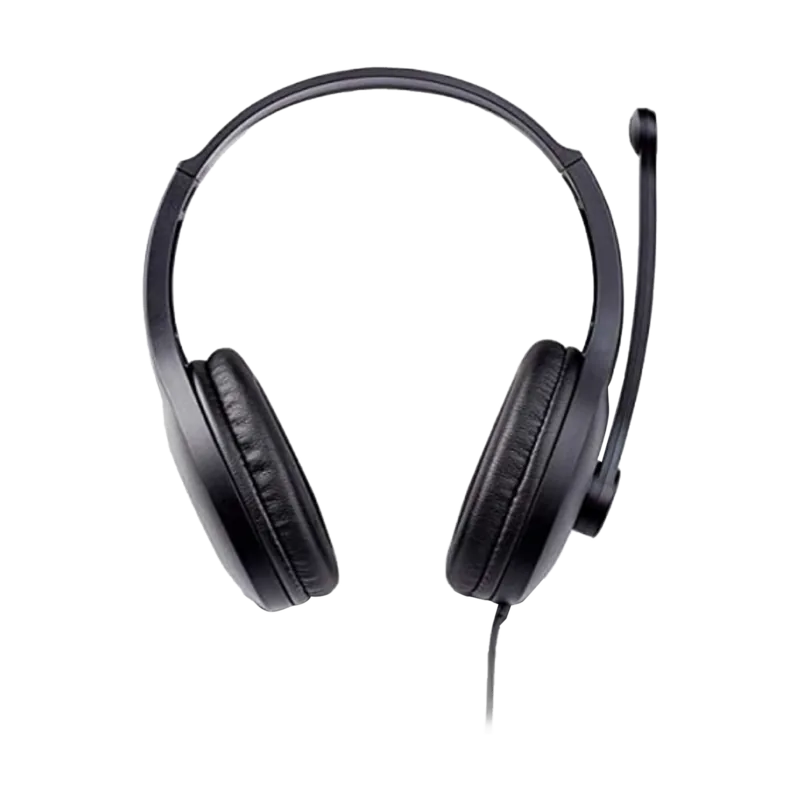
Edifier K800 USB Manual
PDF manual · 29 Pages
English



Quick check
Incorrect answer, please try again.
Chat with your Edifier K800 USB manual using AI
Get instant AI answers from your Edifier K800 USB manual
Ask anything about the Edifier K800 USB. Answers come from this manual, with the pages they are based on.
Ask a Question
Do you recommend K800 USB?
Yes NoFrequently Asked Questions
Plug the headset's USB-A connector into a computer USB port. The blue LED will light steadily to indicate the headset is powered and ready.
Is this answer helpful?
When you mute the microphone through your computer's audio controls, the headset's red LED will light, indicating the mic is disabled.
Is this answer helpful?
Adjust both headset and microphone volume using your computer's operating system audio settings or any in-call controls provided by your communication app; the headset itself has no dedicated onboard volume wheel.
Is this answer helpful?
Keep the headset away from moisture, extreme heat or cold, avoid drops and strong impacts, do not disassemble, and use only mild cleaning methods to protect internal circuitry and the exterior shell.
Is this answer helpful?
No special drivers are required. The Edifier K800 USB is designed as a plug-and-play device and will work with standard USB audio support built into modern operating systems.
Is this answer helpful?
The headset uses a USB-A connection, so direct use with most mobile phones and tablets is unlikely without an appropriate adapter and OTG support; performance may vary depending on the device.
Is this answer helpful?
Check the USB connection and host audio settings first. If issues persist, try a different USB port or computer. Avoid opening the headset; contact Edifier support if the problem remains unresolved.
Is this answer helpful?
Advantages and Disadvantages
Advantages

- Plug-and-play USB-A connection for immediate use without drivers.
- Clear LED indicators: blue for power, red for microphone mute.
- Simple, durable design suited for everyday office and remote work.
- System-managed volume and mic controls through the host computer.
- Affordable, reliable option for basic voice and multimedia needs.
Disadvantages

- No wireless option—limited mobility due to fixed USB cable.
- Lacks advanced features like software EQ, ANC, or detachable cable.
- Depends entirely on host computer for volume and mute controls.
- Basic comfort and build—may not suit extended heavy-use sessions.
- Limited customization or firmware-driven improvements available.
Product Specification
Type
Headphones (Over-Ear)
Form Factor
Headband
Principle
closed
Microphone
Boom microphone
Connection
USB
Wireless
no
Cable
9.19 ft, single-sided
Frequency range
20Hz-20kHz
Impedance
32Ω
Sensitivity
91dB
Color
black
Product Description
Edifier K800 USB Manual — Compact USB Headset Overview
The Edifier K800 USB is a straightforward, plug-and-play computer headset designed for everyday communication and multimedia use. With a USB-A connection, the headset powers on automatically when connected to a computer, indicated by a steady blue LED. Muting the microphone via the computer triggers a red LED, giving clear visual feedback for call and recording control. Volume and mic levels are managed through the host computer, making the K800 ideal for users who want a no-fuss audio accessory without additional drivers or software.
Comfort-focused and built for routine use, the K800 features a simple over-ear design and a fixed USB cable for reliable digital audio. Its single-cable USB interface delivers consistent power and sound to keep voice chats, teleconferences, and media playback uninterrupted. The headset emphasizes ease of use and durability rather than advanced features, positioning it well for office workers, remote learners, and anyone needing a dependable wired headset.
Durability and care are straightforward: protect the headset from moisture, extreme temperatures, and physical shocks. Avoid disassembly, abrasive cleaners, and sharp objects to preserve the housing and internal circuitry. Following these basic maintenance steps will extend service life and keep LED indicators and microphone functions working reliably.
In short, the Edifier K800 USB delivers a dependable, plug-and-play audio experience with clear status indicators and easy system-managed controls. It’s a pragmatic choice for users who prioritize simplicity, reliability, and clear voice communication over advanced customization.
Notes
- Blue LED = powered and ready; red LED = microphone muted.
- Connect via USB-A; adjust volume and mic settings through the computer OS.
- Keep the headset dry, avoid extreme temperatures, and handle gently to prevent damage.
- Images and minor specifications may vary by region or production batch.
Search for 67,706 Manuals online


Type-in Brand or Model