
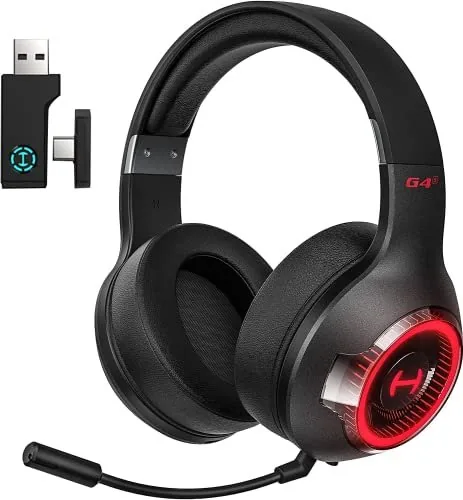
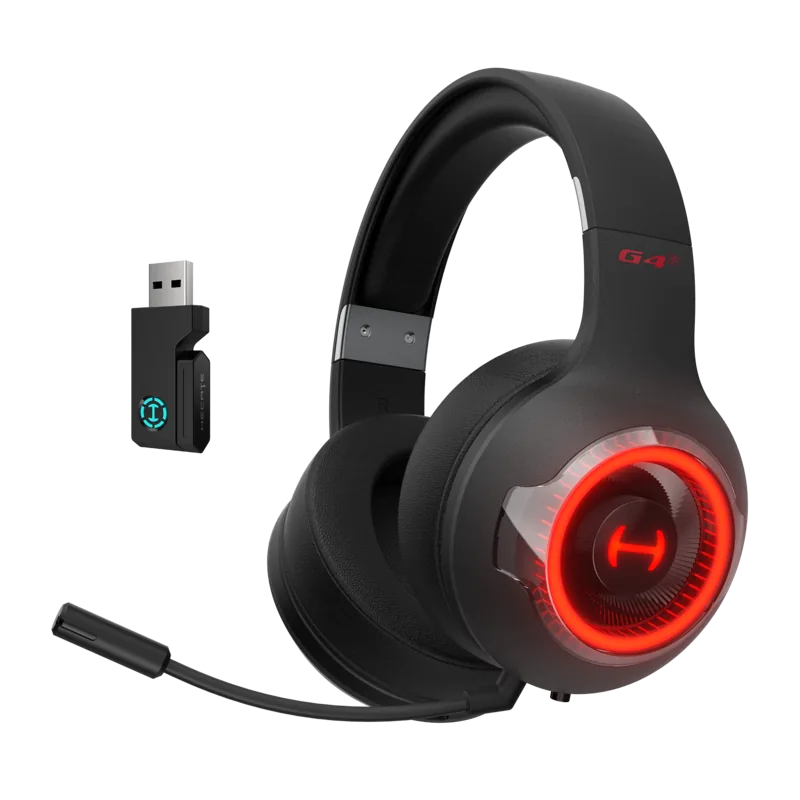
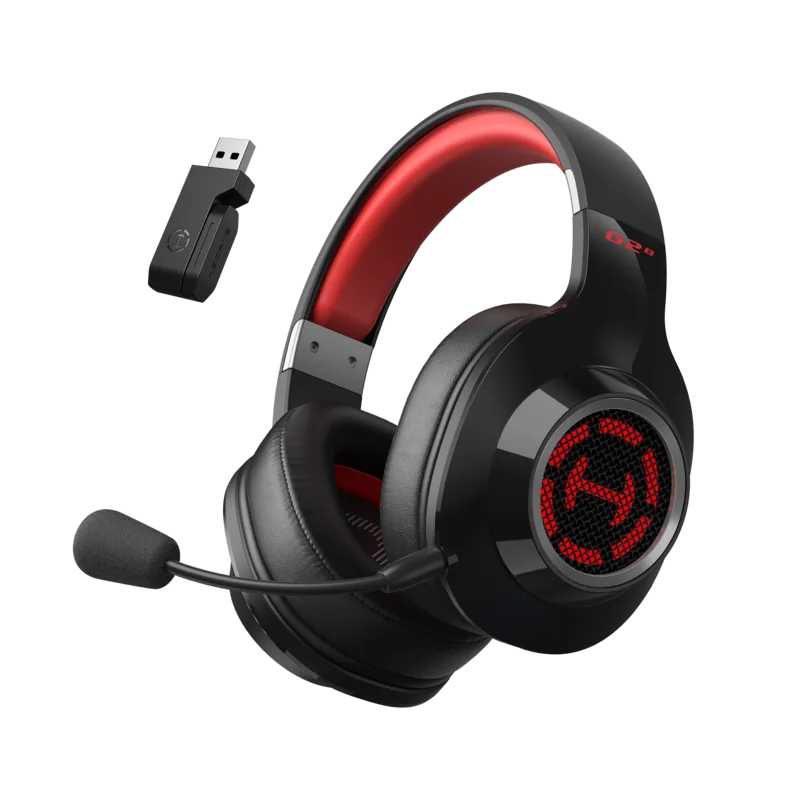
Edifier Hecate G4s Manual
PDF manual · 2 Pages
English



Quick check
Incorrect answer, please try again.
Chat with your Edifier Hecate G4s manual using AI
Get instant AI answers from your Edifier Hecate G4s manual
Ask anything about the Edifier Hecate G4s. Answers come from this manual, with the pages they are based on.
Ask a Question
Do you recommend Hecate G4s?
Yes NoFrequently Asked Questions
To reset the headset, press and hold the power button for ten seconds until the red light flashes rapidly and turns off. This action restores factory settings and clears all previous pairings.
Is this answer helpful?
The headset supports Ultra Low Latency Dual Mode wireless gaming via the 2.4G adapter and standard Bluetooth connectivity for mobile devices or PC.
Is this answer helpful?
Insert the adapter into a Type-C or USB device. On the headset, select HECATE G4 S in your device settings or turn on Bluetooth to connect automatically.
Is this answer helpful?
No, the headset and adapter are factory-bound as a pair. If lost, you must return the unit to support for upgrade binding and replacement.
Is this answer helpful?
The battery life supports extended gaming sessions with a fast Type-C charging port. Specific hours depend on usage levels and volume settings.
Is this answer helpful?
Yes, the headset features a built-in microphone with mute and unmute controls accessible via the multi-function buttons on the ear cup.
Is this answer helpful?
Advantages and Disadvantages
Advantages

- Ultra-low latency dual mode wireless connectivity for immersive gaming.
- Multi-function adapter supports both Bluetooth and 2.4G wireless modes.
- Type-C charging port enables fast power replenishment for long sessions.
- Factory-bound adapter and headset ensures secure and private connections.
- Intuitive control buttons for mic mute, volume, and mode switching.
Disadvantages

- Adapter is factory-bound so replacements require specific upgrade procedures.
- Reset instructions rely on specific light flashes which may be confusing.
- Manual text contains errors or specific symbols that need interpretation.
Product Specification
Type
Headphones (Over-Ear)
Form Factor
Headband
Principle
Closed-back
Microphone
Microphone Arm (detachable)
Connection
USB-A, USB-C
Wireless
Bluetooth 5.2, Digital Wireless
Controls
Volume Control, Mute Button
Battery Life
17h (with RGB), 46h (without RGB)
Battery
USB-C Charging Port, 2h Charging Time
Frequency Range
20Hz-20kHz
Impedance
32 Ohm
Sensitivity
98dB
Drivers
1.57 in
Certified For
Nintendo Switch, PS4, PS5
Device Features
LED Lighting
Special Features
Includes USB Wireless Adapter
Color
black, red
Product Description
The Ultimate Gaming Audio Experience
Gaming setups demand precision and quality sound to maintain a competitive edge. The Edifier G4s stands out in the crowded market of audio gear designed specifically for intense play. This headset focuses on delivering ultra-low latency sound that keeps players perfectly in sync with the fast action on screen. Whether you are engaging in fast-paced shooters or immersive story-driven games, the audio fidelity remains consistent and clear for every engagement.
One of the standout features involves the dual mode connectivity options available to modern enthusiasts. Users can switch between standard Bluetooth and a dedicated 2.4G wireless mode through a provided multi-function adapter. This flexibility ensures seamless transitions between mobile listening and PC gaming without dropping the signal unexpectedly. The adapter plugs directly into compatible Type-C or USB devices, simplifying the setup process significantly for various platforms. RGB lighting adds a customizable visual flair to match the aesthetic of any gaming station, turning on and off via control buttons easily.
Control logic is intuitive with dedicated buttons placed conveniently on the headset cup surface. Players can mute the microphone instantly, adjust volume levels, or toggle between music and game modes without reaching for their screen. The power button is also multi-functional, capable of resetting the device to factory settings if connectivity issues arise unexpectedly. To perform a full reset, simply hold the button until the red light flashes rapidly and then turns off. This ensures any previous pairings are cleared completely and the system resets to default values.
Battery life plays a crucial role in long sessions without interruptions or power failures. The Type-C charging port allows for fast power replenishment, ensuring you rarely miss a moment of gameplay during critical matches. The headset and adapter are factory-bound as a pair to prevent unauthorized access. If the adapter is lost, binding requires contacting support for specific upgrade instructions. This security feature protects user privacy and connection stability. Users often check Edifier G4s Manual for detailed technical specifications and troubleshooting.
Comfort is prioritized with padded ear cups designed for extended wear periods without fatigue. Microphone quality remains clear despite the wireless transmission, making communication with teammates reliable during critical matches. The device complies with various RF exposure regulations, ensuring safety during daily use. Multi-function adapter placement allows for easy access to ports. With its blend of performance and practical design, this headset offers a top-tier solution for modern gamers looking to elevate their experience significantly.
Notes
Ensure the adapter is kept safe as it is bound to the headset unit. Check regulatory compliance details if operating internationally.
Search for 67,706 Manuals online


Type-in Brand or Model