
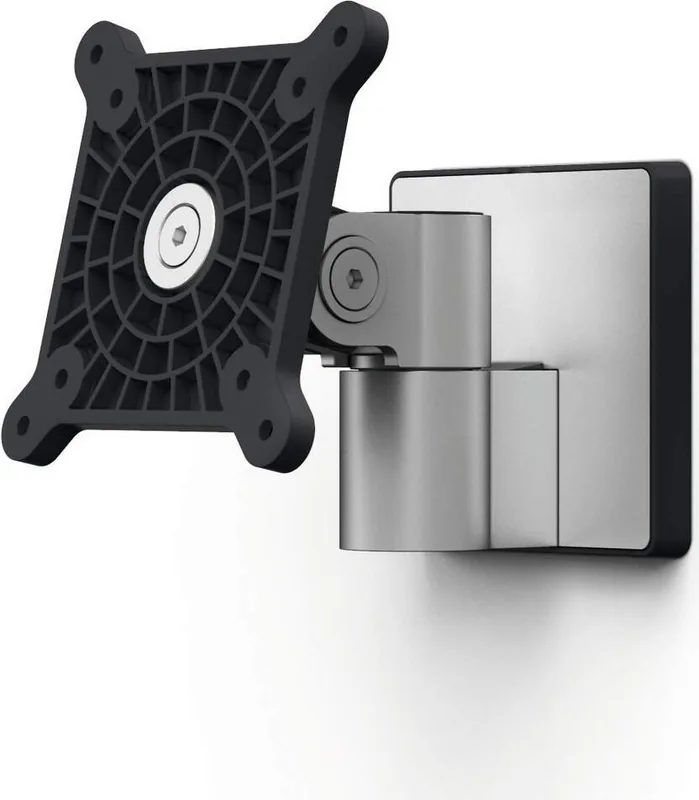
Durable Monitor Wall Mount Manual
PDF manual · 86 Pages
English



Quick check
Incorrect answer, please try again.
Chat with your Durable Monitor Wall Mount manual using AI
Get instant AI answers from your Durable Monitor Wall Mount manual
Ask anything about the Durable Monitor Wall Mount. Answers come from this manual, with the pages they are based on.
Monitor Wall Mount Maintenance Schedule
To prevent decreased mobility due to dust deposits, regularly remove dust from the monitor bracket using a dry or slightly damp microfibre cloth.
Regularly inspect the monitor bracket for safety and stability to ensure it remains secure.
Ask a Question
Do you recommend Monitor Wall Mount?
Yes NoFrequently Asked Questions
The mount is designed to hold monitors weighing between 3 and 8 kg depending on the specific model used. Always verify your monitor's weight against the technical data sheet before installation to ensure safety.
Is this answer helpful?
Yes, but you must use appropriate wall anchors and screws specifically designed for drywall to ensure the mount can securely hold the weight of the monitor without pulling out.
Is this answer helpful?
Model #5089 does not include a swivel arm, while model #5090 features an adjustable swivel arm for height and angle adjustments. Check the product code to confirm which version you have.
Is this answer helpful?
Use a dry or slightly damp microfiber cloth to wipe the surface. Avoid abrasive cleaners, solvents, or sharp objects that could scratch or dull the silver coating.
Is this answer helpful?
No, the product instructions explicitly state not to mount the product on mobile walls. It must be attached to a fixed, stable structure capable of bearing the full weight.
Is this answer helpful?
Advantages and Disadvantages
Advantages

- Saves significant desk space by utilizing vertical wall area
- Sleek silver finish complements modern office aesthetics
- Allows for adjustable tilt and rotation for better ergonomics
- Includes comprehensive cable management clips for a tidy look
- Supports standard VESA mounting patterns for easy compatibility
Disadvantages

- Requires drilling into walls which may not suit renters
- Installation can be challenging without prior experience
- Does not support swivel arms on the basic model #5089
- Weight limit restrictions apply for very large heavy screens
- Wall must be solid enough to bear the total load safely
Product Specification
Type
Wall Mount
Number of Monitors
1
Screen Size
up to 27"
Mobility
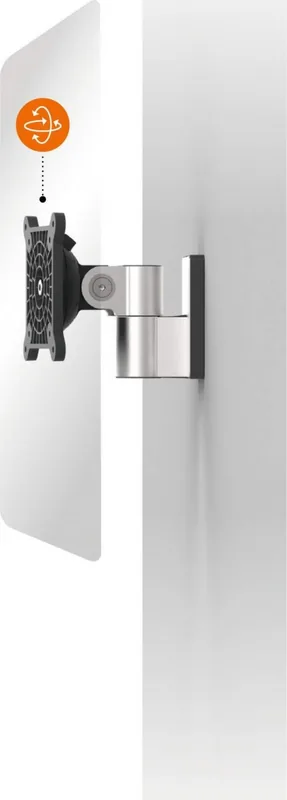
tiltable (-13°, +94°), rotatable (360°), swivelable
Max Load
17.64 lbs
VESA
75x75, 100x100
Color
silver
Product Description
Elevate Your Workspace with the Durable Monitor Halterung Silber
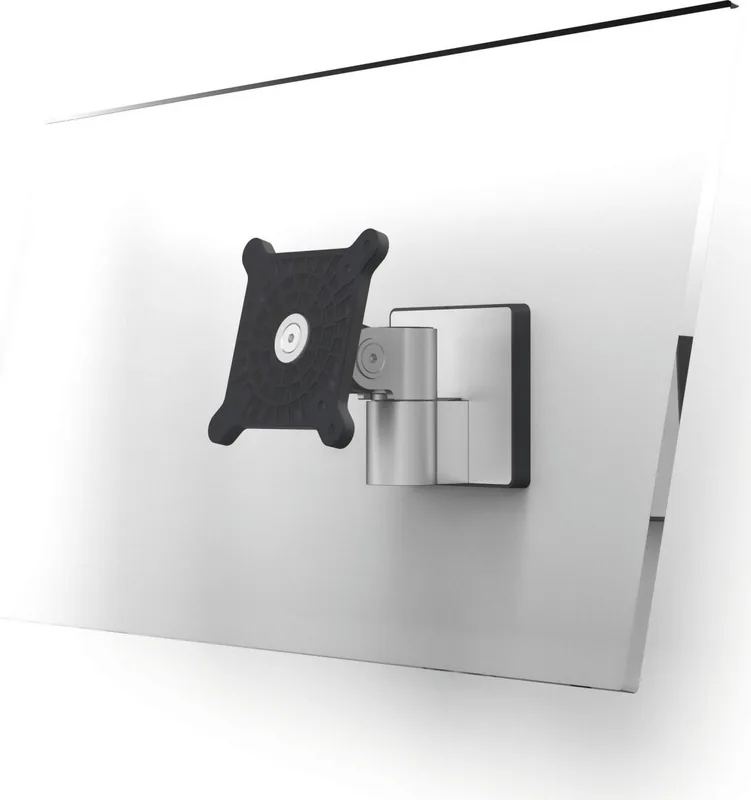
Transform your office setup with the Durable Monitor Halterung silber, a premium wall-mounted solution designed for modern workspaces. This sleek silver bracket offers a robust and stylish way to mount your monitor, freeing up valuable desk space while improving ergonomics. Whether you are working from home or managing a busy corporate environment, this mount ensures your screen is positioned perfectly for optimal viewing angles.
The product is engineered for stability and ease of use. It features a sturdy construction capable of supporting monitors within specific weight limits, ensuring your equipment remains secure. The design allows for flexible positioning, enabling you to tilt and rotate your screen to reduce neck strain and eye fatigue. By mounting your display on the wall, you create a cleaner, more organized aesthetic that enhances productivity.
Installation is straightforward when following the provided guidelines. The kit includes all necessary hardware, such as screws, dowels, and cable management clips, making it compatible with standard VESA patterns. The silver finish adds a touch of professionalism to any room, blending seamlessly with contemporary decor. Remember to always check wall integrity before installation to ensure safety and longevity. With the Durable Monitor Halterung silber, you are not just buying a mount; you are investing in a healthier and more efficient work environment.
Search for 67,706 Manuals online


Type-in Brand or Model