
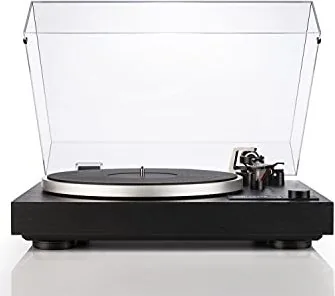
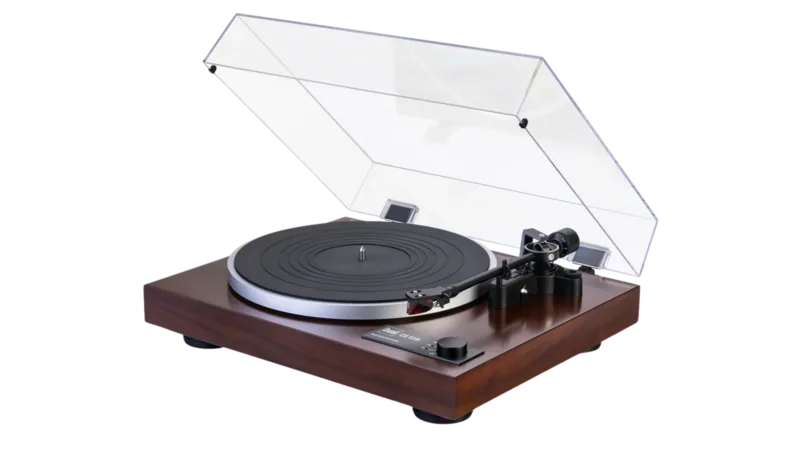
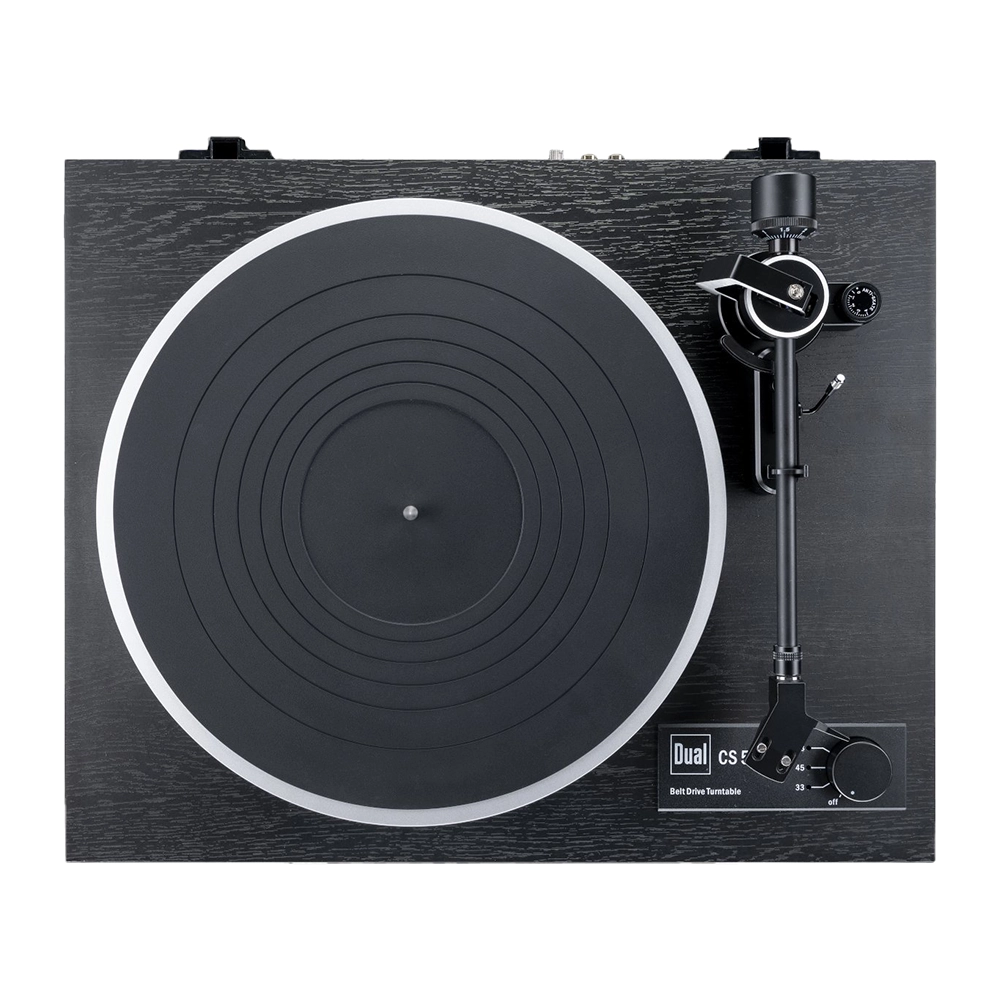
Dual CS 518 Manual
PDF manual · 22 Pages
English



Quick check
Incorrect answer, please try again.
Chat with your Dual CS 518 manual using AI
Get instant AI answers from your Dual CS 518 manual
Ask anything about the Dual CS 518. Answers come from this manual, with the pages they are based on.
CS 518 Maintenance Schedule
Clean the stylus with a brush and the record with a carbon fiber brush before playing to minimize wear.
Check the stylus regularly as it is exposed to natural wear during playback.
Ask a Question
Do you recommend CS 518?
Yes NoFrequently Asked Questions
Yes. The CS 518 ships with an Ortofon 2M Red cartridge preinstalled. The recommended tracking force for this cartridge is approximately 1.8–2.0 g. If replacement is needed, use the Ortofon Stylus 2M Red or a compatible replacement.
Is this answer helpful?
Yes. The CS 518 has a built-in phono preamp and a PHONO/LINE switch. Set the switch to LINE to connect to AUX/LINE inputs. For phono inputs, set the switch to PHONO and connect the ground (GND) to the amplifier to minimize hum.
Is this answer helpful?
Balance the tonearm by setting anti-skating to 0, freeing the arm from its rest, and rotating the counterweight until the arm is horizontally balanced. Return the arm to its rest, hold the counterweight and set the tracking force scale to 0, then adjust to the recommended force.
Is this answer helpful?
Clean the stylus gently from back to front with a small brush before each play. Use a carbon-fibre brush to remove dust from records. Avoid solvents and unplug the power supply before cleaning the unit. Regular cleaning minimizes wear and preserves sound quality.
Is this answer helpful?
Each speed (33/45/78) has a fine-adjustment screw accessible near the speed selector. Select the target speed, then carefully turn the tiny adjustment screw with a suitable cross-head screwdriver until the pitch is correct.
Is this answer helpful?
Check that the turntable is level, clean or replace dirty/scratched records, and verify tracking force and anti-skating settings. If skipping persists, consult the troubleshooting guide or contact Dual support for inspection.
Is this answer helpful?
Yes. A dust cover is included with two hinges. Slot the hinges into the rear housings on the turntable and press the cover onto both hinges until secure to protect the platter and cartridge when not in use.
Is this answer helpful?
Advantages and Disadvantages
Advantages

- Pre-installed Ortofon 2M Red cartridge for good out-of-box sound.
- Built-in phono preamp with PHONO/LINE switch for flexible connectivity.
- Aluminium die-cast platter and robust bearing for stable rotation.
- Twin-gimbal tonearm with ball bearings supports accurate tracking.
- Supports 33/45/78 RPM with individual fine speed adjustments.
Disadvantages

- External 12 V power supply required; incorrect voltage can damage unit.
- Not intended for commercial use—designed for private/home applications.
- Anti-skating and tracking force require manual setup and occasional adjustment.
- Limited advanced features compared with higher-end audiophile models.
- Cartridge may need replacement over time; stylus wear requires attention.
Product Specification
Drive type
Belt
Rotation speed
33rpm, 45rpm, 78rpm
Tonearm
straight
Effective tonearm length
8.72in
Overhang
0.75in
Wow and flutter
0.1%
Platter
12.01in
Cartridge
Ortofon 1M Red
Audio connections
Phono Out (RCA), Stereo Line Out (RCA)
Features
Dust cover
Color
black
Dimensions
17.13x5.71x14.45in (WxHxD)
Weight
13.01lb
Product Description
Dual CS 518 — A Classic Belt-Drive Turntable
The Dual CS 518 is a thoughtfully engineered belt-drive turntable aimed at vinyl enthusiasts who value solid build quality, reliable playback and straightforward setup. Featuring a DC servo motor, aluminium die-cast platter and an Ortofon 2M Red cartridge preinstalled, the CS 518 blends user-friendly operation with components that support faithful analog sound reproduction. It supports 33, 45 and 78 RPM speeds and offers fine speed adjustment for precise pitch control.
Design and key features
Constructed on a folded MDF plinth with a black vinyl veneer and elastomer-damped feet, the CS 518 focuses on vibration control and stable playback. The 305 mm die-cast platter and rubber mat sit on a hardened steel spindle with a brass bushing for smooth rotation. The tonearm is a twin-gimbal pivot arrangement with four pivot ball-bearings, giving an effective length of 221.5 mm, 25.6° offset angle and 19 mm overhang—specifications that support accurate tracking and low distortion.
An Ortofon 2M Red cartridge is supplied and the recommended tracking force range (1.8–2.0 g) is convenient for many listeners. The built-in phono preamp lets you connect the turntable to either a phono input or a line/AUX input; a PHONO/LINE switch and a dedicated GND terminal help reduce hum and ease integration into existing systems. The unit ships with a country-specific mains adapter and uses a 12 V DC external supply.
Setup and usability
Set-up is accessible and well-documented: install the platter and belt using the provided red tape guide, mount the dust cover hinges, fit or remove the headshell, balance the tonearm and set tracking force and anti-skating. The tonearm includes a lift mechanism and a safety clip to protect the stylus. Speed selection is via a selector for Off/33/45/78 with an internal fine-adjust screw for each speed.
Maintenance is straightforward: clean the stylus with a brush and records with a carbon-fibre brush, avoid solvents and unplug the power supply before cleaning. The manual provides clear troubleshooting tips—covering common causes for skipping, distortion, hum and pitch issues—and points to genuine Dual spare parts and accessories.
Final impression
The Dual CS 518 is a balanced package for home listeners who want a reliable, moderately featured turntable with quality basic components and an easy path to clean, correct setup. It’s particularly suitable for those who appreciate a pre-mounted Ortofon 2M Red and straightforward phono/line connectivity.
Notes
- Factory-installed Ortofon 2M Red cartridge; replacement stylus: Ortofon Stylus 2M Red.
- Keep the original packaging for transport and storage.
- Use only the supplied power adapter and observe mains voltage ratings.
Search for 67,732 Manuals online


Type-in Brand or Model