
Digitus DS-33203-2 Manual
PDF manual · 4 Pages
English



Quick check
Incorrect answer, please try again.
Chat with your Digitus DS-33203-2 manual using AI
Get instant AI answers from your Digitus DS-33203-2 manual
Ask anything about the Digitus DS-33203-2. Answers come from this manual, with the pages they are based on.
Ask a Question
Do you recommend DS-33203-2?
Yes NoFrequently Asked Questions
It adds FireWire connectivity to a desktop PC, giving users multiple IEEE 1394 ports for older devices such as DV camcorders, audio interfaces, and compatible peripherals.
Is this answer helpful?
Yes. Hot swapping is supported, so devices can usually be connected or disconnected without turning off the computer, which is convenient for active workflows.
Is this answer helpful?
The card is designed to work with Windows, Mac, and Linux systems. In typical use, no driver installation is needed, which makes setup simpler.
Is this answer helpful?
It supports 100, 200, and 400 Mbps transfer rates. That range makes it suitable for a variety of FireWire devices and legacy data transfer tasks.
Is this answer helpful?
The card can support up to 63 devices on a FireWire chain, depending on the connected hardware and overall system configuration.
Is this answer helpful?
The package includes the FireWire add-on PCI card, a low-profile bracket, and a manual, giving users the basic hardware needed for installation.
Is this answer helpful?
Advantages and Disadvantages
Advantages

- Adds four FireWire ports, expanding connectivity for older devices and media gear.
- Supports 100/200/400 Mbps speeds for flexible use with DV and other IEEE 1394 equipment.
- Works with Windows, Mac, and Linux, and typically needs no driver installation.
- Hot-swapping makes it easy to connect or remove devices without powering down.
Disadvantages

- Requires an available PCI slot, so it will not fit systems without legacy expansion support.
- One internal port shares bandwidth with the first external port, which may limit routing flexibility.
- FireWire is an older standard and may be less useful than newer interfaces in modern setups.
- The class B note suggests possible radio interference in living environments.
Product Specification
External
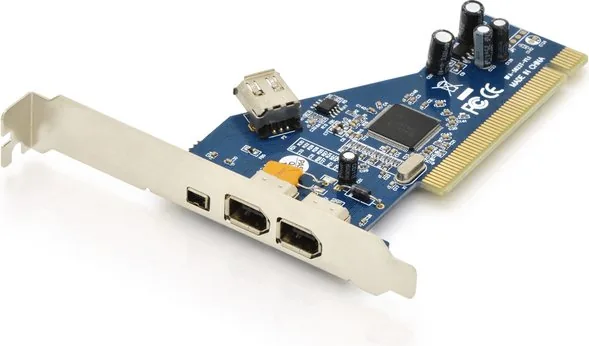
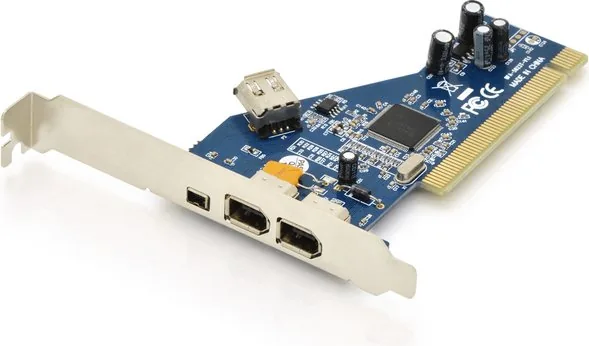
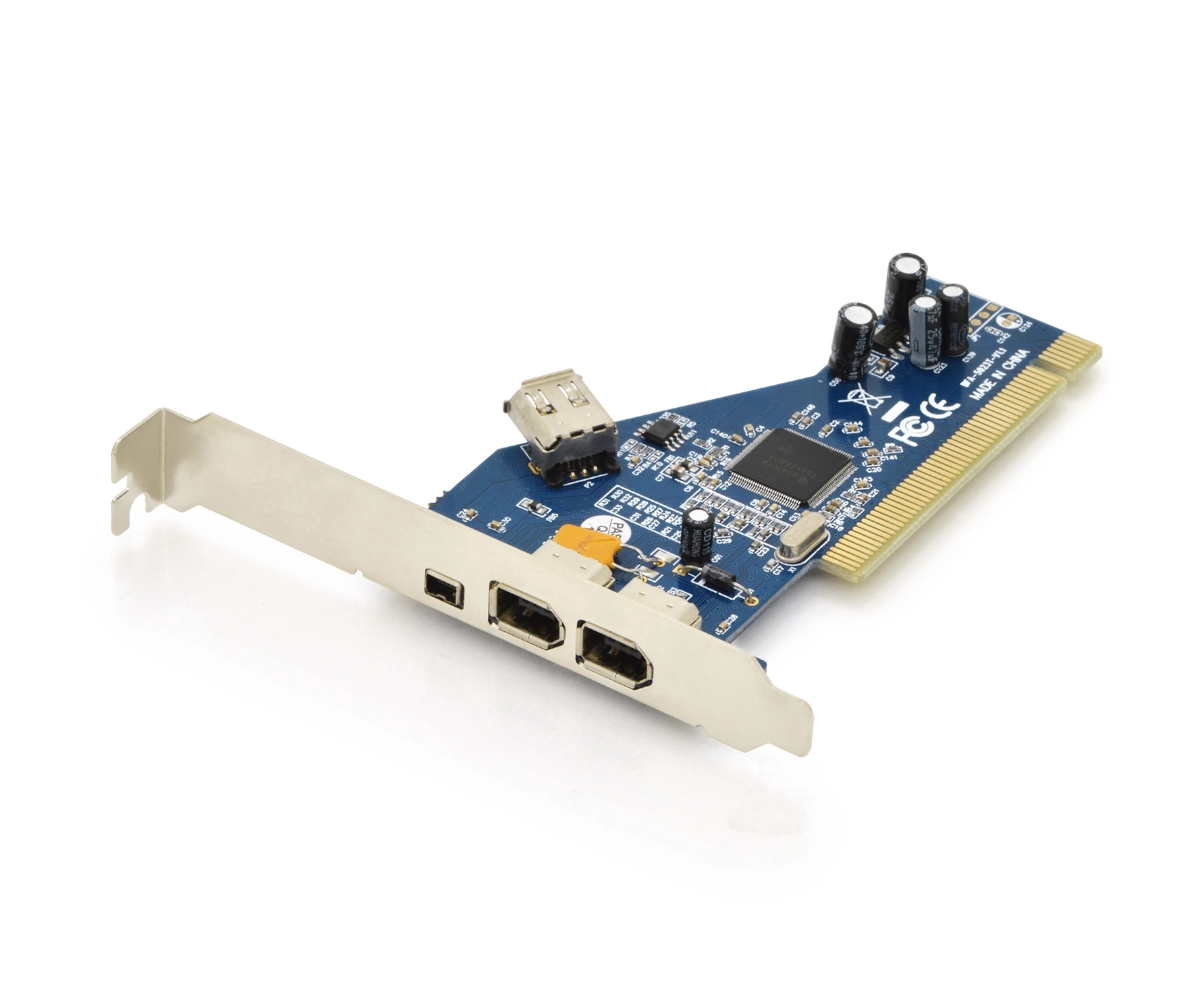
2x FireWire (6-pin), 1x FireWire (4-pin)
Internal
1x FireWire (6-pin)
Interface
PCI
Chipset
TI TSB43AB23
Power Supply
Power supply only via connection
Features
low profile PCB
USB Reference
Link
Product Description
Digitus DS-33203-2 4x FireWire PCI Card
A compact upgrade for legacy high-speed connections
The Digitus DS-33203-2 4x FireWire PCI card is built for users who still rely on dependable IEEE 1394 connectivity. As noted in the Digitus DS-33203-2 4x FireWire PCI Manual, this add-on card expands a desktop system with multiple FireWire ports, making it a practical choice for older DV camcorders, audio gear, and other compatible peripherals. It is designed around the TI TSB43AB23 chipset and uses a standard 32-bit, 33MHz PCI interface.
Practical performance for older workflows
This card supports transfer speeds of 100, 200, and 400 Mbps, giving it enough bandwidth for video capture, media transfer, and device chaining. One of its strongest benefits is hot-swapping, which lets users connect or disconnect devices without shutting down the computer. That makes everyday use smoother and reduces downtime when working with external hardware.
Flexible port layout and wide compatibility
The DS-33203-2 adds four FireWire connections in total, including external and internal options. It can support up to 63 devices on a compatible chain, which is useful in setups that need multiple accessories or legacy tools. Compatibility is broad as well, with support for Windows, Mac, and Linux, and the card does not require a driver in typical use. For many users, that means quicker installation and less setup friction.
Straightforward installation and included accessories
The package includes the card, a low-profile bracket, and a manual, helping users fit the board into different case types. Installation is simple: power down the system, insert the card into an available PCI slot, secure it, and reconnect power. The design is clearly aimed at stable, no-fuss expansion rather than flashy features.
Notes
- Best suited for legacy equipment and older desktop systems.
- Requires a free PCI slot, so compatibility depends on the motherboard.
- The shared internal/external port arrangement may matter in advanced setups.
Search for 67,706 Manuals online


Type-in Brand or Model