
Digitus DA-70130-4 Manual
PDF manual · 2 Pages
English


Quick check
Incorrect answer, please try again.
Chat with your Digitus DA-70130-4 manual using AI
Get instant AI answers from your Digitus DA-70130-4 manual
Ask anything about the Digitus DA-70130-4. Answers come from this manual, with the pages they are based on.
Ask a Question
Do you recommend DA-70130-4?
Yes No
Jodie Moore
9 months ago
Will this USB extension cable stay in a coiled shape from the packaging, and is it flexible enough for routing behind a desk?

Manual.ly
9 months ago
It is a basic USB extension cable intended for reliable long runs. Some customers note it arrives with a coil memory from the packaging, so it may initially keep its looped shape. In most cases, unroll the cable and let it rest straight for a while (or route it in place) and it will relax. For tight or awkward routes, it may feel slightly less flexible than very soft specialty cables, but for typical behind-desk use it should work well and provide stable transmission for long connections.
Frequently Asked Questions
It is used to extend the distance between a computer and a USB device while keeping the connection stable. It is useful for peripherals like printers, scanners, and webcams when the original cable is too short.
Is this answer helpful?
The cable is 5 meters long, giving users extra flexibility for placing USB devices farther from the computer without losing convenient access.
Is this answer helpful?
Yes, it is designed according to the USB 2.0 specification and is intended to maintain good signal quality for compatible USB 2.0 devices.
Is this answer helpful?
No, installation is straightforward. You connect the A plug to the computer and the A socket to the USB device. The system should detect the device automatically.
Is this answer helpful?
The cable supports Windows 98, 2000, XP, 2003, Vista, 7, 8, and Mac OS 9.0 or later, making it suitable for a wide range of older and common systems.
Is this answer helpful?
An active extension cable helps preserve signal quality over longer distances. This makes it a better choice when you need a stable USB connection across several meters.
Is this answer helpful?
Advantages and Disadvantages
Advantages

- 5-meter reach helps place USB devices where they fit best.
- Active signal support improves reliability over longer connections.
- Compatible with many Windows versions and Mac OS 9.0+.
- Simple plug-and-play setup reduces installation effort.
Disadvantages

- USB 2.0 performance is slower than newer USB standards.
- A 5-meter length may still be too short for larger spaces.
- Needs compatible USB A connectors on both ends.
- Active design may be unnecessary for very short connections.
Product Specification
USB Notation
Link
Product Description
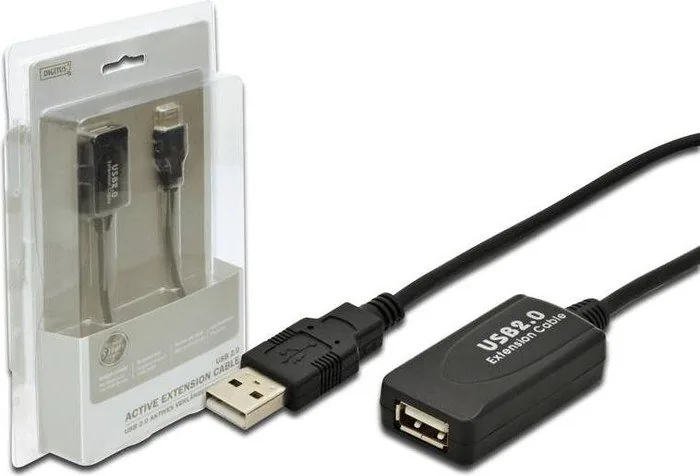
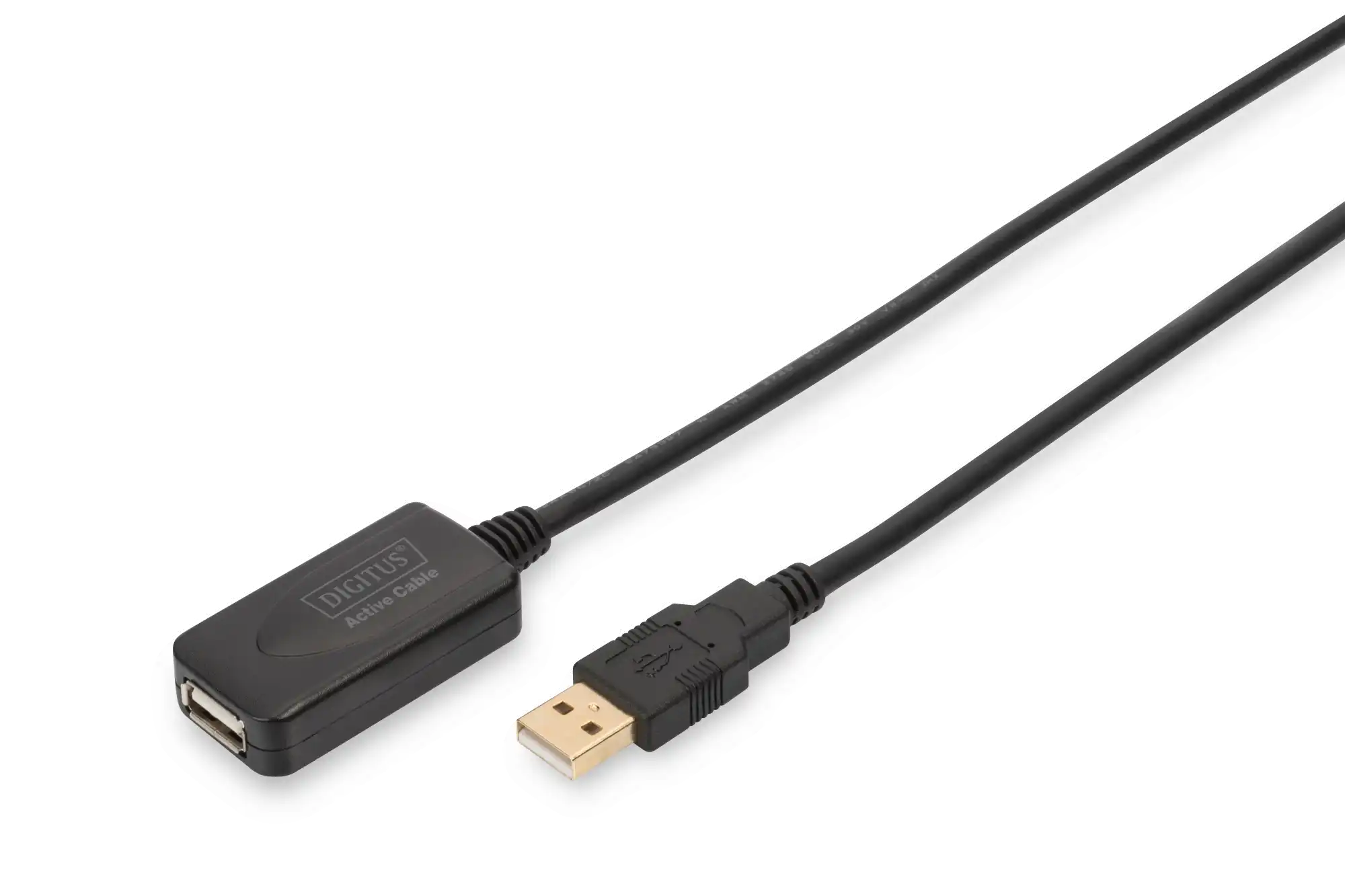
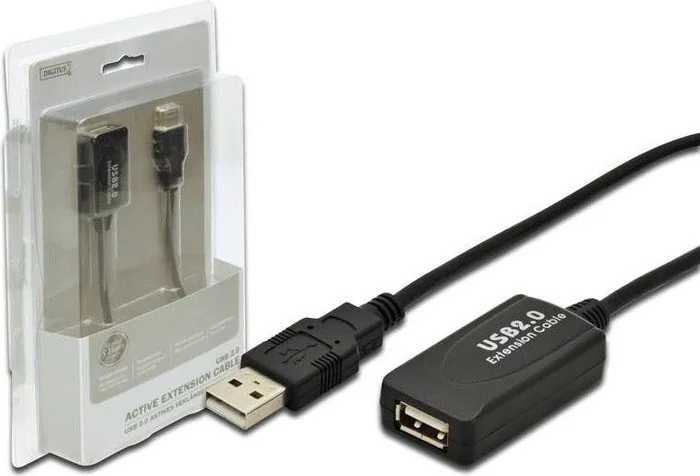
Digitus USB 2.0 Active Extension Cable A/A, 5m
The Digitus USB 2.0 active extension cable A/A, 5m Manual points to a practical accessory made for users who need more freedom between a computer and a USB device. Instead of keeping everything close to the PC, this cable allows a more flexible setup while still aiming to preserve stable USB performance.
What makes this cable useful is its active design. Rather than simply stretching a signal, it helps maintain USB 2.0 signal quality across the full 5 meters. That means it is a strong fit for peripherals that should remain responsive and reliable, such as printers, scanners, webcams, or other common USB hardware.
The cable is built to work with the USB 2.0 specification and is suitable for many USB ports and devices. Its broad compatibility also makes it an easy choice for mixed environments, whether at home, in a small office, or in a shared workspace. Supported systems include Windows 98, 2000, XP, 2003, Vista, 7, 8, and Mac OS 9.0 or later.
Setup is refreshingly simple. The A plug connects to the computer, while the A socket side connects to the device. Once attached, the computer detects the external hardware automatically. That plug-and-play style saves time and removes the need for complicated configuration, which is especially helpful for users who just want a quick extension without extra effort.
For people dealing with limited desk space, awkward port placement, or devices that need to sit farther away, this extension cable can make a noticeable difference. It helps improve cable management, gives more placement options, and keeps the workstation cleaner and more practical.
Notes
- Best used when a standard USB cable is too short.
- Designed for stable USB 2.0 use over a longer distance.
- Ideal for simple, reliable peripheral placement without setup hassle.
Search for 67,706 Manuals online


Type-in Brand or Model
andre21
9 months ago
Is this USB extension cable flexible enough for everyday use, or is it stiff when installed?
Manual.ly
9 months ago
The reviews describe it as working as expected and suitable for longer transmission distances. While it performs reliably, the cable is not described as very ultra-flexible. One buyer noted that it can keep its coiled pattern after packaging. For best handling, unbox it and let it lie flat for a short time before routing it. If you need frequent bending around tight corners, plan the route carefully and consider adding slack so the cable does not have to flex sharply.