
Delta Electronics AC MAX Smart Manual
PDF manual · 37 Pages
English



Quick check
Incorrect answer, please try again.
Chat with your Delta Electronics AC MAX Smart manual using AI
Get instant AI answers from your Delta Electronics AC MAX Smart manual
Ask anything about the Delta Electronics AC MAX Smart. Answers come from this manual, with the pages they are based on.
AC MAX Smart Maintenance Schedule
The device performs an automatic test at every switch on and at intervals once a day to comply with IEC 62955 regulation.
Use a soft damp cloth with clear water while in standby state. Ensure no water enters the vehicle connector.
Free maintenance reminders
Timed to your purchase date. Always free, unsubscribe anytime.
Ask a Question
Do you recommend AC MAX Smart?
Yes NoFrequently Asked Questions
Yes, the unit has an IP55 rating which protects it against dust and water jets suitable for outdoor mounting.
Is this answer helpful?
The device supports OCPP 1.6J and operates in Mode 3 charging for electricvehicles.
Is this answer helpful?
You can recover it via the web interface login screen by selecting the forgot password option to restore defaults.
Is this answer helpful?
Yes, local electrical codes and safety standards require licensed contractors for installation to prevent hazards.
Is this answer helpful?
Available models come with 5 meter cables but socket versions may vary depending on the specific product code selected.
Is this answer helpful?
Yes, you can insert a Micro SIM card for cellular connectivity options to enable remote access functions.
Is this answer helpful?
Check the LED indicator guide in the documentation for specific flash patterns indicating faults on the device.
Is this answer helpful?
Advantages and Disadvantages
Advantages

- IP55 rating allows outdoor installation in harsh weather conditions safely.
- OCPP 1.6J enables integration with commercial fleet management software networks.
- Multiple connection modes including Ethernet and cellular for remote access.
- Comprehensive safety protections guard against voltage spikes and ground faults.
- RFID support provides secure access control for individual user management.
Disadvantages

- Installation requires a licensed electrician to comply with local safety codes.
- Dip switch configuration can be complex for initial grounding system setup.
- Password reset process involves specific steps that may delay access recovery.
- Some regional compatibility depends on specific plug types and voltage ratings.
- Professional installation costs add to the overall project budget significantly.
Product Specification
Number of Charging Points
1
Charging Mode
IEC 61851-1 (Mode 3)
Number of Phases
3-phase
Voltage
400V (AC)
Current per Phase Max
32A
Connection Type
Type 2
Installation
Wall Mount
Authorization
RFID
Interfaces
LTE, Modbus TCP, RJ-45, Wi-Fi (WLAN)
Ingress Protection
IP55
Dimensions
8.58 x 14.61 x 6.57 in (W x H x D)
Weight
8.38 lbs
Product Description
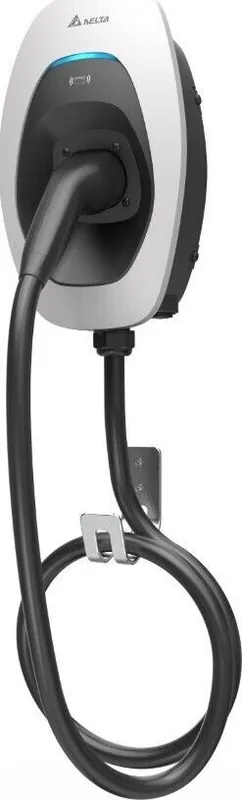
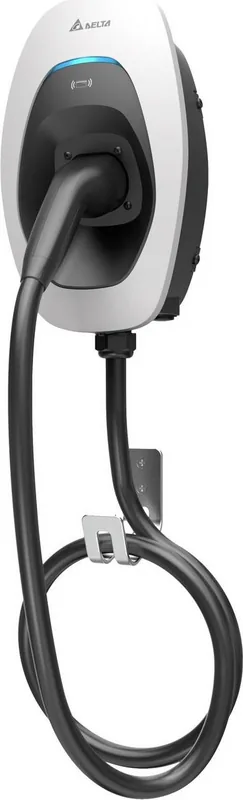
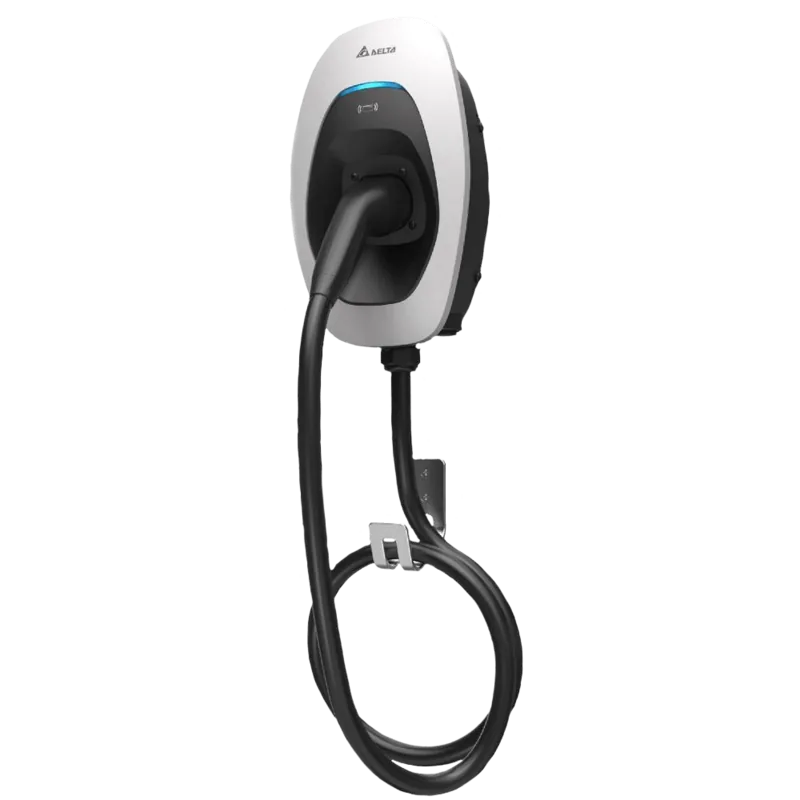
Delta Electronics AC MAX Smart EV Charging
Welcome to the future of electric vehicle ownership with the Delta Electronics AC MAX Smart charging solution. This robust unit delivers reliable power for your daily commute or weekend adventures without interrupting your lifestyle. Designed for both indoor and outdoor environments, it stands up to the elements with a durable IP55 rating against dust and water jets. Owners appreciate the flexibility of multiple connection options including Ethernet, wifi, and cellular network support for remote monitoring. Integrating with your smart home ecosystem is simple yet effective with OCPP 1.6J integration built-in for fleet scalability across multiple stations.
Safety remains a top priority during installation and daily use throughout the lifecycle of the product. Strict adherence to electrical codes is mandatory for licensed contractors and professional electricians before engaging with the equipment. The device features advanced protection against voltage spikes, ground faults, and over-temperature conditions to prevent hazards. It supports various charging protocols to ensure compatibility with most modern electric vehicles on the market today using Type 1 or Type 2 plugs or sockets. You simply connect the cable and authenticate via RF card or Bluetooth to begin power transfer immediately without delay.
To ensure optimal performance and longevity, users may refer to the Delta Electronics AC MAX Smart Manual for precise setup instructions before initial power-up. Detailed diagrams guide you through mounting brackets, wiring diagrams, and dip switch configuration for specific grounding systems like TT or TN. The LED indicators provide clear status updates on charging progress, standby mode, or potential error states during operation for quick diagnosis. Troubleshooting steps are easily available if any specific error codes appear on the display during usage sessions.
This product supports OCPP 1.6J for fleet management integration and allows for remote firmware updates without physical access to the unit. Maintenance is straightforward with factory reset options and log downloads for professional diagnostics if issues arise requiring technical support. The system handles cold load pick-up strategies to protect your electrical grid infrastructure during power restoration. Whether you are a single homeowner installing it on a wall or managing a commercial fleet station, this solution adapts to your specific power needs with 7, 11, or 22 kW options available for varying demands. Experience seamless energy management with confidence and peace of mind using this reliable hardware designed for global standards and safety compliance ensuring your investment lasts.
Key Features Overview
- Reliable 240V single phase or 400V three phase input capabilities.
- Intelligent charging management using RFID security protocols.
- Robust design for harsh outdoor conditions with IP55 protection.
- Comprehensive fault detection system for user safety notifications.
- Easy installation with pre-configured mounting brackets included in box.
Search for 67,706 Manuals online


Type-in Brand or Model