
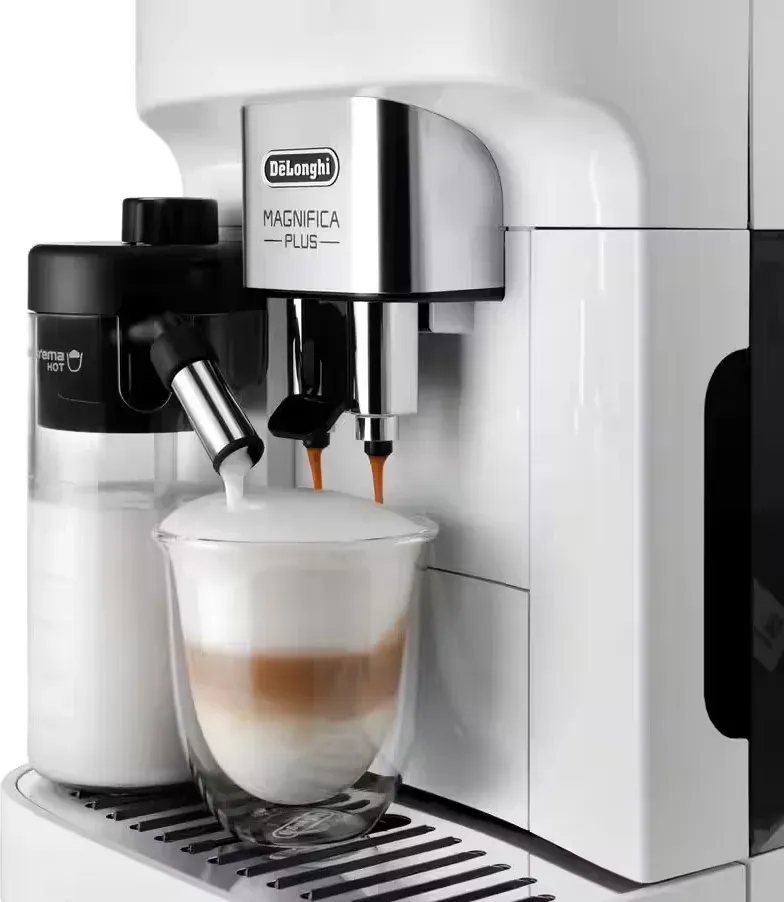
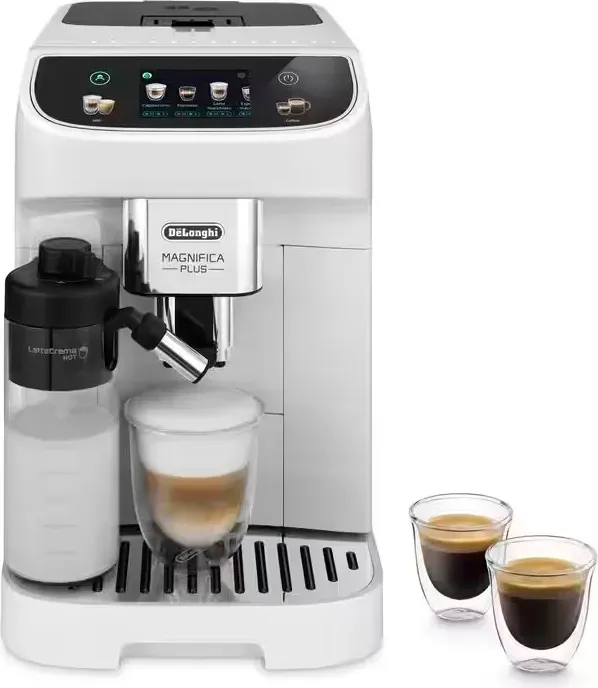
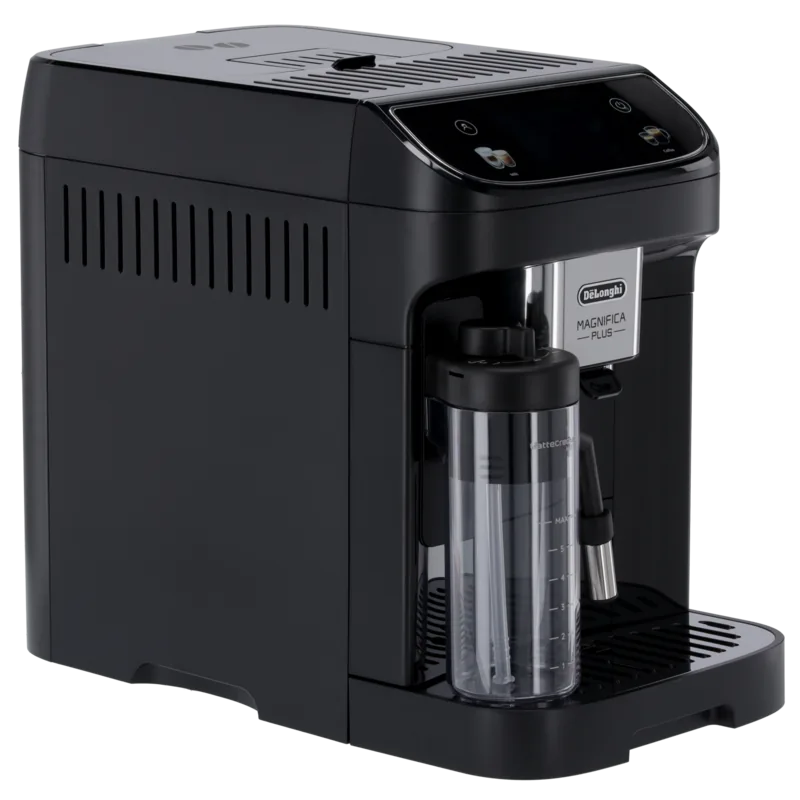
De'Longhi ECAM 320.60.W Magnifica Plus Manual
PDF manual · 26 Pages
English


Quick check
Incorrect answer, please try again.
Chat with your De'Longhi ECAM 320.60.W Magnifica Plus manual using AI
Get instant AI answers from your De'Longhi ECAM 320.60.W Magnifica Plus manual
Ask anything about the De'Longhi ECAM 320.60.W Magnifica Plus. Answers come from this manual, with the pages they are based on.
ECAM 320.60.W Magnifica Plus Maintenance Schedule
Empty and clean it when requested. The machine requires this even if not full when 72 hours have passed since the first preparation.
With the machine off and unplugged, check the accessible interior for dirt and remove coffee deposits with a sponge and vacuum.
Remove and rinse the filter if fitted, then clean the tank with about 40 C water, rinse thoroughly, and refill with fresh water.
Switch off the machine, open the funnel flap, clean the funnel with a brush, and close the flap.
With the machine off, remove the infuser, soak it in water for about 5 minutes, rinse under the tap, and refit it. Do not use detergent or a dishwasher.
Clean the water tank as described before reuse if the machine has not been used for more than 3 days.
Empty and refill the water tank with fresh water, then run 2-3 rinse cycles before using the machine again.
Replace the filter after 2 months of normal use. Replace it after 3 weeks if the machine has remained unused with the filter installed.
Leave the carafe fitted, place a container under the milk spout, turn the dial to Clean, and wait for the automatic cycle to finish.
After the final preparation, disassemble and clean all carafe parts if empty; also clean if refrigerated for 2 days or left out over 30 minutes.
Empty and clean the drip tray before the red level indicator projects from the cup tray, to prevent overflow.
Free maintenance reminders
Timed to your purchase date. Always free, unsubscribe anytime.
Ask a Question
Do you recommend ECAM 320.60.W Magnifica Plus?
Yes NoVideo Manual
Delonghi Magnifica PLUS Superautomatic Coffee Machine Review
Frequently Asked Questions
Turn the machine on, select language, fill the water tank to MAX, attach the hot water spout, fill the bean container, run the guided water circuit fill and rinse, use the water hardness test strip and install/activate the water softener filter if desired.
Is this answer helpful?
On the homepage select a drink, press the customization bar, adjust quantity, intensity or Extra Shot, then press Deliver. When satisfied press Save to store the settings in the active user profile; saved settings apply only to that profile.
Is this answer helpful?
Empty and clean the drip tray and grounds container regularly, rinse the internal circuit after inactivity, clean the removable infuser monthly (rinse with water only), wash milk carafe components after use, and follow guided descaling when prompted using De’Longhi descaler.
Is this answer helpful?
Descale when the machine prompts based on local water hardness; follow the guided descaling procedure. The water softener filter typically lasts about two months with regular use, or about three weeks if the machine is unused with the filter installed.
Is this answer helpful?
Check grind size (adjust grinder while running), use fresh espresso-grade beans, ensure cups and internal circuits are preheated via rinse, and verify coffee temperature settings. Adjust grinder by small steps and test with 3 coffees after each change.
Is this answer helpful?
Disassemble the lid, spout, extension and tube; wash top-rack in dishwasher or soak and hand-wash at 40°C, dry and reassemble. Use cold milk (~5°C), choose suitable milk types, and adjust the froth dial for desired texture.
Is this answer helpful?
Follow the on-screen instructions: refill or reposition the water tank, empty grounds container/drip tray, insert or replace the water filter, run cleaning or descaling sequences as prompted, or consult the support menu (QR/manual) for specific remedies.
Is this answer helpful?
Advantages and Disadvantages
Advantages

- Fully automatic bean-to-cup system with integrated milk carafe (LatteCrema) for consistent milk-based drinks.
- Intuitive touchscreen home screen with customizable profiles and a “My” function to program drink quantities.
- Comprehensive guided setup: water hardness test, filter activation, and step-by-step descaling and cleaning routines.
- Removable infuser and many dishwasher-safe parts for easier maintenance and monthly deep cleaning.
- Energy-saving features including adjustable auto-off and an Energy Saving mode to reduce consumption.
Disadvantages

- Requires regular maintenance: frequent rinses, monthly infuser cleaning and periodic descaling with specific De’Longhi solution.
- Some functions (grinder adjustment, filter activation) require following multi-step guided procedures that take time.
- Pre-ground coffee use is limited (one measure) and certain drinks cannot use pre-ground coffee.
- Milk carafe needs careful cleaning after each use and can demand repeated clean cycles when making many drinks.
- Water filter lifespan varies—may last only ~2 months in regular use or 3 weeks if machine is idle, requiring replacement.
Product Specification
Power
1450W
Color
white, black
Pump pressure
217.56 psi
Coffee system
Coffee beans, ground coffee
Milk system
removable milk container
Grinder
adjustable grinder
Coffee temperature
adjustable (3 levels)
Water tank capacity
2.01 qt
Bean container capacity
8.82 oz
Coffee grounds container capacity
10 servings
Display
Touchscreen
Features
double beverage dispenser, max. cup height 5.51 in, 2-cup function, Memory function (profile selection, 4 memory slots), Automatic shut-off, Frothing aid, Hot water function, American coffee function, removable water tank, integrated water filter, removable brewing unit, adjustable water hardness, automatic cleaning program, automatic descaling program
Smart Home
no
Dimensions
9.45x14.17x17.32 in (WxHxD)
Weight
21.61 lb
Product Description
DeLonghi ECAM 320.60.W Magnifica Plus — Overview and Manual Highlights
The DeLonghi ECAM 320.60.W Magnifica Plus is a compact super-automatic bean-to-cup espresso and cappuccino machine designed for home users who want consistent espresso, milk drinks and straightforward programmability. With an intuitive touchscreen home screen, two dedicated drink menus (Coffee and Milk), and user profiles, it blends convenience with customization. The machine features a 1.9 L water tank, 250 g bean container, removable infuser, adjustable coffee spout, an integrated milk carafe (LatteCrema system) and a hot water spout for tea or cup warming.
Key product points and manual guidance
The manual emphasizes initial setup steps: language selection, filling the tank, installing the water softener filter, measuring and setting local water hardness, and running the first rinse and circuit fill. A guided first-start sequence walks users through filter activation, profile creation and an introductory video with QR-code access to support.
Operation centers on the homepage where direct drink selection, customization bars and profile selection live. Drinks include espresso variants, lungo, americano and multiple milk-based options (cappuccino, latte macchiato, flat white), plus hot water. Customization covers intensity, quantity, temperature and an Extra Shot option. The “My” function lets users program exact ingredient quantities for hot drinks and save them per profile.
Maintenance and longevity are covered in detail: daily rinse and automatic rinse on power off, monthly cleaning of the removable infuser, drip tray and grounds container, and thorough milk carafe cleaning (dishwasher-safe components). The manual outlines descaling with De’Longhi descaler, guided descaling steps, and water-softener filter installation and replacement. Notifications on the display guide users through common issues and maintenance reminders.
Safety and practical tips are highlighted: never use green or candy-coated beans, only one measure of pre-ground coffee, always empty the grounds container when removing the drip tray, preheat cups for hotter coffee, and avoid abrasive cleaners. Energy-saving features include adjustable auto-off and an Energy Saving mode.
Notes
- The machine supports multiple user profiles; settings are saved per profile.
- Milk carafe components are dishwasher-safe (top rack recommended).
- Use De’Longhi descaler only; follow guided descaling to avoid damage.
Search for 67,706 Manuals online


Type-in Brand or Model