
Dell OptiPlex 7010 Manual
PDF manual · 65 Pages
English


Quick check
Incorrect answer, please try again.
Chat with your Dell OptiPlex 7010 manual using AI
Get instant AI answers from your Dell OptiPlex 7010 manual
Ask anything about the Dell OptiPlex 7010. Answers come from this manual, with the pages they are based on.
Ask a Question
Do you recommend OptiPlex 7010?
Yes NoFrequently Asked Questions
Press the F2 key immediately after powering on the computer when the Dell logo appears.
Is this answer helpful?
Check the amber LED blink code. If it indicates a memory failure, reseat the memory modules. Ensure they are installed in the correct order starting with socket 1.
Is this answer helpful?
Yes, memory modules of different sizes can be mixed. However, all populated channels must have identical configurations to ensure optimal performance.
Is this answer helpful?
Remove the PSWD jumper from the system board, boot the computer to clear the password, then power off and reinstall the jumper.
Is this answer helpful?
Visit dell.com/support, enter your Service Tag, select the product model, and click Get drivers to view and download the latest BIOS and driver files.
Is this answer helpful?
Advantages and Disadvantages
Advantages

- Comprehensive step-by-step guides for removing and installing major components like the CPU and RAM
- Detailed troubleshooting tables for power LED codes and common BIOS error messages
- Clear instructions for setting up system security and managing passwords via BIOS
- Specific guidelines for memory module compatibility and installation order
- Full technical specifications for all available form factors including dimensions and power requirements
Disadvantages

- Requires specific tools such as Phillips screwdrivers and plastic scribes for most repairs
- Some repairs are restricted to certified technicians to maintain warranty coverage
- Complex jumper settings for password resets require physical access to the system board
- BIOS update process requires internet access and navigating Dell support website manually
- Memory configuration rules are strict regarding channel matching and rank mixing
Product Description
Dell OptiPlex 7010 Owner's Manual
The Dell OptiPlex 7010 is a versatile business desktop computer designed for reliability and ease of maintenance. This guide provides comprehensive instructions for users who need to perform hardware upgrades, repairs, or basic troubleshooting. Whether you are replacing a hard drive, installing new memory modules, or updating the BIOS, the manual ensures that you have the necessary steps to complete these tasks safely and efficiently.
Hardware Maintenance and Upgrades
The document details the procedures for removing and installing various internal components. Users can learn how to access the system board, replace the power supply unit, and install expansion cards. Specific guidelines are provided for memory configuration, noting that while different sizes can be mixed, all populated channels must have identical configurations. The manual also covers the replacement of smaller parts such as the coin-cell battery, intrusion switch, and wireless LAN card. Each procedure includes safety warnings to prevent electrostatic discharge and physical damage to the hardware.
System Setup and Security
Beyond physical maintenance, the guide explains how to navigate the System Setup utility. Users can manage boot sequences, enable or disable integrated devices, and configure security settings. The section on passwords describes how to set system and setup passwords to protect data and restrict access to BIOS settings. It also covers advanced features like Trusted Platform Module (TPM) security and Computrace integration. Instructions for updating the BIOS are included, emphasizing the importance of maintaining current firmware for optimal performance and security.
Diagnostics and Troubleshooting
To assist with identifying hardware issues, the manual outlines the use of Enhanced Pre-Boot System Assessment (ePSA) diagnostics. This tool allows users to run automatic or interactive tests on detected devices without risking data loss. Additionally, the guide provides a detailed interpretation of power LED blink codes and beep codes, which help pinpoint failures in the system board, memory, processor, or power supply unit. Common error messages are listed with explanations and recommended actions, enabling quick resolution of startup problems.
Technical Specifications
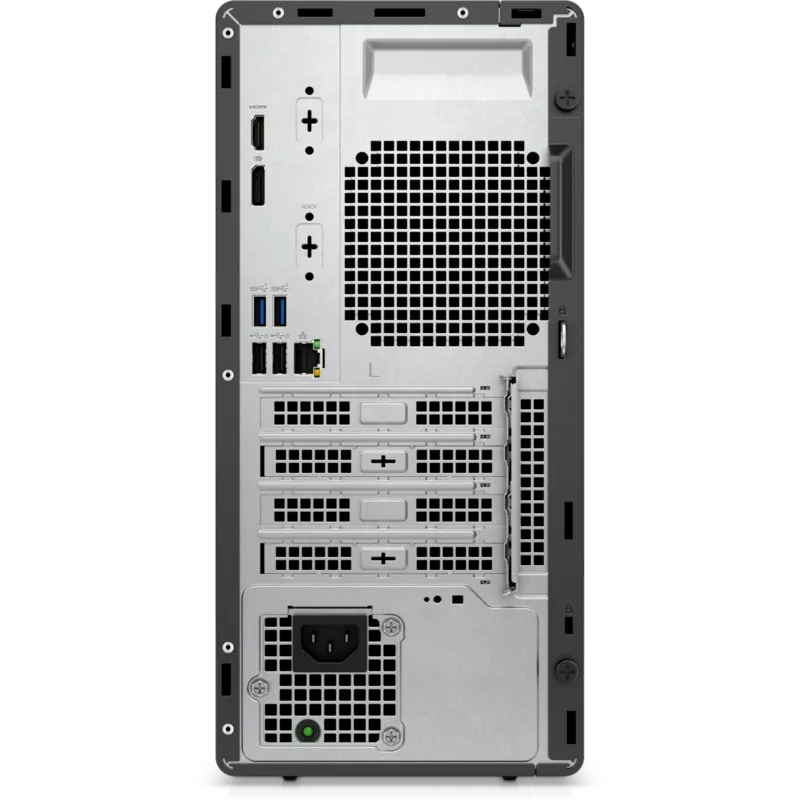
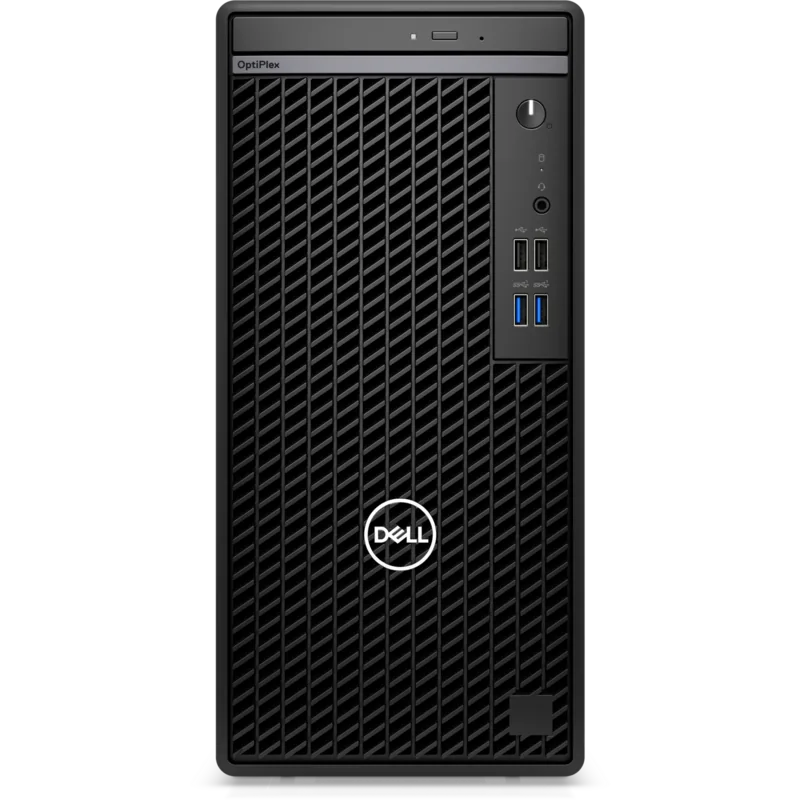
The reference material includes full technical specifications for the OptiPlex 7010 across different form factors, including Mini-Tower, Desktop, Small Form Factor, and Ultra Small Form Factor. Information on supported processors, such as Intel Core i3, i5, and i7 series, along with memory capacities up to 16 GB, is provided. Connectivity options, including USB ports, video outputs, and network capabilities, are also documented to help users understand the machine's interface limits.
Search for 67,706 Manuals online


Type-in Brand or Model