
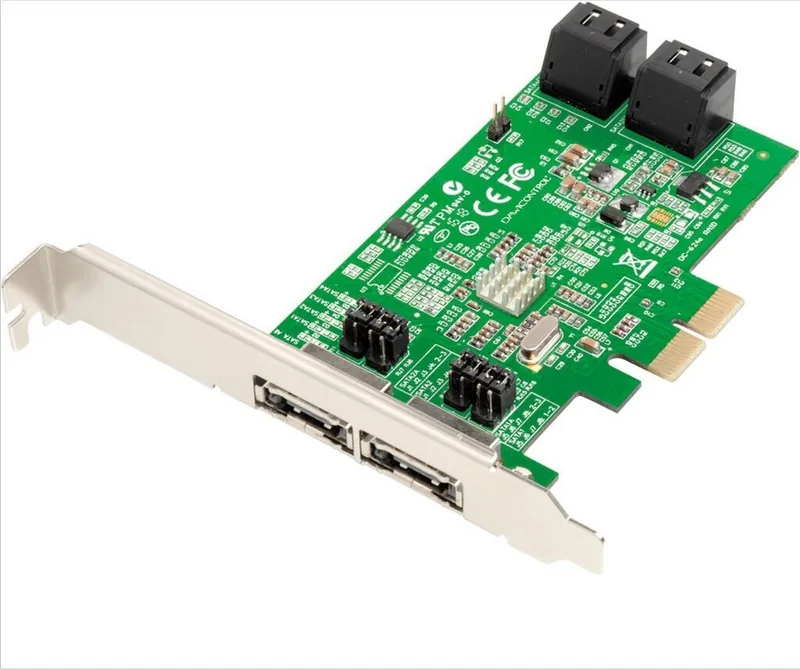
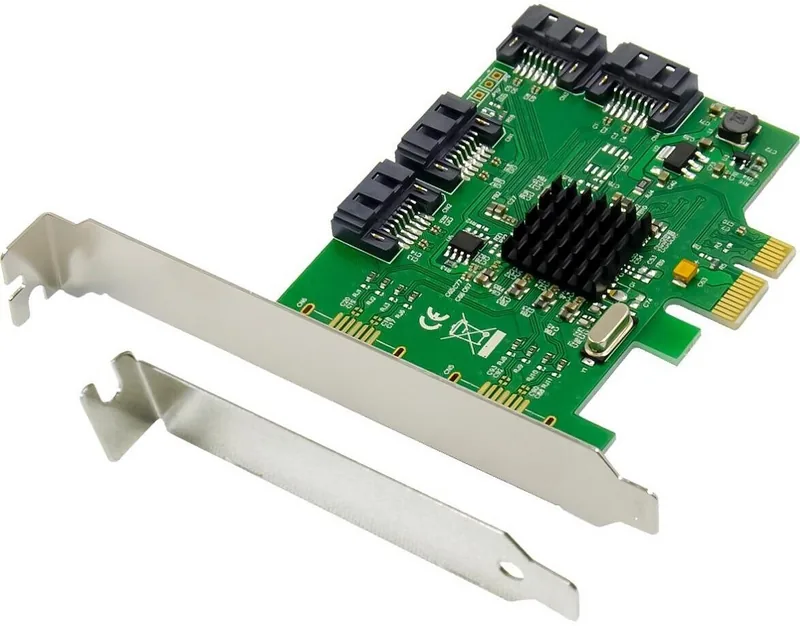
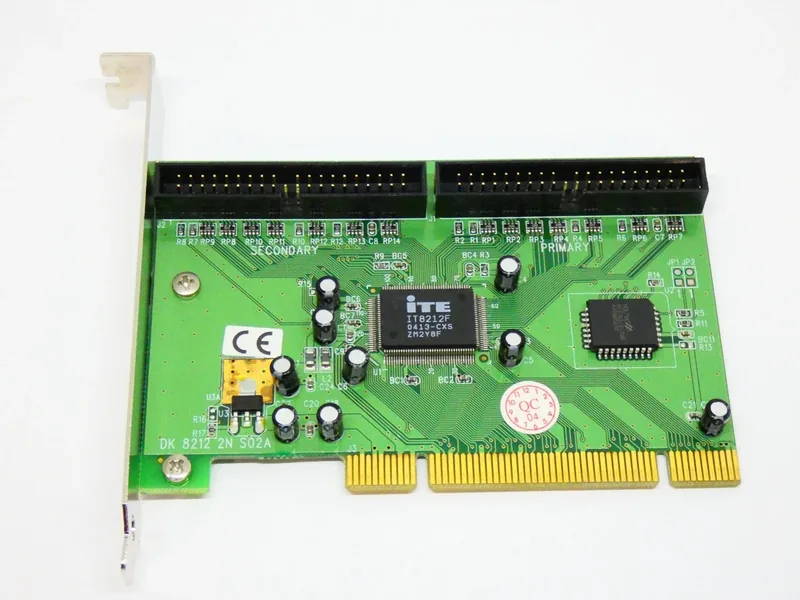
Dawicontrol DC-4300 Manual
PDF manual · 60 Pages
English



Quick check
Incorrect answer, please try again.
Chat with your Dawicontrol DC-4300 manual using AI
Get instant AI answers from your Dawicontrol DC-4300 manual
Ask anything about the Dawicontrol DC-4300. Answers come from this manual, with the pages they are based on.
Ask a Question
Do you recommend DC-4300?
Yes NoFrequently Asked Questions
Yes, the controller is backward compatible and allows mixing SATA generations. However, it is not recommended for optimal performance as the entire array will operate at the speed of the slowest drive.
Is this answer helpful?
Replace the failed drive with a new one of equal or larger capacity. Use the F3 Repair function in the BIOS to add the new drive, then initiate a Rebuild process to restore data redundancy.
Is this answer helpful?
Yes, starting from Windows 8 and Server 2012, the controller supports TRIM commands for both individual drives and RAID volumes to maintain SSD performance.
Is this answer helpful?
No, only Dawicontrol controllers are fully compatible with each other. Arrays created on third-party controllers cannot be used and must be recreated, which will result in data loss.
Is this answer helpful?
Deleting a RAID 0 set permanently destroys all data because the information is striped across multiple drives. Only the configuration data is removed, leaving the individual drives with fragmented data.
Is this answer helpful?
Yes, the included RAID Monitor software allows you to view status locally or over a network. You can also configure email notifications to alert you of any drive failures or events.
Is this answer helpful?
Advantages and Disadvantages
Advantages

- Supports large capacity drives exceeding 2 Terabytes with proper partitioning
- Offers multiple RAID levels including RAID 0, 1, 5, and 10 for flexibility
- Compatible with 4K native sector drives for modern storage efficiency
- Includes powerful RAID Monitor software for remote management and alerts
- PCI-X interface provides stable performance for legacy system expansion
Disadvantages

- PCI-X bus technology is older and slower compared to modern PCIe standards
- SATA II ports limit maximum theoretical transfer speeds to 3 Gbit/s
- Requires manual driver installation for older operating systems like Windows XP
- No native UEFI support for booting from 4K drives in all configurations
- RAID 5 write performance may be impacted by parity calculation overhead
Product Specification
Connection
PCI-X
Interfaces
4x SATA 3Gb/s
Internal
4x SATA 3Gb/s
External
N/A
RAID-Level
0/1/0+1/5/JBOD
Manufacturer Warranty
five years
Product Description
Dawicontrol DC-4300 RAID: High-Performance Bulk Storage Solutions
The Dawicontrol DC-4300 RAID controller stands as a robust solution for businesses and power users requiring reliable data redundancy and high-speed storage capabilities. Designed with a bulk configuration in mind, this PCI-X interface card ensures seamless integration into legacy and industrial systems that demand stability over the latest PCIe standards. Whether you are managing critical server environments or setting up a high-capacity workstation, the DC-4300 offers versatile RAID levels including Mirror Mode (RAID 1), Stripe Mode (RAID 0), and Parity-Stripe Mode (RAID 5) to suit diverse performance and safety needs.
Installation is straightforward, supported by comprehensive BIOS setup utilities that guide users through creating complex RAID sets like Mirror-Stripe (RAID 10). The controller handles large capacities efficiently, supporting drives over 2 Terabytes and accommodating modern 4K native format drives without compatibility issues. For system administrators, the included RAID Monitor software provides real-time oversight, allowing for email notifications and detailed logging of drive health. This tool ensures that potential failures are caught early, minimizing downtime and protecting valuable data assets.
The hardware features a dedicated BIOS that can be updated via the provided flash utility or directly through the software interface. Users benefit from flexible jumper settings to configure LED activity indicators and enable or disable the onboard BIOS based on specific boot requirements. With support for SATA II interfaces delivering up to 3 Gbit/s transfer rates, the DC-4300 remains a relevant choice for expanding storage infrastructure where cost-effectiveness and proven reliability are paramount.
Key Features
- Supports multiple RAID levels for optimal balance of speed and safety.
- Compatible with Windows Server 2003 through 2019 and various client OS versions.
- Includes advanced tools for drive cloning, imaging, and secure data erasure.
- Offers hot-spare functionality to automatically rebuild failed arrays.
- Provides detailed monitoring via graphical user interface and email alerts.
Important Notes
Always perform a full data backup before configuring or changing RAID settings to prevent permanent data loss. The manufacturer assumes no liability for data loss resulting from incorrect usage or hardware failure.
Search for 67,732 Manuals online


Type-in Brand or Model