
Dascom Tally 1145 Manual
PDF manual · 126 Pages
English



Quick check
Incorrect answer, please try again.
Chat with your Dascom Tally 1145 manual using AI
Get instant AI answers from your Dascom Tally 1145 manual
Ask anything about the Dascom Tally 1145. Answers come from this manual, with the pages they are based on.
Tally 1145 Maintenance Schedule
Vacuum exterior and interior including platen and print head carriage. Use soft brush or damp cloth with mild detergent.
Perform cleaning if printer operates for 300 hours or every 6 months, whichever comes first.
Clean when stains appear using water on soft cloth. Do not use alcohol as it hardens rubber.
Free maintenance reminders
Timed to your purchase date. Always free, unsubscribe anytime.
Ask a Question
Do you recommend Tally 1145?
Yes NoFrequently Asked Questions
It is a 9-pin dot-matrix impact printer designed for forms, multipart documents, and continuous paper. It is especially useful when durability and copy-style printing are more important than photo-quality output.
Is this answer helpful?
Yes. The printer supports single sheets through friction feed and continuous fanfold paper through tractor feed. This makes it adaptable for different business printing needs.
Is this answer helpful?
The print gap adjusts the spacing for paper thickness. Setting it correctly helps prevent jams, protects the print head, and improves print quality, especially when using multipart forms.
Is this answer helpful?
Yes. It includes USB connectivity and can also be configured with other interface options depending on the model setup. Windows driver installation is supported for easier integration.
Is this answer helpful?
They help the printer locate preprinted forms accurately and keep text aligned on the page. This is valuable for business documents where exact positioning matters.
Is this answer helpful?
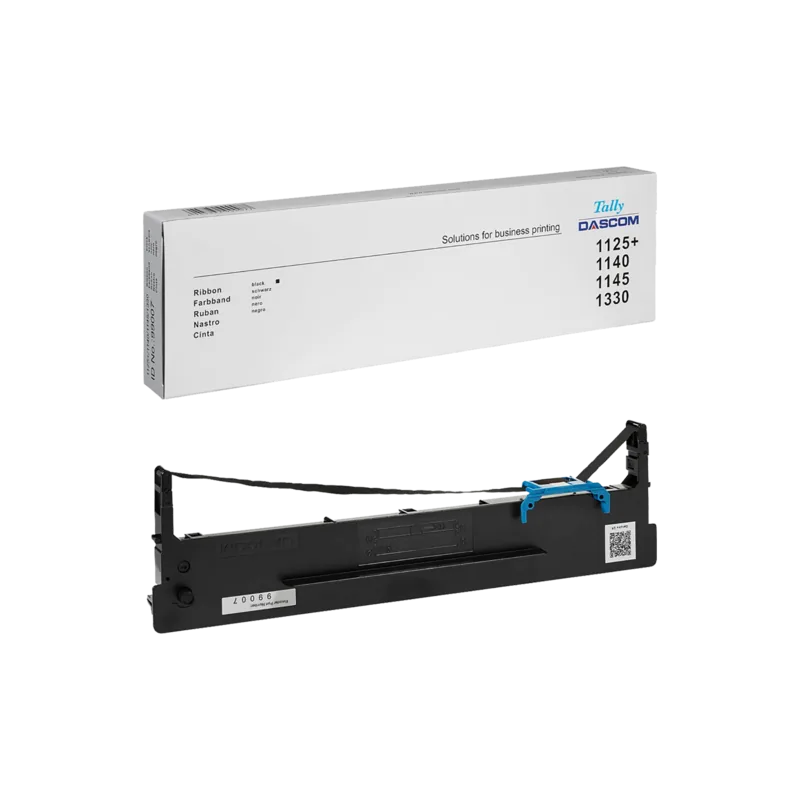
Basic maintenance includes periodic cleaning, vacuuming dust and paper particles, and replacing the ribbon cartridge when needed. It is also important to power off and unplug before maintenance.
Is this answer helpful?
Advantages and Disadvantages
Advantages

- Supports both single sheets and continuous forms for flexible office workflows.
- Handles multipart paper, making it useful for invoices and duplicate documents.
- Offers detailed setup options like margins, emulation, code pages, and paper control.
- Includes paper detection and alignment tools that improve print consistency.
Disadvantages

- Dot-matrix output is functional, but it is not meant for modern high-resolution printing.
- Setup can feel technical because many useful settings are menu-driven.
- Best suited for legacy or form-based tasks rather than everyday graphic-heavy printing.
- Requires regular attention to paper path, gap settings, and safe handling.
Product Specification
Technology
Dot Matrix
Print Resolution
24 Pins
Print Width
8.27 in
Print Speed
max. 450 characters/s
Memory
256kB
Connections
USB
Emulation
ESC P/2, IBM 2380+
Dimensions (WxHxD)
14.53x5.12x11.14 in
Weight
12.13 lb
Manufacturer's Warranty
one year
Product Description
Dascom Tally 1145: A Reliable Dot-Matrix Printer for Everyday Forms
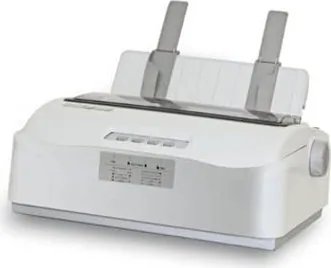
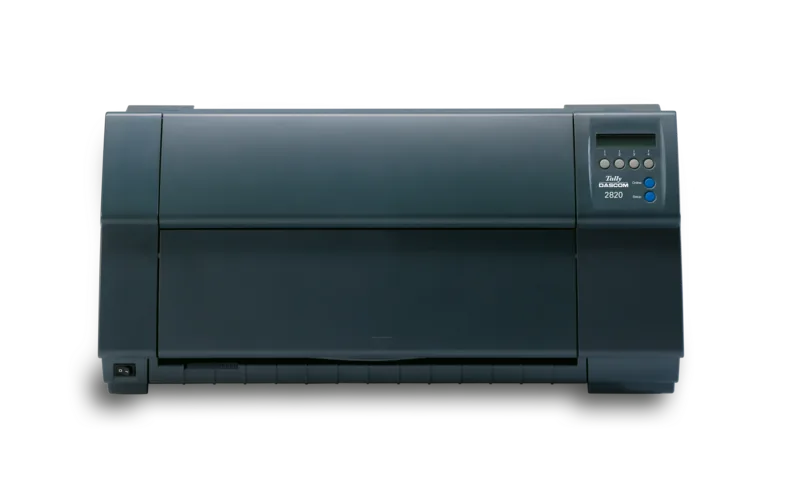
The Dascom Tally 1145 is built for users who still depend on dependable impact printing, especially where multipart forms, continuous paper, and precise document handling matter. It is a classic 9-pin dot-matrix printer designed to handle both single sheets and fanfold media, making it a practical fit for offices, warehouses, service desks, and other environments that need durable printed output.
One of the strongest points of the Dascom Tally 1145 is its flexibility. It supports friction feed and tractor feed, so you can switch between cut sheets and continuous forms with relative ease. The printer also handles multipart paper, and its adjustable print gap helps match the thickness of the media being used. That makes it a solid choice for invoices, delivery notes, receipts, and other carbon-copy style forms.
Setup and daily use are straightforward, but the printer still offers a surprising amount of control. Users can configure page length, margins, tear-off behavior, print direction, character sets, code pages, and emulation modes. It also supports both ESC/P2 and IBM-style workflows, which can be helpful in mixed legacy environments. The control panel allows quick access to loading, ejecting, line feed, tear-off positioning, and setup functions without needing to rely on software for every adjustment.
For businesses that need accuracy, the Dascom Tally 1145 includes features such as automatic paper width detection, paper skew checks, black mark support, and bidirectional alignment. These options help improve form positioning and print consistency, especially when working with preprinted stock or multi-part documents. The printer also supports a Windows driver installation path that makes integration with modern PCs easier than many older impact printers.
If you are looking for a practical overview before working with the device, the Dascom Tally 1145 Manual is especially useful because it explains safe operation, paper loading, maintenance, and menu-based customization in one place. It is not a flashy product, but it is clearly made for reliability, control, and long-term use in real business workflows.
Notes
- Keep the printer on a stable surface and away from heat, dust, liquids, and vibration.
- Adjust the print gap carefully to avoid jams or print head damage.
- Use the maintenance and setup options to fine-tune margins, tear-off position, and paper handling.
- Regular cleaning helps maintain smooth carriage movement and print quality.
Search for 67,732 Manuals online


Type-in Brand or Model