

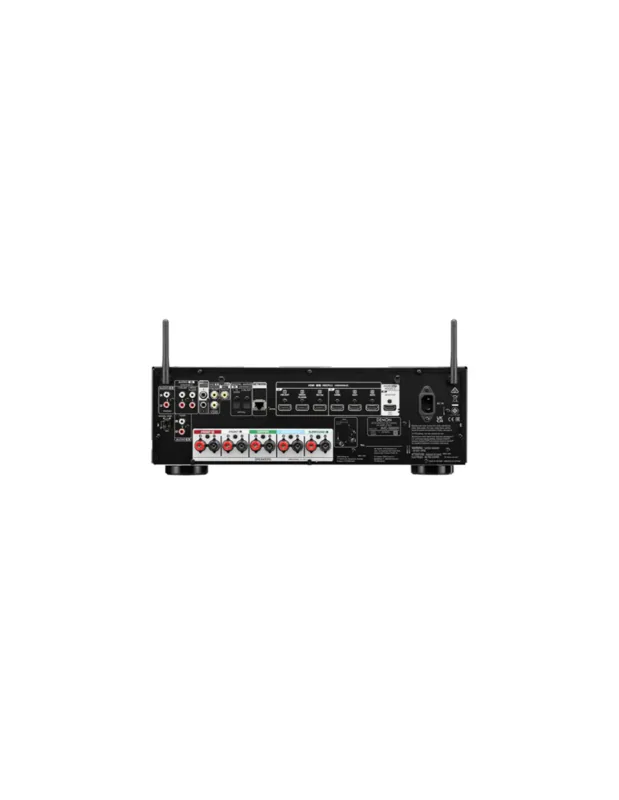

DAP Audio UBR-180BT Manual
PDF manual · 16 Pages
English



Quick check
Incorrect answer, please try again.
Chat with your DAP Audio UBR-180BT manual using AI
Get instant AI answers from your DAP Audio UBR-180BT manual
Ask anything about the DAP Audio UBR-180BT. Answers come from this manual, with the pages they are based on.
UBR-180BT Maintenance Schedule
Unplug the device and wipe with a damp cloth. Do not use alcohol or solvents. Clean audio connectors regularly and ensure they are dry before reconnecting.
If the fuse blows due to surges or short circuits, replace it with an identical type (T630mA) only after disconnecting power.
Ask a Question
Do you recommend UBR-180BT?
Yes NoFrequently Asked Questions
The unit plays MP3 audio from USB storage devices and SD/MMC cards. It also supports Bluetooth audio streaming from compatible wireless devices.
Is this answer helpful?
Yes. Connect an external source to the stereo RCA AUX input and record directly to a USB drive or SD/MMC card in MP3 format. Use the input level control and meter to avoid distortion.
Is this answer helpful?
Yes. The unit can copy content from an SD/MMC card to a USB drive or from USB storage to an SD/MMC card. Folder copying is supported during this process.
Is this answer helpful?
It has a stereo RCA line output for the main audio path and a separate stereo RCA Bluetooth output. Both can be connected to line-level inputs on compatible mixers or amplifiers.
Is this answer helpful?
Yes. An infrared remote is included. It provides access to functions such as playback, stop, track selection, repeat, random playback, programming, recording, mute, and A-B looping.
Is this answer helpful?
Press the Repeat control to cycle through repeat options. Available modes repeat one track, all tracks on the connected media, or the current folder or album.
Is this answer helpful?
Advantages and Disadvantages
Advantages

- Combines USB, SD/MMC, Bluetooth playback, AUX recording, and media copying in one 1U rack unit.
- Provides separate stereo RCA line and Bluetooth outputs for flexible connection to mixers and amplifiers.
- Includes an adjustable recording level control and LED meter to help prevent overloaded recordings.
- Offers useful playback tools such as repeat, random, programmed playback, intro scan, ID3 display, and A-B looping.
- Supplied infrared remote supports convenient control of playback and media functions from a distance.
Disadvantages

- Audio playback is focused on MP3 media, which may limit users needing broad modern format support.
- Uses RCA analog connections rather than balanced XLR outputs.
- Bluetooth functions depend on compatible paired devices and may not suit critical low-latency applications.
- The system is intended for indoor use and is not designed for continuous operation without regular breaks.
Product Specification
Type
CD player, media player
Outputs
3 x stereo line out (RCA)
Other connections
1 x USB, card reader (SD/SDHC)
Dimensions
18.98 x 1.73 x 7.28 in
Weight
7.05 lb
Product Description
DAP Audio UBR-180BT - Read, Download & Print Free
The DAP Audio UBR-180BT is a versatile 19-inch rack-mount media player and recorder designed for installations that need practical audio playback, Bluetooth streaming, and straightforward recording. It brings several commonly used sources together in one compact 1U unit, making it suitable for venues, hospitality spaces, educational facilities, studios, and fixed sound systems.
Flexible Playback and Connectivity
This player supports MP3 playback from USB drives and SD/MMC cards, allowing operators to keep music libraries, announcements, and background audio close at hand. Bluetooth connectivity adds convenient wireless streaming from compatible phones, tablets, or computers. A dedicated Bluetooth RCA output helps integrate wireless playback into a mixer or amplifier setup, while the main stereo RCA line output provides a direct connection for standard audio systems.
The front panel is arranged for quick access during daily use. It includes transport controls, track and folder navigation, direct numeric selection, a clear LCD display, and separate Bluetooth controls. The included infrared remote control extends access to important functions from a distance, including playback, repeat, random mode, programming, mute, and track selection.
Recording and Media Management
A key strength of the DAP Audio UBR-180BT is its recording capability. Its stereo RCA auxiliary input can be used to capture external audio directly to USB or SD/MMC media in MP3 format. The adjustable recording input control and LED level meter make it easier to set an appropriate signal level and reduce the risk of distortion.
The unit can also copy content between USB storage and SD/MMC cards. This is useful when preparing backup media or transferring audio between sources without adding another device to the system. Recorded material is organized automatically, while selected tracks can be deleted from compatible connected media when required.
Playback Control for Installations
The UBR-180BT offers repeat modes for individual tracks, complete media, or folders. Additional playback tools include programmed track sequences, random playback, 10-second intro scanning, ID3 tag display, fast forward and rewind, and A-B looping. These options give operators more control over playlists and repeated content in public or professional environments.
Its compact 482 x 185 x 44 mm chassis fits standard 19-inch racks and weighs approximately 3 kg. With RCA connections, AC power input, and a replaceable fuse, it is built for practical integration and routine operation.
Note: Use the AUX input level control with the recording meter, keeping peak levels out of the red zone for cleaner recordings. Ensure the unit is properly grounded and use it indoors only.
Search for 67,706 Manuals online


Type-in Brand or Model