
Danalock V3 Bluetooth Manual
PDF manual · 36 Pages
English



Quick check
Incorrect answer, please try again.
Chat with your Danalock V3 Bluetooth manual using AI
Get instant AI answers from your Danalock V3 Bluetooth manual
Ask anything about the Danalock V3 Bluetooth. Answers come from this manual, with the pages they are based on.
Ask a Question
Do you recommend V3 Bluetooth?
Yes NoFrequently Asked Questions
It upgrades a standard door with smart, app-based locking and unlocking. The lock is designed for indoor use and can be configured to fit many existing deadbolt setups with the right adapter and backplate.
Is this answer helpful?
The installation is fairly guided and manageable for many users. You need basic tools, such as a Phillips screwdriver and tape, plus careful door alignment. After mounting, the app helps finish setup and calibration.
Is this answer helpful?
Yes, some basic configuration can be done through click-commands on the lock itself. These commands can trigger calibration, pairing, exclusion, or reset functions, but the app is still important for full setup and daily management.
Is this answer helpful?
The lock uses primary lithium batteries, and the guidance says not to use rechargeable batteries. For safety and performance, all four batteries should be replaced at the same time with approved types.
Is this answer helpful?
No. The lock is intended for indoor use only and is not approved for fire doors. It should also be kept away from water, moisture, and other harsh environmental conditions.
Is this answer helpful?
The LED signals show status such as power on, locking, unlocking, low battery, and update mode. Different colors indicate different actions, making it easier to understand what the lock is doing at a glance.
Is this answer helpful?
Advantages and Disadvantages
Advantages

- Easy app-based setup with guided installation and configuration.
- Compact indoor design that fits many existing deadbolt setups.
- Useful LED feedback and click-commands for manual control.
- Long battery standby time helps reduce maintenance.
Disadvantages

- Indoor use only, so it is not suitable for exterior exposure or wet areas.
- Requires proper door alignment and calibration for best performance.
- Uses specific battery types and the batteries must be replaced together.
- Not approved for fire doors or potentially explosive environments.
Product Specification
Type
electronic door lock
Standard
Bluetooth 4.2
Function
Door lock
Dimensions
2.68x2.32x2.32 in
Special features
battery-powered (4x CR123A), app controllable
Product Description
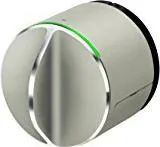
Danalock V3 Bluetooth Electronic Door Lock
The Danalock V3 Bluetooth electronic door lock brings a practical smart-home upgrade to a standard door, turning ordinary access into a more flexible and connected experience. It is designed for indoor installation and works as a compact, motorized lock that can be managed through the Danalock app. If you are following the Danalock V3 Bluetooth electronic door lock Manual, the process is straightforward: prepare the door, mount the correct backplate and adapter, activate the batteries, and finish calibration in the app.
A smart lock that fits many doors
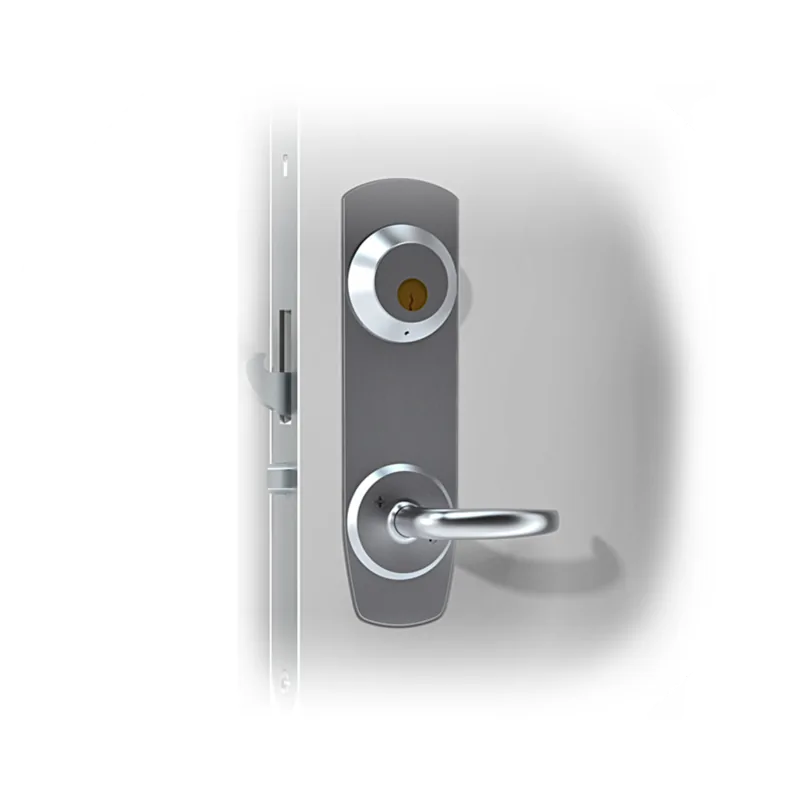
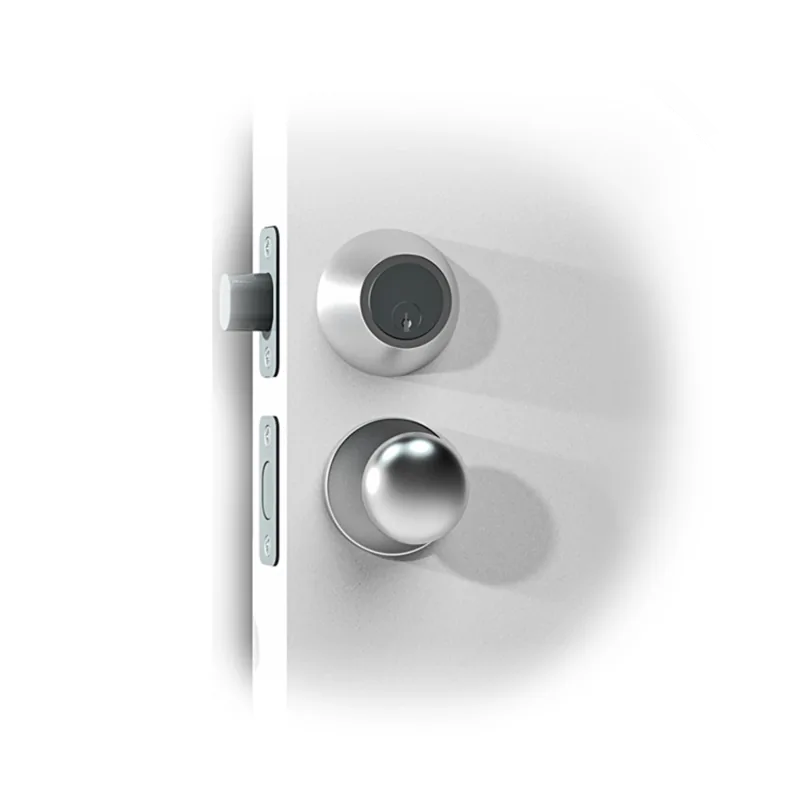
One of the strongest points of the Danalock V3 is its adaptable design. The lock uses backplates and tailpiece adapters that match different hardware brands, making it easier to retrofit without replacing the entire door mechanism. This makes it appealing for homeowners who want smart access without a full hardware overhaul. Its compact 59 mm x 59 mm form factor also keeps the device discreet on the inside of the door.
Installation and daily use
The setup flow is guided and practical. Before mounting, the door should be properly aligned so the deadbolt moves smoothly without pressure. Once installed, the lock is added in the app, where users can manage settings and complete configuration. The device also supports click-command controls from a small button on the top, allowing actions such as manual calibration, auto calibration, pairing, exclusion, and user reset. LED signals provide clear feedback for locking, unlocking, updates, and battery warnings.
Designed for connected living
Bluetooth LE gives the lock a simple wireless foundation, while certain regional versions expand support with Z-Wave or Zigbee for broader smart-home integration. That flexibility makes it a good fit for users building a connected home around multiple devices. It also offers long standby performance, helping reduce the need for frequent maintenance when used with approved primary lithium batteries.
What to keep in mind
This is an indoor-only lock, so it should not be used on fire doors or in wet environments. The product guidance also highlights important battery safety rules, including replacing all four batteries at the same time and using only approved types. Recalibration may be needed after battery removal or dismounting, which is a normal part of keeping the lock operating accurately.
Notes
- Best results come from a well-aligned door and careful calibration.
- Follow the app instructions and LED color cues during setup.
- Use approved accessories and non-rechargeable lithium batteries only.
- Recalibrate after battery changes or reinstallation if needed.
Search for 67,732 Manuals online


Type-in Brand or Model
Sven K.
10 months ago
After a firmware update, my settings no longer work. Is there anything I need to change in the setup, or did the update alter the instructions?
Manual.ly
10 months ago
Yes. Some firmware versions adjust how certain settings are entered or saved, so the setup steps can differ from what you used before. In most cases, the device will work again once the affected setting is configured using the updated procedure. We recommend: (1) confirm your firmware version, (2) re-check the current setup steps in the manual for that version, and (3) if anything is unclear, contact support so we can point you to the exact configuration change. If your issue is only that a setting is entered differently, this update-related adjustment typically resolves it quickly.