
Cougar XTC Manual
PDF manual · 2 Pages
English



Quick check
Incorrect answer, please try again.
Chat with your Cougar XTC manual using AI
Get instant AI answers from your Cougar XTC manual
Ask anything about the Cougar XTC. Answers come from this manual, with the pages they are based on.
Ask a Question
Do you recommend XTC?
Yes NoFrequently Asked Questions
The manufacturer warranty becomes void if the unit is opened by an unauthorized person. Only authorized technicians should open the PSU cover due to life-threatening high voltage risks.
Is this answer helpful?
Yes, but you must observe the maximum through-connection ability to avoid short-circuits. High loads could damage the system if the cord is insufficient.
Is this answer helpful?
It includes SCP, OVP, UVP, OPP, and OCP. These features automatically switch off the unit to prevent damage during voltage or current anomalies.
Is this answer helpful?
The 120mm fan is temperature-controlled. It maintains an extremely low noise level while operating automatically in accordance with internal temperatures.
Is this answer helpful?
It must not be disposed in regular household waste. It requires bringing it to a collection point for electrical and electronic devices for recycling.
Is this answer helpful?
The unit is suitable for operation at 200 volts to 240 volts at 50 Hertz frequency input.
Is this answer helpful?
Yes, it supports next-generation graphics cards with 8 pin PCI-E connectors, allowing for advanced GPU configurations.
Is this answer helpful?
Advantages and Disadvantages
Advantages

- High efficiency up to 83% reduces energy costs significantly
- Active PFC ensures clean and reliable power delivery
- Multi-GPU support enables advanced graphics configurations
- Temperature-controlled fan ensures ultra-quiet operation
- Comprehensive safety protections prevent hardware damage
Disadvantages

- Warranty becomes void if opened by unauthorized personnel
- Repairs must be handled exclusively by authorized specialists
- Must be recycled as electronic waste, not household trash
- Power cord must be the supplied one for safety
- Ventilation slots cannot be covered during operation
Product Specification
Fan
4.72 inches
Cable Management
Fixed
Dimensions (WxHxD)
5.91x3.39x5.51 inches
Manufacturer Warranty
2 Years
-12V
0.3A
Number of 12V Rails
1
PFC
Active
Form Factor
ATX PS/2
Specification
ATX
Features
ErP Lot 6
Color
Black
Product Description
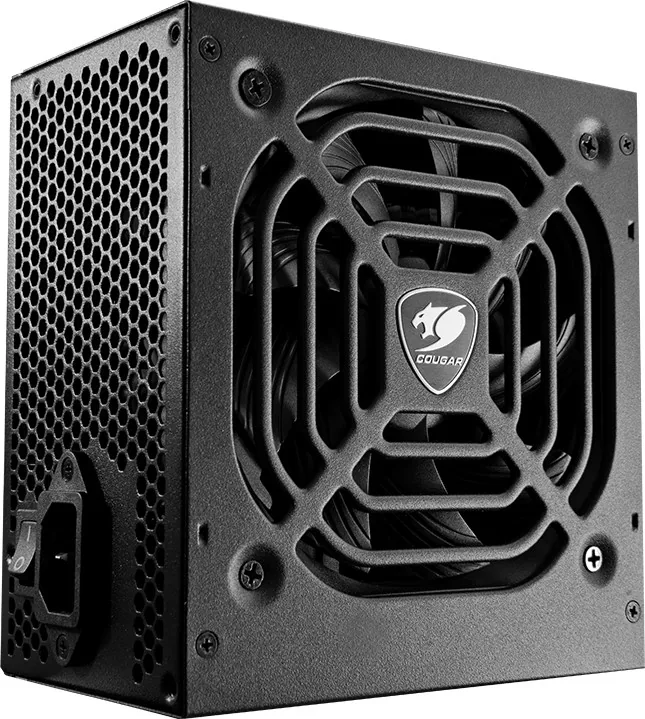
Build a Stable System With The Cougar XTC
Building a powerful computer requires more than just selecting top-tier processors. The foundation lies in a robust power supply unit that delivers consistent energy. The Cougar XTC ATX series provides exactly this stability, designed specifically for modern computing environments. Whether you are running intensive gaming rigs or professional workstations, efficiency and safety are paramount for long-term performance.
Power Efficiency and Technology
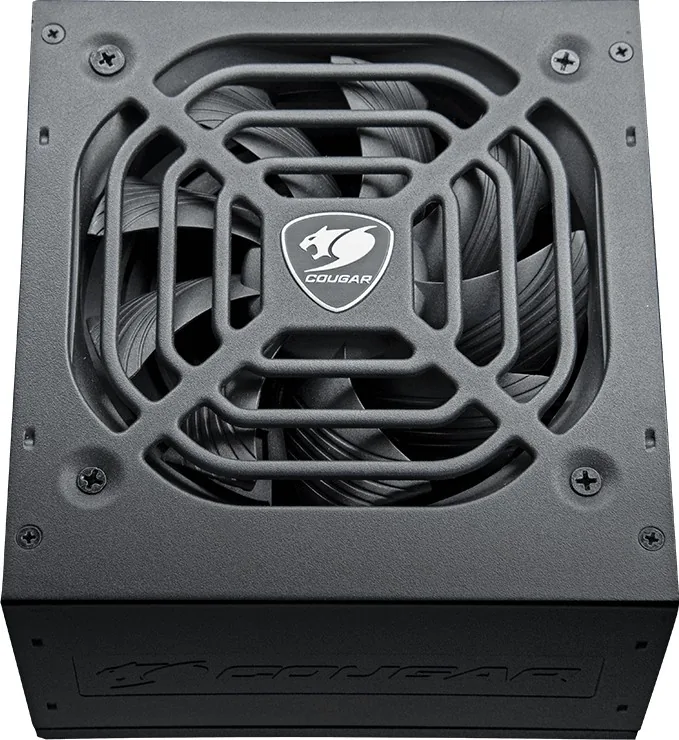
This power supply boasts extremely high efficiency, reaching up to 83% under optimal load conditions. Active Power Factor Correction ensures clean power delivery with a power factor value approaching 98%. Compatibility extends seamlessly to the latest multi-core CPU platforms and next-generation graphics cards. Support for multi-GPU technology allows users to install sophisticated PCI Express 3.0 hardware equipped with standard power connectors. The system utilizes a temperature-controlled 120mm fan that operates at ultra-quiet levels, automatically adjusting speed based on internal thermal load. An integrated air inlet design further enhances airflow while maintaining silence for a quieter environment.
Safety and Reliability Measures
Protecting your investment is a core priority for the manufacturer. The unit includes comprehensive protection circuits like Short Circuit, Over Voltage, Under Voltage, Over Power, and Over Current protection. Never attempt to repair the unit yourself, as dangerous voltages remain inside even after disconnection. Openings void the warranty and risk serious physical injury. Always disconnect power before cleaning or moving the computer chassis. Environmental responsibility is embedded in the design, encouraging recycling at certified electronic waste collection points rather than regular household trash bins.
Installation and Maintenance Guidelines
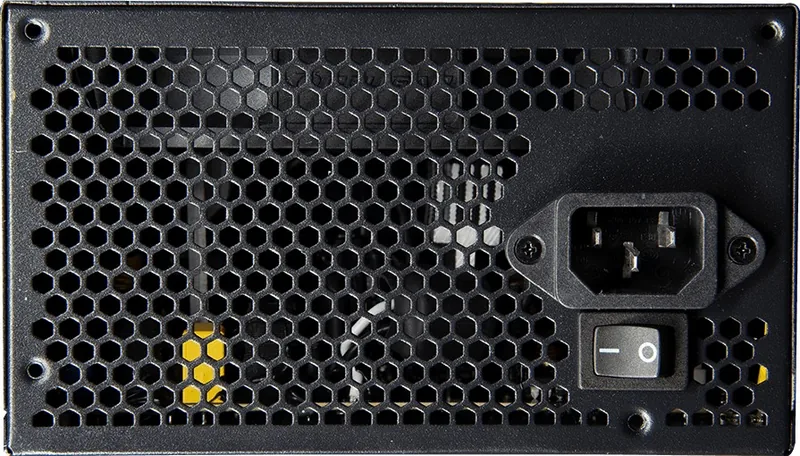
Installation is straightforward with standard screws and the included official power cord. Multiple wattage options exist, specifically catering to different power demands and system configurations. Ensure ventilation slots remain unobstructed to prevent overheating during sustained operation. The system supports specific operating temperatures and humidity levels to guarantee longevity. Users should ensure that the power cord provided is used strictly to avoid electrical hazards. Compatibility with mainboard chipsets regarding memory and graphics cards is often checked by contacting manufacturers. Troubleshooting steps involve checking power codes and connections within the PC case. If problems persist, contacting customer service is advised for further assistance with warranty claims.
Notes on Warranty and Service
Keep a copy of the invoice for service claims. Contact the retailer where the PSU was bought first. Regular cleaning should only be done with a dry cloth without water or detergent. The ambient temperature should not exceed 50 degrees Celsius for optimal function.
Search for 67,706 Manuals online


Type-in Brand or Model