
Cougar Mars Gaming Desk Manual
PDF manual · 2 Pages
English



Quick check
Incorrect answer, please try again.
Chat with your Cougar Mars Gaming Desk manual using AI
Get instant AI answers from your Cougar Mars Gaming Desk manual
Ask anything about the Cougar Mars Gaming Desk. Answers come from this manual, with the pages they are based on.
Ask a Question
Do you recommend Mars Gaming Desk?
Yes No
Lisa Weber
4 months ago
Is the assembly difficult, and what tools are required?
Frequently Asked Questions
The desk measures 153.3 cm in width and 77.1 cm in depth. The height is adjustable between 75 cm, 80 cm, and 85 cm depending on user preference.
Is this answer helpful?
Yes, it supports 5V addressable RGB headers compatible with ASUS Aura Sync, Gigabyte RGB Fusion, MSI Mystic Light Sync, and ASRock Polychrome Sync.
Is this answer helpful?
The desk has three fixed height settings: 75cm, 80cm, and 85cm. You must manually loosen the screws on the legs, reposition them to the desired hole level, and tighten them securely.
Is this answer helpful?
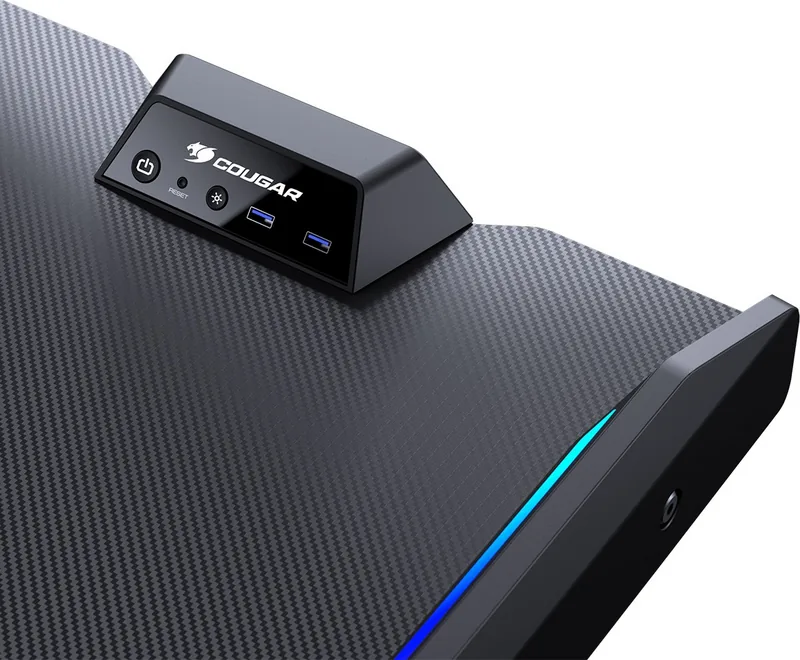
The control panel includes buttons for PC power, PC reset, and RGB mode switching. It also features two USB 3.0 pass-through ports and two audio jacks.
Is this answer helpful?
Yes, provided you follow the instructions correctly. However, damage caused by improper assembly, misuse, or unauthorized repairs voids the one-year warranty.
Is this answer helpful?
Advantages and Disadvantages
Advantages

- Dual-sided RGB lighting compatible with major motherboard brands
- High-strength welded steel frame provides exceptional stability
- Three-level manual height adjustment for ergonomic comfort
- Integrated I/O panel with USB 3.0 and audio connections
Disadvantages

- Manual height adjustment requires physical effort to change settings
- Assembly process involves many screws and precise alignment steps
- Carbon fiber texture may show fingerprints if not cleaned regularly
Product Specification
Type
Desk
Shape
Freeform
Material
Frame: Steel
Color
Tabletop: Black, Frame: Black
Tabletop Dimensions (WxD)
60.35x30.35in
Tabletop Height
29.53-33.46in
Tabletop Height Adjustable
Manual
Tabletop Ergonomics
Tiltable (3 levels)
Storage
N/A
Features
Cable management (horizontal), LED lighting (RGB), Lift (1x Audio-In, 1x Audio-Out, 2x USB-A 3.0)
Weight
88.81lbs
Product Description
Elevate Your Gaming Setup with the Cougar Mars Desk
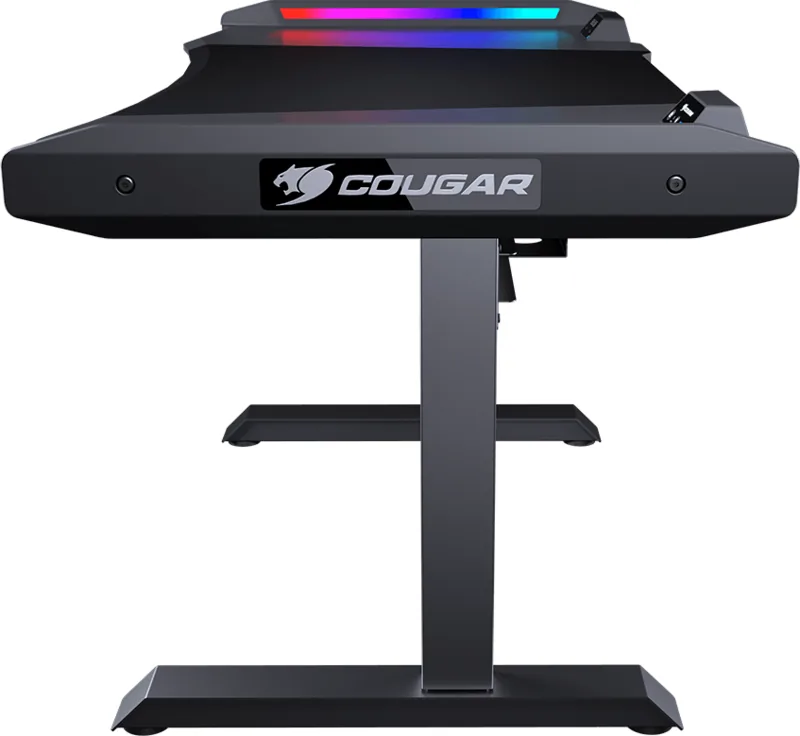
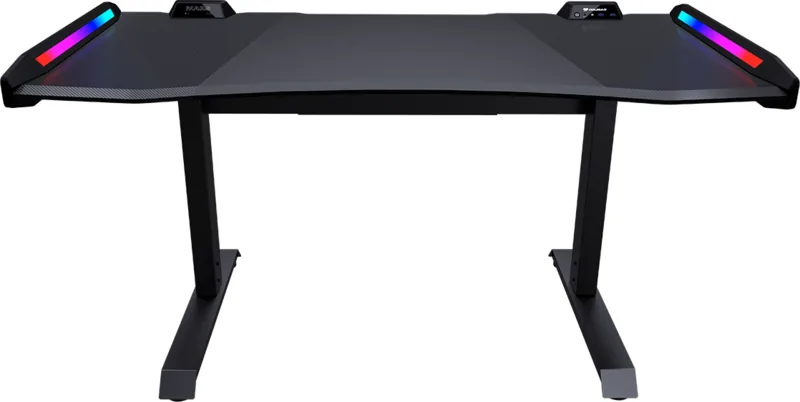
The Cougar Mars Gaming Desk is a masterpiece of ergonomic engineering designed specifically for serious gamers who demand both style and substance. Measuring 153x77cm, this desk offers an expansive surface finished with a sleek carbon fiber texture that resists wear while adding a premium aesthetic to your room. The design prioritizes comfort with curved edges and rounded corners, ensuring you can game for hours without discomfort.
One of the standout features is the dual-sided RGB lighting system. This immersive feature creates a dazzling atmosphere that reacts to your gameplay. It seamlessly integrates with popular motherboard synchronization software like ASUS Aura Sync, Gigabyte RGB Fusion, MSI Mystic Light Sync, and ASRock Polychrome Sync via a 5V connection. Whether you prefer a flowing color cycle or a static hue, the control panel puts you in charge.
Functionality meets durability with a high-strength welded steel frame. The desk stands firm against heavy gaming rigs and accessories. Height adjustment is effortless, allowing you to set the desk at 75cm, 80cm, or 85cm to match your seating position perfectly. The integrated I/O panel simplifies cable management and access, featuring two USB 3.0 ports, audio jacks, and dedicated buttons for PC power, reset, and RGB mode switching.
Key Features
- Ergonomic Design: Curved edges protect your arms during long sessions.
- Smart Lighting: Dual wings with addressable RGB effects.
- Robust Build: Welded steel frame ensures maximum stability.
- Customizable Height: Three distinct levels for optimal posture.
Important Notes
Always wear protective gloves during assembly to prevent injury from sharp edges. Ensure all screws are tightened securely but not excessively to avoid damaging the screw bosses. Regularly check the integrity of parts monthly to maintain safety standards.
Search for 67,706 Manuals online


Type-in Brand or Model
John White
5 months ago
How long does the manual height adjustment take, and are there enough USB ports for RGB lighting?
Manual.ly
5 months ago
The manual height adjustment requires the desk to be empty and folded, which can take several minutes depending on your strength. Regarding connectivity, the built-in USB 3.0 ports function as extensions and occupy internal computer ports. For full RGB functionality, you will need two additional USB ports available on your system.