
Contour Design Unimouse Manual
PDF manual · 7 Pages
English



Quick check
Incorrect answer, please try again.
Chat with your Contour Design Unimouse manual using AI
Get instant AI answers from your Contour Design Unimouse manual
Ask anything about the Contour Design Unimouse. Answers come from this manual, with the pages they are based on.
Ask a Question
Do you recommend Unimouse?
Yes NoFrequently Asked Questions
Its main difference is adjustability. The body tilt, thumb support width, thumb position, and rotation can all be customized to better match your hand and grip, which can improve comfort during long use.
Is this answer helpful?
Yes. This model is specifically designed for left-handed users, making it a better ergonomic fit than a standard mouse that is built mainly for right-handed use.
Is this answer helpful?
No. As a USB model, it uses a wired connection, so you do not need to charge it or replace batteries.
Is this answer helpful?
The body tilt can be adjusted from about 35 degrees up to 70 degrees, allowing you to choose a more comfortable angle for your wrist and forearm.
Is this answer helpful?
Yes. The thumb support can be extended or collapsed, slid forward or backward, and rotated to suit your hand size and preferred thumb position.
Is this answer helpful?
Yes. The product comes with a 2-year warranty, which adds extra confidence for everyday use and long-term ownership.
Is this answer helpful?
Advantages and Disadvantages
Advantages

- Highly adjustable shape supports different hand sizes and grip styles.
- Left-handed design offers a more natural fit for southpaw users.
- USB connection provides reliable, no-charge-needed use.
- Friction-based articulation helps keep settings stable during use.
Disadvantages

- Learning the best setup may take time and experimentation.
- May feel more complex than a standard fixed-shape mouse.
- Users who prefer wireless setups may not like the USB cable.
- Fine-tuning the thumb support may require occasional readjustment.
Product Specification
Ergonomics
left hand (vertical)
Buttons
6 (total), 3 (main), 2 (right), 1 (scroll wheel click)
Scroll wheel
1x 2-way
Tracking
LED-red/IR
Resolution
2800dpi, reducible to 2400/2200/2000/1800/1600/1400/1200/1000/800dpi
Sensor
PixArt PMW 3330
Connection
wired, USB, detachable cable
Power supply
USB
Dimensions (WxHxD)
5.75x2.76x8.74in
Approximate volume
36.25in³ (approximate shape)
Weight
1.00lb
Features
Thumb rest, adjustable geometry
Product Description
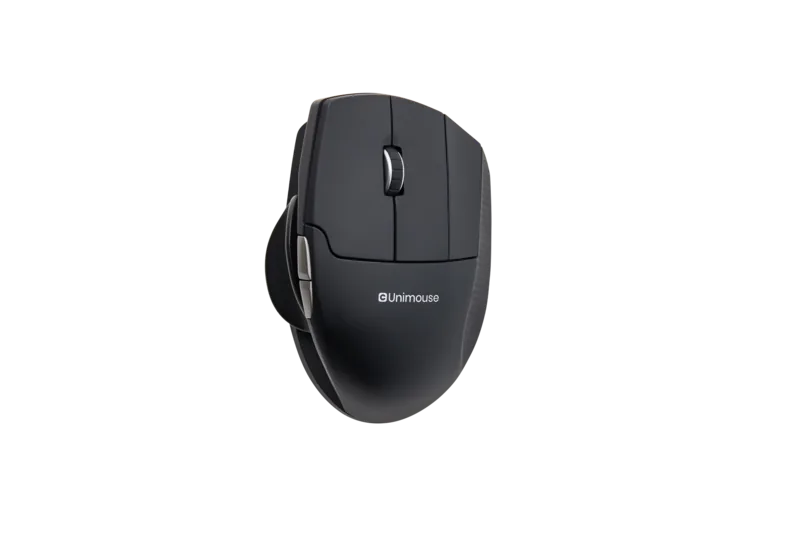
Contour Design Unimouse, Left-handed, USB Manual
A left-handed mouse designed to adapt to your hand
The Contour Design Unimouse, Left-handed, USB Manual stands out because it puts adjustability first. Instead of forcing your hand into a fixed shape, it lets you fine-tune the mouse to match your posture, grip, and thumb position. That flexibility can make a noticeable difference during long work sessions, especially if comfort and control matter as much as speed.
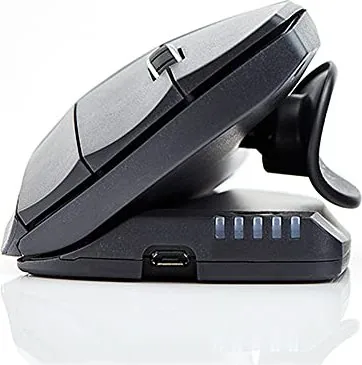
One of the most useful features is the multi-point articulation system. The body can tilt from 35° to 70°, giving you room to find a more natural angle for your wrist and forearm. The friction-based joints help keep the mouse stable once you set it, so the shape feels deliberate rather than loose or flimsy. It is the kind of design that encourages you to experiment until the fit feels right.
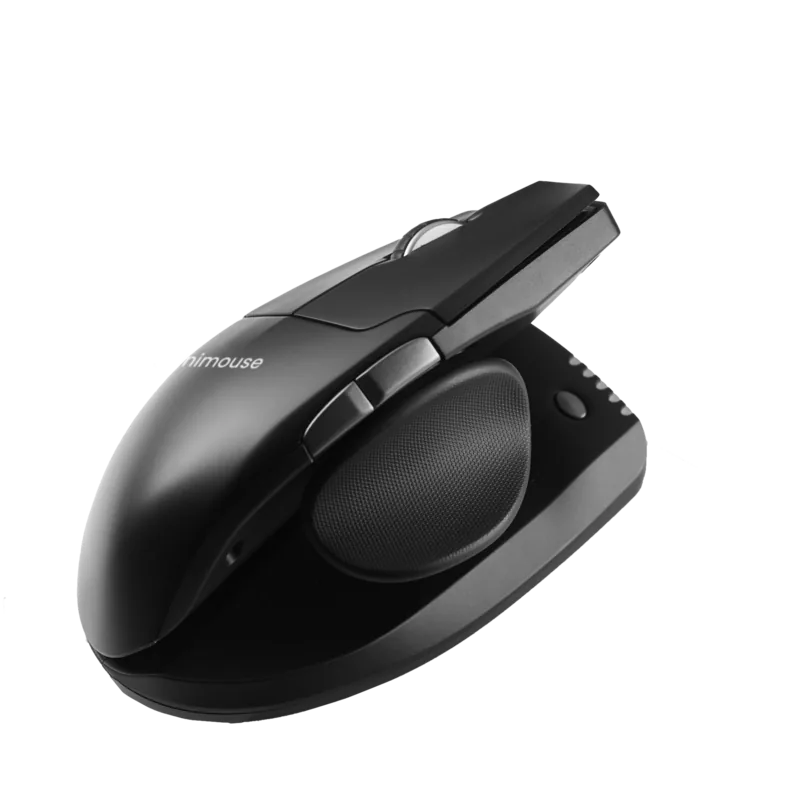
The thumb support is just as customizable. You can extend or collapse it to suit different hand sizes, slide it forward or backward, and even rotate it to better match your grip. That means the mouse is not only left-handed, but also adaptable to a wide range of left-handed users. For people who often struggle with standard mice, this level of personalization can be a real advantage.
As a USB model, it offers a straightforward wired connection with no need to worry about batteries or charging. The setup is simple, and the included manual is helpful for understanding the available adjustments and getting the best fit from the start. It is a practical choice for office use, focused work, or anyone who wants a more ergonomic everyday pointing device.
Notes
- Best for users who value comfort and customization over a fixed mouse shape.
- The manual and support resources are useful when learning the adjustment options.
- Comes with a 2-year warranty, which adds peace of mind.
Search for 67,706 Manuals online


Type-in Brand or Model