
Contour Design Multimedia Controller Xpress Manual
PDF manual · 12 Pages
English



Quick check
Incorrect answer, please try again.
Chat with your Contour Design Multimedia Controller Xpress manual using AI
Get instant AI answers from your Contour Design Multimedia Controller Xpress manual
Ask anything about the Contour Design Multimedia Controller Xpress. Answers come from this manual, with the pages they are based on.
Ask a Question
Do you recommend Multimedia Controller Xpress?
Yes NoVideo Manual
Vilm School: ShuttleXpress
Frequently Asked Questions
The ShuttleXpress supports modern Windows and macOS versions (Windows 7/8/10 and OS X 10.8 or later depending on driver updates). Linux is not officially supported, though community drivers may exist on the Contour forums.
Is this answer helpful?
Basic plug-and-play functionality often works immediately, but installing Contour's driver unlocks advanced features like custom profiles, macros, and application-specific settings. Download drivers from contourdesign.com/support.
Is this answer helpful?
Open the Contour configuration utility, use Settings Management Tools to create new settings (copy or empty) or choose Import Settings to load .shuttleSettings files. On macOS remember to click Apply after importing to activate changes.
Is this answer helpful?
No. The ShuttleXpress sends keystrokes to the foreground (active) application and switches profiles based on which app is in focus rather than locking permanently to one program.
Is this answer helpful?
Contour’s official forums host user-created and official settings (forums.contourdesign.com). The support site (contourdesign.com/support) also provides drivers, manuals, and contact info for technical assistance.
Is this answer helpful?
Buttons and wheels can be assigned actions like Do Nothing, Same as Lower, Press Modifiers, Type Keystroke, Mouse Click, Mouse Wheel, Switch Settings, and Macro—allowing broad customization for different apps.
Is this answer helpful?
Move the Contour icon from the hidden icons to the taskbar notification area so you can see which profile is active. Drag it from the overflow area into the visible notification area for easy access.
Is this answer helpful?
Advantages and Disadvantages
Advantages

- Compact, ergonomic design with a rubber jog wheel and five programmable buttons
- Extensive customization via downloadable drivers and a settings utility
- Automatically applies application-specific profiles based on the foreground app
- Supports macros, keystrokes, mouse actions, and settings switching
- Lightweight and ideal for video, photo, and editing workflows
Disadvantages

- Limited official support for Linux; relies on community drivers
- Requires driver installation for full functionality and advanced features
- Does not lock to a single application; must switch focus to target app
- Small size may limit available dedicated controls for complex workflows
- Some users may need time to create or import custom profiles
Product Specification
Type
Jog/Shuttle Control
Buttons
5 (5x programmable)
Connectivity
wired, USB
Power supply
USB
Dimensions (WxHxD)
4.33x1.14x4.33in
Weight
0.50lb
Product Description
Contour Design ShuttleXpress, USB Manual
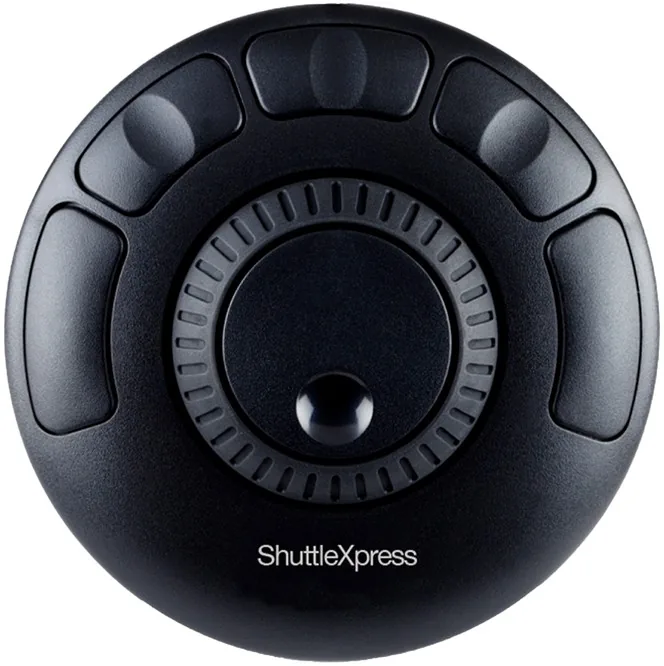
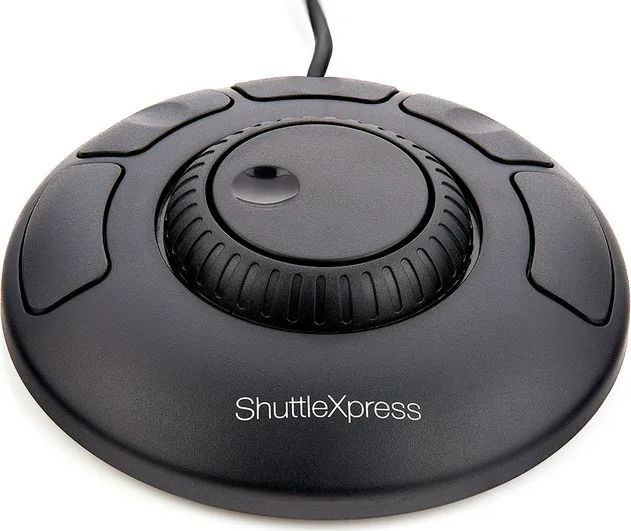
The Contour Design ShuttleXpress is a compact USB multimedia controller designed to accelerate workflows for editors, designers, and power users. Its small footprint houses a rubberized jog wheel and five programmable buttons that act as shortcuts to common commands. Plug-and-play functionality gets you started quickly on most systems, while downloadable drivers and a configuration app let you customize button mappings, macros, and application-specific profiles.
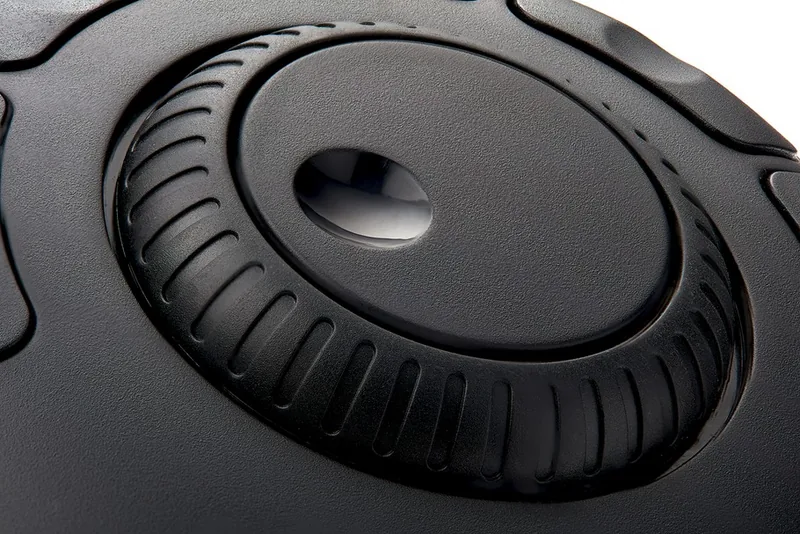
Built with ergonomics and efficiency in mind, the ShuttleXpress emulates keyboard shortcuts to control the active (foreground) application, making it ideal for video editing, photo retouching, and other creative tasks. The jog wheel provides precise frame-by-frame or timeline control, and the tactile button covers are replaceable for extended use. Supported platforms include modern Windows and macOS releases, and although Linux is not officially supported, community drivers and forum resources sometimes offer solutions.
Installation is straightforward: plug the USB cable into your computer and allow the system to install drivers automatically. For advanced features and to create or import custom settings, download the Contour driver from the support site. The configuration utility allows copying existing application profiles, creating new empty profiles, importing .shuttleSettings files, and assigning responses such as keystrokes, mouse actions, macros, and switching settings.
The ShuttleXpress integrates with hundreds of applications through built-in or user-created profiles. It detects the application in focus (the active foreground app) and applies the relevant profile automatically. This behavior ensures the device remains flexible across workflows rather than locking to a single program. Users can keep the Contour system tray icon visible on Windows to monitor which profile is active and switch among multiple settings when needed.
Overall, the ShuttleXpress is a lightweight, customizable control surface that adds tactile control to digital workflows. It offers quick navigation, repeatable macros, and the ability to tailor controls per application, improving speed and reducing repetitive keyboard use. The product is backed by Contour Design support, forum resources for community-created profiles, and a limited warranty covering manufacturing defects.
Notes
- Visit contourdesign.com/support to download drivers and the configuration utility.
- Import/export uses .shuttleSettings files; remember to Apply changes after importing on macOS.
- Keep the Contour icon visible on Windows to manage active profiles and settings.
Search for 67,706 Manuals online


Type-in Brand or Model
maria_k
8 months ago
Does the ShuttleXpress work with Linux (Debian 9)? Is setup complicated, or do I need special adjustments for apps like Kdenlive?
Manual.ly
8 months ago
Yes, based on user reports the ShuttleXpress is detected on Debian 9 and the hardware works out of the box. Some tweaking may be needed to get input functioning properly in specific programs. For example, in Kdenlive, users were able to make a few adjustments so the controls work as expected. If you run into issues, start by checking the device recognition and then reassign the controls inside the target application. For Windows users, installation and configuration are also described as straightforward, and you can create per-software profiles to match your workflow.