

Free Concept Manuals – Read, Download & Print
13 Manuals
Manuals
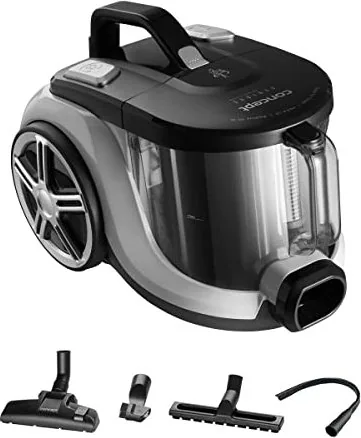
59 Pages

64 Pages

49 Pages

49 Pages

49 Pages
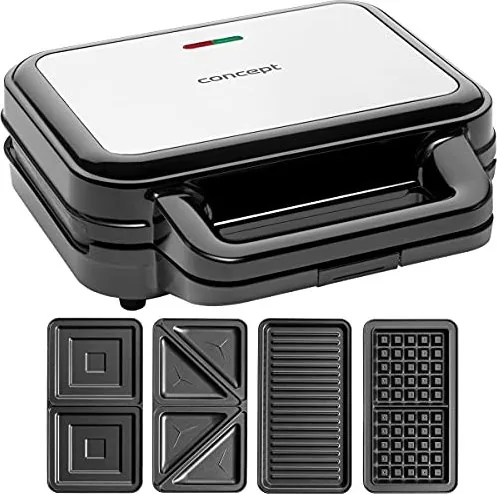
96 Pages

59 Pages

93 Pages
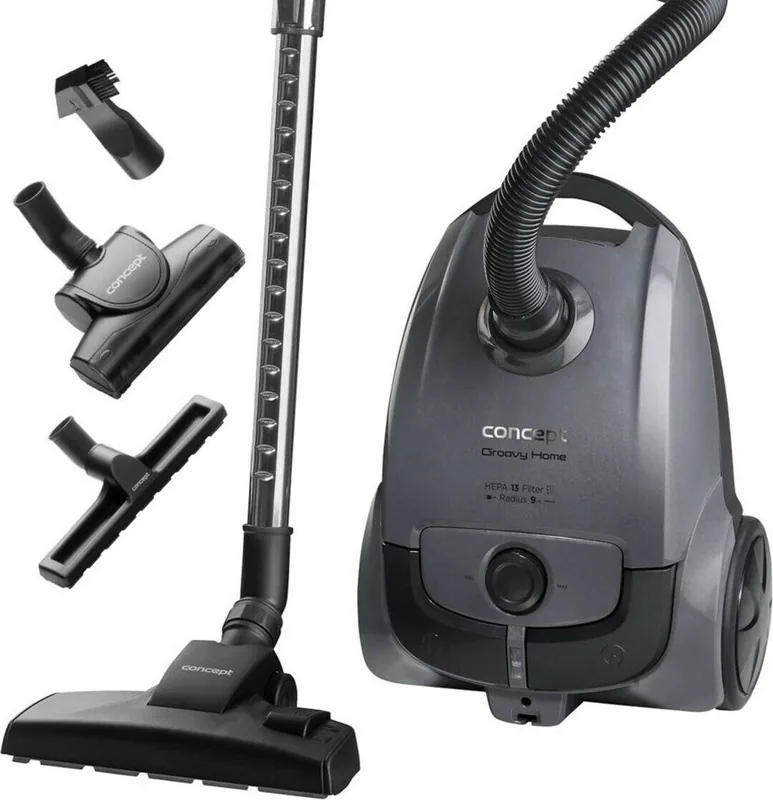
55 Pages

59 Pages

120 Pages

141 Pages
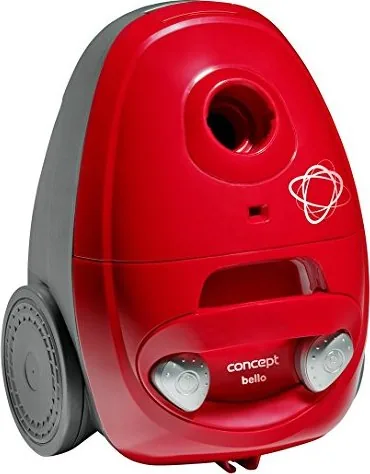
120 Pages
Categories


Free Concept Manuals - Read, Download & Print
Explore Manuals for Concept Products and Equipment
Finding clear, reliable instructions should be simple. Free Concept Manuals - Read, Download & Print is a practical resource for people looking for product guides, operating instructions, setup information, maintenance advice, and troubleshooting support for Concept equipment. Whether you have purchased a new item, inherited an older model, misplaced the original booklet, or need a quick answer while using your device, manuals can provide the details needed to proceed with confidence.
A manual is more than a list of buttons and features. It can explain how to install a product correctly, use its functions safely, understand warning indicators, clean important components, replace accessories, and identify common issues before requesting service. Access to a downloadable and printable guide makes it easier to keep helpful instructions available whenever they are needed.
Read Concept Manuals Online
Reading a Concept manual online is a convenient choice when you need information immediately. Digital manuals allow users to review product specifications, operating steps, diagrams, care recommendations, and safety notices directly from a computer, tablet, or phone. There is no need to search through drawers for a paper copy when the information can be viewed on screen.
Online manuals are especially useful for checking a single detail, such as recommended settings, assembly order, control meanings, or cleaning instructions. Search functions in a PDF viewer can help locate relevant terms quickly, saving time compared with paging through a printed booklet. If you are preparing to install or operate a product for the first time, reading the complete guide from start to finish can also help you understand essential requirements and avoid preventable mistakes.
Before using any appliance, tool, electronic device, or other equipment, review the safety section carefully. Manuals may include important information about power supply requirements, ventilation, placement, supervision, protective equipment, cleaning procedures, and prohibited uses. Following the manufacturer's guidance supports safe operation and helps preserve product performance.
Find the Correct Model Manual
The most important step in locating a manual is identifying the exact model number. Product families can include multiple versions with similar names but different controls, capacities, parts, and functions. A manual for a related model may be useful for general reference, but it should not replace documentation intended for your specific item.
Look for the model number on the product label, rating plate, rear panel, underside, door frame, packaging, purchase receipt, or original warranty documents. Depending on the product type, the label may also show a serial number, production code, voltage rating, or revision number. Record the complete model number exactly as displayed, including letters, numbers, hyphens, and suffixes.
Using the correct model number improves the chances of finding accurate instructions, compatible parts information, and relevant troubleshooting steps. If the manual lists multiple models, check the cover page and feature tables to confirm that your version is included.
Download Manuals for Offline Access
Downloading a Concept manual provides a dependable copy that can be opened without an internet connection. This is helpful in workshops, garages, kitchens, utility rooms, storage areas, offices, and other locations where internet access may be limited or inconvenient. Saved manuals can also be organized in folders by product category, room, brand, or model number.
PDF manuals are popular because they preserve page layouts, illustrations, tables, and diagrams. Once downloaded, a manual can be stored on a computer, phone, tablet, external drive, or secure cloud account. Keeping a backup copy can be useful when moving home, selling equipment, sharing instructions with family members, or preparing for future maintenance.
When downloading documentation, choose files from reputable sources whenever possible. Official manufacturer support pages are generally the best place to find current and model-specific guides. Retailers, distributors, repair specialists, and manual libraries may also provide documents, but users should verify that the title, model number, language, and publication date match the product they own.
Useful Documents to Look For
A complete documentation collection may include more than a basic user manual. Different documents serve different needs, and having the right one can make installation, operation, and maintenance easier.
- User manuals explain everyday operation, controls, features, and routine care.
- Quick start guides provide brief setup steps for new users.
- Installation manuals cover location requirements, connections, dimensions, and commissioning.
- Service manuals may include technical diagrams, diagnostic information, and repair procedures for qualified technicians.
- Parts lists identify replaceable components and reference numbers.
- Safety sheets describe warnings, handling requirements, and recommended precautions.
- Warranty information explains coverage terms and service contact options.
Always use care with technical or service documentation. Repairs involving electricity, gas, pressurized systems, sharp components, heat, or moving parts may require a trained professional. If the manual instructs users to disconnect power, shut off a supply, or contact authorized service personnel, follow those instructions.
Print Manuals for Easy Reference
Printing a Concept manual can be useful for hands-on tasks where screens are inconvenient. A paper copy can be placed near the product, stored in a household binder, kept in a workshop file, or added to maintenance records. Printed pages are particularly practical during installation, cleaning, assembly, seasonal servicing, and troubleshooting.
You do not always need to print an entire manual. Printing selected pages can reduce paper use while keeping the most useful instructions close by. Consider printing the quick start section, safety warnings, installation diagrams, maintenance schedule, error code table, and warranty contact details. For larger manuals, double-sided printing and black-and-white mode can help conserve ink and paper.
If you print a full guide, label the cover with the product name and model number. Store it in a dry location away from heat, moisture, chemicals, and direct sunlight. A clear protective sleeve or binder can keep frequently used pages clean and readable.
Use Manuals for Setup, Care, and Troubleshooting
Concept manuals can guide users through the entire ownership process. During setup, they may explain unpacking, component checks, assembly, placement, connection, and initial testing. During regular use, they can clarify control settings, operating modes, capacity limits, recommended materials, and performance expectations.
Maintenance sections are equally valuable. Routine cleaning and inspection can help maintain efficiency, reduce odors or buildup, and identify wear before it becomes a larger issue. Manuals may specify approved cleaning methods and products, along with parts that should not be washed, immersed, lubricated, or removed by the user.
Troubleshooting pages often address common questions, including products that will not start, unexpected noises, poor results, indicator lights, display messages, or unusual behavior. Follow the recommended checks in order, beginning with simple items such as power connections, settings, doors or covers, filters, supplies, and reset procedures. If a problem continues, stop using the product when safety is uncertain and contact qualified support.
Keep Your Product Information Organized
Create a simple record for each Concept product you own. Include the model number, serial number, purchase date, retailer, warranty details, manual file location, and service contact information. You can also note replacement part numbers, filter sizes, maintenance dates, and recurring troubleshooting steps. This record can save time when ordering accessories, scheduling repairs, or transferring ownership.
A well-organized manual collection makes everyday product care easier. Read instructions online for quick answers, download files for dependable offline access, and print essential pages for convenient use at home or work. With the right Concept manual available, you can better understand product features, follow recommended safety practices, complete routine maintenance, and make informed decisions when service is needed.
Start Reading, Downloading, and Printing
Free Concept Manuals - Read, Download & Print helps users focus on the information that matters: correct setup, safe use, routine care, and practical troubleshooting. Locate your exact model, review the available documentation, and keep a copy where it will be easy to find. A clear manual is one of the most useful tools for getting the best possible experience from your Concept product.
Search for 67,732 Manuals online


Type-in Brand or Model