
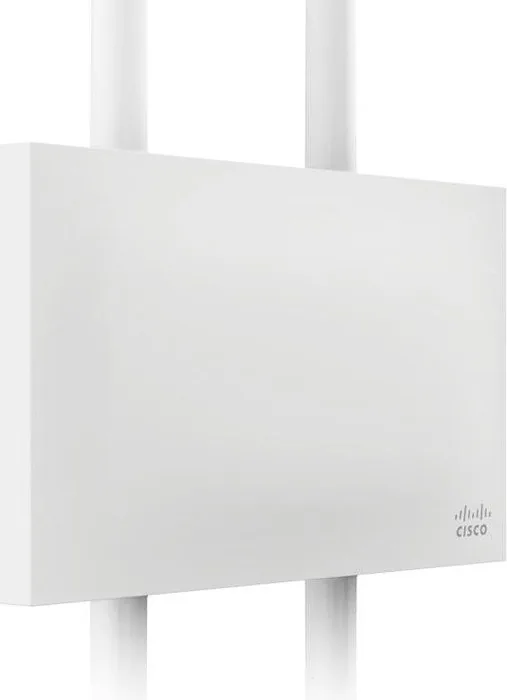
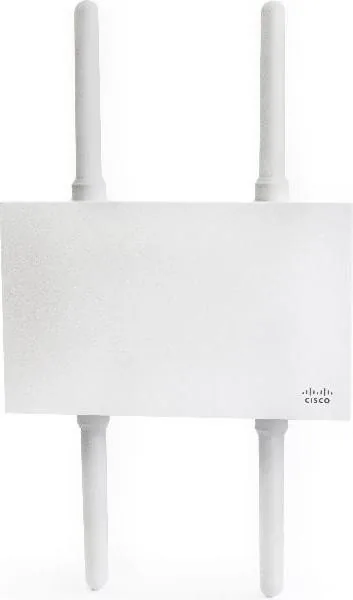
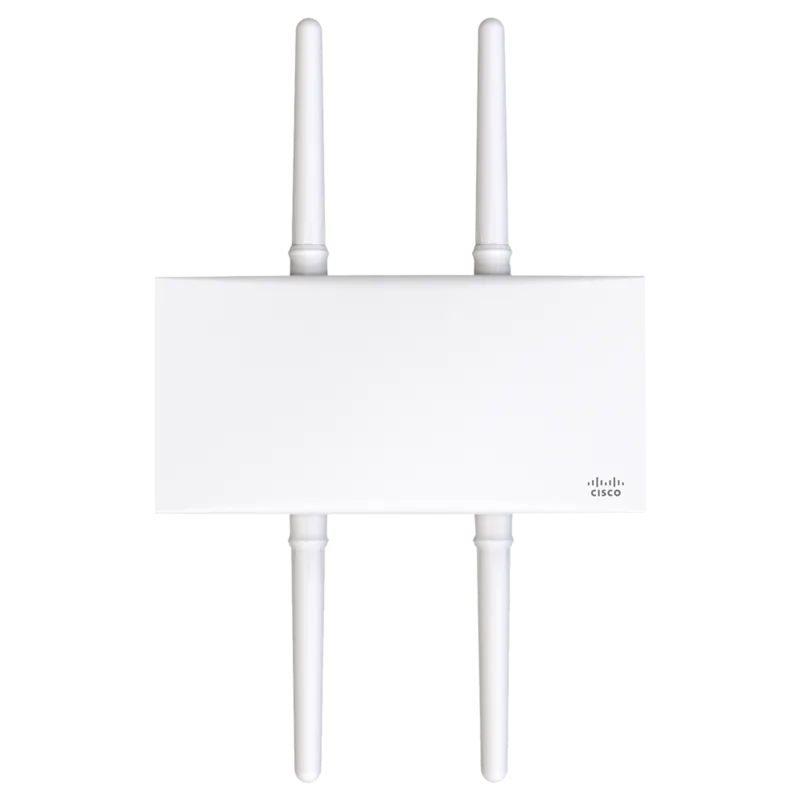
Cisco Meraki MR84 Manual
PDF manual · 22 Pages
English



Quick check
Incorrect answer, please try again.
Chat with your Cisco Meraki MR84 manual using AI
Get instant AI answers from your Cisco Meraki MR84 manual
Ask anything about the Cisco Meraki MR84. Answers come from this manual, with the pages they are based on.
Ask a Question
Do you recommend Meraki MR84?
Yes NoFrequently Asked Questions
It is designed for demanding outdoor and high-density wireless environments where strong coverage, flexible antenna choices, and centralized cloud management are important.
Is this answer helpful?
It helps administrators prepare the network, choose the right mounting method, configure power and IP settings, and complete installation with fewer mistakes.
Is this answer helpful?
Yes. It has two Ethernet ports, including a PoE port for primary uplink and a second port that can be used for link aggregation with LACP.
Is this answer helpful?
Yes. It is built for outdoor use and supports a wide operating temperature range, proper grounding, and weather-aware installation practices.
Is this answer helpful?
The MR84 uses N-type antenna ports and supports different antenna styles such as omni, sector, patch, and stadium patch, depending on the coverage goal.
Is this answer helpful?
The LED shows device status such as booting, initializing, upgrading, connected with or without clients, or failure to find an uplink.
Is this answer helpful?
Advantages and Disadvantages
Advantages

- Cloud-managed setup simplifies deployment and ongoing monitoring.
- Rugged design suits outdoor and high-density environments.
- Flexible antenna support helps tailor coverage to different spaces.
- Dual Ethernet ports and LACP bonding improve installation options.
Disadvantages

- Requires careful planning for antennas, grounding, and mounting.
- Outdoor installation may need extra hardware for certain surfaces or poles.
- Some advanced features are limited when powered by 802.3af instead of 802.3at.
- Proper firewall, IP, and dashboard setup are needed before deployment.
Product Specification
LAN
1x 2.5GBase-T (PoE PD), 1x 1000Base-T
Wireless
WLAN 802.11a/b/g/n/ac (Wi-Fi 5), simultaneous
Transmission rate
800Mbps (2.4GHz), 1733Mbps (5GHz)
Security
64/128bit WEP, WPA, WPA2
Antennas
4x external
Power consumption
21W (consumption, operation), not specified (max. power supply output)
Dimensions
11.26x7.28x6.93in
Features
VLAN, Outdoor, IP67, Bluetooth LE, MU-MIMO
Band capability
Dual Band (simultaneous)
Manufacturer warranty
one year
Product Description
Cisco Meraki MR84 Manual: Outdoor Wi-Fi for High-Density Environments
The Cisco Meraki MR84 is built for places where ordinary wireless access points struggle. Designed as a dual-band enterprise 802.11ac solution, it focuses on performance, coverage, and resilience in demanding outdoor and high-capacity environments. What makes it especially interesting is the third cloud-managed radio, which helps improve RF visibility and strengthens airwave security.
From the start, the MR84 is clearly aimed at serious deployments. It supports rugged outdoor operation with a wide temperature range, making it suitable for challenging weather conditions and large installations. The unit also includes practical hardware features such as two Ethernet ports, multiple N-type antenna connections, grounding support, and a purpose-built mounting plate for wall, ceiling, or pole installations. That combination gives network teams flexibility when planning real-world coverage.
The Cisco Meraki MR84 Manual highlights how much of the product’s value comes from preparation and management. Before mounting the access point, administrators are encouraged to configure the network in the Meraki dashboard, check firmware, and confirm firewall and IP settings. This cloud-first approach makes deployment more organized and helps reduce surprises on installation day.
A major advantage of the MR84 is its adaptability. It can use a single PoE uplink or a bonded Ethernet setup for higher aggregate bandwidth, and it works with a range of antenna styles depending on the environment. Omni antennas fit mesh and pole-mounted coverage, sector antennas work well for building exteriors, and patch options suit warehouses or stadium-style layouts. That flexibility makes the MR84 a strong candidate for campuses, venues, industrial sites, and outdoor public spaces.
The status LED system and reset controls also support day-to-day maintenance. Administrators can quickly check whether the AP is booting, upgrading, connected, or failing to find uplink. For added security, the LED can be disabled in Run Dark mode through the dashboard. Together, these details show a product designed for both performance and control.
Notes
- Best results come from careful antenna selection and placement.
- Firmware upgrades are recommended before permanent mounting.
- Proper grounding and cable sealing are important for outdoor reliability.
- 802.3af power may reduce some radio capabilities compared with 802.3at.
Search for 67,706 Manuals online


Type-in Brand or Model