
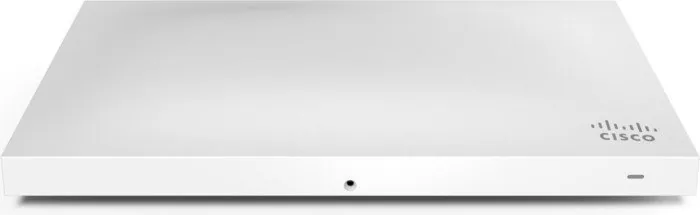
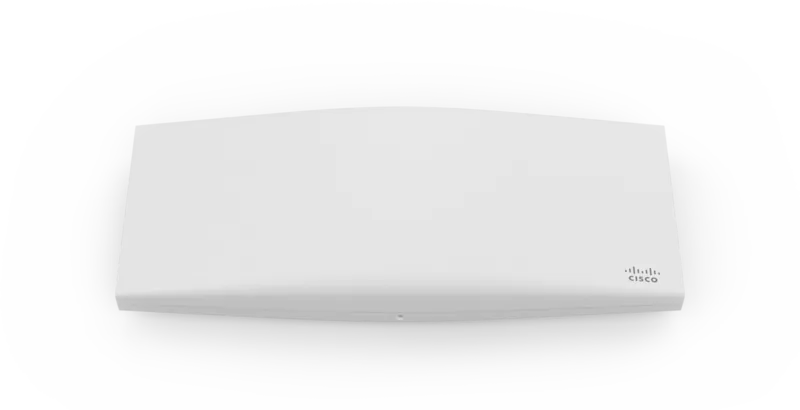
Cisco Meraki MR53 Manual
PDF manual · 16 Pages
English



Quick check
Incorrect answer, please try again.
Chat with your Cisco Meraki MR53 manual using AI
Get instant AI answers from your Cisco Meraki MR53 manual
Ask anything about the Cisco Meraki MR53. Answers come from this manual, with the pages they are based on.
Ask a Question
Do you recommend Meraki MR53?
Yes NoFrequently Asked Questions
It is designed for enterprise wireless networks that need strong capacity, dependable coverage, and cloud-based management. It fits high-density spaces like offices, campuses, and collaborative work areas.
Is this answer helpful?
The MR53 can be powered by a Meraki AC adapter, a PoE injector, or a third-party PoE switch. Its primary uplink port supports 802.3at and 802.3af power.
Is this answer helpful?
Yes. It supports wall, solid ceiling, drop ceiling, and junction box mounting. It can also be placed on a desk or shelf using its rubber feet.
Is this answer helpful?
The third radio helps optimize the RF environment and improve airspace monitoring. It adds value in busy deployments where wireless efficiency and security are important.
Is this answer helpful?
Press and hold the factory reset button for at least five seconds, then release it. The access point will reboot and return to its original factory configuration.
Is this answer helpful?
Run Dark mode turns off the visible LED light for a more discreet installation. It is useful when you want lower visibility without affecting normal operation.
Is this answer helpful?
Advantages and Disadvantages
Advantages

- High-density wireless design supports busy enterprise environments.
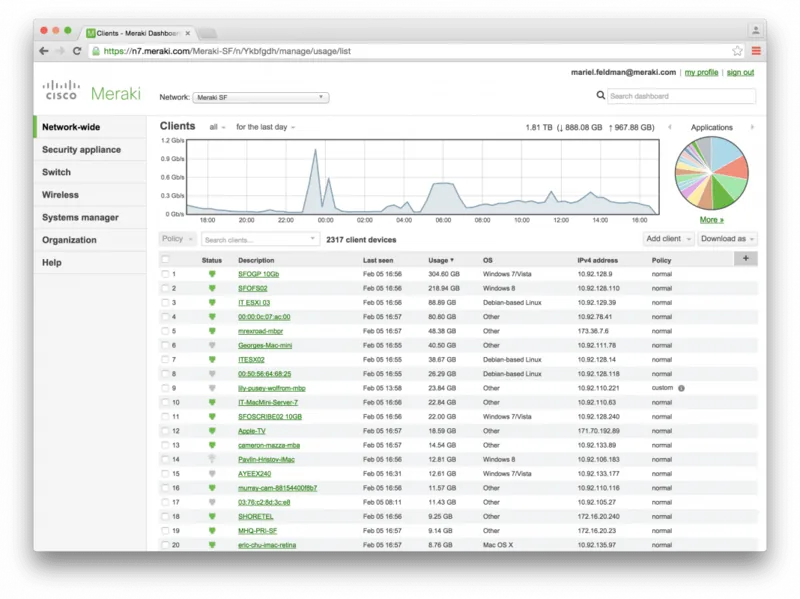
- Cloud-managed setup simplifies monitoring, updates, and administration.
- Flexible mounting options fit walls, ceilings, junction boxes, and shelves.
- Security features like a lock point and security screw help protect the device.
Disadvantages

- Some installation accessories and power adapters may need to be purchased separately.
- Initial setup requires planning in Dashboard and possible firmware updates.
- Low-power operation can disable certain radios and reduce feature availability.
- Link aggregation and static IP setup may require extra network configuration.
Product Specification
LAN
1x 2.5GBase-T (1x PoE PD), 1x 1000Base-T
Wireless
WLAN 802.11a/b/g/n/ac/h (Wi-Fi 5), simultaneous
Transfer rate
800Mbps (2.4GHz), 1733Mbps (5GHz)
Security
64/128bit WEP, WPA, WPA2
Antennas
internal
Power consumption
21W (consumption, operation), not specified (max. power supply output)
Dimensions
10.55x6.38x1.54in
Special features
VLAN, Bluetooth LE, MU-MIMO, TPC/DFS
Band capability
Dual Band (simultaneous)
Manufacturer warranty
lifetime (10 years in AT/DE)
Product Description
Cisco Meraki MR53 Manual: A Practical Guide to High-Performance Wi-Fi
The Cisco Meraki MR53 is built for environments that need reliable wireless performance without the complexity of traditional on-premises management. As a dual-band 802.11ac Wave 2 access point, it is designed for high-capacity and high-density deployments such as offices, campuses, and shared workspaces. One of its standout advantages is the third radio, which helps improve RF optimization and adds an extra layer of protection for the airspace.
From a deployment perspective, the MR53 is flexible enough to fit many installation styles. It can be mounted on a wall, solid ceiling, drop ceiling, or junction box, and it can also sit on a desk or shelf when needed. The included mount cradle, security screw, and Kensington lock support make it easier to balance convenience with physical security. For organizations that want a cleaner look, Run Dark mode reduces LED visibility while keeping the access point operational.
The Cisco Meraki MR53 Manual emphasizes preparation before installation, and that advice is worth following. Adding the access point to Dashboard, checking firmware, and confirming firewall access can save time on site. The MR53 also supports multiple power options, including PoE, a Meraki AC adapter, or a PoE injector, giving teams more freedom when planning network rollouts. Its dual Ethernet ports even allow link aggregation for higher throughput in supported setups.
In day-to-day use, the MR53 is more than just a fast wireless radio. Its LED indicators provide quick status feedback, while the factory reset button and local configuration options simplify troubleshooting and recovery. The device can also operate in low-power mode when powered by 802.3af, which is useful in certain environments, though some advanced features are reduced in that state.
Overall, this access point is a strong choice for organizations that want centralized cloud management, broad mounting flexibility, and enterprise-grade wireless performance. It is especially appealing where density, reliability, and security matter most.
Notes
- Best suited for demanding wireless environments.
- Pre-install planning improves setup speed and reliability.
- Some accessories and power options may be sold separately.
- Firmware and Dashboard setup should be completed before final mounting.
Search for 67,706 Manuals online


Type-in Brand or Model