
Cisco FlexStorage 12G SAS Manual
PDF manual · 102 Pages
English



Quick check
Incorrect answer, please try again.
Chat with your Cisco FlexStorage 12G SAS manual using AI
Get instant AI answers from your Cisco FlexStorage 12G SAS manual
Ask anything about the Cisco FlexStorage 12G SAS. Answers come from this manual, with the pages they are based on.
FlexStorage 12G SAS Maintenance Schedule
Use the LSI SAS2 BIOS Configuration Utility to run a consistency check to verify that data is synchronized in the mirrored disks.
The Integrated RAID firmware runs this feature at regular intervals when the mirrored volume is in the Optimal state to ensure data accessibility.
Free maintenance reminders
Timed to your purchase date. Always free, unsubscribe anytime.
Ask a Question
Do you recommend FlexStorage 12G SAS?
Yes NoFrequently Asked Questions
It manages multiple SAS drives as one storage system, improving performance and adding fault tolerance through RAID configurations. It is built for Cisco UCS environments that need dependable local storage.
Is this answer helpful?
The text emphasizes RAID 0, 1, 5, 6, 10, 50, and 60. Each level offers a different balance of speed, capacity use, and protection against drive failure.
Is this answer helpful?
PCIe 3.0 x8 provides a fast host connection, helping the controller move data efficiently between the server and attached SAS drives. That matters in busy workloads with frequent storage access.
Is this answer helpful?
Yes. Depending on the RAID level used, it can support mirrored data, parity protection, hot spares, and automatic rebuilds. These features help preserve data when drives fail.
Is this answer helpful?
Yes. Hot spare drives can take over automatically, and rebuilds can begin without full system downtime in many setups. This helps restore redundancy faster and reduces operational risk.
Is this answer helpful?
Drive compatibility, matching controller families, stripe-size consistency, and policy settings matter a lot. Also, RAID 5 and RAID 6 can slow writes because of parity calculations.
Is this answer helpful?
Advantages and Disadvantages
Advantages

- High-speed PCIe 3.0 x8 connectivity supports demanding SAS storage workloads.
- Multiple RAID levels allow tuning for performance, redundancy, or both.
- Hot spares and rebuild support help maintain availability after drive failure.
- Cisco/UCS management tools simplify monitoring, policy control, and recovery.
Disadvantages

- RAID 0 offers no redundancy, so a single drive failure can take down the volume.
- Parity-based RAID levels can reduce write performance compared with simpler layouts.
- Some migration and controller-matching rules limit flexibility during upgrades.
- Mixed drive types, such as HDDs and SSDs, are not recommended in one RAID set.
Product Specification
RAID Level
0/1/JBOD
Chipset
Broadcom SAS3108
Features
Mezzanine Module
Product Description
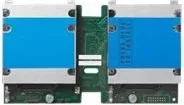
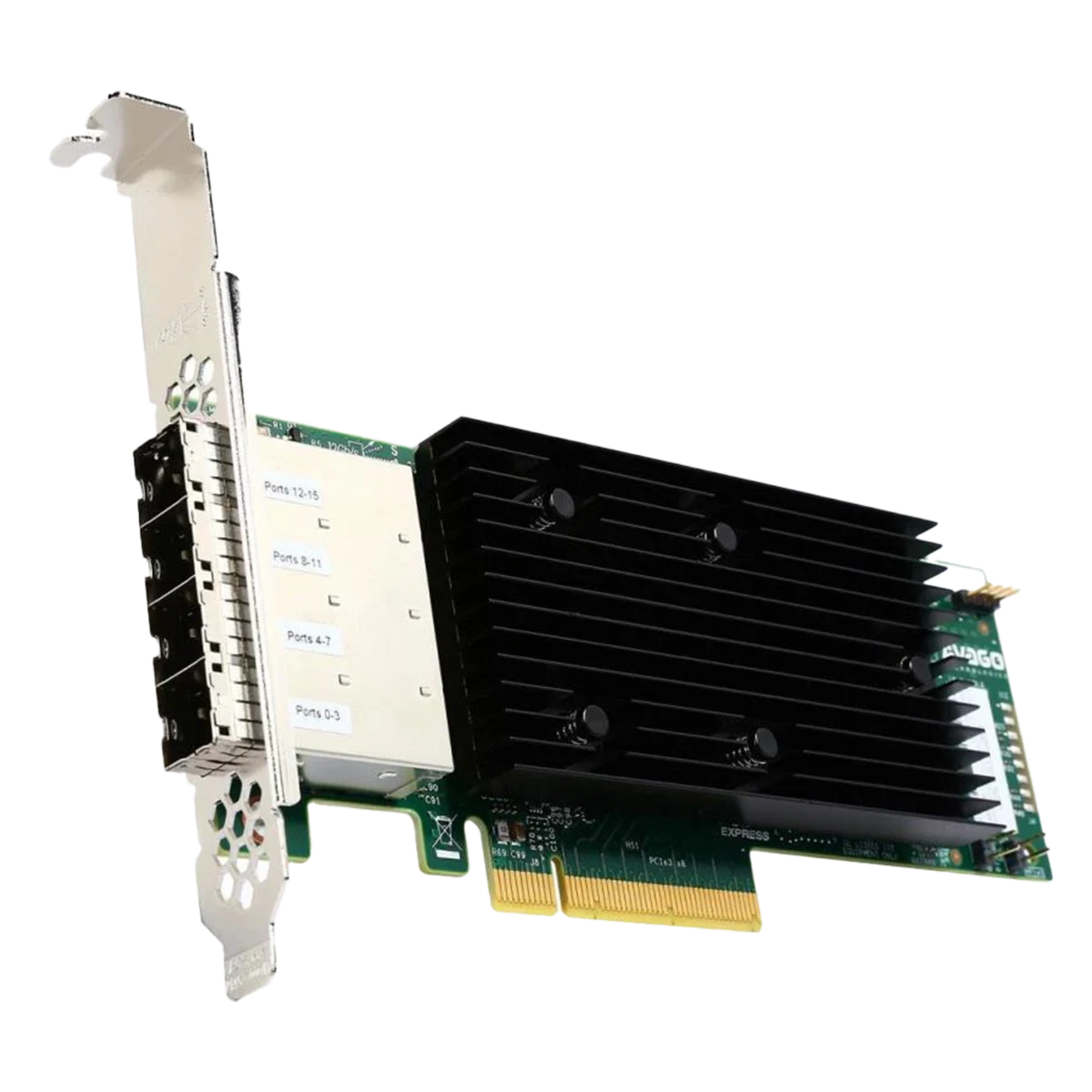
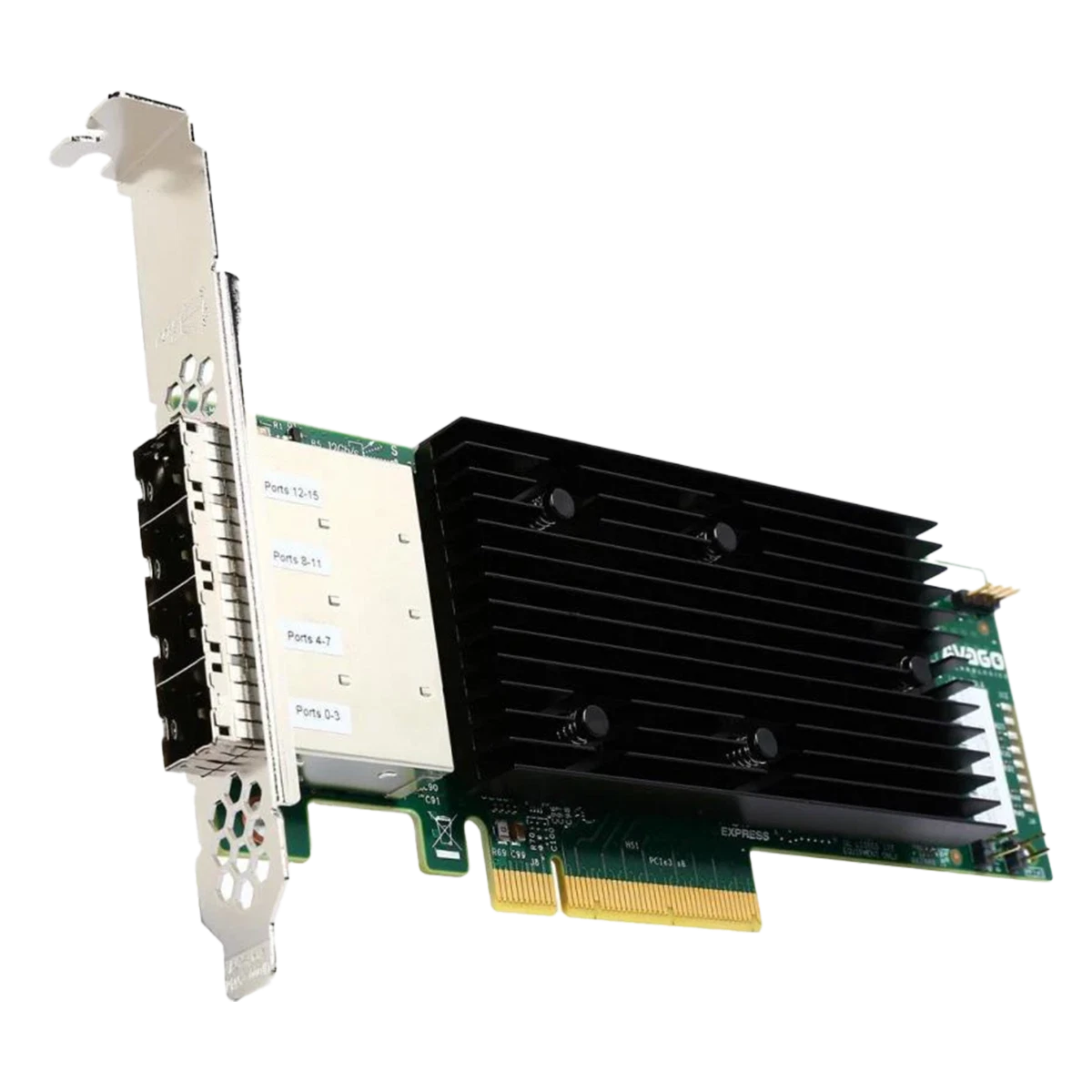
Cisco FlexStorage 12G SAS RAID Controller for UCS Server, PCIe 3.0 x8
The Cisco FlexStorage 12G SAS RAID Controller for UCS Server, PCIe 3.0 x8 Manual centers on a storage platform designed to bring speed, resilience, and practical control to Cisco UCS environments. At its core, the controller helps transform multiple physical drives into a single, manageable storage system that can be tuned for performance, redundancy, or a mix of both.
What makes this class of controller valuable is its balance between throughput and protection. In high-demand server workloads, RAID can spread data across drives to improve read and write efficiency, while mirrored and parity-based layouts add an important layer of fault tolerance. That means organizations can choose the right layout for databases, virtualization hosts, application servers, or general-purpose storage where uptime matters.
The controller’s PCIe 3.0 x8 interface gives it the bandwidth needed to support modern SAS storage traffic efficiently. Paired with 12G SAS connectivity, it is well suited for environments where fast disk access and reliable rebuild behavior are essential. The supported RAID modes typically include performance-focused options like RAID 0, protection-oriented modes like RAID 1 and RAID 5, and stronger resilience choices such as RAID 6, RAID 10, RAID 50, and RAID 60 depending on the controller family and licensing.
Another strength is manageability. Cisco storage tooling and UCS integration make it possible to monitor disk health, configure local disk policies, and respond to failures without overly disrupting operations. Hot spares, automatic rebuilds, drive-state reporting, and controller utilities all help keep storage systems running smoothly. For administrators, that means fewer surprises and a clearer path when a drive fails or a volume needs to be migrated.
This controller also reflects an important enterprise principle: reliability depends on planning. Stripe size, drive matching, controller compatibility, and correct policy assignment all influence performance and recovery. In practical use, the product is best viewed not just as hardware, but as part of a wider storage strategy built around availability, consistency, and lifecycle control.
Notes
- Best suited for UCS deployments that need controlled RAID management.
- Choose RAID level based on performance, capacity, and fault-tolerance goals.
- Use matching drives and compatible controller families for smoother migrations.
Search for 67,706 Manuals online


Type-in Brand or Model