
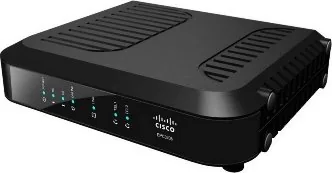
Cisco EPC3208 Manual
PDF manual · 70 Pages
English



Quick check
Incorrect answer, please try again.
Chat with your Cisco EPC3208 manual using AI
Get instant AI answers from your Cisco EPC3208 manual
Ask anything about the Cisco EPC3208. Answers come from this manual, with the pages they are based on.
Ask a Question
Do you recommend EPC3208?
Yes NoVideo Manual
Cisco Router: Zugang zu den Modi
Frequently Asked Questions
It offers eight downstream channels which allow for very low latency and high throughput speeds, ensuring smooth gameplay without buffering.
Is this answer helpful?
Yes, it supports Voice over IP via two dedicated telephone jacks for analog phones, allowing you to keep your landline service.
Is this answer helpful?
You can set your network adapter to obtain an IP address automatically via DHCP within your operating system settings.
Is this answer helpful?
If an optional battery is installed, voice services remain active during outages, though data connection relies on network availability.
Is this answer helpful?
It is simple but requires proper cable management and grounding. Some users prefer professional installation to ensure safety.
Is this answer helpful?
It has a compact design allowing vertical, horizontal, or wall mounting, provided ventilation is not blocked for heat dissipation.
Is this answer helpful?
Advantages and Disadvantages
Advantages

- Supports eight downstream and four upstream channels for high-speed performance
- Includes IPv6 capability for future-proofing home network infrastructure
- Integrates Voice over IP services with two dedicated telephone jacks
- Features clear LED indicators to monitor real-time network status
Disadvantages

- Requires specific grounding to prevent electrical hazards
- Installation may require professional assistance for best results
- Optional battery backup adds to initial setup cost and complexity
- Performance depends on service provider configuration and support
Product Specification
Modem
Cable TV (EuroDOCSIS 1.0/1.1/2.0/3.0)
WAN
1x coaxial
LAN
1x 1000Base-T
Telephone
2x Telephone (RJ-11)
Additional Ports
1x USB 1.1
Product Description
Experience High-Speed Connectivity with Cisco
Modern homes demand robust internet solutions to support streaming, gaming, and remote work. The Cisco EPC3208 stands out as a premier choice for broadband enthusiasts seeking reliability. This device combines power efficiency with exceptional throughput capabilities. It transforms your living space into a connected hub capable of handling heavy digital loads without lag.
Powerful Performance Features
Utilizing DOCSIS 3.0 technology, this modem unlocks unprecedented speeds. It supports eight downstream and four upstream channels, effectively quadrupling traditional connection rates found in older equipment. Users benefit from seamless integration with existing networks, ensuring backward compatibility with DOCSIS 2.0 standards. The device also embraces advanced IPv6 standards, future-proofing your home infrastructure for evolving digital demands. Security remains a priority with robust encryption protocols inherent to the design.
Versatile Connectivity Options
Convenience is key in any modern setup. The unit offers Gigabit Ethernet ports, allowing direct connection to PCs or routers without bottlenecks. Voice over IP capabilities are integrated via two dedicated telephone jacks, simplifying your home communication landscape for families with multiple landlines. Wireless access points can be managed through clear LED indicators, providing visual feedback on network status instantly for every user. You can monitor signal strength and online registration at a glance.
Installation and Maintenance
Setting up your hardware should be straightforward and safe. Following the guidelines from the Cisco EPC3208 Manual ensures safety and optimal configuration for long-term success. Proper grounding and positioning prevent electrical hazards while maximizing signal strength for clear transmission. Ventilation is critical to maintain performance levels over time without overheating issues. Optional battery backup functionality helps keep voice services active during power outages, providing critical continuity for your household needs.
Technical Support and Reliability
Cisco provides extensive customer support networks globally. Should issues arise, contacting your local provider yields quick resolutions regarding IP addressing or TCP/IP settings. Troubleshooting often involves checking LED patterns to diagnose registration problems quickly. The system auto-configures when linked correctly, minimizing manual intervention for average users. Regular maintenance ensures longevity and consistent speed delivery throughout the lifespan of the product.
Conclusion
This equipment delivers a comprehensive gateway solution for high-demand environments. It handles multiple devices simultaneously while maintaining stable connections across various protocols. Whether for personal enjoyment or small business operations, the robust architecture supports up to sixty-four users effectively. Reliable performance meets user-friendly design in this compact unit, making it a staple in modern networking.
Notes
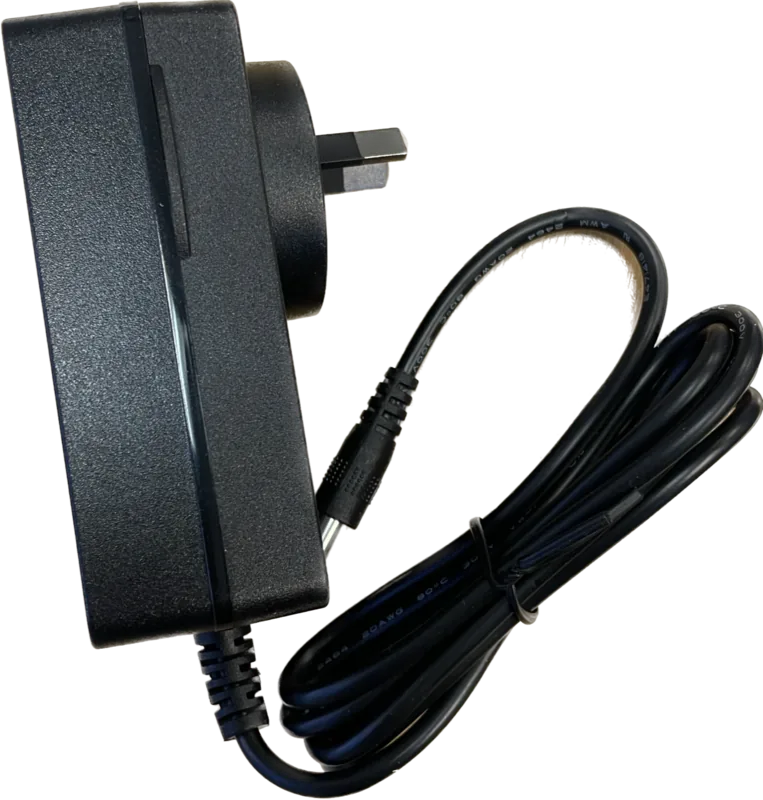
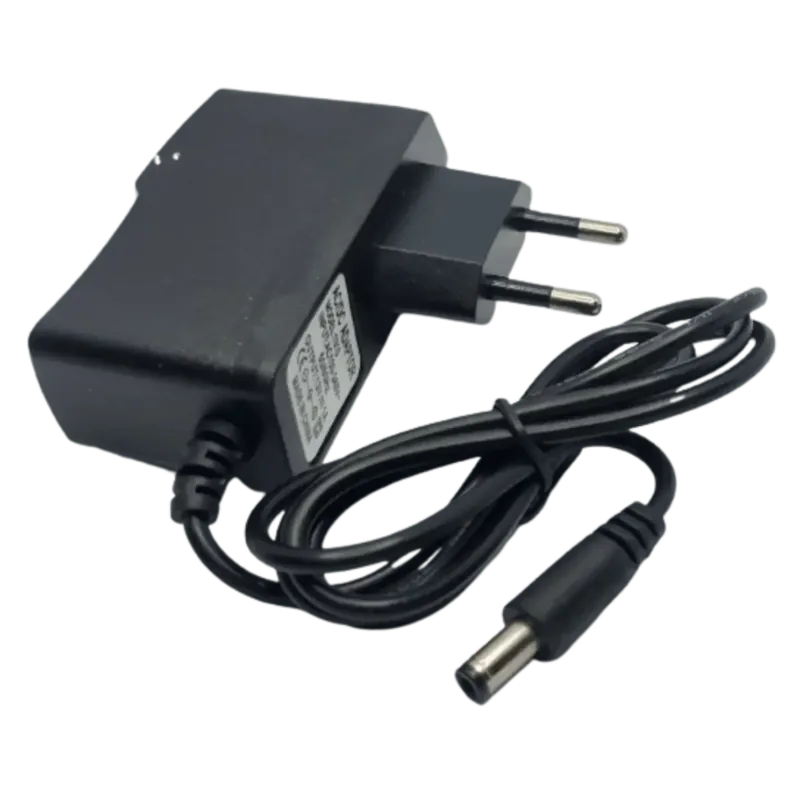
Ensure all cables are secure to avoid signal loss. Regular checks on LED status help diagnose issues quickly. Consult local regulations for installation compliance. Always use authorized power adapters for safety.
Search for 67,706 Manuals online


Type-in Brand or Model