

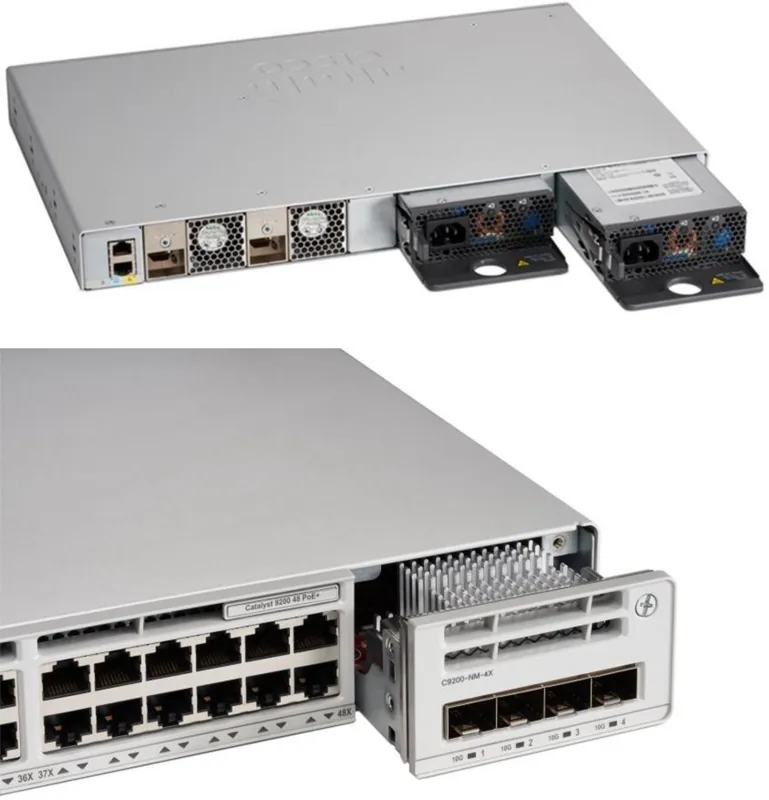
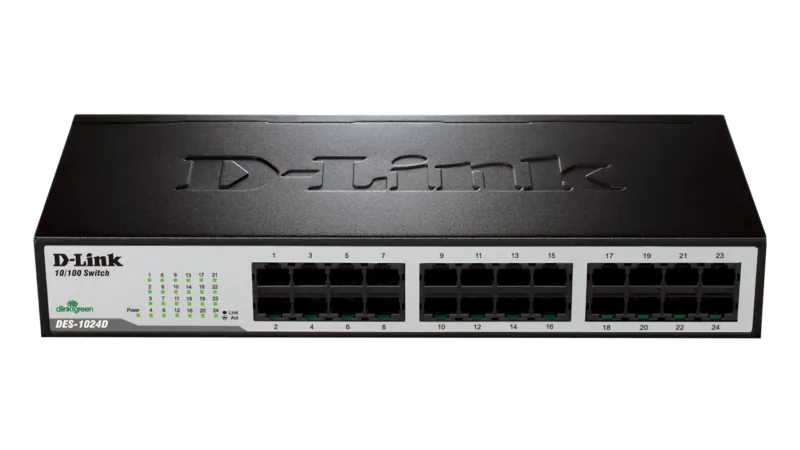
Cisco Catalyst 2960-L-SM Manual
PDF manual · 78 Pages
English



Quick check
Incorrect answer, please try again.
Chat with your Cisco Catalyst 2960-L-SM manual using AI
Get instant AI answers from your Cisco Catalyst 2960-L-SM manual
Ask anything about the Cisco Catalyst 2960-L-SM. Answers come from this manual, with the pages they are based on.
Ask a Question
Do you recommend Catalyst 2960-L-SM?
Yes NoFrequently Asked Questions
It is used as a compact Layer 2 access switch for small offices, branch locations, and workgroups. It connects end devices through Gigabit Ethernet and can extend the network using SFP uplinks.
Is this answer helpful?
This model features 8 RJ-45 Gigabit Ethernet ports and 2 SFP uplink slots. That combination gives you enough local access ports for devices while leaving room for higher-speed uplink connections.
Is this answer helpful?
Some variants do. The PoE models can power supported devices such as IP phones and wireless access points. The available PoE budget depends on the exact switch version and should be checked before deployment.
Is this answer helpful?
Yes. The installation guidance supports desk, shelf, wall, rack, and DIN rail mounting. That flexibility makes it easier to place the switch in offices, utility areas, or industrial-style setups.
Is this answer helpful?
Check the LEDs first, then verify cabling, link status, speed and duplex settings, and whether the port is administratively disabled. If PoE is involved, confirm the power budget and device compatibility.
Is this answer helpful?
On Windows systems, the Cisco USB console driver is required the first time you connect through the USB console port. Other platforms may not need the same driver, but terminal settings still must match the console defaults.
Is this answer helpful?
Use Category 5e or Category 6 cabling for 10/100/1000 Mbps Ethernet. For fiber uplinks, use supported Cisco SFP modules and cables that match the required wavelength and distance specifications.
Is this answer helpful?
Advantages and Disadvantages
Advantages

- Compact 8-port Gigabit design with 2 SFP uplinks for flexible network expansion.
- Fanless operation helps reduce noise and suits offices, desks, and quiet spaces.
- Multiple mounting options make installation easier in different environments.
- Clear LED indicators and console access simplify setup and troubleshooting.
Disadvantages

- LAN Lite positioning may feel limited for advanced enterprise switching needs.
- PoE power budget depends on model, so heavy device loads can be restrictive.
- SFP compatibility is limited to supported Cisco modules and approved use cases.
- Initial setup and cabling still require careful attention to mounting and safety rules.
Product Specification
Function
Switch
Type
Standalone, Rackmount (via mounting brackets)
Network ports
8x RJ-45, 2x SFP
Speeds
8x RJ-45 (10/100/1000Base-T), 2x SFP (10/100M/1Gb/s)
PoE
N/A
Backplane
20Gb/s, 14.88Mp/s, 10KB Jumboframes, 16k MAC addresses
Officially supported standards
802.1D, 802.1Q, 802.1X, 802.1AB, 802.1AX, 802.1p, 802.1s, 802.1w, 802.3, 802.3ab, 802.3ah, 802.3az, 802.3u, 802.3x, 802.3z, IGMPv3, MLDv2
Configuration
Web interface, console, serial (USB-A 2.0, USB 2.0 Mini-B, RJ-45), via control unit
Cooling
passive
Dimensions (WxHxD)
10.55x1.73x8.46in, 1U
Weight
3.33lb
Color
light grey
Special features
Metal housing, removable mounting brackets, firmware updates possible, theft protection (Kensington Lock)
Manufacturer's warranty
lifetime (10 years in AT/DE)
Product Description
Cisco Catalyst 2960-L-SM LAN Lite Desktop Gigabit Smart Switch
The Cisco Catalyst 2960-L-SM LAN Lite Desktop Gigabit Smart Switch is built for small business and branch environments that need dependable wired connectivity without unnecessary complexity. With 8 RJ-45 Gigabit Ethernet ports and 2 SFP uplink slots, it offers a practical mix of access ports and expansion options in a compact desktop-friendly design. It is a solid fit for workgroups, retail counters, remote offices, and light enterprise deployments where stable Layer 2 switching matters most.
What makes this switch appealing is its balance of simplicity and capability. The LAN Lite software focus keeps administration straightforward, while the Gigabit ports help maintain smooth traffic for everyday business tasks such as file sharing, voice, printing, and cloud access. The two SFP slots also give you flexibility for fiber or copper uplinks, which is useful when you need to extend the network or connect to another closet switch over longer distances.
The hardware installation guidance shows that Cisco designed this model for flexible placement. It can be mounted on a desk, shelf, wall, rack, or DIN rail, making it suitable for a wide range of spaces. The fanless design and power-conscious approach also help reduce noise and energy use, which is especially valuable in offices or customer-facing areas. For PoE-capable variants, the switch can support connected devices such as IP phones or access points with a defined power budget.
Setup and maintenance are equally practical. The console access options, LED indicators, and troubleshooting tips make day-to-day operation easier, especially when verifying link status, power delivery, or switch health. The manual also highlights important installation and safety details, such as airflow clearance, grounding, cabling limits, and correct mounting orientation, all of which help protect the switch and improve long-term reliability.
Why it stands out
This switch is best understood as a compact access-layer solution that favors consistency over complexity. If you need a sturdy desktop gigabit switch with uplink flexibility, predictable behavior, and Cisco’s familiar hardware design, the Cisco Catalyst 2960-L-SM LAN Lite Desktop Gigabit Smart Switch Manual provides a clear path from installation to daily use.
Notes
- Keep ventilation space clear to avoid overheating.
- Use supported SFP modules for best compatibility.
- Match cable type and speed settings to the connected devices.
- Check LEDs first when diagnosing connectivity issues.
Search for 67,706 Manuals online


Type-in Brand or Model