
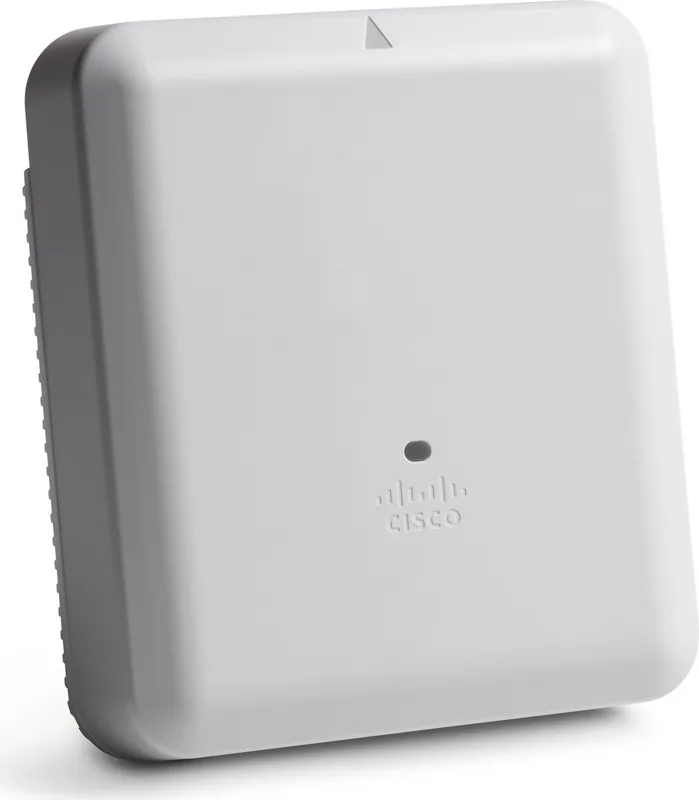
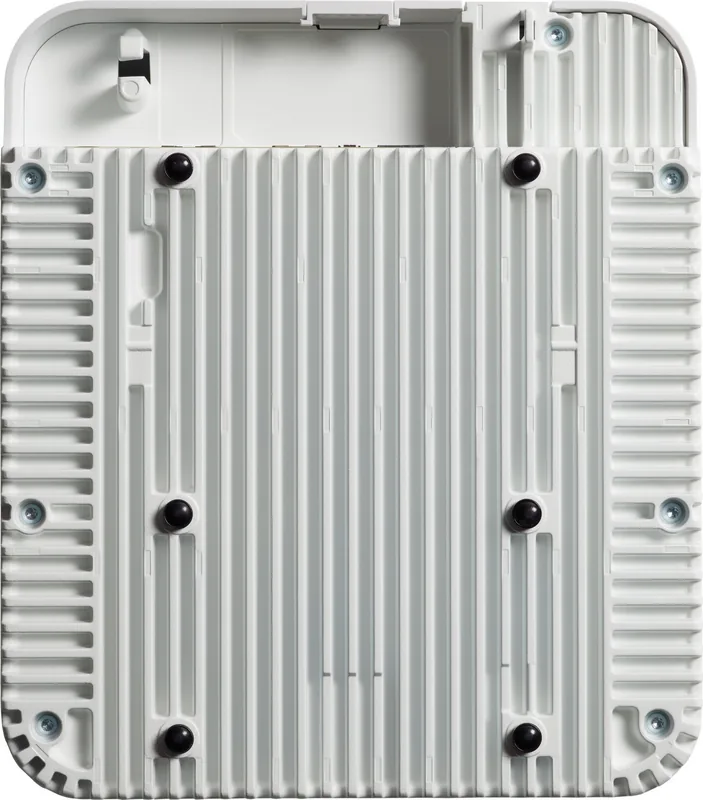
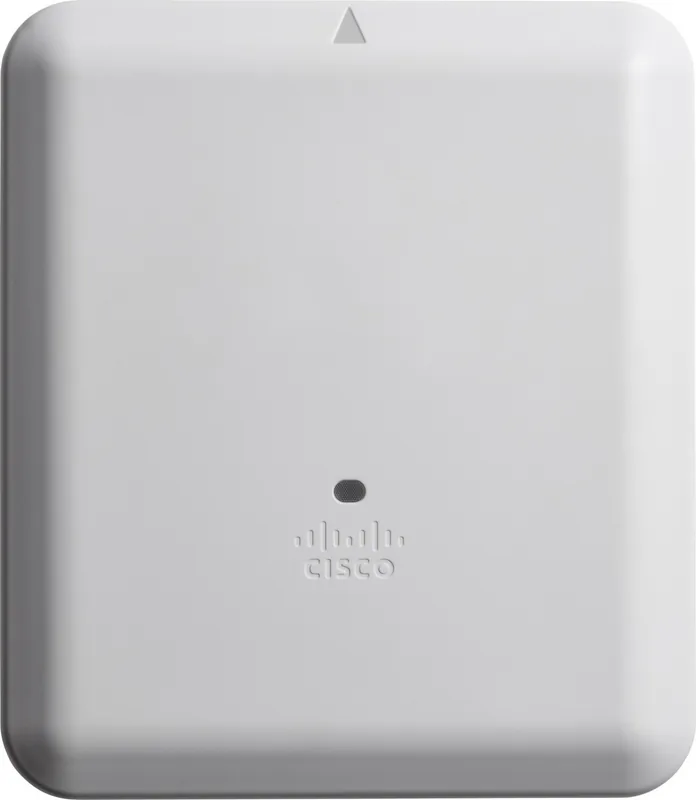
Cisco Aironet 4800 Manual
PDF manual · 34 Pages
English



Quick check
Incorrect answer, please try again.
Chat with your Cisco Aironet 4800 manual using AI
Get instant AI answers from your Cisco Aironet 4800 manual
Ask anything about the Cisco Aironet 4800. Answers come from this manual, with the pages they are based on.
Ask a Question
Do you recommend Aironet 4800?
Yes NoFrequently Asked Questions
Flexible Radio Assignment dynamically configures the AP’s flexible radios based on RF conditions to serve clients or perform monitoring, enabling modes like 2.4/5 GHz, dual 5 GHz for capacity, or mixed client-and-security scanning to optimize high-density networks.
Is this answer helpful?
The AP uses CAPWAP Layer 3 discovery via DHCP (Option 43), DNS (CISCO-CAPWAP-CONTROLLER.localdomain), stored primed controller IPs, or IP subnet broadcast. Ensure DHCP, CAPWAP UDP ports 5246/5247, and proper routing/timing on the controller for successful joins.
Is this answer helpful?
Multigigabit Ethernet supports 2.5 Gbps and 5 Gbps uplink speeds over Cat5e or higher cabling, plus standard 100 Mbps and 1 Gbps. Behavior with Link Aggregation depends on switch support; in LAG the mGig port may operate as a single 1 Gbps link.
Is this answer helpful?
Yes. The AP’s integrated 16-element AoA antenna array and built-in BLE enable hyperlocation (sub-3m accuracy), analytics, and integration with Cisco DNA Center or third-party systems for event-driven visibility and mapping.
Is this answer helpful?
Power options include PoE+ (802.3at), Cisco UPoE/802.3bt where supported, and an optional local DC power supply (AIR-PWR-C). Feature availability (USB/AUX, maximum mGig speed) depends on the available PoE budget and injector/switch capabilities.
Is this answer helpful?
Operators must select AP models approved for their regulatory domain, follow RF exposure separation distances (generally 30 cm / 12 inches), use Cisco-approved antennas/accessories, and comply with regional declarations (FCC, IC, EU, VCCI, Taiwan, Brazil). Unauthorized modifications can void certifications.
Is this answer helpful?
Advantages and Disadvantages
Advantages

- High-density 802.11ac Wave 2 MU-MIMO with dual 5 GHz option for increased client capacity.
- Integrated hyperlocation AoA antenna array and BLE for precise location and analytics.
- Multigigabit Ethernet (2.5/5 Gbps) over Cat5e and optional link aggregation for stronger uplinks.
- Three-radio design supports client service plus dedicated monitoring/security without sacrificing throughput.
- Controller-based CAPWAP management and Flexible Radio Assignment for dynamic RF optimization.
Disadvantages

- Requires Cisco Wireless LAN Controllers; cannot operate as an independent standalone AP.
- Model regulatory domain restrictions require country-specific approval verification.
- Limited USB support; only Cisco-approved USB devices and little software functionality.
- Advanced features need compatible controller software releases and sufficient PoE power budget.
- CAPWAP lacks Layer 2 discovery — Layer 3 DHCP/DNS configuration is necessary for deployment.
Product Specification
LAN
1x 5GBase-T (1x PoE+ PD), 1x 1000Base-T
Wireless
WLAN 802.11a/b/g/n/ac/h (Wi-Fi 5), simultaneous
Transfer rate
450Mbps (2.4GHz), 5200Mbps (5GHz) split into 2x 2600Mbps
Security
WPA, WPA2
Antennas
internal
Ports
1x RJ-45 Management Port, 1x USB 2.0
Power consumption
31W (consumption, operation), no data (max. power supply output)
Dimensions
9.84x8.66x2.91in
Special features
TPC/DFS, MU-MIMO, LACP, Bluetooth
Band capability
Tri Band (simultaneous)
Manufacturer's warranty
lifetime (10 years in AT/DE)
Frequencies
E Regulatory Domain: 2.412-2.472GHz (13 channels), 5.180-5.320GHz (8 channels), 5.500-5.700GHz (8 channels, excluded 5.600-5.640GHz)
Product Description
Cisco Aironet 4800 Controller-based AP E regulatory domain Manual
The Cisco Aironet 4800 series is a high-performance, controller-based access point designed for demanding enterprise and high-density environments. Built around 802.11ac Wave 2 MU-MIMO technology, the 4800 integrates multiple radios and advanced antenna arrays to deliver robust throughput, precise location services, and comprehensive spectrum intelligence. With flexible radio assignment, the AP can dynamically operate as dual-band or dual-5 GHz to maximize client capacity or dedicate radios for monitoring, security, and hyperlocation tasks.
This AP includes an integrated hyperlocation antenna array with 16 elements for angle-of-arrival (AoA) location accuracy, built-in BLE for proximity services, and a compass to assist location mapping. It provides multigigabit Ethernet (mGig) support—enabling 2.5 Gbps and 5 Gbps uplinks over Cat5e—plus optional link aggregation for higher resiliency. The AP’s three-radio architecture features two client-serving radios and a third listen-only radio for analytics, wireless intrusion prevention/detection (WIPS/WIDS), and CleanAir interference detection without impacting client-serving capacity.
Deployment and management are controller-centric: CAPWAP enables discovery and secure joining to Cisco Wireless LAN Controllers via DHCP (Option 43), DNS, or Layer 3 discovery. The guide outlines pre-installation configuration, mounting and grounding options, powering methods (PoE+, uPoE, or local DC), LED status meanings, and regulatory compliance measures specific to regional domains. The AP supports multiple operating roles—Local, FlexConnect, Monitor, Sensor, Sniffer, Security, and Hyperlocation—so administrators can tailor radios for client service, monitoring, or advanced analytics.
Safety, compliance, and regulatory guidance are emphasized throughout: RF exposure limits, country-specific declarations (FCC, IC, EU, VCCI, Brazil, Taiwan), antenna requirements, and recommended separation distances are provided to ensure lawful and safe operation. Installation guidance includes recommended mounting brackets and clips, secure locking options, recommended fasteners, and cautions about powering devices in plenum spaces. Troubleshooting advice focuses on CAPWAP join issues, syslog configuration, and controller compatibility and timing concerns.
Notes
- Verify the AP regulatory domain (model suffix) for legal operation in your country and consult Cisco’s compliance pages for updates.
- Use Cisco-approved accessories and follow power and mounting requirements to meet safety and performance expectations.
- Pre-provision APs with controller IPs (priming) or configure DHCP Option 43 to simplify large deployments.
Pros and Cons
Pros:
- High-density performance with 802.11ac Wave 2 MU-MIMO and dual 5 GHz capability.
- Integrated hyperlocation and BLE support for sub-3m location accuracy and analytics.
- Multigigabit Ethernet (2.5/5 Gbps) over Cat5e and optional link aggregation for stronger uplinks.
- Three-radio design enables simultaneous client service and dedicated monitoring/security.
- Rich controller-based management (CAPWAP) and flexible radio assignment for dynamic optimization.
Cons:
- Controller dependency: AP must join supported Cisco Wireless LAN Controllers (no standalone operation).
- Regulatory domain restrictions require verifying model approval per country.
- USB port has limited or no software support; only Cisco-approved USB devices recommended.
- Advanced features can require specific controller software releases and appropriate PoE budget.
- CAPWAP does not support Layer 2 discovery; Layer 3 configuration and DHCP/DNS setup required.
Most Important Results
- Performance: 802.11ac Wave 2 MU-MIMO with dual 5 GHz option increases client capacity and throughput.
- RF Intelligence: CleanAir, analytics, and a 16-element AoA antenna array enable interference mitigation and precise location services.
- Uplink: mGig support delivers 2.5/5 Gbps uplinks over Cat5e, improving backhaul for high-density traffic.
- Deployment: CAPWAP-based controller discovery supports DHCP Option 43, DNS, Layer 3 discovery, and priming.
- Radios: Three-radio architecture lets two serve clients while a third monitors for security and analytics.
FAQ
[{ "question": "What is Flexible Radio Assignment (FRA)?", "answer": "Flexible Radio Assignment dynamically configures the AP’s flexible radio(s) based on RF conditions to serve clients or perform monitoring. It can switch between 2.4/5 GHz, dual 5 GHz for capacity, or combine client service with security scanning to optimize performance in high-density environments." }, { "question": "How does the AP discover and join a controller?", "answer": "The AP uses CAPWAP Layer 3 discovery methods: DHCP (Option 43), DNS (CISCO-CAPWAP-CONTROLLER.localdomain), stored controller IP priming, or IP subnet broadcast. Ensure DHCP, CAPWAP UDP ports (5246/5247), and controller time settings are correct for successful joins." }, { "question": "What uplink speeds does Multigigabit Ethernet support on the 4800?", "answer": "The AP supports multigigabit Ethernet speeds of 2.5 Gbps and 5 Gbps over existing Cat5e cabling as well as standard 100 Mbps and 1 Gbps. When operating in LAG, the mGig port may fall back to single Gigabit behavior depending on switch support." }, { "question": "Can the AP perform location and analytics?", "answer": "Yes. The integrated 16-element hyperlocation antenna array enables angle-of-arrival (AoA) and hyperlocation services (sub-3m accuracy), while built-in BLE and analytics radios provide event-driven visibility and integration with Cisco DNA Center or third-party analytics." }, { "question": "What powering options are supported?", "answer": "Power options include PoE+ (802.3at), Cisco UPoE/802.3bt support on compatible injectors or switches, and a local DC power supply (AIR-PWR-C). Power budgets affect feature availability (USB/AUX, mGig) so verify PSE and injector capabilities." }, { "question": "Are there regulatory or safety constraints to consider?", "answer": "Yes. Operators must verify the AP regulatory domain model for country approval, follow RF exposure separation distances (typically 30 cm / 12 inches), use approved antennas and accessories, and heed region-specific declarations (FCC, IC, EU, VCCI, Taiwan, Brazil). Noncompliant modifications may void certification." }]
Search for 67,706 Manuals online


Type-in Brand or Model