Wenn die oben genannten Maßnahmen Ihr Problem nicht lösen können, wenden
Sie sich an den Kundendienst unter Canyon http://canyon.eu/ask-your-question/
Si las acciones anteriores no pueden resolver su problema, póngase en contacto
con el servicio de asistencia en Canyon
http://canyon.eu/ask-your-question/
Si les actions ci-dessus ne permettent pas de résoudre votre problème, contactez
le service d'assistance à l'adresse Canyon http://canyon.eu/ask-your-question/
Fehlersuche
Störung:Abhilfe:
Das Headset kann
keine Verbindung
herstellen
Vergewissern Sie sich, dass die Ohrhörer aufgeladen
sind. Vergewissern Sie sich, dass die Geräte verbunden
sind und die Bluetooth-Funktion in Ihrem Gerät
eingeschaltet ist. Schalten Sie die Ohrhörer aus und
dann wieder ein. Stellen Sie sicher, dass das Headset als
Tonausgabegerät angegeben ist. Setzen Sie das Gerät
auf die Werkseinstellungen zurück und stellen Sie die
Verbindung wieder her.
Verzerrter Klang
Bringen Sie die Ohrhörer näher an das Gerät heran.
Überprüfen Sie die Verfügbarkeit von Funksignalen in
der Nähe Ihres Headsets und Geräts, die Störungen
verursachen können.
Stellen Sie die Lautstärke an Ihrem Ohrhörer und Ihrem
Gerät ein. Schalten Sie den Ohrhörer aus und dann wieder
ein. Setzen Sie das Gerät auf die Werkseinstellungen
zurück und stellen Sie die Verbindung wieder her.
Solución de problemas
Fallo:Remedio:
El auricular no
puede conectarse
Asegúrate de que los auriculares están cargados.
Asegúrese de que los dispositivos están conectados y la
función Bluetooth de su dispositivo está activada. Apaga
los auriculares y vuelve a encenderlos. Asegúrese de que
los auriculares están especicados como dispositivo de
salida de sonido. Restablece la conguración de fábrica y
vuelve a conectarte.
Sonido
distorsionado
Acerca los auriculares al aparato.
Comprueba la disponibilidad de las señales inalámbricas,
que pueden provocar interferencias, cerca de tus
auriculares y del dispositivo. Ajusta el volumen del sonido
en tus auriculares y en el dispositivo. Apaga los auriculares
y vuelve a encenderlos. Restablece la conguración de
fábrica y vuelve a conectarte.
Dépannage
Défaut :Solution :
Les écouteurs
ne se connectent
pas
Assurez-vous que les écouteurs sont chargées. Assurez-
vous que les appareils sont connectés et que la fonction
Bluetooth de votre appareil est activée. Éteignez les
écouteurs, puis rallumez-les. Assurez-vous que le casque
est spécié comme périphérique de sortie sonore.
Réinitialisez les paramètres d'usine et reconnectez les
écouteurs.
Son déformé
Rapprochez les écouteurs de l'appareil.
Vériez la disponibilité des signaux sans l, qui peuvent
créer des interférences, à proximité de vos écouteurs et
de votre appareil.
Réglez le volume sonore de vos écouteurs et de votre
appareil. Éteignez les écouteurs, puis rallumez-les.
Réinitialisez les paramètres d'usine et reconnectez les
écouteurs.
à se charger, ce qui est indiqué par
un indicateur de batterie LED rouge.
Lorsqu'il est entièrement chargé, le
voyant est rouge xe.
Lebensdauer erreicht hat, führen Sie es einer von den örtlichen Behörden
bestimmten Recyclinganlage zu.
nal de su vida útil, llévelo a un centro de reciclaje designado por las autoridades
locales.
/2
%
Quick check
I'm not a robot
Incorrect answer, please try again.
Chat with your Canyon TWS-3 manual using AI
Get instant AI answers from your Canyon TWS-3 manual
Ask anything about the Canyon TWS-3. Answers come from this manual, with the pages they are based on.
Ask a Question
0/1000
Do you recommend TWS-3?
YesNo
Frequently Asked
Questions
A
Simply remove the earbuds from the charging case. They will automatically pair with each other. Then, go to the Bluetooth settings on your audio device and select 'Canyon BT headset' to complete the connection.
Is this answer helpful?
A
The earbuds provide up to 12 hours of work time when used together with the charging case. The charging case itself takes approximately 2 hours to fully recharge via the Type-C port.
Is this answer helpful?
A
Yes, the TWS-3 supports the Handsfree function. You can answer calls with a single press, reject them by holding the button for two seconds, and end calls with another single press.
Is this answer helpful?
A
Take the earbuds out of the case. Press and hold the buttons for 10 seconds until you hear a double beep sound. Once reset, pair them again using your Bluetooth settings.
Is this answer helpful?
A
No, the device is not waterproof. You must protect it against high humidity, water, and dust penetration. Do not use it in very humid or dusty premises to avoid damage.
Is this answer helpful?
A
The warranty period is 2 years from the date of purchase. Repairs or replacements are handled at the discretion of Canyon, provided you return the product with proof of purchase.
Is this answer helpful?
M: QW-35-FL
Advantagesand
Disadvantages
Advantages
Advanced Bluetrum BT 5.0 for stable and fast connections
Up to 12 hours of total playback time with the charging case
Convenient automatic pairing when removed from the case
Multifunctional touch controls for easy music and call management
Fast Type-C charging with clear LED status indicators
VS
Disadvantages
Not suitable for use in extremely humid or dusty environments
Device cannot be repaired by the user without voiding the warranty
Battery capacity is relatively small for individual earbud usage alone
Requires specific handling to avoid water and heat damage
Resetting requires manual button pressing which may take practice
M: QW-35-FL
Product
Specification
Type
In-Ear Headphones
Form Factor
True Wireless, Ear Hookless
Principle
Closed-back
Microphone
Integrated
Wireless
Bluetooth 5.0
Control
Touch Control
Battery Life
3 hours
Battery
USB-C Charging Port, Charging Case (350mAh)
Software Features
Voice Assistant
Weight
1.62 oz
M: QW-35-FL
Product
Description
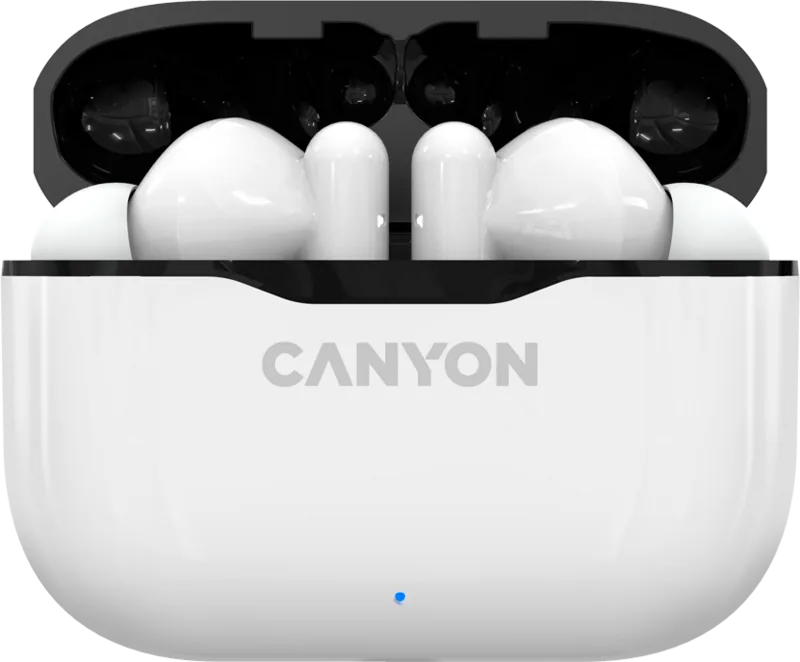
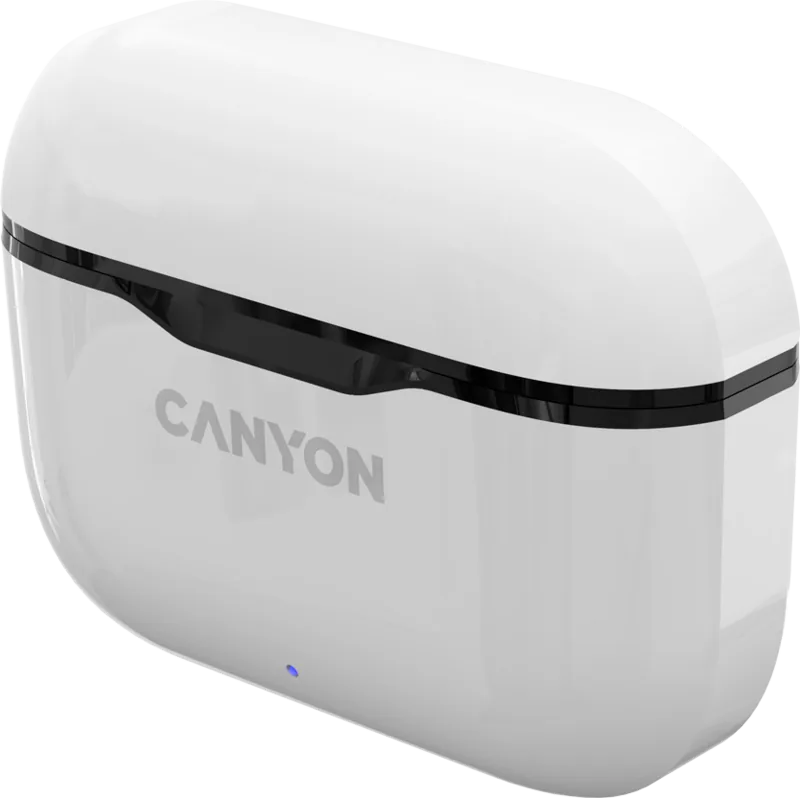
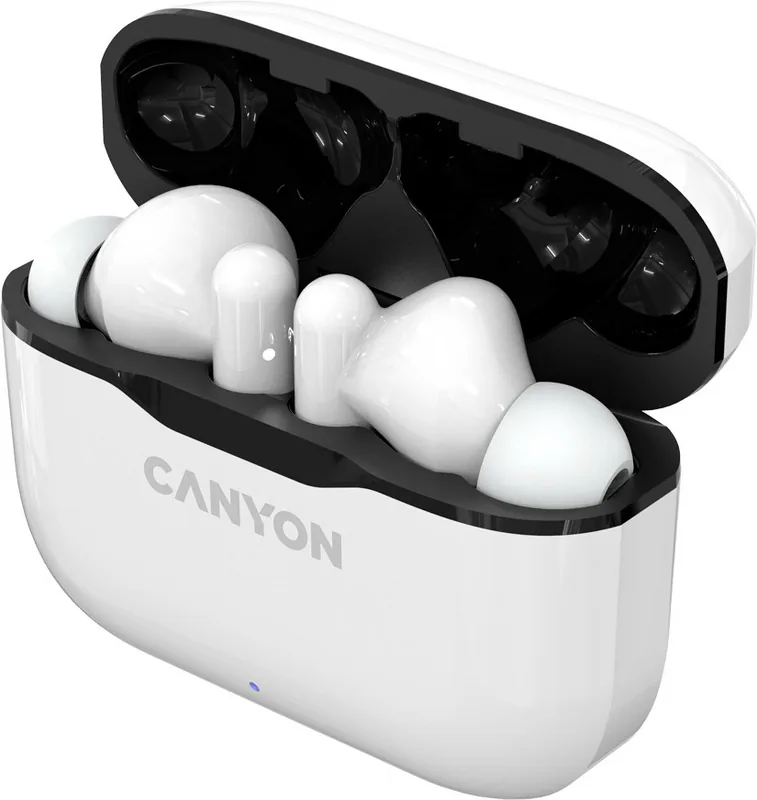
Discover the Canyon TWS-3 True Wireless Experience
The Canyon TWS-3 represents a seamless blend of modern technology and user-friendly design, offering an exceptional audio journey for daily commuters and music enthusiasts alike. This true wireless stereo headset delivers high-quality sound without the hassle of tangled wires, ensuring your favorite tunes remain crisp and clear wherever you go.
Equipped with advanced Bluetrum BT 5.0 technology, the TWS-3 ensures a stable and rapid connection to your devices. The automatic pairing feature means that as soon as you remove the earbuds from the charging case, they instantly connect to each other and your smartphone, tablet, or laptop. Whether you are taking calls or streaming your playlist, the support for HFP, AVRCP, and A2DP profiles guarantees versatile functionality.
One of the standout features is the impressive battery life. With up to 12 hours of continuous playback when used with the charging case, you can enjoy your day without constant interruptions. The earbuds themselves hold a 35 mAh charge, while the compact charging case provides an additional 350 mAh, allowing for multiple recharges on the go. Recharging is straightforward via the convenient Type-C input, which fully powers the case in just two hours.
User control is intuitive thanks to the multifunctional touch buttons located on both earbuds. You can easily play or pause music, skip tracks, adjust volume, and activate your voice assistant with simple taps and holds. Answering or rejecting calls is equally effortless with single presses or long holds, keeping your hands free during busy moments.
Safety is paramount with the Canyon TWS-3. The device is designed to withstand daily wear, though it should be protected from extreme humidity, water, dust, and direct sunlight to ensure longevity. It is crucial to avoid using liquid detergents for cleaning; a dry cloth is sufficient. Furthermore, the manufacturer advises against dismantling the unit to preserve warranty coverage. When the product eventually reaches the end of its service life, responsible recycling according to local regulations is required.
Backed by a robust 2-year warranty starting from the date of purchase, the Canyon TWS-3 offers peace of mind. For any issues, users can reset the factory settings by holding the buttons for ten seconds if connectivity problems arise. This headset is more than just audio equipment; it is a reliable companion for your active lifestyle.
Important Notes
Always keep the earbuds charged before use for optimal performance.
Avoid exposing the device to temperatures that could cause overheating.
Dispose of the battery and unit at designated recycling facilities.
Use only the provided Type-C cable for charging to prevent damage.