Get instant AI answers from your Canyon MW-11 manual
Ask anything about the Canyon MW-11. Answers come from this manual, with the pages they are based on.
Ask a Question
0/1000
Do you recommend MW-11?
YesNo
Frequently Asked
Questions
A
The Canyon MW-11 features a minimum and maximum resolution of 1200 DPI, powered by a high-accuracy Pixart sensor for reliable tracking.
Is this answer helpful?
A
If the mouse does not work, check the USB receiver connection. Try plugging it into a different USB port or remove and reinstall the device in your system settings.
Is this answer helpful?
A
No, dismantling the device is strictly forbidden. Attempting unauthorized repairs will result in the immediate loss of your warranty coverage.
Is this answer helpful?
A
The warranty period is two years from the date of purchase. You must present your sales receipt or waybill to claim any warranty services.
Is this answer helpful?
A
For optimum performance, the device should be kept at a temperature between 15 and 25 degrees Celsius to preserve battery capacity and function.
Is this answer helpful?
A
The package contains the wireless optical mouse, a USB receiver, a user manual, and two AAA type batteries.
Is this answer helpful?
M: QW-35-FL
Advantagesand
Disadvantages
Advantages
High-accuracy Pixart sensor for precise cursor movement
Stable 2.4 GHz wireless connection eliminates lag
Durable pearlescent coating resists wear and scratches
Includes two AAA batteries ready for immediate use
Comes with a generous 2-year manufacturer warranty
VS
Disadvantages
Requires specific temperature range (15-25 C) for optimal battery life
Not suitable for use in high humidity or dusty environments
Cannot be repaired by users without voiding the warranty
Batteries must be disposed of separately from household waste
Maximum resolution is limited to 1200 DPI compared to gaming mice
M: QW-35-FL
Product
Specification
Suitability
right hand
Keys
3 (total), 2 (main), 1 (scroll wheel click)
Scroll wheel
1x 2-way
Scanning
LED-red/IR
Resolution
1200 dpi
Sensor
PixArt PMW 3065
Lighting
N/A
Connection
wireless (2.40GHz), USB-A (USB-A receiver)
Power supply
2x AAA
Dimensions (WxDxH)
2.64x1.50x4.21 in
Approximate volume
4.33 cu in (approximate shape)
Weight
2.22 oz
Features
thumb rest, non-slip surface (rubberized on sides/top), stowable receiver
M: QW-35-FL
Product
Description
Discover the Canyon MW-11 Wireless Optical Mouse
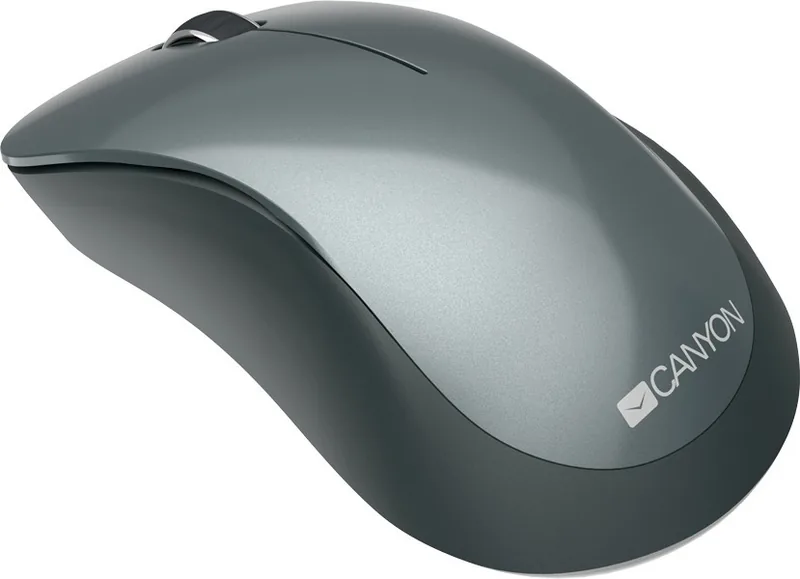
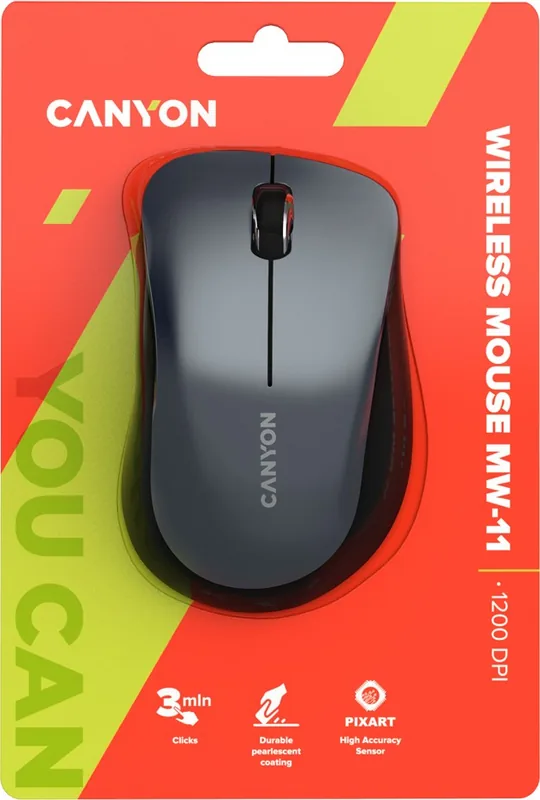
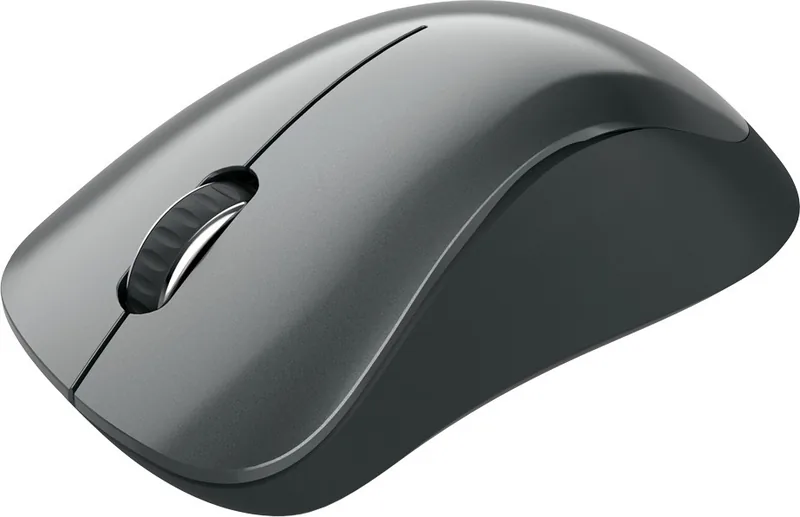
The Canyon MW-11 is a sleek and reliable wireless optical mouse designed to enhance your daily computing experience. Whether you are working on complex spreadsheets, gaming, or simply browsing the web, this device offers precision and comfort. Its durable pearlescent coating not only adds a touch of elegance but also ensures long-lasting resistance against wear and tear.
Equipped with a high-accuracy Pixart sensor, the Canyon MW-11 delivers smooth cursor control with a resolution ranging from 1200 DPI. The 2.4 GHz wireless connection provides a stable link between your computer and the mouse, eliminating lag and ensuring responsive performance. The package includes two AAA batteries, allowing you to start using the product immediately out of the box.
Safety is a top priority for the manufacturer. Users are advised to keep the device away from excessive moisture, water, and dust. It should never be exposed to direct sunlight or placed near heating appliances. For cleaning, always use a dry cloth to maintain the device's appearance and functionality. Avoid dismantling the unit, as this will void the warranty.
For optimal battery life and performance, store the mouse in an environment with temperatures between 15 and 25 degrees Celsius. Extreme heat or cold can reduce battery capacity and potentially cause temporary operational issues. If you encounter any problems, such as a lack of signal, try reconnecting the USB receiver to a different port or reinstalling the device drivers.
The Canyon MW-11 comes with a comprehensive two-year warranty from the date of purchase. This coverage includes repair, replacement, or refund at the discretion of Canyon. To claim warranty service, return the product along with proof of purchase to the authorized seller. Always dispose of the product and its batteries according to local regulations, taking them to designated recycling facilities when the service life ends.