Get instant AI answers from your Canyon HP-2 manual
Ask anything about the Canyon HP-2. Answers come from this manual, with the pages they are based on.
Ask a Question
0/1000
Do you recommend HP-2?
YesNo
Frequently Asked
Questions
A
The Canyon HP-2 features 40 mm drivers, a frequency range of 20-20000Hz, 32 Ohm impedance, and 113 dB sensitivity. It comes with a microphone and ear cushions.
Is this answer helpful?
A
First, check all physical connections between the headphones and your device. Next, verify that sound settings on your tablet or phone are correct and ensure the mute function is turned off.
Is this answer helpful?
A
No, the device is not waterproof. You must protect it from moisture, water entry, and dust. Never spray liquid cleaners on the unit and clean it only with a dry cloth.
Is this answer helpful?
A
The warranty period is two years from the date of purchase. You must return the product to the seller with a sales receipt or waybill to claim warranty services.
Is this answer helpful?
A
No, it is forbidden to remove the case or attempt to repair the device yourself. Doing so will result in the immediate loss of your warranty coverage.
Is this answer helpful?
A
Avoid using the headphones at high volume levels for long periods to prevent hearing loss. Keep the device away from heat sources and direct sunlight.
Is this answer helpful?
M: QW-35-FL
Advantagesand
Disadvantages
Advantages
High sensitivity of 113 dB ensures loud and clear audio output
Wide frequency range of 20-20000Hz captures all audio details
Includes a convenient built-in microphone for hands-free communication
Comfortable ear cushions designed for long-term wear
Robust two-year warranty coverage for peace of mind
VS
Disadvantages
Cannot be repaired by users without voiding the warranty
Requires careful handling to prevent damage from moisture and dust
Noise issues may occur if the source recording quality is poor
Volume must be managed carefully to prevent potential hearing loss
Cleaning requires strict adherence to using only dry cloths
M: QW-35-FL
Product
Specification
Type
Headphones (On-Ear)
Form Factor
Over-ear
Microphone
Wired microphone
Connection
3.5mm jack
Wireless
No
Cable
Single-sided, detachable
Controls
1-button remote
Frequency Range
20Hz-20kHz
Impedance
32 Ohms
Sensitivity
113dB
Drivers
40mm
Device Features
Foldable
Color
Black, Orange
M: QW-35-FL
Product
Description
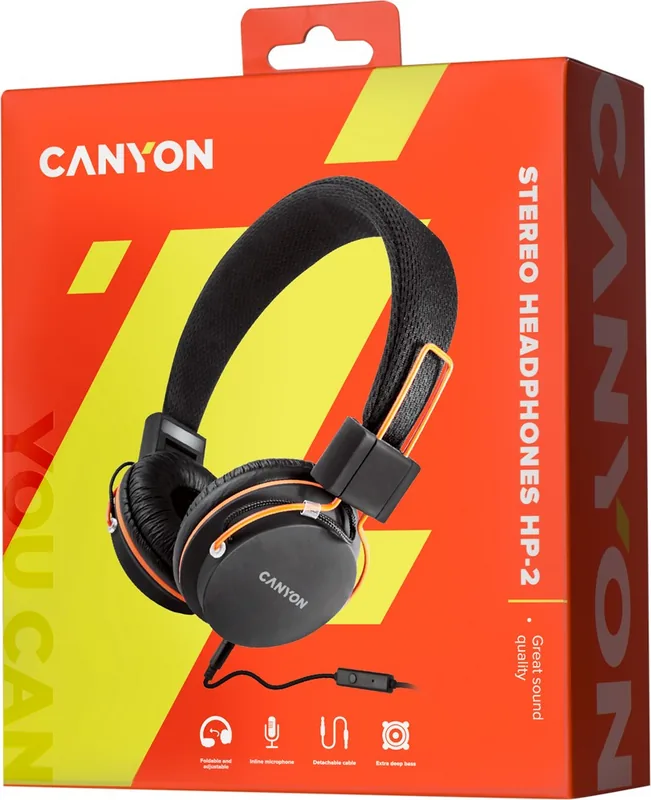
Discover the Canyon HP-2 Stereo Headphones
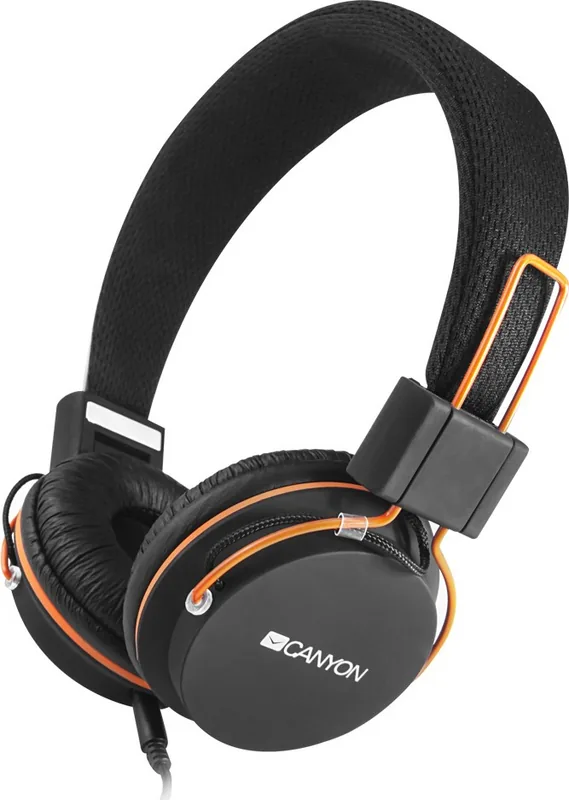
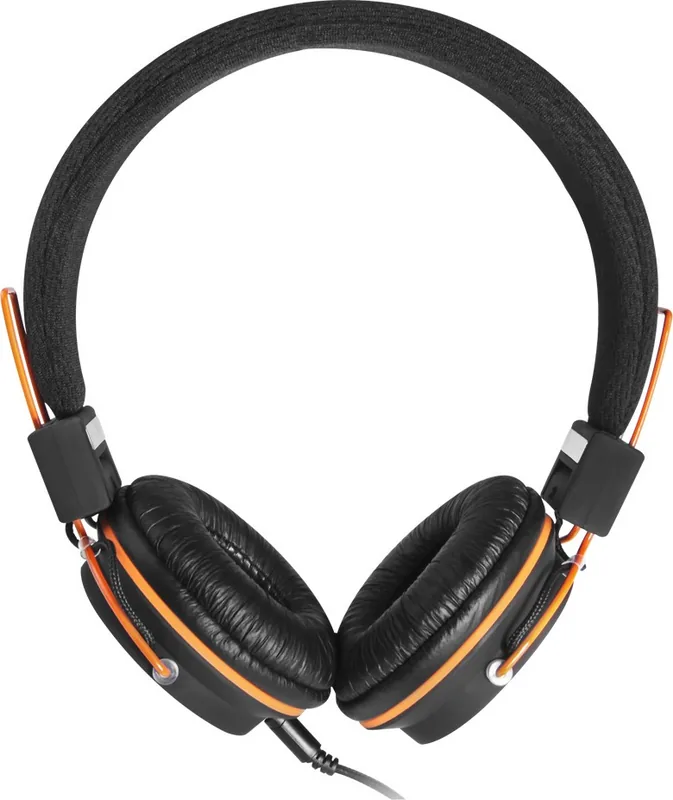
The Canyon HP-2 represents a perfect blend of audio performance and practical design, tailored for users who demand clarity in their listening experience. Engineered with high-quality 40 mm drivers, these headphones deliver a rich sound profile that spans an impressive frequency range from 20 Hz to 20,000 Hz. Whether you are enjoying deep bass or crisp highs, the HP-2 ensures every note is reproduced with precision. With an impedance of 32 Ohms and a sensitivity of 113 dB, this device pairs effortlessly with tablets, smartphones, and portable media players without requiring external amplification.
Designed for comfort during extended sessions, the Canyon HP-2 features soft ear cushions that provide a secure fit while minimizing fatigue. The package includes a complete set comprising the stereo headphones equipped with a built-in microphone, making them ideal for calls and voice commands alongside music playback. A connection and control unit is included to manage your audio sources seamlessly. The user manual provides clear guidance on usage, ensuring you get the most out of your new accessory right from the start.
Safety is a top priority for the manufacturer. Users are advised to protect the device from excessive moisture, dust, and direct sunlight to maintain its longevity. Cleaning should always be done with a dry cloth; never use liquid cleaners or spray directly onto the unit. It is crucial to avoid removing the casing or attempting self-repairs, as this will void the warranty. Additionally, prolonged exposure to high volume levels can cause hearing damage, so it is recommended to keep volumes at a moderate level.
Troubleshooting is straightforward if issues arise. If there is no sound, check all physical connections, verify sound settings on your source device, and ensure the mute function is not active. For noise interference, inspect the quality of the audio file and adjust the device settings accordingly. If problems persist, Canyon offers support through their official website. The product comes with a two-year warranty starting from the date of purchase, covering repairs or replacements at the discretion of the company, provided proof of purchase is available.