
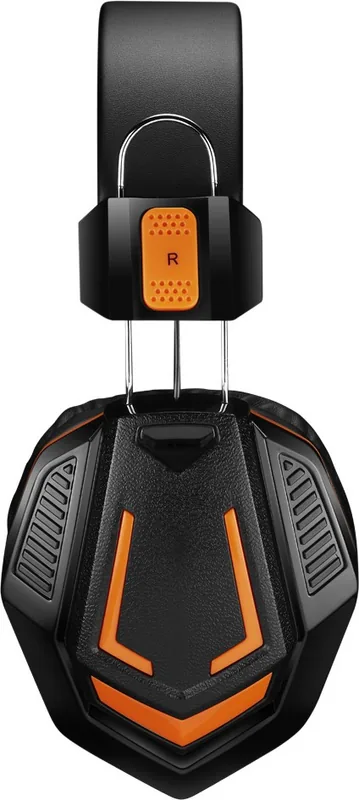
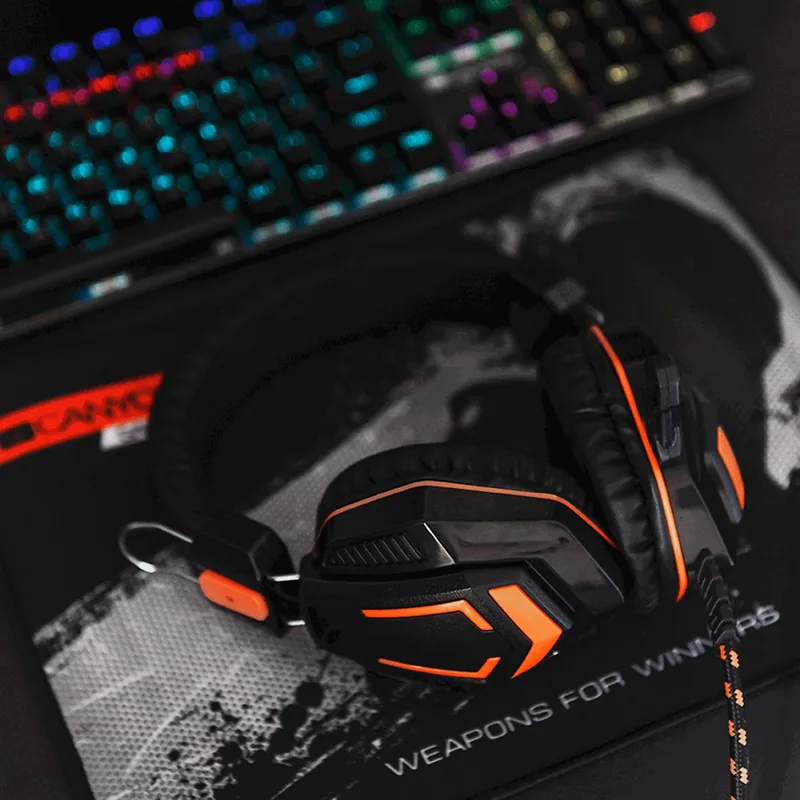
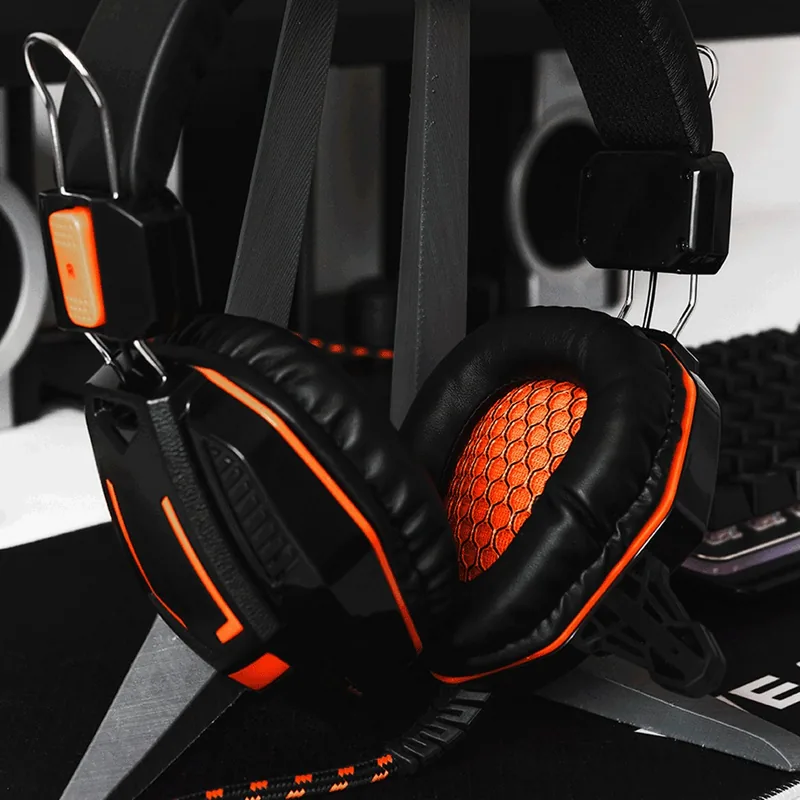
Canyon Fobos GH-3A Manual
PDF manual · 32 Pages
English



Quick check
Incorrect answer, please try again.
Chat with your Canyon Fobos GH-3A manual using AI
Get instant AI answers from your Canyon Fobos GH-3A manual
Ask anything about the Canyon Fobos GH-3A. Answers come from this manual, with the pages they are based on.
Ask a Question
Do you recommend Fobos GH-3A?
Yes NoFrequently Asked Questions
If your computer has only one combined 3.5mm plug, you must use a 2-to-1 splitter adapter. Connect the headset's two cables to the adapter, then plug the adapter into your computer's single port.
Is this answer helpful?
The warranty period is two years from the date of purchase. You must retain your sales receipt or waybill as proof of purchase to claim warranty services.
Is this answer helpful?
Yes, provided your device has separate headphone and microphone jacks or supports the standard 3.5mm stereo input. You may need to check your device's specific audio configuration.
Is this answer helpful?
Like all audio devices, prolonged use at high volumes can cause permanent hearing damage. It is crucial to keep the volume at a safe, moderate level and take regular breaks.
Is this answer helpful?
First, check all physical connections. Next, verify your device's sound settings and ensure the mute function is turned off. Finally, adjust the volume level on both the device and the headset.
Is this answer helpful?
If basic troubleshooting steps fail, visit the Canyon support website at canyon.eu/ask-your-question for detailed assistance and further guidance.
Is this answer helpful?
Advantages and Disadvantages
Advantages

- Ergonomic design ensures comfort during long gaming sessions
- Dual 3.5mm PC extension cable offers versatile connectivity options
- Clear microphone facilitates effective team communication
- Durable construction guarantees longevity for heavy use
- Two-year warranty provides peace of mind for buyers
Disadvantages

- Requires separate jacks or an adapter for devices with combined ports
- No active noise cancellation features included
- Volume control may require manual adjustment on some systems
- Cable length might limit movement for some desk setups
- Hearing safety requires user discipline to maintain moderate levels
Product Specification
Type
Headphones (Over-Ear)
Form Factor
Headband
Principle
closed
Microphone
Boom microphone
Connection
2x 3.5mm jack
Wireless
no
Cable
6.56 ft, single-sided
Control
Volume control
Frequency Range
20Hz-20kHz
Impedance
32 Ohm
Sensitivity
95dB
Drivers
1.97 in
Color
orange
Weight
0.77 lbs
Product Description
Elevate Your Gaming Experience with Canyon Fobos GH-3A
Step into the arena of high-performance gaming with the Canyon Fobos GH-3A headset. Designed for winners who demand both style and substance, this device represents the perfect fusion of cutting-edge technology and ergonomic design. Whether you are battling in intense multiplayer matches or immersing yourself in a rich single-player narrative, the Fobos GH-3A ensures you stay focused on victory while maintaining maximum comfort during extended sessions.
The Canyon Product Design Team has meticulously crafted this headset to be more than just an accessory; it is a tool for dominance. The build quality reflects a commitment to longevity, ensuring that your gear withstands the rigors of daily use without compromising performance. From the soft earpads that cushion your ears to the precise volume controls, every detail is optimized for the modern gamer. The inclusion of a clear microphone allows for seamless communication with your team, ensuring no strategy is lost in translation.
Connecting the Fobos GH-3A is straightforward thanks to its versatile 3.5mm connectivity options. The package includes a PC extension cable featuring dual 3.5mm plugs, allowing you to connect audio and microphone signals separately to computers with distinct ports. If your device utilizes a combined jack, a simple adapter resolves any compatibility issues instantly. This flexibility ensures you can jump straight into action regardless of your hardware setup.
Safety is paramount when engaging in long gaming marathons. The Fobos GH-3A comes with built-in warnings regarding hearing health. Users are advised to keep volume levels moderate to prevent permanent damage, as ears can adapt to loud noises over time, masking potential harm. Always start at a low volume and increase gradually to find a comfortable listening level that does not block out surrounding voices unnecessarily.
Backed by a robust two-year warranty, the Canyon Fobos GH-3A stands as a reliable partner in your gaming journey. With comprehensive support available through the official website, you can focus entirely on leveling up your skills and securing those hard-fought wins.
Key Notes
- Ensure all connections are secure before increasing volume.
- Check mute settings if no sound is detected.
- Adjust system audio settings for optimal output quality.
Search for 67,732 Manuals online


Type-in Brand or Model