
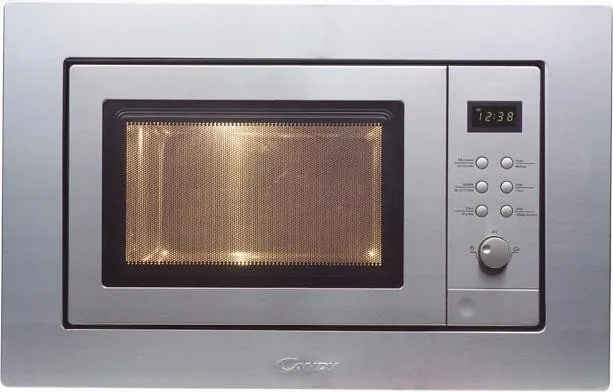
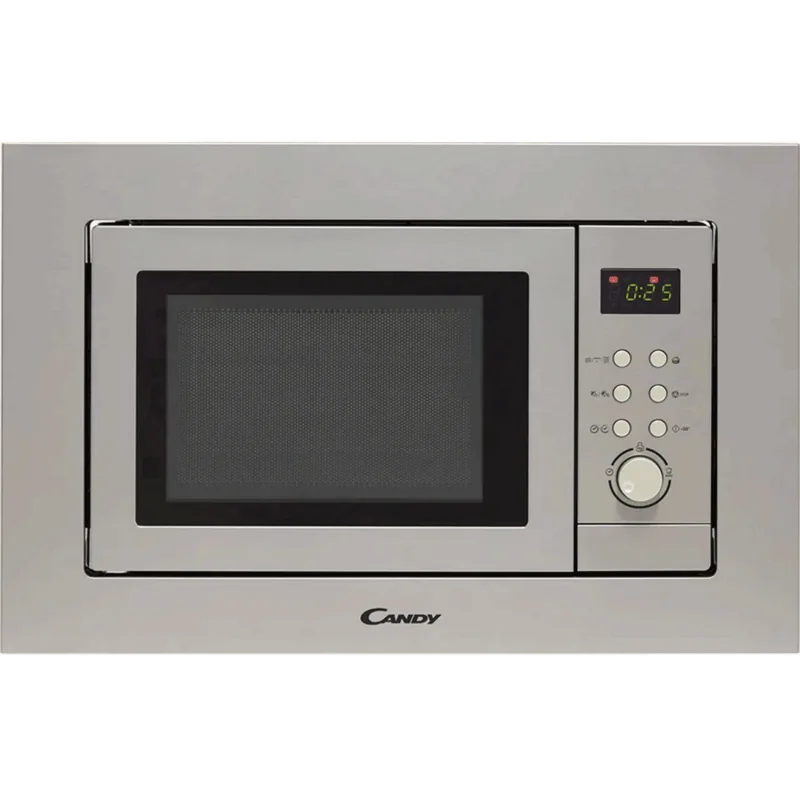
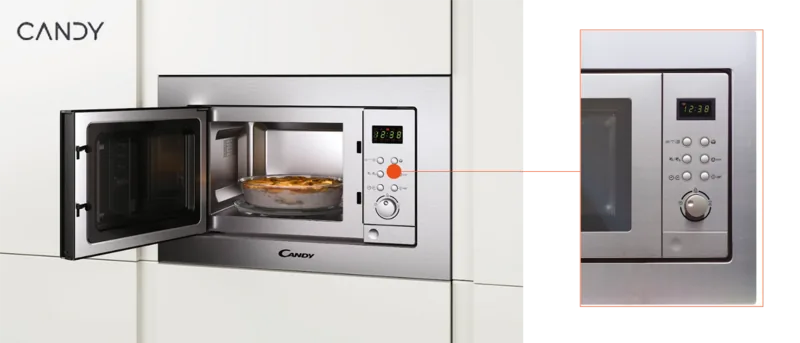
Candy MIC201EX Manual
PDF manual · 84 Pages
English



Quick check
Incorrect answer, please try again.
Chat with your Candy MIC201EX manual using AI
Get instant AI answers from your Candy MIC201EX manual
Ask anything about the Candy MIC201EX. Answers come from this manual, with the pages they are based on.
MIC201EX Maintenance Schedule
Clean the inside of the oven after using with a slightly damp cloth.
Clean the accessories in the usual way in soapy water.
The door frame and seal and neighbouring parts must be cleaned carefully with a damp cloth when they are dirty.
Ask a Question
Do you recommend MIC201EX?
Yes NoFrequently Asked Questions
The Candy MIC201EX has a 20‑liter capacity with a 245mm turntable. It is rated 230V~50Hz, input power 1250W, microwave output about 800W and grill input power around 1000W.
Is this answer helpful?
Set the clock by pressing the clock button, adjust hours then minutes using the dial and confirm. For cooking select microwave/grill/combi, choose power (P100/P80/P50/P30/P10/G/C‑1/C‑2), confirm and turn the dial to set time, then press start.
Is this answer helpful?
Yes. You can set up to two cooking stages; if using defrost it must be the first stage. Program the first stage, then the second, and start—buzzer signals mark stage transitions.
Is this answer helpful?
Use only microwave‑safe materials: heat‑resistant glass without metallic trim, microwave‑safe plastics, paper, parchment and wax paper for short heating. Avoid metal, metal‑trimmed dishes, metal handles, polystyrene, and paper bags.
Is this answer helpful?
Grill and combi modes combine microwave and grill elements (C‑1 and C‑2 blend ratios provided). At half grill time the oven beeps—turn food for even browning. Use the grill rack for grilling and avoid touching heating elements as they become hot.
Is this answer helpful?
Do not operate with a damaged door/seals, never run long periods empty, avoid sealed containers and whole eggs, supervise children, keep the oven clean, use proper grounding and replace damaged cords through qualified service.
Is this answer helpful?
Disconnect power before cleaning. Wipe the cavity and door seals with a slightly damp cloth after use, wash accessories in soapy water, and avoid abrasive scouring or sharp metal scrapers on the door glass. Regular cleaning prevents deterioration and hazards.
Is this answer helpful?
Advantages and Disadvantages
Advantages

- Compact 20L capacity with 245mm turntable fits small kitchens while offering microwave, grill and two combi modes.
- Multiple power levels and programmable two‑stage cooking enable flexible heating, defrosting and combined grilling.
- Auto‑menu and weight/time defrost functions simplify cooking common food types like pizza, fish and soup.
- Quick‑start 30s increments and audible prompts (including grill midway alerts) make everyday use convenient.
- Clear safety guidance and child‑lock feature improve safe operation for households with children.
Disadvantages

- Small 20L capacity limits cooking large dishes or multiple plates at once.
- Built‑in installation requirement and specified cabinet dimensions reduce placement flexibility.
- Glass tray and turntable parts are fragile and require careful handling and replacement if cracked.
- Manual control interface may feel dated compared to modern touch displays and smart features.
- Requires proper grounding and cannot use simple adapters or ungrounded extension leads.
Product Specification
Design type
Built-in appliance
Color
stainless steel
Microwave (Output power)
800W, 5 power levels
Grill (Input power)
1000W
Convection
no
Steamer
no
Halogen grill
no
Cooking space
0.71 cu ft
Display
yes
Special features
Clock display, Grill function, Timer 90min (adjustable)
Turntable
9.65in (diameter)
Dimensions
18.15x12.52x14.69in (WxHxD)
Product Description
Candy MIC201EX Microwave with Grill Manual
The Candy MIC201EX Microwave with Grill is a compact, versatile 20‑liter countertop oven combining microwave, grill and combination cooking modes. Rated at 230V~50Hz with 1250W input (800W microwave output) and 1000W grill power, this unit features a 245mm rotating glass tray, simple dial/button controls, programmable cooking stages, quick-start 30s increments, weight/time defrost, auto menus for common dishes, child lock, and audible prompts during multi-stage or grill cycles. Designed for built-in installation, it offers practical functions for everyday reheating, defrosting, grilling and light baking while maintaining a small footprint and straightforward operation.
Key features and usage
The control panel uses a rotary dial and selection buttons to choose power levels (P100, P80, P50, P30, P10), grill (G) and two combi settings (C‑1, C‑2) that blend microwave and grill power. Users can set the clock, program up to two sequential cooking stages (defrost first if used), and access auto‑menus for foods such as pizza, potatoes, meat, vegetables, fish, pasta, soup and porridge with preset weights. Quick start adds 30 seconds per press; in cooking states the same button increments time. Defrost can be set by weight or by time.
The grill function signals midway to remind you to turn food for even browning. The unit requires proper grounding, must be installed in accordance with dimensions and ventilation guidance, and is intended for domestic use only. Accessories include the glass tray, turntable ring assembly and — for grill models — a grill rack. Regular cleaning of the cavity, door seals and accessories is emphasised to preserve safe operation and product life.
Safety and care
Important precautions cover avoiding operation with a damaged door or seals, never running the oven empty for prolonged periods, not heating sealed containers or whole eggs in shells, watching plastic/paper containers for ignition risk, removing metal ties/handles from packaging, and keeping children supervised when using combination modes. Use only microwave‑safe utensils; perform the suggested utensil test when in doubt. Do not use steam cleaners, avoid abrasive cleaners on door glass, and replace damaged cords via qualified service.
Notes
- Always use the glass tray and turntable ring assembly; replace if cracked.
- Keep a minimum clearance when installing; do not use adapters, multi‑sockets or unsuitable extension leads.
- Dispose of the appliance according to WEEE regulations when at end of life.
Search for 67,706 Manuals online


Type-in Brand or Model
maria_k
11 months ago
Is the microwave easy to use? The reviews mention lots of clicks to get to the right settings. Also, is there guidance for cooking specific foods like fish or poultry?
Manual.ly
10 months ago
Yes. The microwave is designed to be straightforward once you use the main quick programs. For faster operation, start with the preset functions (time and power levels are selected in a few steps depending on model). For food-specific guidance (for example fish or poultry), the user manual includes recommended modes, portion sizes, and times, so you can reproduce consistent results. If you cannot find the right section in the manual, our support team can point you to the exact pages for your product and advise on the best preset for the food type you want to cook.