
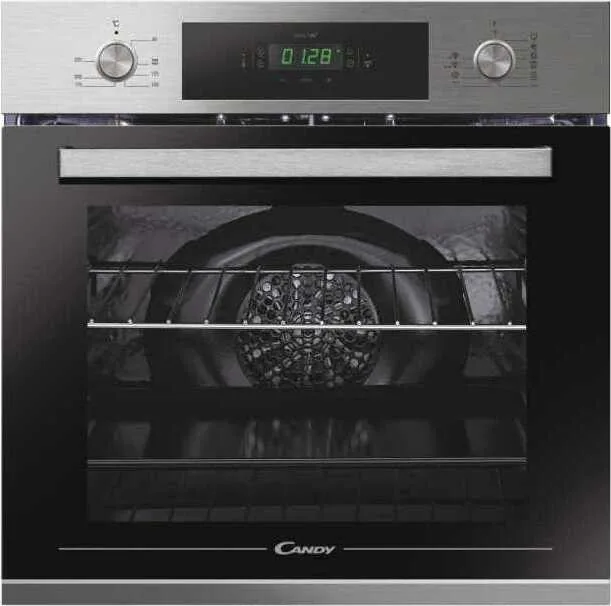
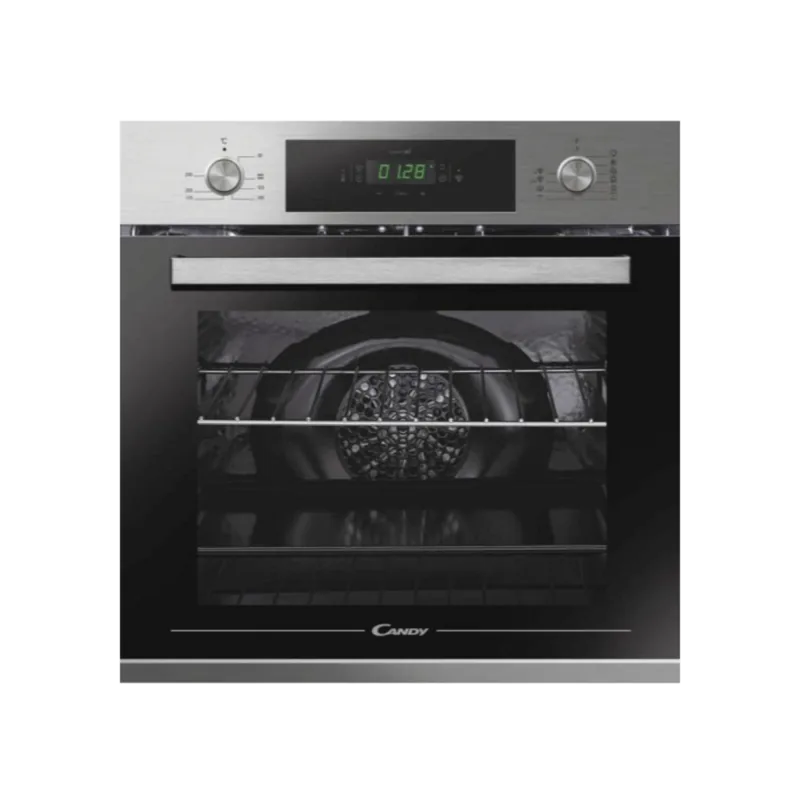
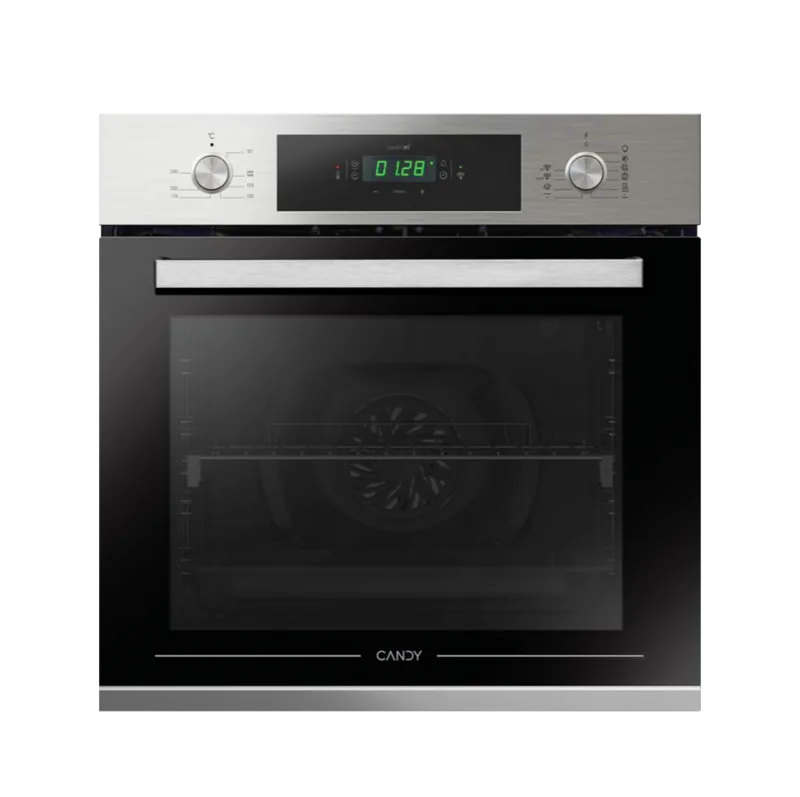
Candy FCT825XL WIFI Manual
PDF manual · 140 Pages
English



Quick check
Incorrect answer, please try again.
Chat with your Candy FCT825XL WIFI manual using AI
Get instant AI answers from your Candy FCT825XL WIFI manual
Ask anything about the Candy FCT825XL WIFI. Answers come from this manual, with the pages they are based on.
FCT825XL WIFI Maintenance Schedule
Wipe the glass window with absorbent kitchen towel after every use. Use a detergent-soaked sponge for stubborn stains and rinse with water.
Remove the pan after using the grill. Pour hot fat into a container and wash the pan in hot water with soap and a sponge.
Wait for the oven to cool. Clean inner surfaces with water, soap, or bleach-based detergents. Never use abrasives or steel wool.
Pour 300ml of distilled water into the bottom container, set function to Static/Bottom heater at Aquactiva temp for 30 mins, then wipe cool surfaces.
Remove racks by pulling them out. Wash in dishwasher or with a wet sponge, ensuring they are dried before reinstalling.
If the seal is dirty, clean it with a slightly damp sponge. Do not remove the seal.
Ask a Question
Do you recommend FCT825XL WIFI?
Yes No
Winfield Jenkins
5 months ago
Does this model come in different colors or finishes?
Frequently Asked Questions
Turn the function selector to the Wi-Fi reset position and hold it for 30 seconds until Bluetooth activates. Then, within five minutes, open the app on your device and follow the pairing instructions. Ensure your router signal is strong for a successful connection.
Is this answer helpful?
This is normal behavior caused by the burning of glue on the insulation panels during the initial heating. Wait for the smoke to dissipate completely before placing any food inside the oven cavity.
Is this answer helpful?
No, never use rough or sharp metal scrapers on the glass door as they can scratch the surface and potentially cause the glass to shatter. Use only a damp sponge or specific non-abrasive cleaners.
Is this answer helpful?
Pour 300 ml of water into the bottom container, select the static heater or bottom element setting, and choose the Aquactiva icon. Run the program for 30 minutes to generate steam that loosens dirt, then wipe the interior clean once cooled.
Is this answer helpful?
It is recommended to cook vegetables in a container with a lid rather than an open tray. This prevents excessive splattering and helps retain moisture during the cooking process.
Is this answer helpful?
Advantages and Disadvantages
Advantages

- Wi-Fi connectivity allows remote control and monitoring via smartphone app
- Aquactiva steam cleaning function simplifies maintenance and removes tough grease
- Cook Light mode reduces oil usage for healthier meals without sacrificing taste
- Multiple cooking modes including fan assisted grill and conventional convection
- Child lock feature enhances safety by disabling touch controls when activated
Disadvantages

- Requires professional installation to meet electrical and ventilation standards
- Initial smoke emission may occur during the first heating cycle due to insulation glue
- Touch controls do not function when Wi-Fi reset mode is active
- Cannot be used behind decorative doors as it may cause overheating issues
- Meat probe hole must be sealed with a nut if the probe is not being used
Product Specification
Energy efficiency class
A+
Color
stainless steel, black
Net capacity
70 L
Number of programs
10
Door system
bottom-hinged door
Drawer system
telescopic rails
Steam system
no
Cleaning
enamel-coated oven walls, hydrolysis
Display
yes
Features
touch control, retractable rotary knobs, timer, clock display, cool front
Smart home
app control
Cooktop control
no
Energy consumption conventional heating
3.42 kWh/cycle
Energy consumption convection/hot air
2.53 kWh/cycle
Cutout dimensions
23.6x23.6 in (WxD)
Product Description
Discover the Candy FCT825XL WIFI Backofen
The Candy FCT825XL WIFI Backofen represents a significant leap in modern kitchen technology, blending traditional baking expertise with smart connectivity. This built-in oven is designed for those who demand precision and convenience in their culinary creations. Whether you are preparing a delicate soufflé or a hearty roast, this appliance offers a suite of cooking modes tailored to enhance flavor and texture.
At the heart of its operation is the intuitive control panel featuring an LCD display that simplifies navigation. Users can easily select from various functions including Fan Cooking, Conventional Cooking, and the specialized Cook Light mode which reduces fat usage while preserving moisture. The inclusion of Wi-Fi capabilities allows homeowners to monitor and control their cooking remotely via a dedicated smartphone application, ensuring your meal is ready exactly when you need it.
Cleaning has never been easier thanks to the innovative Aquactiva function. By utilizing steam generated from just 300 ml of water, this feature softens stubborn food residues and grease, making manual scrubbing unnecessary after a short cycle. Safety is paramount, with features like a child lock that disables touch controls to prevent accidental changes during operation. The oven also includes a meat probe for precise internal temperature monitoring, ensuring perfectly cooked meats every time.
Installation requires professional attention to ensure proper ventilation and electrical safety, adhering to strict guidelines regarding power supply and grounding. Once installed, the sleek design integrates seamlessly into any kitchen cabinetry. Regular maintenance involves removing racks for dishwasher cleaning and occasionally wiping down the door seals to maintain energy efficiency. The manufacturer emphasizes avoiding aluminum foil on walls to protect the enamel finish.
Important Notes
- Always set the clock before the first use to ensure timers function correctly.
- Do not leave food inside the oven for more than 20 minutes after cooking ends.
- Ensure the oven is switched off before changing the light bulb to avoid electric shock.
Search for 67,706 Manuals online


Type-in Brand or Model
Isabel Scott
5 months ago
Is this oven easy to operate and does it have many functions?
Manual.ly
5 months ago
Yes, the oven features a user-friendly interface that makes operation simple for all users. It is equipped with numerous advanced functions designed to enhance your cooking experience, making it a versatile addition to any kitchen.