
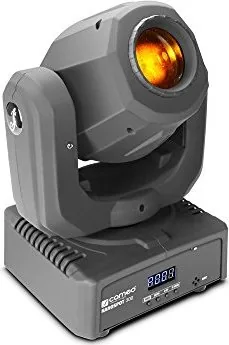
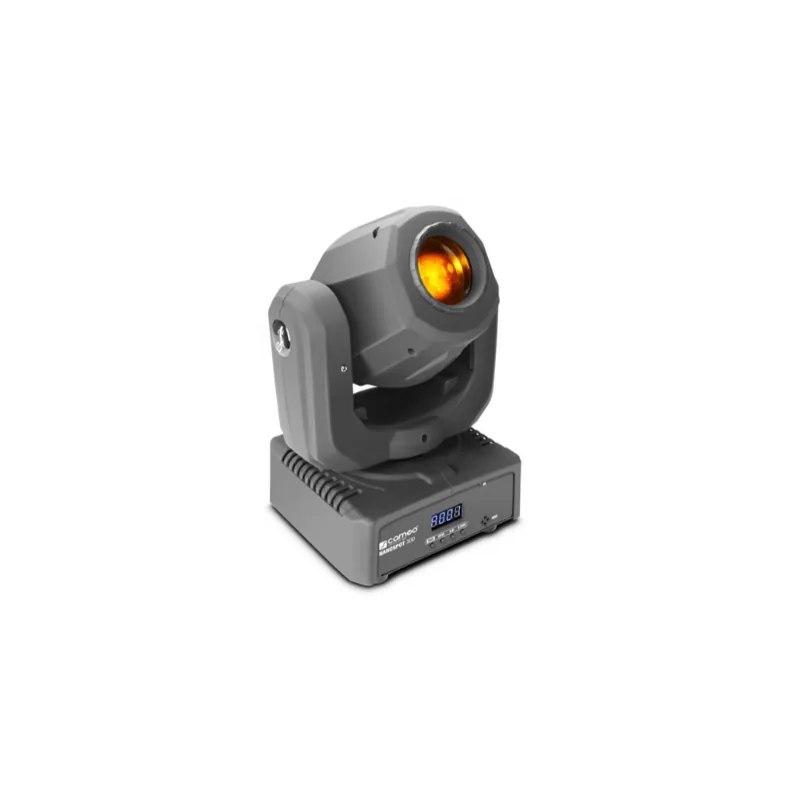
Cameo NanoSpot 300 Manual
PDF manual · 60 Pages
English



Quick check
Incorrect answer, please try again.
Chat with your Cameo NanoSpot 300 manual using AI
Get instant AI answers from your Cameo NanoSpot 300 manual
Ask anything about the Cameo NanoSpot 300. Answers come from this manual, with the pages they are based on.
NanoSpot 300 Maintenance Schedule
Use a dry cloth to clean the equipment. Do not use wet cloths.
Depending on ambient conditions like dust or smoke, qualified personnel should service and clean the unit regularly to prevent overheating and malfunction.
Ask a Question
Do you recommend NanoSpot 300?
Yes NoFrequently Asked Questions
It uses a single 30 W cool white LED. This gives the fixture a bright, focused output that works well for sharp beam effects, gobos, and moving-head shows in compact and medium-sized spaces.
Is this answer helpful?
The fixture supports DMX control, IR remote control, standalone auto programs, sound activation through the built-in microphone, and master/slave operation. This makes it useful for both simple and advanced setups.
Is this answer helpful?
It can run in 5-channel, 9-channel, or 11-channel DMX modes. The chosen mode depends on how much control you want over movement, colors, gobos, effects, and automation.
Is this answer helpful?
Yes. You can run it in standalone auto mode, use sound activation, or control it with the included infrared remote. A console is only needed if you want full DMX programming.
Is this answer helpful?
Yes, but only with the included mounting hardware and a proper safety cable. Overhead installation should be handled by trained personnel to ensure safe and secure rigging.
Is this answer helpful?
The NanoSpot 300 offers pan and tilt movement, color changes, gobos, strobing, dimming, and several built-in show programs. It is designed to create lively, dynamic stage looks quickly.
Is this answer helpful?
Advantages and Disadvantages
Advantages

- Compact 30 W moving head with strong beam output and fast response.
- Offers DMX, IR remote, auto, sound, and master/slave control options.
- Wide motion range with 540° pan and 230° tilt for flexible positioning.
- Includes 7 colors, 7 gobos, strobe, dimmer, and built-in show programs.
Disadvantages

- Designed for indoor use only, so it is not suited for outdoor environments.
- The output is focused and functional, but not meant for very large venues.
- Proper DMX setup may require some technical knowledge for best results.
- Fan cooling and moving parts mean regular care and safe mounting matter.
Product Specification
Beam Type
Beam
Light Source
LED
Power Consumption
30W
PAN Angle
540°
TILT Angle
230°
Color Mixing
LED
Effects
Dimmer, Strobe
Control
DMX, Sound Control, Master/Slave
Product Description
Cameo NanoSpot 300 Manual: A Compact Moving Head with Big Stage Energy
The Cameo NanoSpot 300 is a compact moving head built for flexible, eye-catching light shows. Designed around a 30 W cool white LED, it combines a sharp beam, vivid color changes, and a versatile gobo wheel in a lightweight form factor that fits small stages, mobile setups, clubs, and event spaces. Despite its size, it delivers the kind of motion and control usually associated with larger fixtures.
One of its strongest qualities is adaptability. The unit supports DMX control in 5-channel, 9-channel, and 11-channel modes, giving lighting operators a simple path for either basic setup or more detailed programming. If you prefer quick operation, the included IR remote makes it easy to trigger colors, gobos, strobe effects, brightness changes, and show programs without diving into menus. It also supports standalone auto programs, sound-activated operation via the built-in microphone, and master/slave syncing for coordinated multi-fixture effects.
The movement range is impressive for a mini fixture, with 540° pan and 230° tilt coverage. That means the NanoSpot 300 can sweep across a room or lock onto a target with precision. Its color wheel offers seven colors plus open, while the gobo wheel provides seven gobos plus open, making it easy to build dynamic beams, textured looks, and fast-paced transitions. The projection lens can also be focused for different throw distances, which adds useful control in real-world setups.
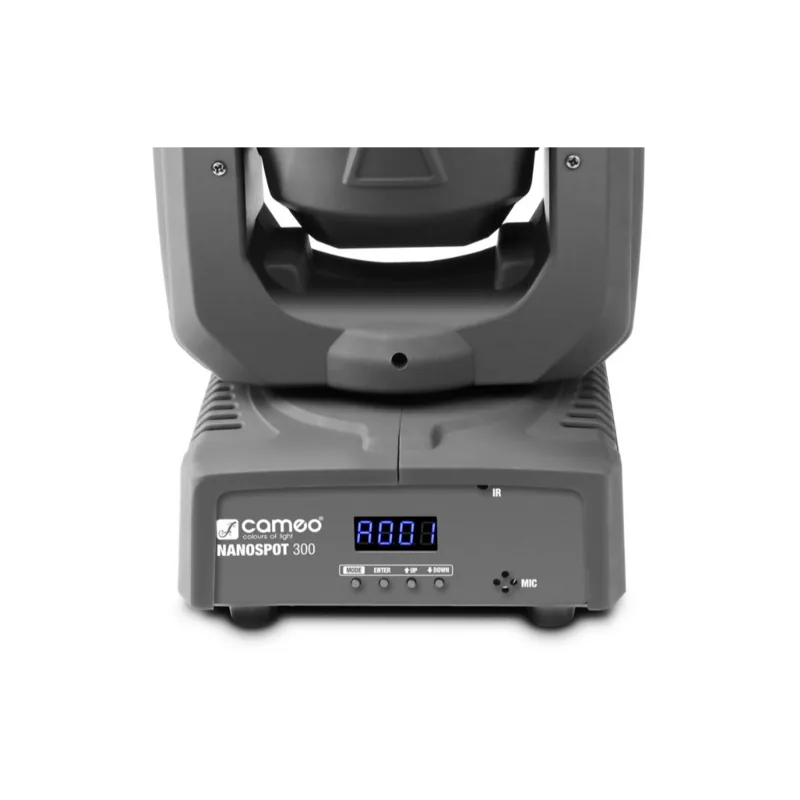
Installation is straightforward and practical. The fixture includes rubber feet for floor placement, plus an omega bracket and safety eyelet for truss mounting. A 4-digit LED display and four control buttons provide direct access to address settings, operating modes, system preferences, and show selection. For indoor event use, it is a compact tool that balances mobility, control, and visual impact.
Notes
- Intended for indoor use and professional lighting applications.
- Best results come from proper cooling, careful mounting, and clean cable management.
- DMX terminators and correct addressing help maintain reliable signal flow.
Search for 67,706 Manuals online


Type-in Brand or Model