
Brother PocketJet PJ-763MFi Manual
PDF manual · 166 Pages
English



Quick check
Incorrect answer, please try again.
Chat with your Brother PocketJet PJ-763MFi manual using AI
Get instant AI answers from your Brother PocketJet PJ-763MFi manual
Ask anything about the Brother PocketJet PJ-763MFi. Answers come from this manual, with the pages they are based on.
PocketJet PJ-763MFi Maintenance Schedule
Clean the platen roller periodically using a cleaning sheet to prevent skewed or distorted print images. Do not use other materials.
Wipe the printer surface with a dry cloth. Do not wet the cloth or allow water inside. Never use harsh chemicals.
Ask a Question
Do you recommend PocketJet PJ-763MFi?
Yes NoFrequently Asked Questions
It is best for mobile professionals who need portable, reliable black-and-white printing in the field, at job sites, or while traveling. It works well for receipts, reports, labels, and other lightweight document tasks.
Is this answer helpful?
No. It uses direct thermal printing, which means it prints by applying heat to thermal paper. This removes the need for ink cartridges or toner and keeps maintenance simpler.
Is this answer helpful?
Yes. The PJ-763MFi supports Apple-focused mobile workflows through MFi and can also work with Brother mobile printing tools. It is designed for convenient printing from compatible phones and tablets.
Is this answer helpful?
Yes. It supports an optional rechargeable Li-ion battery. That makes it useful when you are away from an AC outlet or vehicle power and need a truly portable setup.
Is this answer helpful?
The printer supports thermal paper formats such as cut sheet and roll media, depending on the configured settings. Using the correct paper type helps ensure smoother feeding and better print results.
Is this answer helpful?
Yes, but it includes advanced tools for users who want more control. Brother provides software for communication settings, device settings, and template management on compatible computers.
Is this answer helpful?
Advantages and Disadvantages
Advantages

- Compact portable design is easy to carry for field and mobile work.
- Direct thermal printing avoids ink and toner costs.
- Supports USB and wireless workflows, including MFi mobile use.
- Optional battery power helps printing away from fixed power sources.
Disadvantages

- Direct thermal output is limited to monochrome printing.
- Battery and power accessories may need to be purchased separately.
- Wireless and setup options can feel technical for casual users.
- Best performance depends on using the right paper and settings.
Product Specification
Type
mobile thermal direct printer
Format
8.27x11.69in
Resolution
300dpi
Paper Feed
Single Sheet Feed
Memory
2MB (RAM), 6MB (Flash)
Ports
USB 2.0
Network
Bluetooth 2.1
Display
N/A
Emulation
ESC/P
Dimensions
10.04x1.18x2.17in
Weight
1.06 lbs
Special Features
Battery (Li-Ion, 1750mAh)
Product Description
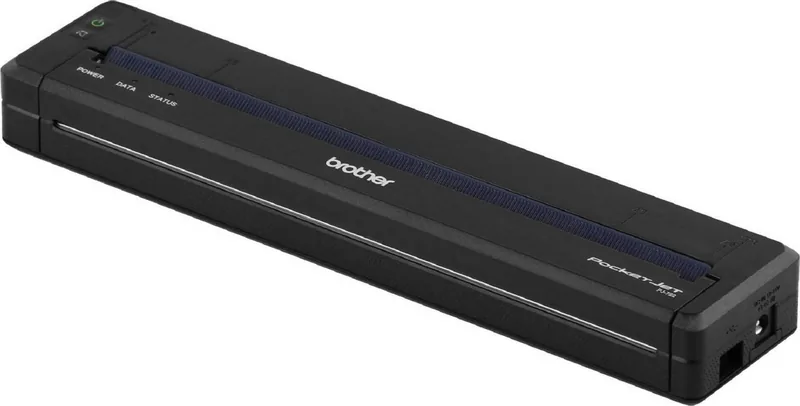
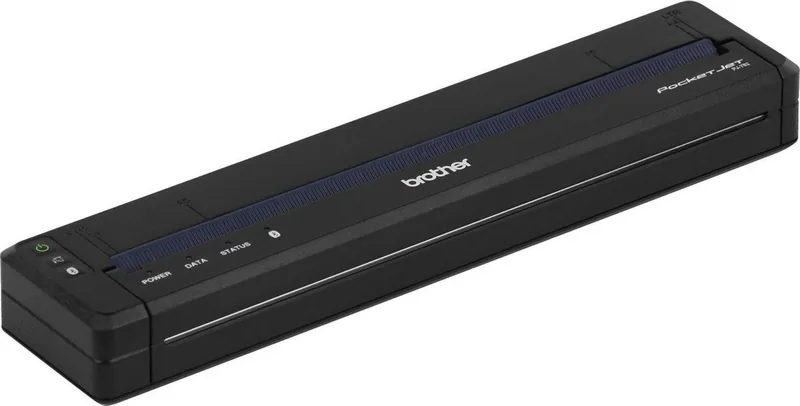
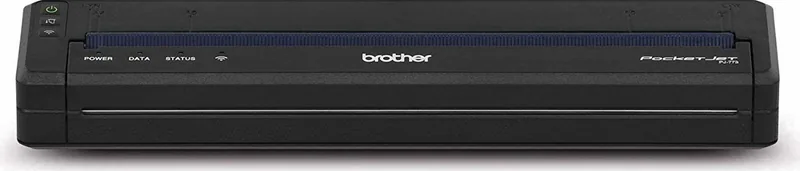
Brother PocketJet PJ-763MFi Direct Thermal
The Brother PocketJet PJ-763MFi is built for people who need reliable mobile printing without the bulk of a desktop machine. Using direct thermal technology, it produces crisp black-and-white output without ink or toner, making it a practical choice for field work, service visits, logistics, and on-the-go documentation. Its compact body is easy to carry, yet it still supports a wide range of printing workflows through USB and wireless options.
What makes this model stand out is its flexibility. The PJ-763MFi is designed with Apple device users in mind, offering MFi support for easy pairing with compatible iPhone and iPad workflows. It also works alongside Brother mobile tools, giving users a straightforward way to print from smartphones, tablets, and computers. For teams that move between job sites, this kind of connectivity can save time and reduce setup friction.
The printer is also practical in daily use. It can run from external power or an optional rechargeable Li-ion battery, which is useful when outlets are not available. Status indicators and button controls keep operation simple, while the manual explains how to load paper, manage power, check connection states, and handle common warnings. That makes it easier to keep printing even in fast-paced environments where downtime is costly.
Paper handling is another strong point. The printer supports different paper types and settings, including cut sheet and roll options, so users can adapt it to different tasks. Brother also provides configuration tools for Windows and Mac, plus advanced setup options for communication settings, template printing, and maintenance. For business users, this means the PJ-763MFi can be tuned to match specific workflows instead of forcing a one-size-fits-all approach.
Overall, the Brother PocketJet PJ-763MFi combines portability, direct thermal convenience, and mobile-friendly connectivity in a compact package. It is especially appealing for professionals who need dependable printed output while working away from a fixed office.
Notes
- Best suited for mobile and field printing needs.
- Direct thermal printing removes the need for ink or toner.
- Optional battery use adds extra freedom when traveling.
- Ideal when simple setup and compact design matter most.
Search for 67,706 Manuals online


Type-in Brand or Model