
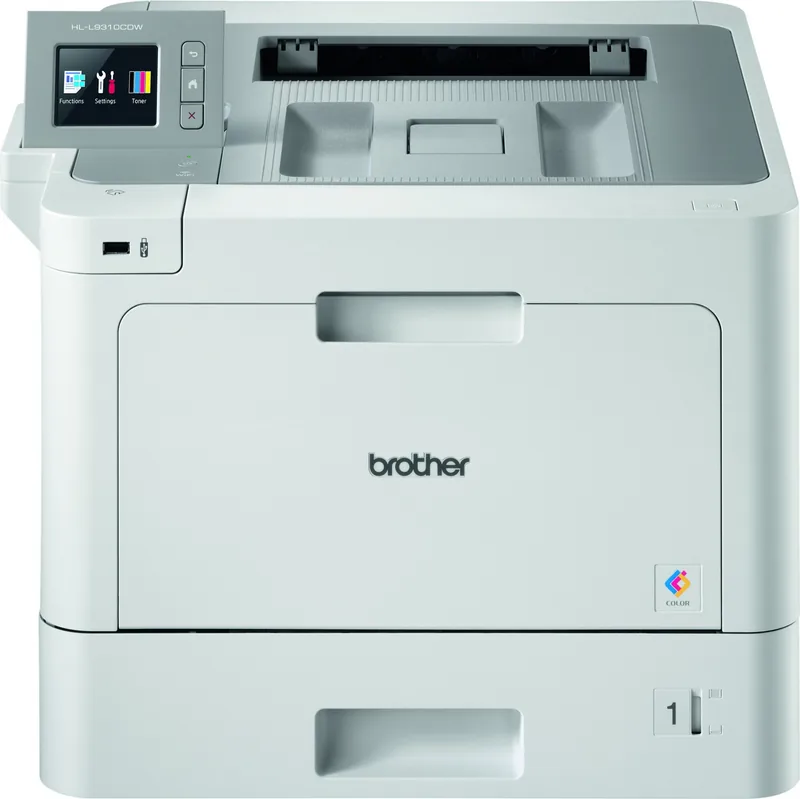
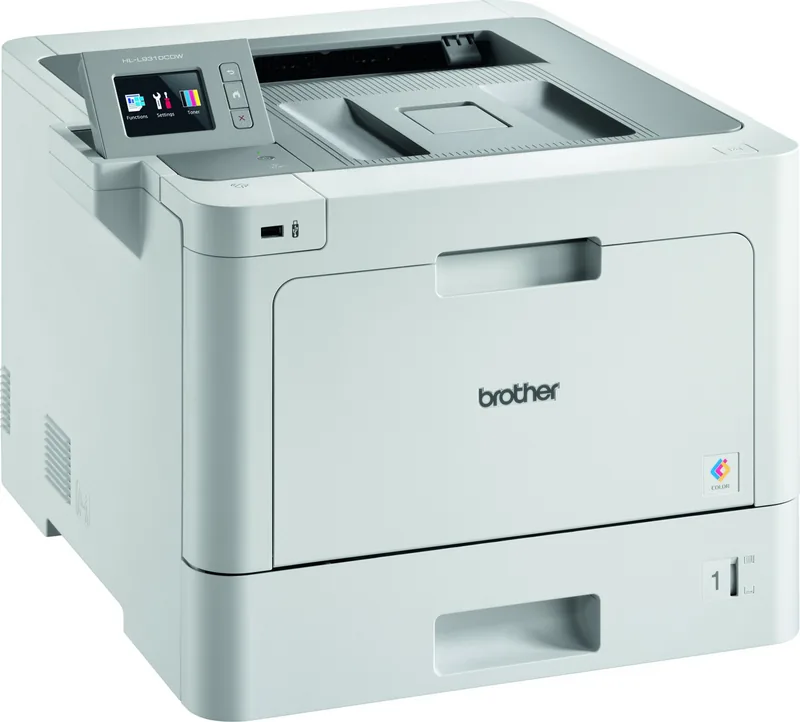
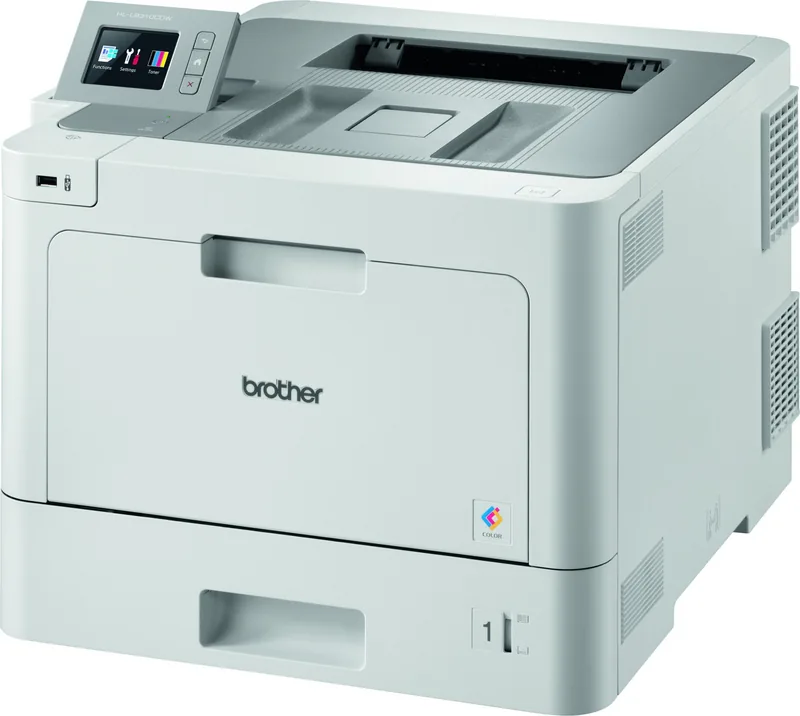
Brother HL-L9310CDW Manual
PDF manual · 402 Pages
English



Quick check
Incorrect answer, please try again.
Chat with your Brother HL-L9310CDW manual using AI
Get instant AI answers from your Brother HL-L9310CDW manual
Ask anything about the Brother HL-L9310CDW. Answers come from this manual, with the pages they are based on.
HL-L9310CDW Maintenance Schedule
Replace periodic maintenance parts such as the belt unit and waste toner box according to the schedule or when indicated.
Clean the paper pick-up rollers if the machine does not feed paper correctly or as part of routine maintenance.
Free maintenance reminders
Timed to your purchase date. Always free, unsubscribe anytime.
Ask a Question
Do you recommend HL-L9310CDW?
Yes NoFrequently Asked Questions
The HL-L9310CDW supports Gigabit Ethernet (wired models), 802.11 wireless networking, Wi‑Fi Direct, and a front USB direct port for printing from flash drives or compatible cameras. It also supports mobile printing standards like AirPrint and Mopria.
Is this answer helpful?
Secure Print saves jobs in the printer’s memory and requires you to enter a four-digit PIN at the device to release printing. Once printed, the secure job is cleared from memory. This protects confidential documents from being printed or collected by others.
Is this answer helpful?
The printer handles plain, recycled, glossy, bond, labels, and envelopes via the paper tray or MP tray, with specific settings for media type and paper size in the driver and control panel. Avoid inkjet-only paper and highly textured or coated stock not listed in recommended media.
Is this answer helpful?
Refer to the machine’s touchscreen prompts and manual steps: check paper orientation, remove obstructions, use the straight paper path for labels/envelopes, confirm tray paper settings, run test prints, and follow cleaning or calibration procedures. Replace worn maintenance parts if needed.
Is this answer helpful?
Yes. Use Web Based Management to access settings via a browser, and Brother utilities like Status Monitor, BRAdmin Light, or BRAdmin Professional to monitor supplies, get alerts, view error messages, and deploy drivers across a network.
Is this answer helpful?
Yes. The device supports automatic 2-sided (duplex) printing and booklet formats. Configure duplex and binding options in the printer driver or on the control panel for the desired result.
Is this answer helpful?
Wireless setup supports standard WLAN configuration, WPS (Push Button or PIN methods), and the installer offers step-by-step guidance. For enterprise networks, prepare credentials for EAP/LDAP/Active Directory and consider wired Ethernet for large or frequent high-volume print jobs.
Is this answer helpful?
Advantages and Disadvantages
Advantages

- Fast, reliable color laser output with professional print quality and PostScript emulation.
- Comprehensive network and security features (Active Directory, LDAP, SSL/TLS, IPsec, IEEE 802.1x).
- Flexible paper handling: MP tray, expandable trays, duplex printing, and straight-path for labels/envelopes.
- Intuitive touchscreen LCD and management tools (Web Based Management, BRAdmin, Status Monitor).
- Support for direct USB printing and mobile options (AirPrint, Mopria, Brother Web Connect, Wi‑Fi Direct).
Disadvantages

- Some media types (inkjet paper, highly textured or coated stock) are unsupported and may cause jams.
- Color printing can stop if any color toner is depleted; color jobs may require additional toner management.
- Wireless performance can vary with placement and interference; wired Ethernet recommended for heavy jobs.
- Advanced configuration and enterprise setups may require IT knowledge (WPS, registrar, authentication).
- Maintenance parts (drum, belt, waste toner box) require periodic replacement for peak performance.
Product Specification
Format
A4
Type
Laser Printer
Color System
4-color
Consumables
TN-910 BK/C/M/Y, BU-330CL, WT-320CL, DR-421CL
Printing
2400x600dpi - 31/31 ppm (A4)
Paper Feed
300 sheets (1x 250 sheets + 1x 50 sheets), Duplex Unit
Memory
1GB (RAM)
Connections
1x USB-B 2.0, 2x USB-A 2.0 (Host)
Network
Gb LAN, Wi-Fi 4 (WLAN 802.11b/g/n), NFC, AirPrint, Cloud Print, Mobile Print, Universal Print (Azure Cloud Print)
Display
color, 2.7", Touchscreen
Power Consumption
580W (typical), 65W (standby), 10W (sleep)
Sound Pressure Level
49.0dB(A)
Emulation
XPS, PCL 6, PostScript 3, PDF 1.7
Housing Color
white, gray
Dimensions
17.36x12.32x19.13in
Weight
48.94lbs
Special Features
Direct Print
Manufacturer Warranty
3 years in AT/DE/PL, one year in UK
Note
HLL9310CDWG1 = DE model, HLL9310CDWG2 = AT model
Product Description
Brother HL-L9310CDW — Powerful Color Laser Printing
The Brother HL-L9310CDW is a robust color laser printer designed for busy offices and workgroups that need reliable, high-quality color and monochrome output. Built on proven Brother engineering, it balances print speed, professional color reproduction, and a broad feature set for networked environments.
With a user-friendly touchscreen, multiple paper handling options including a multi-purpose (MP) tray and expandable paper trays, and both wired Gigabit Ethernet and wireless connectivity, the HL-L9310CDW adapts to diverse workflows. The intuitive control panel and touchscreen LCD make navigation and settings simple, from adjusting paper size and type to secure printing and two-sided (duplex) jobs. The printer supports direct printing from USB flash drives and common image and document formats, and offers a straight-through paper path for labels and envelopes to reduce jams.
Security and network management are strong points: Secure Print requires a PIN at the device before release, and support for network protocols and authentication methods (Active Directory, LDAP, IPsec, SSL/TLS, IEEE 802.1x) helps integrate the device safely into enterprise environments. For wireless setup, the printer supports Wi-Fi Protected Setup (WPS), Wi-Fi Direct, and standard Wi-Fi configurations, with utilities like Web Based Management, BRAdmin Light and BRAdmin Professional for centralized administration.
Print quality and media handling are optimized with recommended media lists and settings for plain, glossy, recycled paper, labels, envelopes, and more. Advanced printer drivers (including BR-Script3 PostScript emulation) for Windows and macOS provide detailed print options—paper source selection, color/mono control, multiple-page layouts, toner-saving modes, and secure print. A Status Monitor and Web Based Management let administrators monitor supplies, errors, and device status remotely.
Routine maintenance is straightforward: user-replaceable toner, drum, belt, and waste toner box components are documented, and the device provides guidance for cleaning, calibrating color output, and resolving paper jams. The manual details unprintable margins, recommended media brands, and tips to avoid printing issues (e.g., avoid inkjet paper or highly textured stock).
Overall, the Brother HL-L9310CDW is a versatile, secure, and manageable color laser suitable for small-to-medium offices or departments that require dependable color output, flexible media handling, and enterprise-ready networking.
Notes
- Supports Secure Print with a four-digit PIN to protect confidential documents.
- Offers both wired Gigabit Ethernet and wireless connectivity, plus Wi-Fi Direct.
- Use recommended media to ensure print quality and avoid damage; do not use inkjet paper.
Search for 67,706 Manuals online


Type-in Brand or Model