
Brother HL-L2445DW Manual
PDF manual · 259 Pages
English



Quick check
Incorrect answer, please try again.
Chat with your Brother HL-L2445DW manual using AI
Get instant AI answers from your Brother HL-L2445DW manual
Ask anything about the Brother HL-L2445DW. Answers come from this manual, with the pages they are based on.
HL-L2445DW Maintenance Schedule
Check the Brother support download site regularly for firmware updates to keep the machine current.
Clean the machine inside and outside with a dry, lint-free cloth. Do not use flammable substances, sprays, alcohol, ammonia, or organic solvents.
Clean the paper separator and both pickup rollers with a well-wrung lint-free cloth dampened with lukewarm water to help prevent paper jams.
Ask a Question
Do you recommend HL-L2445DW?
Yes NoFrequently Asked Questions
You can connect via WPS push button, enter network key on the control panel, or use the setup wizard on your computer for Windows or Mac systems.
Is this answer helpful?
Use plain paper, recycled paper, thin paper, bond paper, and recommended labels or envelopes. Avoid inkjet paper or damaged stock to prevent jams.
Is this answer helpful?
Open the paper tray, front cover, or back cover depending on location. Pull the paper gently in the direction of the paper path to remove it without tearing.
Is this answer helpful?
Yes, use Wi-Fi Direct to connect without a router or use AirPrint on Apple devices and Mopria Print Service on Android devices directly.
Is this answer helpful?
The printer supports SSL/TLS encryption, SNMPv3, IEEE 802.1x authentication, and allows locking machine settings to prevent unauthorized access.
Is this answer helpful?
Advantages and Disadvantages
Advantages

- Flexible paper handling supports envelopes and thick stocks with manual feed
- Secure network features include SSL/TLS and SNMPv3
- Wireless connectivity via Wi-Fi Direct and standard WPS support
- Simple maintenance tools provided through Brother Utilities software
- Consistent text quality suitable for professional document printing
Disadvantages

- Monochrome output limits usage for color graphic tasks
- Manual feed requires loading paper one sheet at a time
- Incompatible with inkjet paper types which may cause damage
- Specific security settings may be complex to configure
- Wireless connection depends on signal strength for best speed
Product Specification
Format
A4
Type
Laser Printer
Color System
Monochrome
Consumables
TN-2510, TN-2510XL, DR-2510
1200x1200dpi - 32 ppm (A4)
Paper Feed
Duplex Unit
Memory
64MB (RAM)
Connectors
1x USB-B 2.0
Network
LAN, Wi-Fi 4 (WLAN 802.11b/g/n), AirPrint, Cloud Print, Mobile Print, Mopria
Display
monochrome, 1-line
Power Consumption
920W (max), 470W (typical), 43W (standby), 0.5W (sleep), 0.08W (off), TEC: 0.35kWh/week
Noise Level
49.0dB(A)
Emulation
GDI
Case Color
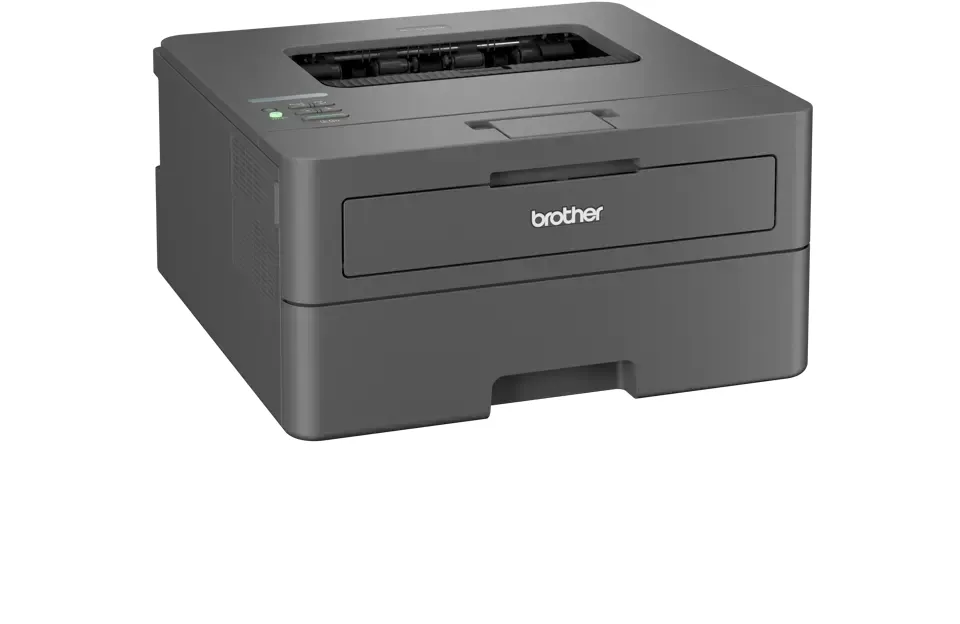
anthracite
Dimensions
14.02x7.20x14.17in
Weight
15.65 lbs
Special Features
Blue Angel
Manufacturer Warranty
3 years in AT/DE/PL, 1 year in UK
Product Description
Elevate Your Home Office with the Brother HL-L2445DW
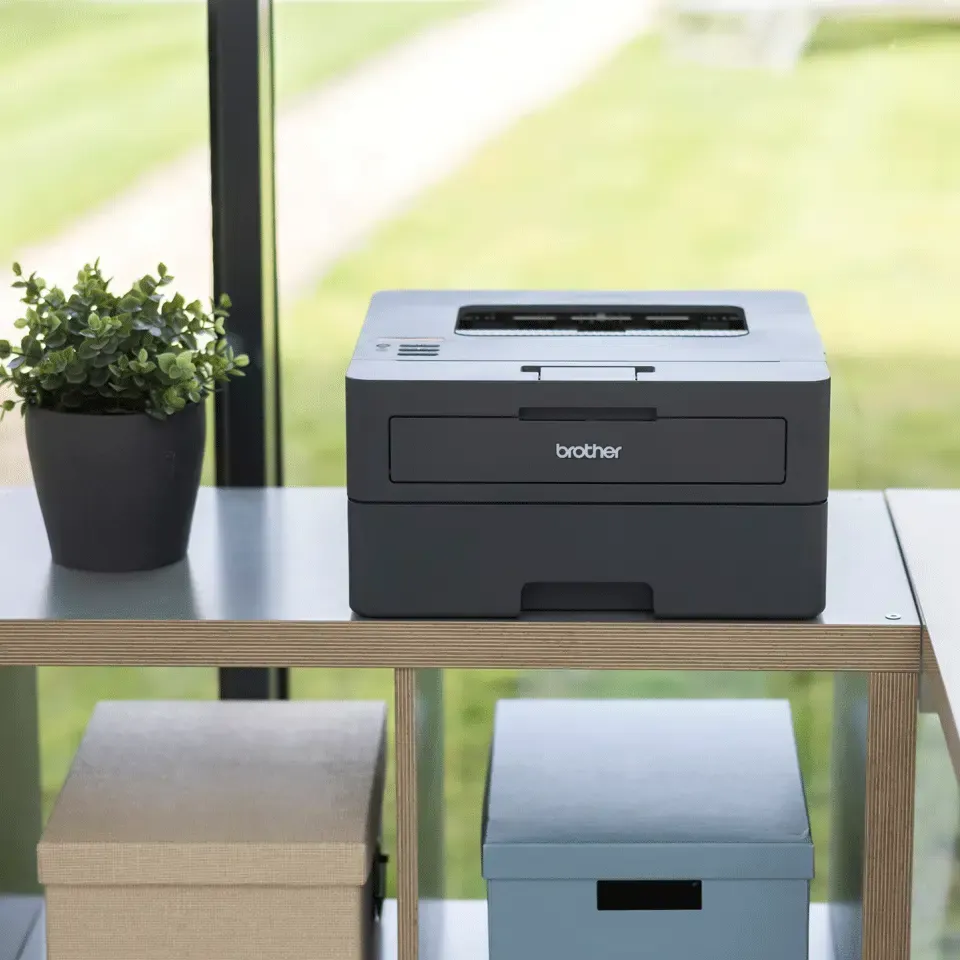
Printing needs to be fast and reliable for modern workflows. The Brother HL-L2445DW delivers exactly that. This laser printer focuses on efficiency for small businesses and home users who value monochrome speed. The hardware is built to handle daily loads without slowing down. It provides consistent text quality for professional documents.
Setup is straightforward for most users without advanced technical skills. You can connect via USB or set up a wireless network easily using WPS or the setup wizard. The machine supports Wi-Fi Direct which allows mobile devices to connect without a router. You also get standard wired networking options for stability on the local area network. Paper handling is flexible with a main tray and a manual feed slot. This slot is great for labels, envelopes, or thick stocks requiring specific alignment.
Network security is a priority for connected devices. The device supports SSL/TLS and SNMPv3 for secure network environments. This ensures your documents remain private during transmission between the printer and your computer. You can also lock the machine settings from the control panel to prevent unauthorized changes. Managing certificates adds an extra layer of protection for enterprise settings.
Maintenance is simple and user-friendly. You can monitor toner levels and drum status easily through the Windows or Mac software. Brother Utilities offers access to maintenance tools. Replacing supplies involves straightforward steps detailed in the guide. Follow the Manual for detailed maintenance steps. Paper jams are common issues addressed with clear instructions for clearing different locations like the tray or the back of the machine. Troubleshooting is streamlined with LED indicators showing exactly where issues occur.
Using special media is possible but requires careful selection. Always test paper samples before bulk buying to ensure performance. Avoid inkjet paper as it can damage the unit. The control panel provides status LEDs or an LCD depending on the model. Recommended print media ensures optimal results for your specific tasks. Monitoring software helps you track consumables proactively to prevent interruptions.
The Brother HL-L2445DW Laser monochrome Manual covers all these aspects in detail. It ensures you get the most out of your investment from day one. Whether you are printing contracts or envelopes, this machine adapts to your needs. It balances cost and performance effectively for various workloads. Trust this device for consistent output quality over many years. Regular updates keep firmware current for new features.
Notes:
- Always reset factory settings before disposing of the unit.
- Check firmware updates regularly on the support portal.
- Use genuine supplies for the best print quality results.
- Ensure the back cover is locked after feeding thick paper.
- Keep the machine flat and away from moisture.
Search for 67,706 Manuals online


Type-in Brand or Model