
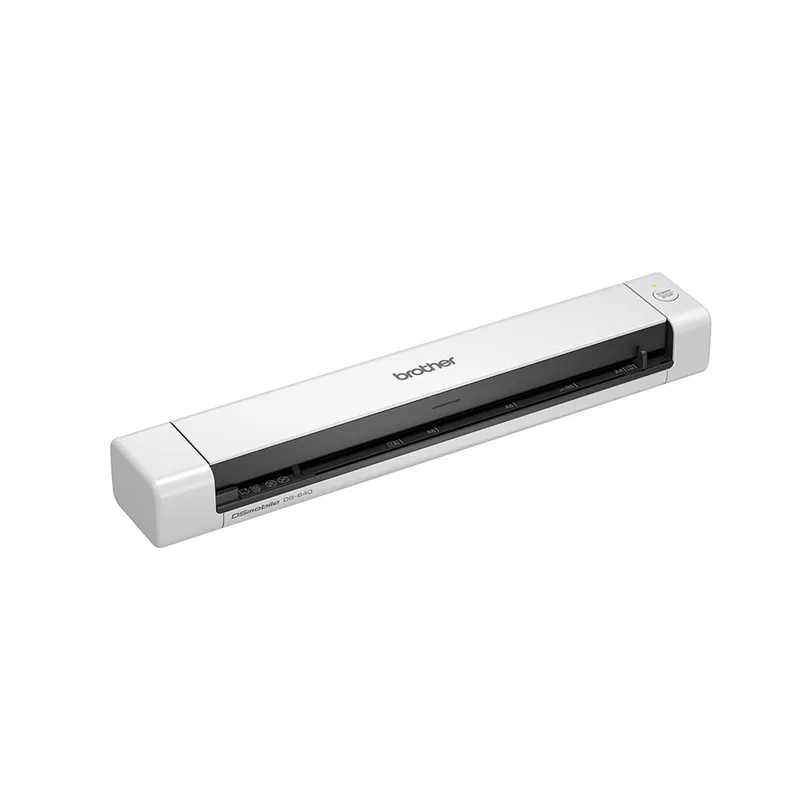
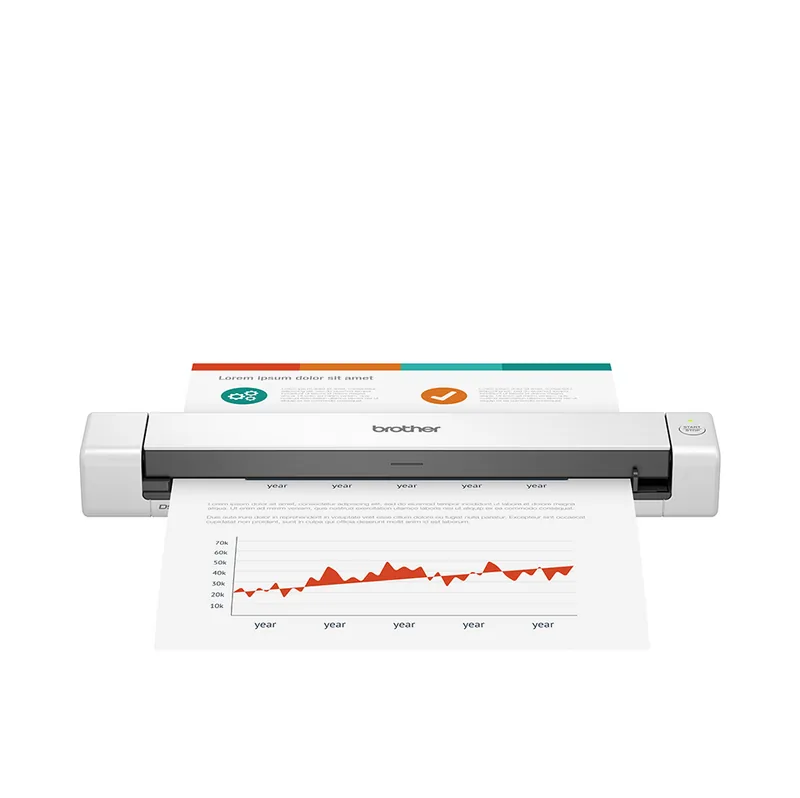
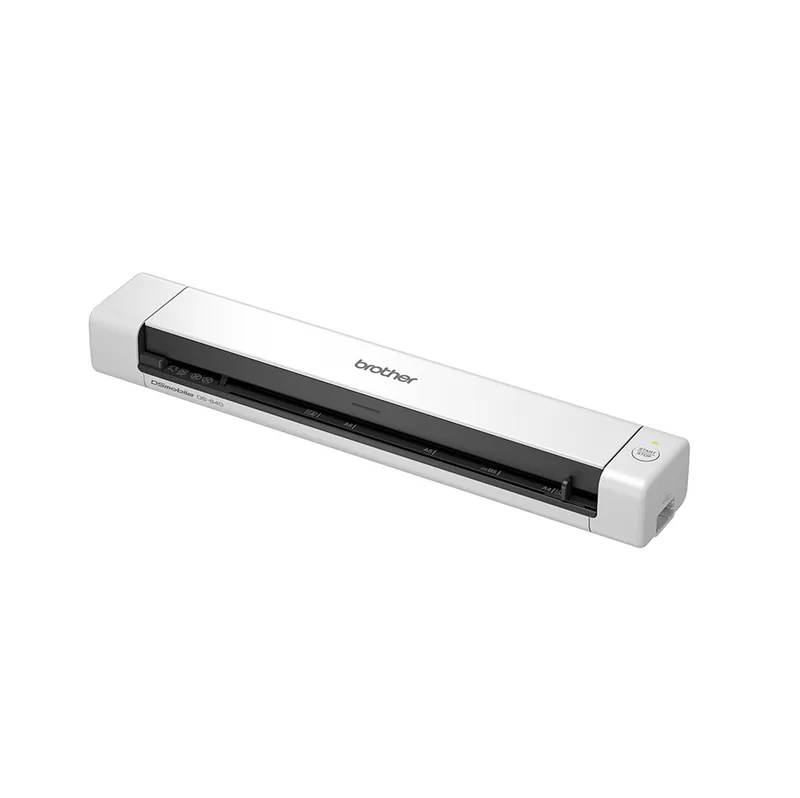
Brother DSmobile DS-640 Manual
PDF manual · 10 Pages
English



Quick check
Incorrect answer, please try again.
Chat with your Brother DSmobile DS-640 manual using AI
Get instant AI answers from your Brother DSmobile DS-640 manual
Ask anything about the Brother DSmobile DS-640. Answers come from this manual, with the pages they are based on.
Ask a Question
Do you recommend DSmobile DS-640?
Yes NoFrequently Asked Questions
Connect the scanner using the supplied Micro USB 3.0 cable directly to your computer. Ensure the computer is running the latest operating system and download the drivers from the official support site before connecting.
Is this answer helpful?
The device operates best between 5 and 35 degrees Celsius. Avoid extreme temperatures that could damage the internal components or cause the battery to malfunction.
Is this answer helpful?
No. Do not use organic solvents, alcohol, or flammable sprays. These can dissolve the casing or create fire hazards. Use a soft, dry cloth instead.
Is this answer helpful?
Drivers are available on the support website for both Windows and Mac. You must select the correct model to ensure compatibility with your operating system.
Is this answer helpful?
The lights signal connection status, paper jams, or power levels. Red or orange blinks often indicate errors, while green indicates normal charging or operation.
Is this answer helpful?
No. Opening the unit risks electric shock and voids the warranty. Contact authorized service centers for any internal repairs or component replacements.
Is this answer helpful?
Yes. Do not copy currency, passports, bonds, or official government documents. These are protected legally and copying them may be considered a crime.
Is this answer helpful?
Advantages and Disadvantages
Advantages

- Portable design suitable for on-the-go scanning tasks.
- Straightforward USB connectivity for reliable data transfer.
- Comprehensive safety warnings to prevent accidents.
- Supports various software platforms for ease of use.
- Clear LED indicators for status monitoring.
Disadvantages

- Requires specific environmental conditions for optimal function.
- No wireless capability on the standard DS-640 model.
- Internal repairs void warranty and require professional help.
- Battery safety requires strict adherence to temperature limits.
- Packaging materials pose choking risks for children if discarded improperly.
Product Specification
Type
mobile document scanner (CIS)
Resolution
600 x 600 dpi
Speed
15/15 Pages/min (B/W/Color)
Paper/Film Format
A4
Paper/Film Feeder
Single Sheet
Memory
128 MB (RAM)
Ports
1x USB 3.0
Software
OCR Software (PaperPort 14)
Dimensions
11.85 x 1.46 x 2.01 in
Weight
1.03 lbs
Features
LED Lighting
Manufacturer Warranty
3 Years
Product Description
Exploring the Efficiency of Brother DSmobile DS-640
The Brother DSmobile DS-640 represents a significant step forward for mobile professionals requiring instant digitization of physical documents. This portable scanner fits easily into a briefcase or bag, allowing users to work from almost any location. The Brother DSmobile DS-640 Manual serves as a reliable reference for setup procedures that ensure seamless integration into your daily workflow. Proper setup begins with selecting an appropriate environment. Ensure the device is placed on a stable, flat surface that is free from vibrations. Operating conditions are critical for longevity. The unit should operate in temperatures between 5 and 35 degrees Celsius with humidity levels between 20 and 80 percent. Avoid places with condensation risk.
Installation and Software Integration
To activate the machine, connect it securely using the supplied Micro USB 3.0 cable. This connection transmits scanned data directly to your computer. Windows and Mac users must download the specific software packet from the official support website. Follow the on-screen prompts to complete the driver installation. Once finished, restart the computer to ensure all system files load correctly. For advanced features on compatible models, the Brother SupportCenter application is available for mobile devices. Users should verify that their computer has administrator rights before attempting configuration. This ensures that the scanning application has the permissions needed to access hardware components effectively.
Safety Protocols and Care
Protecting the device involves strict adherence to safety guidelines. Plastic packaging must be disposed of responsibly and kept away from infants. The scanning lens and glass surface require careful cleaning without harsh chemicals. Never immerse the unit in water or expose it to heavy rain. Battery safety is crucial for models equipped with rechargeable units. Do not expose internal energy storage to fire or extreme heat. If the device becomes unusually hot, stop using it immediately. Avoid inserting foreign objects into the body openings to prevent electrical shorts. Never use flammable sprays near the device to maintain safety.
Maintenance and Storage Advice
Long-term storage requires vigilance. If the scanner is unused for extended periods, charge the internal power source regularly according to manufacturer specifications. Keep the device in a dry place free from dust accumulation. Do not operate the machine on carpeted floors which can cause overheating. If cables show signs of wear, replace them to prevent potential hazards. Regular maintenance ensures consistent scanning quality. Always retain the original box for future transport or service needs. This comprehensive approach to usage ensures reliability and performance for all business tasks. Ensure no flammable substances spray on the unit. Do not open the device body as this risks electric shock. Check the status lights for paper jams. WLAN connection allows wireless transfer but requires password protection. Legal restrictions apply to copying currency or passports.
Search for 67,706 Manuals online


Type-in Brand or Model