
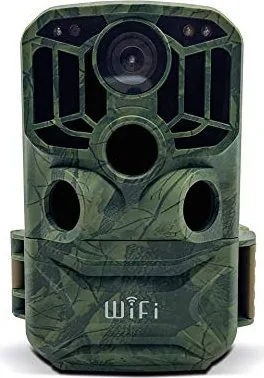
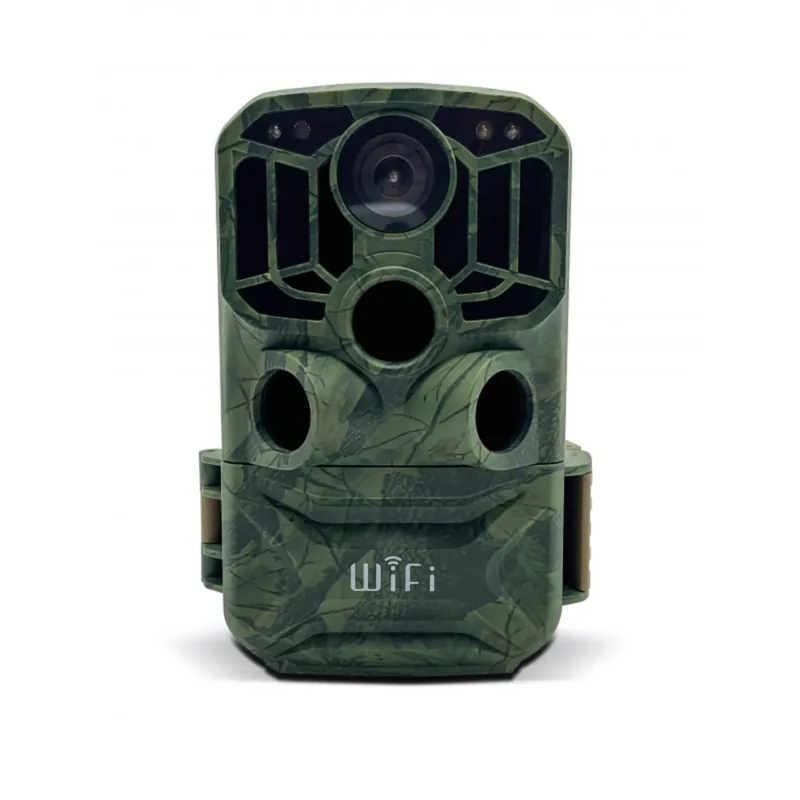
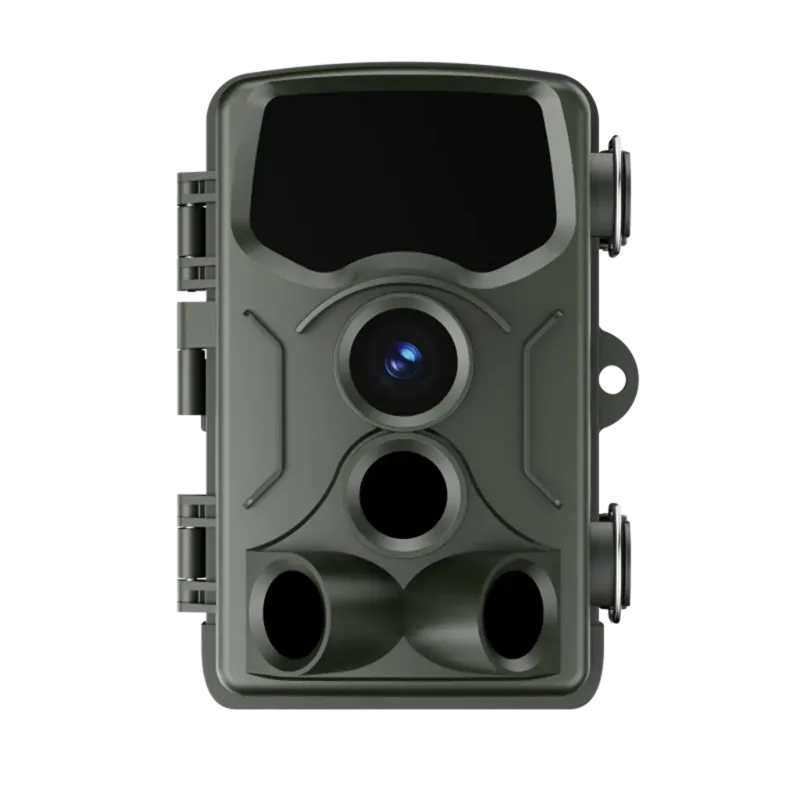
Braun Scouting Cam Black 800 WiFi Manual
PDF manual · 87 Pages
English



Quick check
Incorrect answer, please try again.
Chat with your Braun Scouting Cam Black 800 WiFi manual using AI
Get instant AI answers from your Braun Scouting Cam Black 800 WiFi manual
Ask anything about the Braun Scouting Cam Black 800 WiFi. Answers come from this manual, with the pages they are based on.
Ask a Question
Do you recommend Scouting Cam Black 800 WiFi?
Yes NoFrequently Asked Questions
Hold the Up button for 3 seconds to toggle WiFi. Search for Hunting Camera network on your phone and enter password 12345678. Use the Hunting Cam Pro app to complete the connection and manage settings.
Is this answer helpful?
The default power-on password is 1111. If you change this password and forget it, enter 1111 while in SETUP mode to unlock the camera and reset access.
Is this answer helpful?
First, ensure the card is compatible. Insert the card into the slot. Go to System Settings in SETUP mode and format the card using the camera menu to ensure file system compatibility.
Is this answer helpful?
Battery life depends on usage and temperature. Using 6V DC adapter extends operation time significantly. Standard AA batteries last depending on IR LED usage and recording frequency.
Is this answer helpful?
The LED allows for shooting within 3 to 20 meters. IR brightness adjusts automatically based on battery capacity to extend range and power efficiency during night time operation.
Is this answer helpful?
Yes, you can connect via AV cable. Switch to SETUP mode, connect to TV, and the LCD screen will go black while the TV displays the captured images for larger review.
Is this answer helpful?
Advantages and Disadvantages
Advantages

- WiFi app control for remote viewing and settings management on smartphones with real-time feedback.
- High resolution photo capture up to 24 megapixels for detailed images suitable for identification.
- Multiple PIR sensors provide wider detection range and adjustable sensitivity for different environments.
Disadvantages

- Requires eight AA batteries which may need frequent replacement for long term outdoor usage.
- Night vision images are black and white with no color recovery capabilities in low light.
- SD card must be formatted with camera to prevent compatibility errors and data corruption.
Product Specification
Effective Megapixels
8.0 Megapixels
Sensor
CMOS
Lens
Fixed Focal Length
Digital Zoom
No
Display
2" LCD
Viewfinder
No
Flash
Integrated, Infrared
Video Function
MPEG-4, 1920x1080 (16:9)
Removable Storage
SD/SDHC
Ports
USB
Wireless
Wi-Fi
Power Source
AA Battery
Features
Trail Camera
Color
Green, Black, Pattern
Dimensions
3.74x5.41x2.52in (WxHxD)
Weight
1.08 lbs
Product Description
Discover the Braun Scouting Cam Black 800 WiFi camouflage Manual
Are you ready to capture the untamed beauty of nature from a safe distance? This digital camera is designed specifically for recording and observing wildlife. For convenience and ease of operation, the system includes detailed instructions to help users quickly master the method. This device functions as a compact tool for home security or game monitoring. It offers a robust solution for anyone keen on documenting the natural world without disturbing the animals.
Advanced Features and Connectivity
Users searching for the Braun Scouting Cam Black 800 WiFi camouflage Manual will find extensive specifications regarding connectivity and control. The camera supports wireless connection through a dedicated application on your smartphone. You can install the Hunting Cam Pro app from the respective store to manage your footage in real time. This feature allows you to preview captured images and record videos remotely without being near the device. The interface lets you set resolutions for photos up to 24 megapixels. Video options range from standard definition to high definition depending on your storage needs and desired quality.
Power and Storage Solutions
Reliable power is essential for outdoor equipment that operates in remote locations. This unit requires eight AA batteries for optimal performance or a DC power adapter for continuous usage during long deployments. Please remember that the battery capacity affects the infrared LED brightness at night to conserve energy effectively. A high speed SD card of Class 6 or higher is needed for recording media. The internal slot accepts cards up to 32 GB. You must format the card using the camera to ensure compatibility with the specific file system for optimal data integrity.
Night Vision and Sensor Technology
The infrared LEDs provide illumination for night shoots within a 3 to 20 meter range for clear detection. While night photos are black and white, the quality remains high for identification purposes. The PIR motion sensor activates the recording when movement is detected by the main or secondary sensors. Sensitivity settings allow you to adjust detection based on the environment such as cold or open areas. You can also set timed intervals to observe plant growth cycles without battery drain or unnecessary triggers. Security is a priority with password protection options to prevent unauthorized access to your recorded media and settings.
Installation and Setup
Position the camera at a height of one to two meters for best results and optimal viewing angles regarding the landscape. Align the sensor using the LED indicators during the SETUP phase to ensure full coverage of your target area without blind spots. Ensure the device is protected from direct sunlight or rain to maintain longevity under harsh conditions. You can transfer data via USB or AV connection to a television for viewing on a larger screen for easier review. The system supports multiple languages for broader accessibility including English and others locally for international users. Enjoy seamless wildlife monitoring with this robust and versatile camera solution that fits many outdoor needs. This setup ensures you stay connected to nature efficiently and safely while capturing memorable moments.
Search for 67,706 Manuals online


Type-in Brand or Model
Michael Schmitt
8 months ago
Does the advertised battery life of 3-6 months actually hold true during active night time use, or is rapid drain common?
Manual.ly
8 months ago
The stated battery life applies to standby mode. Active operation, such as the three nights of recording mentioned, drains batteries much faster due to sensor activity and night vision usage. For extended outdoor use, we recommend high-quality alkaline or lithium batteries and adjusting motion sensitivity to prevent excessive triggers. Please contact us if battery performance remains below expectations under standard conditions.