
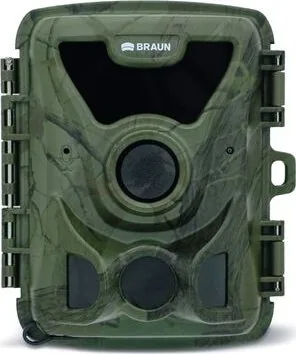
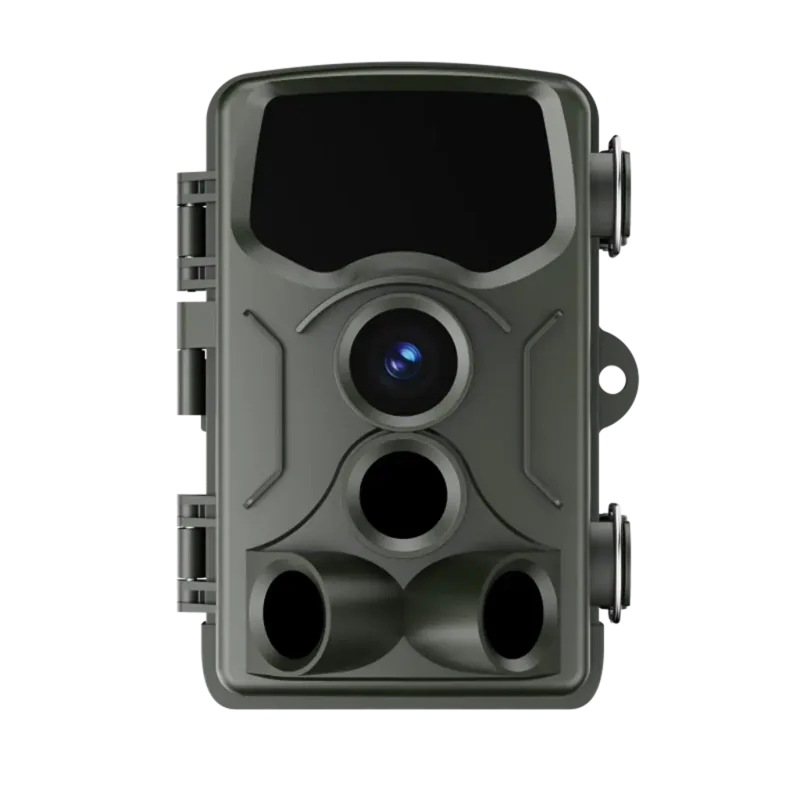
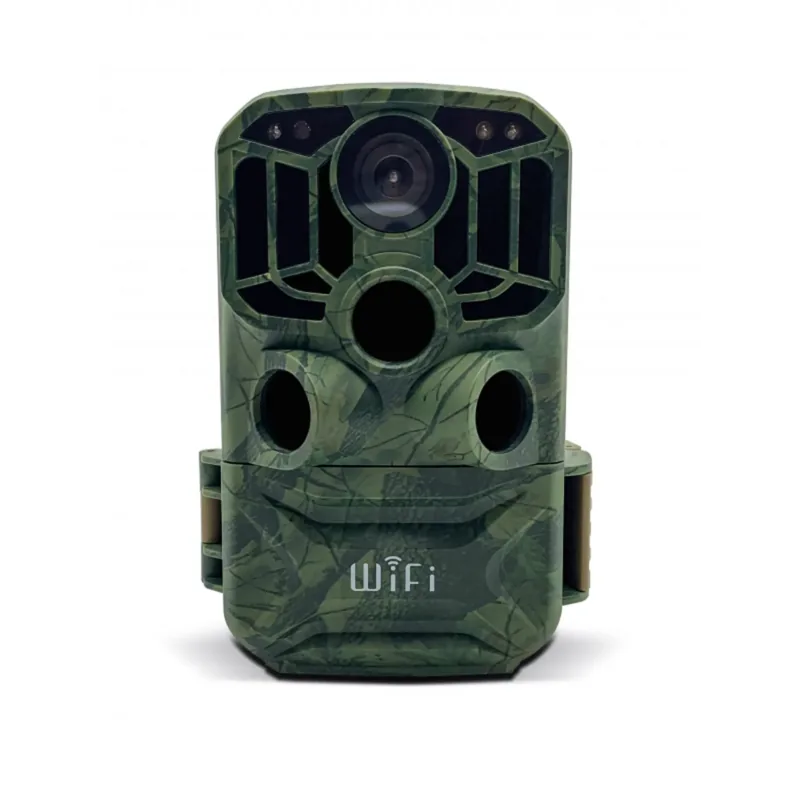
Braun Scouting Cam Black 200A Mini Manual
PDF manual · 118 Pages
English



Quick check
Incorrect answer, please try again.
Chat with your Braun Scouting Cam Black 200A Mini manual using AI
Get instant AI answers from your Braun Scouting Cam Black 200A Mini manual
Ask anything about the Braun Scouting Cam Black 200A Mini. Answers come from this manual, with the pages they are based on.
Ask a Question
Do you recommend Scouting Cam Black 200A Mini?
Yes NoFrequently Asked Questions
Open the device compartment to access the battery slots. You may install four 1.5V AA batteries or one to two 3.7V lithium 18650 batteries. Ensure correct polarity when placing them inside the housing. If using lithium packs, you can charge them directly via USB-C while in the camera.
Is this answer helpful?
Yes, you can enable audio recording during video capture mode. Navigate to the settings menu and switch the audio recording option to On to ensure sound is captured alongside your video footage for added context.
Is this answer helpful?
The camera supports micro SD cards up to 512 GB in capacity. For best performance, use a card with Class 6 or higher speed rating. Always format the card within the camera menu before the initial use to prevent errors.
Is this answer helpful?
You can download files by inserting the memory card into a card reader and connecting it to your PC. Alternatively, connect the camera to the computer via the supplied USB cable. Select Test mode on the device so it appears as a removable disk on the screen.
Is this answer helpful?
Yes, the camera utilizes IR LEDs for night vision. Videos recorded in this mode appear in black and white only. For best results, avoid recording long videos in evening hours with low voltage to maintain stability.
Is this answer helpful?
Go to the system setup menu and select the reset option. This action restores default settings for password and serial number. Ensure you back up important data before resetting, as this process cannot always be undone.
Is this answer helpful?
Advantages and Disadvantages
Advantages

- High resolution capture up to 20MP for detailed imagery
- Flexible power options with AA and rechargeable lithium batteries
- Includes Time-lapse functionality for efficient long-term monitoring
- Wall mount bracket provided for easy tree or post installation
- Password protection system secures device access and data
Disadvantages

- Night vision video recording is limited to black and white only
- No built-in WiFi connectivity for remote data transfer
- High resolution settings can drain battery capacity quickly
- Menu system may require learning curve for new users
- Waterproof rating not explicitly specified in standard documentation
Product Specification
Effective Megapixels
2.0 MP
Sensor
CMOS
Resolutions
(JPEG)
Lens
Fixed Lens
Digital Zoom
No
Display
2.4" LCD
Viewfinder
No
Flash
Integrated, Infrared
Video Function
AVI, 1920x1080@30p (16:9), 1280x720@30p (16:9), 640x480@30p (4:3)
Memory Card
microSD/microSDHC/microSDXC
Connectors
USB Micro-B
Wireless
Wi-Fi (Wireless LAN)
Power Supply
AA Battery
Features
Trail Camera
Color
Brown, Pattern
Dimensions
3.86x4.53x2.83 in (WxHxD)
Weight
0.43 lbs
Product Description
Discover the Braun Scouting Cam Black 200A Mini
Are you searching for a versatile outdoor monitoring solution? The Braun Scouting Cam Black 200A Mini delivers reliable performance for wildlife observation and security tasks. This compact camera features advanced motion detection sensors and high-resolution capture capabilities. Whether you track game animals or monitor your property, utilizing the device correctly is essential. Understanding the operation through the Braun Scouting Cam Black 200A Mini Manual helps optimize settings for success. The unit supports multiple power configurations including standard AA batteries and rechargeable lithium options for flexibility.
Comprehensive Feature Set
The device captures images up to 20 megapixels and records video in various resolutions. Time-lapse functionality allows extended monitoring without constant power drain. Users can adjust motion sensitivity to fit specific indoor or outdoor environmental conditions. Night vision mode provides clear black and white imagery in low light settings. The menu system offers extensive control over target recording times and password protection to keep data secure. A wall bracket is included for stable installation on trees or posts at the recommended height.
Operation and Power Management
Power management is highly flexible for different field conditions. You can install four AA batteries or insert lithium packs for extended operation periods. The camera enters standby mode automatically after a 15-second countdown when switched to active position. When motion is detected within the sensor zone, recording begins without manual intervention. Files are stored securely on micro SD cards supporting sizes up to 512 GB capacity. Retrieving saved media is simple via USB connection or card reader on a standard computer.
Essential Installation and Notes
Setup requires basic tools like a power drill and screwdriver for mounting. Mark drill holes using the wall bracket foot before creating openings in surfaces. Use appropriate anchors for concrete or stone surfaces to ensure stability. The camera locks into the bracket with a lock nut for long term security. Pivot bolts allow precise angle adjustment before final tightening. USB connectivity allows charging lithium batteries directly inside the camera housing without removal. Indicator lights display charging status with a red glow signal. DC power input is available via the bottom port for continuous supply. This setup is ideal for permanent installations where battery replacement is inconvenient.
Security features include a numeric passcode protection system for access control. This prevents unauthorized users from changing key parameters. Data privacy laws apply strictly, so do not monitor public sidewalks or private property without explicit consent. License plates should not be captured in identifiable ways to remain compliant. Inform neighbors if active surveillance is operational in shared community areas. The device bears CE marking indicating compliance with European safety standards. Regular maintenance involves cleaning the lens to ensure clarity and checking battery levels. Always format the new memory card before first use in the field.
Conclusion
Investing in this camera ensures you gain valuable insights into your environment. Proper configuration leads to efficient operation over long periods. Be mindful of legal restrictions regarding video surveillance in your jurisdiction. With these tools you can effectively track movement and capture quality media. The Braun Scouting Cam Black 200A Mini Manual provides further technical detail on firmware updates and advanced diagnostics. Enjoy reliable results with this robust piece of equipment designed for challenging outdoor conditions.
Search for 67,706 Manuals online


Type-in Brand or Model