
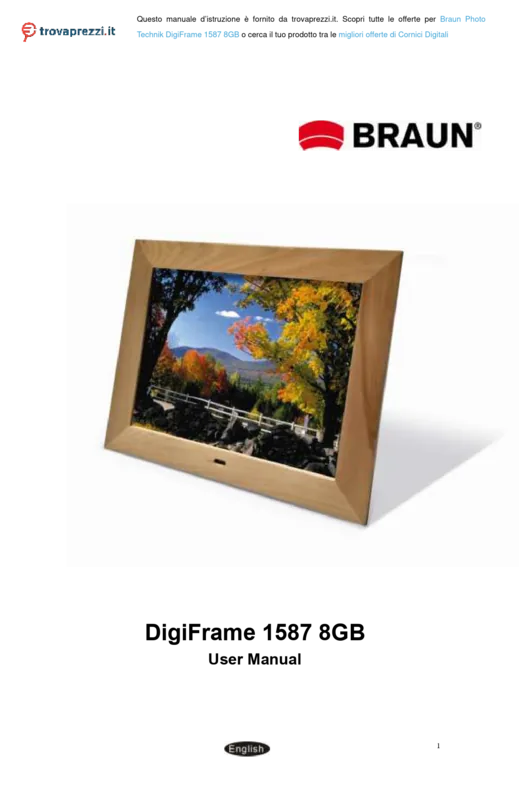
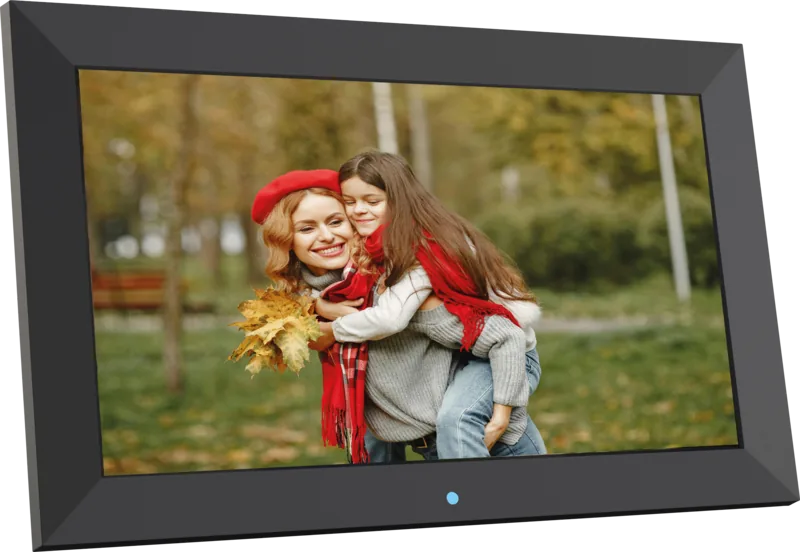

Braun DigiFrame 1361 Manual
PDF manual · 60 Pages
English



Quick check
Incorrect answer, please try again.
Chat with your Braun DigiFrame 1361 manual using AI
Get instant AI answers from your Braun DigiFrame 1361 manual
Ask anything about the Braun DigiFrame 1361. Answers come from this manual, with the pages they are based on.
DigiFrame 1361 Maintenance Schedule
The CR2025 lithium button-cell battery lasts approximately half a year under normal conditions. Replace if the remote stops functioning.
Use a soft, non-abrasive cloth moistened with cleaning solution to remove fingerprints or dust. Handle glass screen carefully to avoid scratches.
Free maintenance reminders
Timed to your purchase date. Always free, unsubscribe anytime.
Ask a Question
Do you recommend DigiFrame 1361?
Yes No
Melany Senger
6 months ago
Does anyone know if the Braun Digiframe 1361 has any known manufacturing defects?
Frequently Asked Questions
It features a 13.3-inch IPS TFT display with a resolution of 1920x1080 pixels.
Is this answer helpful?
The frame supports SD, SDHC, MMC, and Memory Stick (MS) cards for easy photo and video playback.
Is this answer helpful?
Yes, it plays various video formats including MPEG1, MPEG2, MPEG4, AVI, MOV, RMVB, and DivX.
Is this answer helpful?
Yes, it supports scrolling subtitles during photo, music, and movie playback via a specific TXT file.
Is this answer helpful?
Yes, it includes an HDMI-IN port allowing you to connect external devices like cable boxes.
Is this answer helpful?
Place a file named 'copy.txt' on your USB stick; connected files will auto-copy up to 8 GB.
Is this answer helpful?
Advantages and Disadvantages
Advantages

- Large 13.3-inch Full HD IPS display provides sharp and colorful visuals
- Supports multiple file formats including JPEG, MP3, and various video codecs
- Versatile connectivity options with SD card slots, USB 2.0, and HDMI input
- Includes scrolling subtitle support for enhanced video viewing experiences
- Customizable settings for brightness, contrast, and automatic power schedules
Disadvantages

- Limited internal storage capacity of only 8 GB requires frequent external media use
- Remote control battery is not rechargeable and must be replaced periodically
- Screen surface is glass which may be prone to scratches if not handled carefully
- Device is intended for private use only and not suitable for commercial displays
- No Wi-Fi capability means manual transfer of media files is required
Product Specification
Display
13.3"/33.8cm
Resolution
1920x1080
Brightness
300cd/m²
Contrast
500:1
Formats
JPEG, PNG, BMP, MPEG-1, MPEG-2, MPEG-4, H.264, MJPEG, MP3, RMVB, DivX, MOV
Internal Storage
8GB
Card Reader
SD/SDHC/MMC/MS
Connections
1x USB 2.0 (Host), HDMI
Dimensions (WxDxH)
12.75x8.94x0.98in
Weight
2.4lbs
Features
IPS Panel, Motion Sensor, Integrated Speakers (2x 2W), VESA 75x75, Remote Control
Product Description
Discover the Braun DigiFrame 1361
The Braun DigiFrame 1361 is a premium digital photo frame designed to bring your cherished memories to life with stunning clarity and ease. Featuring a vibrant 13.3-inch IPS TFT display with Full HD resolution, this device ensures that every photograph, video clip, and music track you love is presented in vivid detail. Whether you are displaying family snapshots taken on your latest smartphone or watching home movies captured on your digital camera, the Braun DigiFrame 1361 offers a seamless viewing experience.
This versatile media player supports a wide array of formats, making it incredibly convenient for users. It handles JPEG images, MP3 audio files, and numerous video formats including MPEG, AVI, and DivX. With built-in support for SD, MMC, and MS memory cards as well as USB 2.0 ports, connecting your content is simple and fast. The integrated HDMI input allows you to connect external devices like set-top boxes or gaming consoles directly to the frame, turning your living room wall into an entertainment hub.
Beyond just photos, the Braun DigiFrame 1361 includes smart features such as scrolling subtitles for videos, a built-in calendar, and customizable slideshow settings. You can adjust brightness, contrast, and saturation to match your room's lighting conditions. The included remote control makes navigation effortless, allowing you to skip tracks, pause videos, or change settings from across the room. Designed for private home use, this elegant frame combines functionality with a sleek aesthetic, making it the perfect gift for any occasion.
Search for 67,732 Manuals online


Type-in Brand or Model
Mortimer Beatty
4 months ago
Is the Braun Digiframe 1361 reliable, or is it poor quality Chinese junk as some reviews suggest?
Manual.ly
4 months ago
We are sorry to hear about your negative experience. The Braun Digiframe 1361 is manufactured by Braun, a brand with a long history of quality standards. If you received a defective unit, we recommend contacting our customer service immediately for a replacement or refund under our warranty policy. Please provide your order number so we can investigate this specific case.