
Boso Bosotherm Diagnostic Manual
PDF manual · 112 Pages
English



Quick check
Incorrect answer, please try again.
Chat with your Boso Bosotherm Diagnostic manual using AI
Get instant AI answers from your Boso Bosotherm Diagnostic manual
Ask anything about the Boso Bosotherm Diagnostic. Answers come from this manual, with the pages they are based on.
Bosotherm Diagnostic Maintenance Schedule
Remove batteries from the device if it will not be used for an extended period to prevent leakage and damage.
Carefully remove soiling on the IR sensor using a dry cloth or cotton swab. Do not use paper towels.
Use an alcohol-soaked swab or cotton cloth with 70% isopropyl alcohol. For wiping disinfection, use Microzid Liquid Sensitiv with a minimum exposure time of 5 minutes. Allow to dry completely before reuse.
Replace old LR03 (AAA) alkaline batteries with new ones immediately when the battery symbol blinks on the display.
Carry out regular checks on the measurement system accuracy in accordance with valid national directives.
Ask a Question
Do you recommend Bosotherm Diagnostic?
Yes NoDo you recommend Bosotherm Diagnostic?
Yes NoFrequently Asked Questions
It measures human body temperature by non-contact infrared sensing of the forehead skin temperature, and it also measures the temperature of objects using its object mode. Results are shown in Celsius with mode-specific alerts.
Is this answer helpful?
For both body and object measurements, hold the sensor at about 5 cm or less from the target surface, aimed so the sensor faces the forehead center or the object surface.
Is this answer helpful?
The measurement process takes about 1 second. After the measurement, the result stays visible for a short period while the device prepares for the next reading.
Is this answer helpful?
In body temperature mode, if the temperature is at or above 37.5 C, the device emits 3 short audible signals as a fever alarm. If the result is below 37.5 C, it emits a long signal tone.
Is this answer helpful?
Yes. It can save up to 30 temperature measurements. You can recall the latest value (and other saved values in sequence) using the M button, and you can clear the memory by holding the START button in memory mode for 5 seconds or longer.
Is this answer helpful?
Accuracy can be affected by wet skin or sensor lens, condensation, water or sweat on surfaces, and changes in ambient temperature. The manual also notes that skin temperature varies with bathing, sports, sweating, ice packs, and outdoor temperature exposure.
Is this answer helpful?
Use it as a screening tool, not as a replacement for a doctor visit or medical diagnosis. If results do not match the patient condition or are unusually low, repeat measurements (for example, every 15 minutes) and consider comparing with core body temperature.
Is this answer helpful?
Advantages and Disadvantages
Advantages

- Non-contact forehead temperature measurement reduces discomfort and eliminates skin contact.
- Fast measurement, about 1 second, with clear audible and visual feedback.
- Two modes: human body temperature and object temperature in one device.
- Stores up to 30 measurements with recall for quick review.
Disadvantages

- Not waterproof, so it must not be immersed or cleaned with water immersion.
- Requires correct use and stable ambient conditions; out-of-range environment triggers warnings and stops measurement.
- Measures skin temperature, which can vary due to activities, sweat, or cold exposure.
- Unusually low readings may require repeating (for example, every 15 minutes) or comparing with core temperature.
Product Specification
Type
Infrared thermometer
Operating mode
Battery operated (2x AAA battery)
Application
on the forehead
Units of measure
°F
Measuring range
93.2°F to 108.0°F (body temperature), 32.18°F to 211.82°F (surface temperature)
Accuracy
±0.18°F
Measurement time
1s
Memory function
30 memory slots
Display
yes
Special features
Fever indicator, surface measurement
Scope of delivery
Bag, battery
Product Description
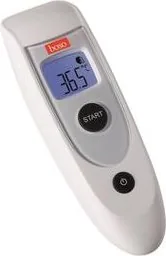
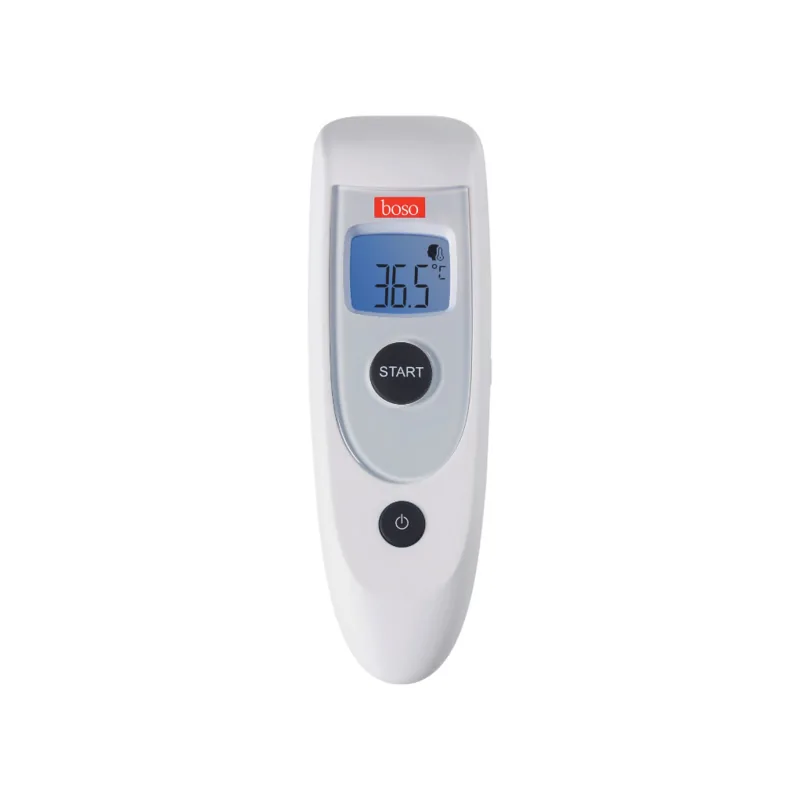
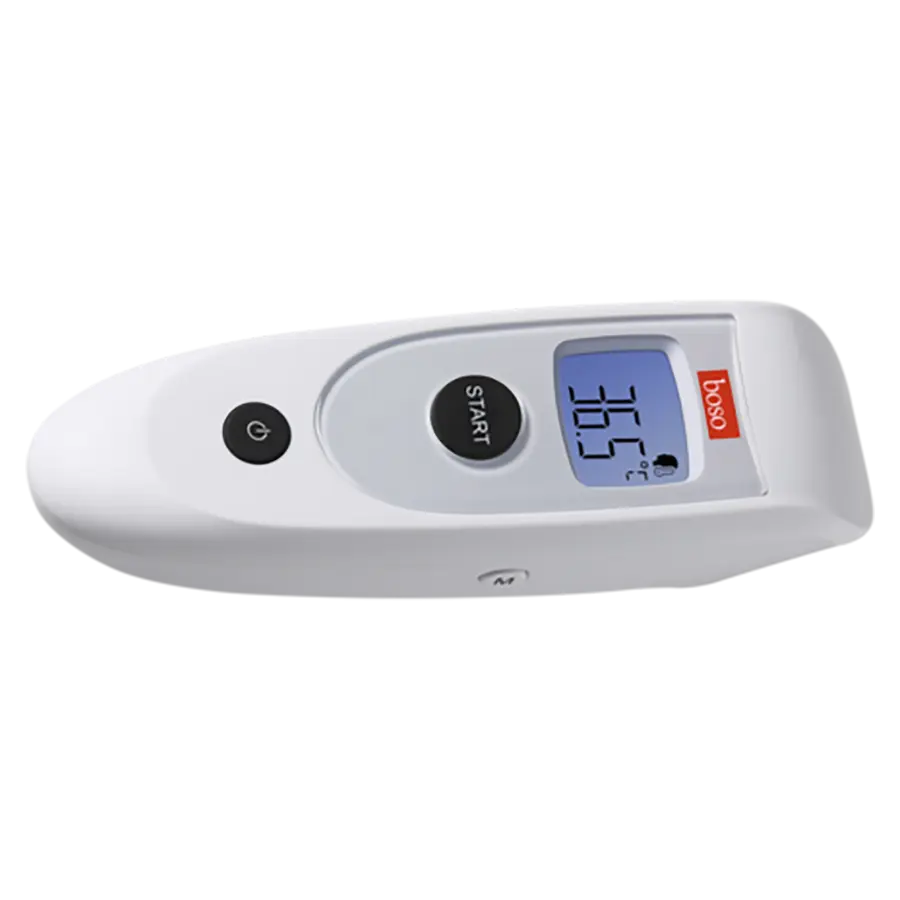
Boso Bosotherm diagnostic Manual - Non-Contact IR Thermometer for Home and Clinic Use
The Boso Bosotherm diagnostic is a digital non-contact infrared thermometer designed to help you check body temperature and measure the temperature of objects without touching the skin. Using a sensitive IR sensor, it captures infrared radiation and converts it into a readable temperature value, supporting consistent results while avoiding issues like glass breakage.
Thanks to its auto-test routine each time it powers on, the thermometer aims to deliver dependable measurements. It offers two measurement modes: one for human body temperature (forehead) and one for objects. The device displays results in Celsius, includes a blue backlit LCD screen, and provides both visual and audible feedback so you can interpret outcomes quickly.
For body temperature, the Boso Bosotherm diagnostic guides you to hold the sensor at about 5 cm or less from the center of the forehead. The measurement takes roughly 1 second. If the reading is at or above 37.5 C, it triggers an audible fever alarm pattern. If the reading is below 37.5 C, a different long signal tone is emitted, and the result remains on the display before the device automatically powers down.
For measuring objects, you can switch to the dedicated object mode and hold the thermometer about 5 cm or less from the target surface. This makes it convenient for checking temperatures of items in everyday settings, while also being useful in controlled environments where object temperature matters.
Key results
- Measures forehead body temperature and object temperature with two modes and clear display indicators.
- Fast readings in about 1 second, with sound cues and status alerts (H, L) when outside mode ranges.
- Broad measurement coverage: body 34 to 42.2 C; objects 0.1 to 99.9 C.
- Practical storage: saves up to 30 measurements with recall and memory-clear functions.
- Operational reliability features include auto-test, low-battery indication, and an ambient-condition check.
Notes before you measure
- Let the device acclimate to room temperature for at least 30 minutes, especially after moving locations.
- Keep skin and sensor lens dry; water, sweat, and condensation can affect infrared readings.
- Do not use it as a substitute for medical diagnosis.
- For newborns under 6 months, rectal verification is recommended by doctors.
Pros and cons (quick take)
Non-contact convenience and fast results come with a need for correct positioning and stable ambient conditions.
Search for 67,732 Manuals online


Type-in Brand or Model