
Bosch Professional GAX 18V-30 Manual
PDF manual · 113 Pages
English



Quick check
Incorrect answer, please try again.
Chat with your Bosch Professional GAX 18V-30 manual using AI
Get instant AI answers from your Bosch Professional GAX 18V-30 manual
Ask anything about the Bosch Professional GAX 18V-30. Answers come from this manual, with the pages they are based on.
GAX 18V-30 Maintenance Schedule
Check the battery charger, cable and plug before every use. Do not use if damage is detected.
Clean contaminated battery contacts by inserting and removing the battery several times or replace the battery.
Ask a Question
Do you recommend GAX 18V-30?
Yes NoFrequently Asked Questions
It is designed for Bosch lithium-ion batteries in the 10.8V/12V and 14.4V/18V ranges, with a minimum capacity of 1.3 Ah. Battery voltage must match the charger’s supported charging voltage.
Is this answer helpful?
It uses LED indicators. A flashing green light shows active charging, and a steady green light means the battery is fully charged and ready to use.
Is this answer helpful?
The charger handles batteries one after another, not simultaneously. The first battery inserted is charged first, then the second one is charged automatically.
Is this answer helpful?
Yes, it includes a USB port for charging compatible external USB devices. However, not every USB device will necessarily charge successfully, even if the technical values appear compatible.
Is this answer helpful?
A steady red light usually means the battery temperature is outside the permitted charging range. A flashing red light points to another charging fault, such as poor contact, a damaged battery, or a power issue.
Is this answer helpful?
Yes, it can be attached to a wall using the provided wall-holder setup. This is helpful for saving space and keeping the charging area neat and accessible.
Is this answer helpful?
Advantages and Disadvantages
Advantages

- Supports multiple Bosch battery voltages, making it useful for mixed tool setups.
- Smart charging helps protect batteries and improve long-term battery life.
- LED indicators make charge status easy to read at a glance.
- Built-in USB port adds extra convenience for charging small devices.
- Wall-mount option helps save workspace and keep the charger organized.
Disadvantages

- Charges battery packs sequentially rather than at the same time.
- Only compatible with Bosch Li-ion batteries that meet the charger requirements.
- Some USB devices may not charge even if technical specs seem compatible.
Product Specification
Type
Charger
Suitable for
Bosch
Battery voltage
10.8-18V
Battery type
Li-Ion
Special features
USB charging port, Dual charger
Weight
1.76 lb
Product Description
Bosch Professional GAX 18V-30 Charger: Practical Power for Busy Workdays
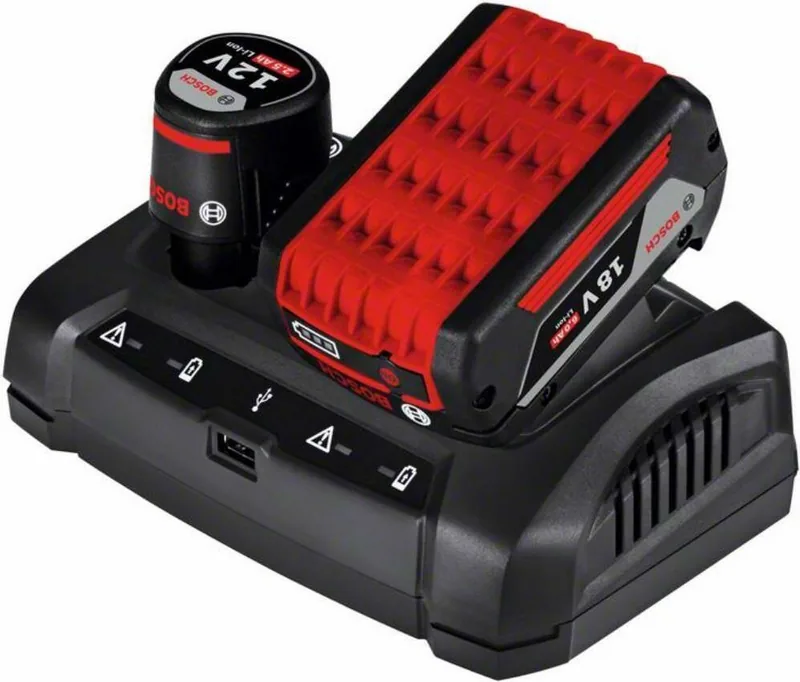
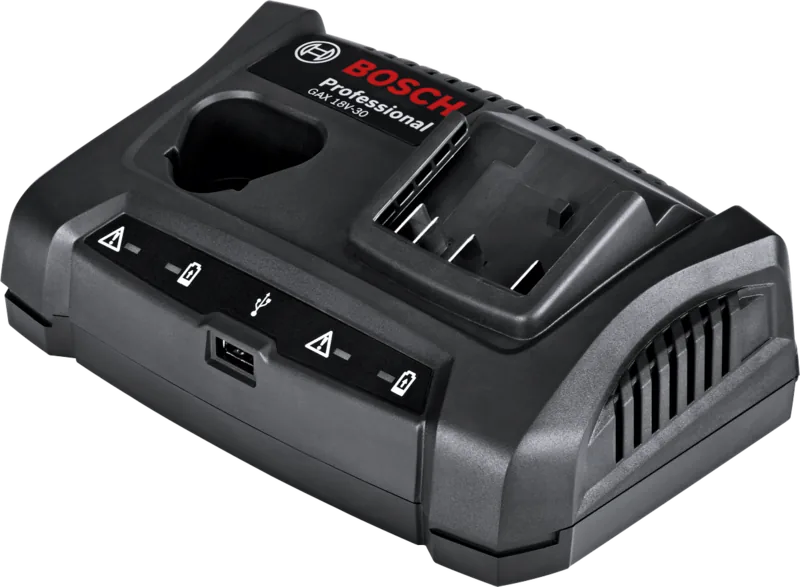
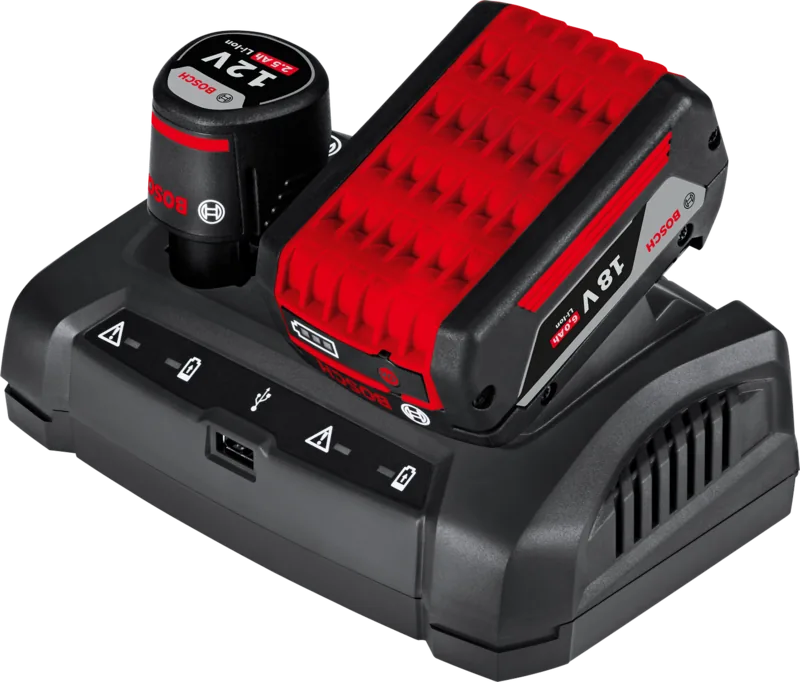
The Bosch Professional GAX 18V-30 Charger is built for users who want simple, efficient, and reliable battery charging without unnecessary complexity. Designed for Bosch lithium-ion batteries in the 10.8V/12V and 14.4V/18V ranges, it offers a flexible solution for professionals who rely on cordless tools every day. Whether you are working in a workshop, on a jobsite, or keeping a mixed tool set ready at home, this charger is made to keep downtime low and productivity high.
A major advantage of this model is its intelligent charging behavior. The charger automatically detects battery condition, voltage, and temperature, then adjusts the charging current for the best possible result. This helps protect the battery, supports longer service life, and ensures the pack remains fully charged when stored in the charger. The unit charges batteries one after the other, starting with the first one inserted, which makes the process straightforward and easy to manage.
The Bosch Professional GAX 18V-30 Charger Manual is especially useful for understanding the clear LED indicators. Green flashing lights show fast charging in progress, a steady green light confirms a full charge, and a red light warns of temperature limits or charging issues. This simple visual system makes it easy to monitor status at a glance, even in busy work environments.
Another practical feature is the integrated USB port. It allows a compatible external USB device to charge at the same time as the battery packs, adding convenience for phones, accessories, or small electronics. For users with limited space, the wall-mount option is a smart touch that helps keep benches and storage areas tidy.
With a charging current of 3.0 A and support for battery packs from 3 to 15 cells, the charger balances speed and battery care well. Typical charge times are solid for everyday use, and the compact 0.80 kg design makes it easy to move or mount where needed. It is a useful companion for anyone who depends on Bosch cordless tools and wants dependable charging in a compact form.
Notes
- Best suited for Bosch Li-ion batteries only
- Charging is paused if the battery temperature is outside the safe range
- Keep ventilation slots clear for safe operation
- The USB output is convenient, but device compatibility may vary
Search for 67,706 Manuals online


Type-in Brand or Model
iste29
9 months ago
Does this charger charge two rechargeable batteries at the same time, or only one by one? I want to know before buying.
Manual.ly
9 months ago
From customer experience, the unit is designed to charge one battery at a time, not two simultaneously. It can still charge relatively fast thanks to a max charging current of about 3A, and it does not generate fan noise. The charger itself stays quiet, but the included power adapter may warm up noticeably during operation. That is normal with higher charging loads. If you want to charge multiple batteries, plan for sequential charging. For best results, use the provided adapter and avoid blocking airflow around the power supply.