
Bosch DIY UniversalInspect Manual
PDF manual · 169 Pages
English



Quick check
Incorrect answer, please try again.
Chat with your Bosch DIY UniversalInspect manual using AI
Get instant AI answers from your Bosch DIY UniversalInspect manual
Ask anything about the Bosch DIY UniversalInspect. Answers come from this manual, with the pages they are based on.
UniversalInspect Maintenance Schedule
Clean the inspection camera and all auxiliary aids particularly thoroughly after working in areas with substances that are hazardous to one's health. Wipe off debris using a moist and soft cloth.
Especially clean the camera lens regularly and pay attention for any lint. Do not use cleaning agents or solvents.
Ask a Question
Do you recommend UniversalInspect?
Yes NoFrequently Asked Questions
It is used to inspect dark, narrow, or hard-to-reach areas. It helps with visual checks behind objects, inside cavities, and around components that are difficult to see directly. It is designed for DIY inspection tasks, not medical or plumbing repair work.
Is this answer helpful?
Yes. It can save up to 8 images in local memory. If you take more photos, the oldest ones are replaced. For larger storage, insert a FAT32-formatted microSD card between 4 GB and 32 GB.
Is this answer helpful?
Yes. The display can be magnified by 1.5x or 2x. This helps when you need a closer look at small details, text, or objects inside tight spaces.
Is this answer helpful?
Yes, the camera head and cable are water-resistant, but the housing is not fully protected against water. The device should not be used in standing water or exposed to moisture at the body.
Is this answer helpful?
A mirror, hook, or magnet can be fitted to the camera head. These accessories help view surfaces from different angles or move small loose items like screws.
Is this answer helpful?
The camera runs on four AA batteries. It shows battery status on the display, and if the battery symbol is empty, inspection is no longer possible. Removing batteries during storage is recommended.
Is this answer helpful?
Advantages and Disadvantages
Advantages

- Compact and lightweight, making it easy to carry for quick inspection jobs.
- Adjustable brightness, contrast, zoom, and 180° image rotation improve visibility.
- Mirror, hook, and magnet accessories expand the camera’s usefulness in tight spaces.
- MicroSD support with auto-transfer helps store and organize more inspection images.
Disadvantages

- The main unit is not waterproof, so wet conditions require extra care.
- Local memory is limited to 8 photos unless a compatible microSD card is used.
- Not intended for medical use, pipe unclogging, or pulling cables.
- Battery runtime is limited, so long inspection sessions may need spare AA batteries.
Product Specification
Camera
320x240 (max. display resolution)
Display
yes
Special features
LED work light
Power supply
Battery operated (4x AA battery)
Protection class
IP67
Weight
0.86 lb
Scope of delivery
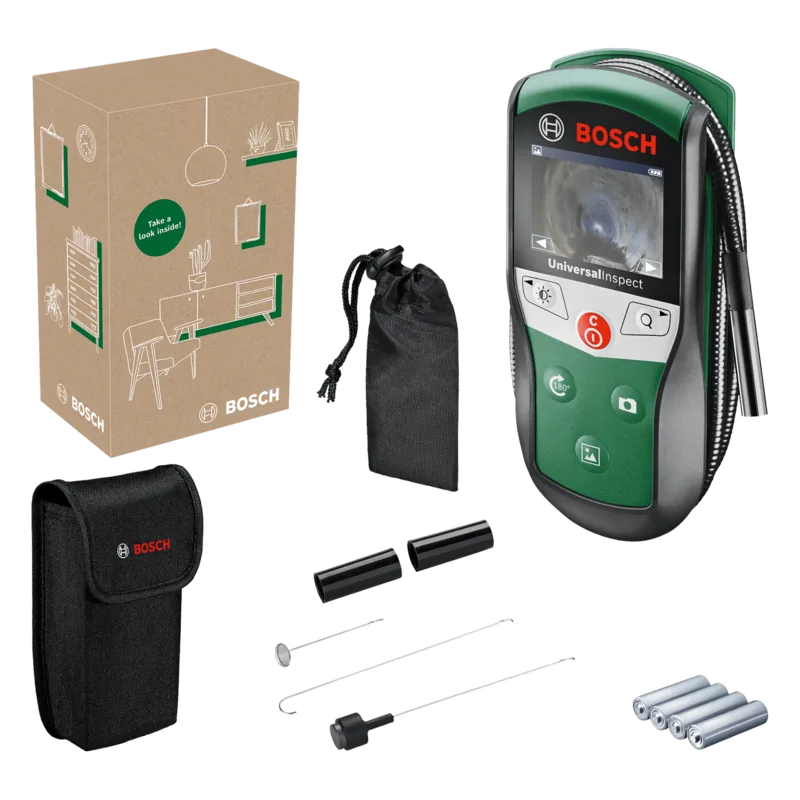
Bag, Magnet, Hook, Mirror, Camera cable (37.40in)
Product Description
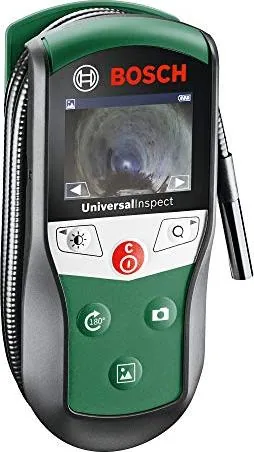
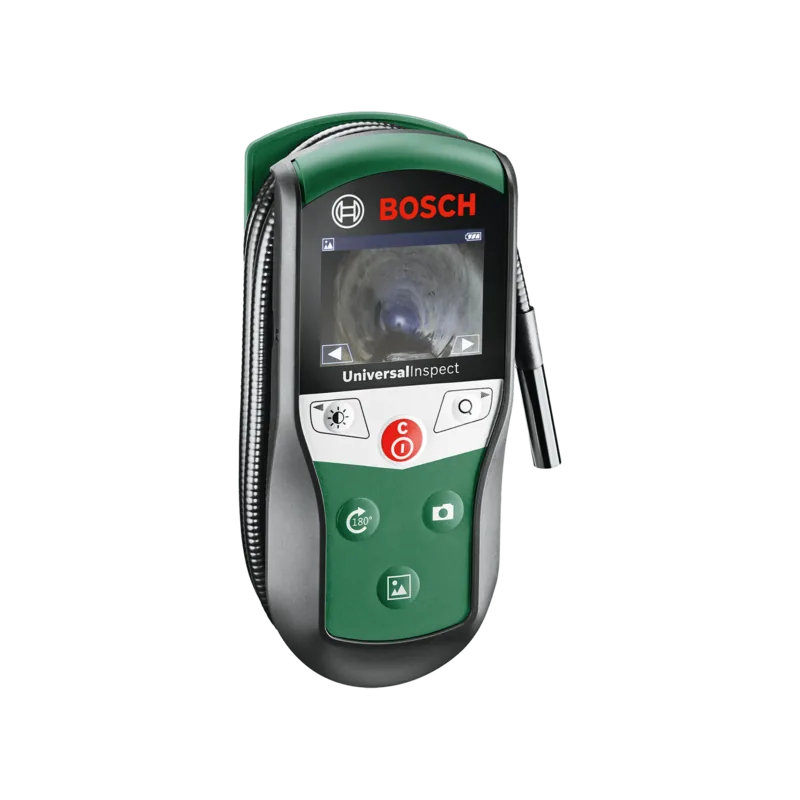
Bosch DIY UniversalInspect Inspection Camera
The Bosch DIY UniversalInspect Inspection Camera is a compact helper for anyone who needs to see what hides behind panels, inside narrow gaps, or deep in dark corners. Designed for everyday DIY use, it brings a practical mix of portability, simple controls, and useful imaging tools that make inspection tasks easier and more precise. If you have ever struggled to check behind appliances, under sinks, or inside tight mechanical spaces, this camera offers a smarter way to work.
At the heart of the Bosch DIY UniversalInspect Inspection Camera Manual experience is a clear focus on usability. The camera offers photo and gallery modes, image rotation, zoom, and adjustable brightness with black-and-white contrast. That means you can adapt the view to reflections, shadows, or awkward viewing angles without needing complicated setup. The 180° image rotation is especially helpful when the probe is inserted in reverse or sideways positions.
The included accessories add even more value. A mirror, hook, and magnet can be attached to the camera head to help recover small loose objects or inspect surfaces from different angles. The camera cable and head are water-resistant, which is useful for damp spaces, while the device itself stays intended for dry handling and careful use. It is built for inspection, not for medical work, drain clearing, or cable pulling, so its purpose stays focused and reliable.
Storage and sharing are straightforward too. The local memory holds up to 8 images, and inserting a FAT32 microSD card expands storage while automatically transferring saved photos. That makes it easy to keep records of what you found during an inspection. With its AA battery power, auto shut-off, and lightweight body, the camera is easy to carry and practical for quick jobs around the home or workshop.
Notes
- Best suited for hard-to-reach or poorly lit areas.
- Use the right lighting level for reflective surfaces.
- Keep the housing dry and avoid extreme temperatures.
- The camera head and cable are water-resistant, but the body is not fully protected.
Search for 67,706 Manuals online


Type-in Brand or Model