
beyerdynamic Phonum Manual
PDF manual · 60 Pages
English



Quick check
Incorrect answer, please try again.
Chat with your beyerdynamic Phonum manual using AI
Get instant AI answers from your beyerdynamic Phonum manual
Ask anything about the beyerdynamic Phonum. Answers come from this manual, with the pages they are based on.
Ask a Question
Do you recommend Phonum?
Yes NoFrequently Asked Questions
It is a speakerphone for hands-free calls and conferencing. It is designed to improve voice clarity and make conversations easier on smartphones or computers.
Is this answer helpful?
It can connect by Bluetooth or NFC. Bluetooth pairing uses the device name Phonum-xxx, while NFC works by bringing an NFC-capable phone close to the NFC symbol.
Is this answer helpful?
Yes. Connect it with the supplied USB cable and turn the unit on. It can also be used while charging if connected to a computer.
Is this answer helpful?
It includes beamforming mode, cardioid mode, and omnidirectional mode. These options help adapt the microphone pickup to different speaking styles and room conditions.
Is this answer helpful?
Charge it with the supplied charger or a USB power source. For long-term storage, keep the battery around 50% charged and store it in a cool place.
Is this answer helpful?
Keep it dry, avoid heat, clean it with a slightly damp or dry cloth, and do not open the device. Servicing should be done by authorized personnel only.
Is this answer helpful?
Advantages and Disadvantages
Advantages

- Bluetooth and NFC pairing make setup fast and convenient.
- Three microphone modes offer flexible voice pickup for different call settings.
- USB support allows use with laptops and charging at the same time.
- Dedicated call and volume controls make hands-free use simple.
Disadvantages

- Best performance depends on proper placement and the chosen microphone mode.
- Battery storage and charging rules require care for long-term health.
- Not intended to be opened or repaired by the user.
- Limited cleaning and environmental precautions may restrict where it can be used.
Product Specification
Interfaces
1x USB-C (Port), Bluetooth 4.2, NFC
Connection Range
32.81 ft
Output Power
2.3W
Power Supply
Battery, USB-C (Port)
Talk Time
12h
Color
black
Dimensions
5.35x5.35x2.48in
Weight
0.99 lb
Product Description
beyerdynamic Phonum Manual: A Compact Speakerphone for Clearer Calls
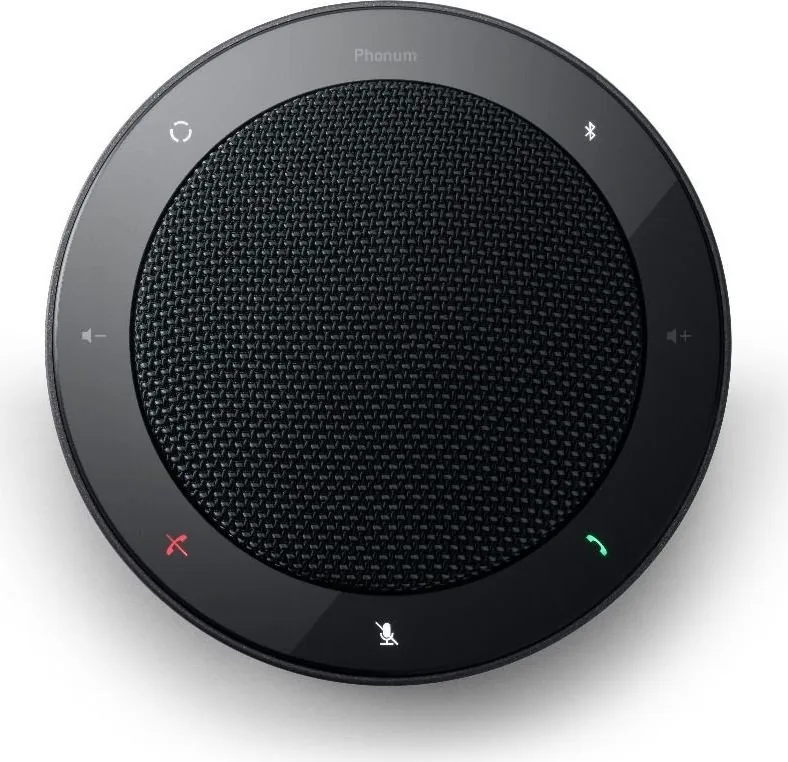
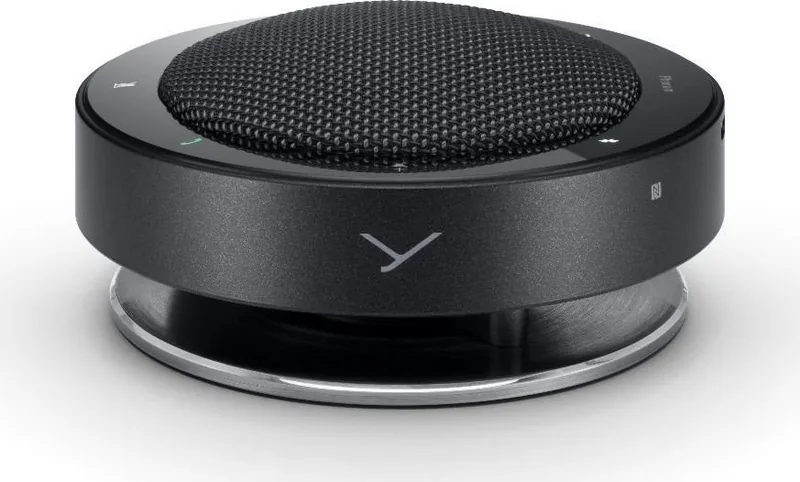
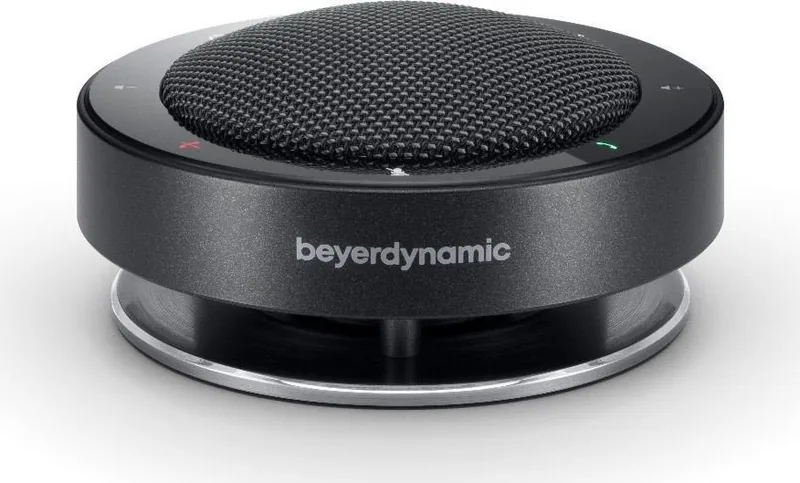
The beyerdynamic Phonum is a portable speakerphone designed for modern voice calls, online meetings, and hands-free conversations. It focuses on straightforward operation, flexible connectivity, and microphone performance that adapts to different speaking situations. Whether used with a smartphone or a laptop, Phonum aims to make calls feel more natural and less cramped than relying on a handset alone.
One of the most practical aspects of the beyerdynamic Phonum Manual is how clearly it separates setup, operation, and care. The device can pair with a smartphone through Bluetooth or NFC, and it can also connect to a PC or laptop with a USB cable. That makes it useful for mobile work, home offices, and quick conference calls. Once connected, users can accept or end calls directly on the unit and adjust volume without reaching for the phone.
A standout feature is the selectable microphone mode. Phonum offers beamforming, cardioid, and omnidirectional pickup patterns. Beamforming is the default and is meant to follow the active speaker, while the other modes help tailor audio capture to group calls or broader room pickup. This flexibility is especially valuable in shared spaces where speech clarity matters.
The battery design also supports portability. Phonum uses a rechargeable lithium-ion battery and provides battery status announcements plus a visible charging indicator. The manual recommends charging through USB and storing the battery around half charge if it will not be used for a while. This shows that the product is built not only for convenience, but also for long-term battery care.
From a safety and maintenance perspective, the guidance is simple but important: keep the unit dry, avoid heat, use only the supplied charger, and clean it with a soft damp or dry cloth. The manual also emphasizes proper disposal of electronics and batteries, reflecting a responsible approach to product lifecycle management.
Notes
- Best suited for personal calls, small meetings, and mobile conferencing.
- Pairing is easy, and automatic reconnect improves daily use.
- Microphone modes add versatility for different room setups.
- Battery care and storage recommendations help preserve performance.
Search for 67,706 Manuals online


Type-in Brand or Model