
beyerdynamic MMX 200 wireless Manual
PDF manual · 92 Pages
English



Quick check
Incorrect answer, please try again.
Chat with your beyerdynamic MMX 200 wireless manual using AI
Get instant AI answers from your beyerdynamic MMX 200 wireless manual
Ask anything about the beyerdynamic MMX 200 wireless. Answers come from this manual, with the pages they are based on.
Ask a Question
Do you recommend MMX 200 wireless?
Yes NoFrequently Asked Questions
Use the / button: press twice briefly to enable Low Latency Mode (when the dongle is used) and press three times quickly to switch to Bluetooth Mode. Multi-press patterns control mode switching without opening system settings.
Is this answer helpful?
Augmented Mode mixes external microphone input so you hear your voice and surroundings more naturally. Press and hold the control wheel for about 2 seconds until you hear the voice prompt and the light guide turns turquoise. Hold again to disable.
Is this answer helpful?
Battery life is rated up to approximately 35 hours under typical microphone and speaker usage. You can charge via the USB-C cable while using the headset; charging status is shown by the light guide. Avoid continuous charging beyond recommended durations to protect battery health.
Is this answer helpful?
Briefly press the control wheel to toggle microphone mute. When muted, a red LED lights on the microphone and the control wheel area; press again briefly to unmute and turn the red LED off.
Is this answer helpful?
Connect the MMX 200 Wireless to a PC via the supplied USB-C cable, download and install the beyerdynamic Update Hub from the product downloads page, then run the firmware update and follow on-screen instructions. Keep firmware current for best performance.
Is this answer helpful?
The headset supports USB-C audio (USB audio device), Bluetooth (A2DP, HFP, SBC, LC3), and analogue 3.5 mm via an optional USB-C to 4‑pole jack cable. The low-latency USB-C dongle provides optimal wireless performance for gaming.
Is this answer helpful?
To delete the pairing list: switch off the headset, then press and hold the power button for 6 seconds. To reset to factory settings: with the headset off, press and hold the power button for 16 seconds.
Is this answer helpful?
Advantages and Disadvantages
Advantages

- Low-latency USB-C dongle with LC3 codec for responsive gaming audio.
- Hybrid Mode mixes Bluetooth and analogue input 50/50 for flexible setups.
- Long battery life (~35 hours) and ability to charge during use.
- Augmented Mode enables natural self-voice and ambient awareness.
- Detachable gooseneck mic plus automatic ear-cup mics when boom removed.
Disadvantages

- Requires dongle pairing if replacement dongle is used/lost.
- Charging continuously beyond recommendations may reduce battery lifespan.
- Analogue use requires headset to be powered on to be active.
- Firmware updates need beyerdynamic Update Hub and a PC connection.
- Battery replacement must be done by qualified personnel (service required).
Product Specification
Design
Headphones (Over-Ear)
Form Factor
Headband
Acoustic Design
closed
Microphone
Boom microphone (detachable)
Connection
USB-C (Adapter)
Wireless
Bluetooth 5.3, LC3/LE Audio
Control
Volume control
Operating time
35h
Battery
USB-C charging port
Frequency range
20Hz-20kHz (Headphones), 50Hz-18kHz (Microphone)
Impedance
32 Ohm
Sensitivity
116dB
Driver
1.57 in
Certified for
Nintendo Switch, PS5
Features
incl. USB Bluetooth adapter
Weight
0.79 lb
Product Description
beyerdynamic MMX 200 Wireless — Overview
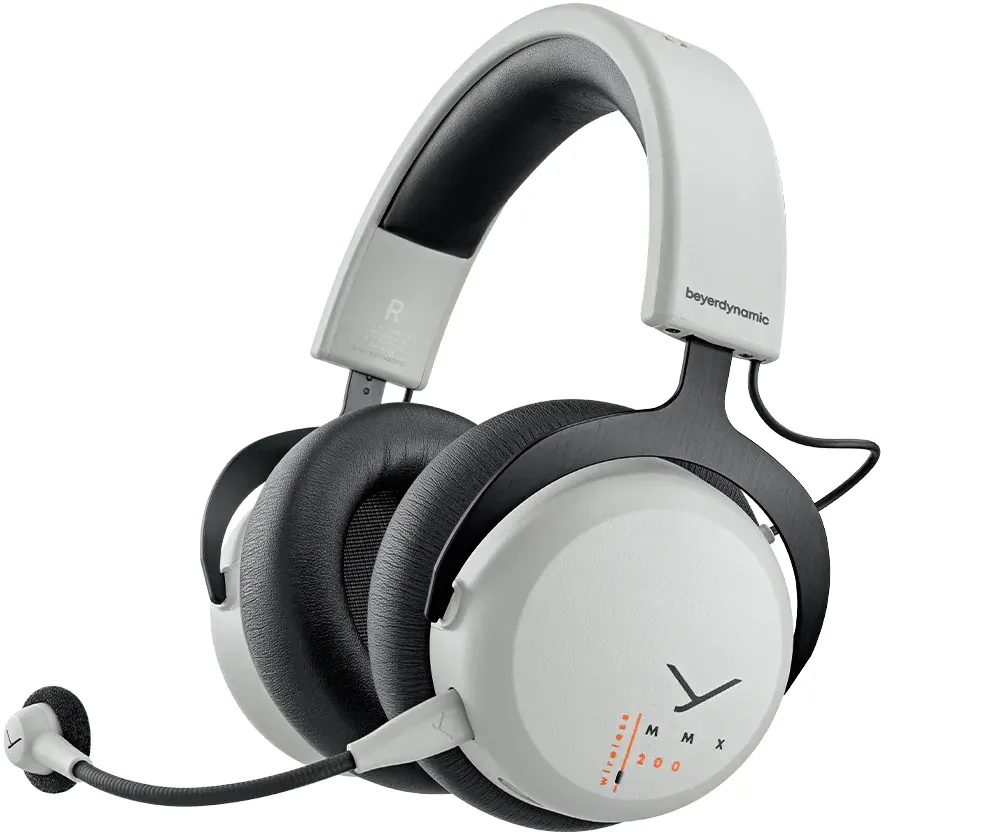
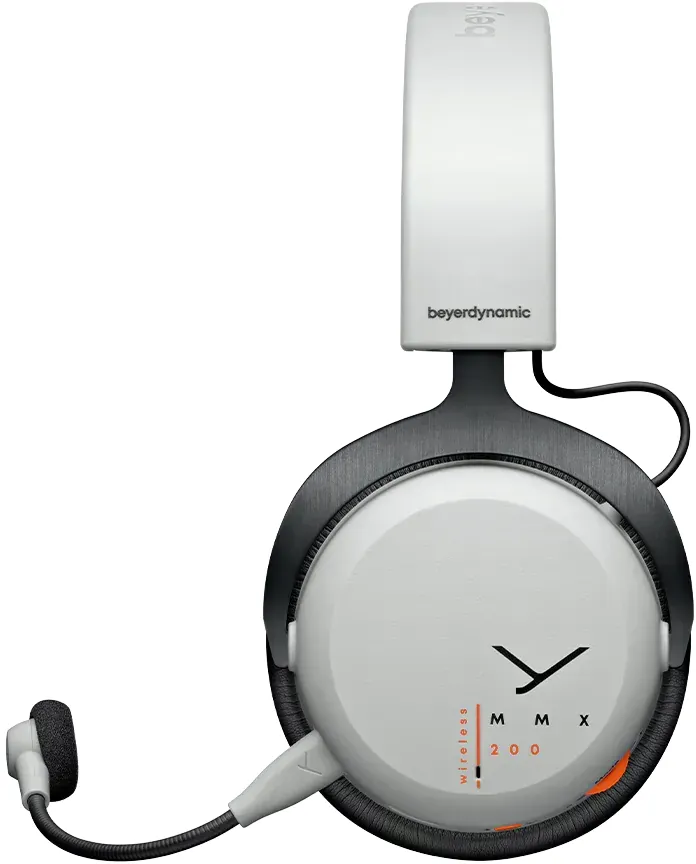
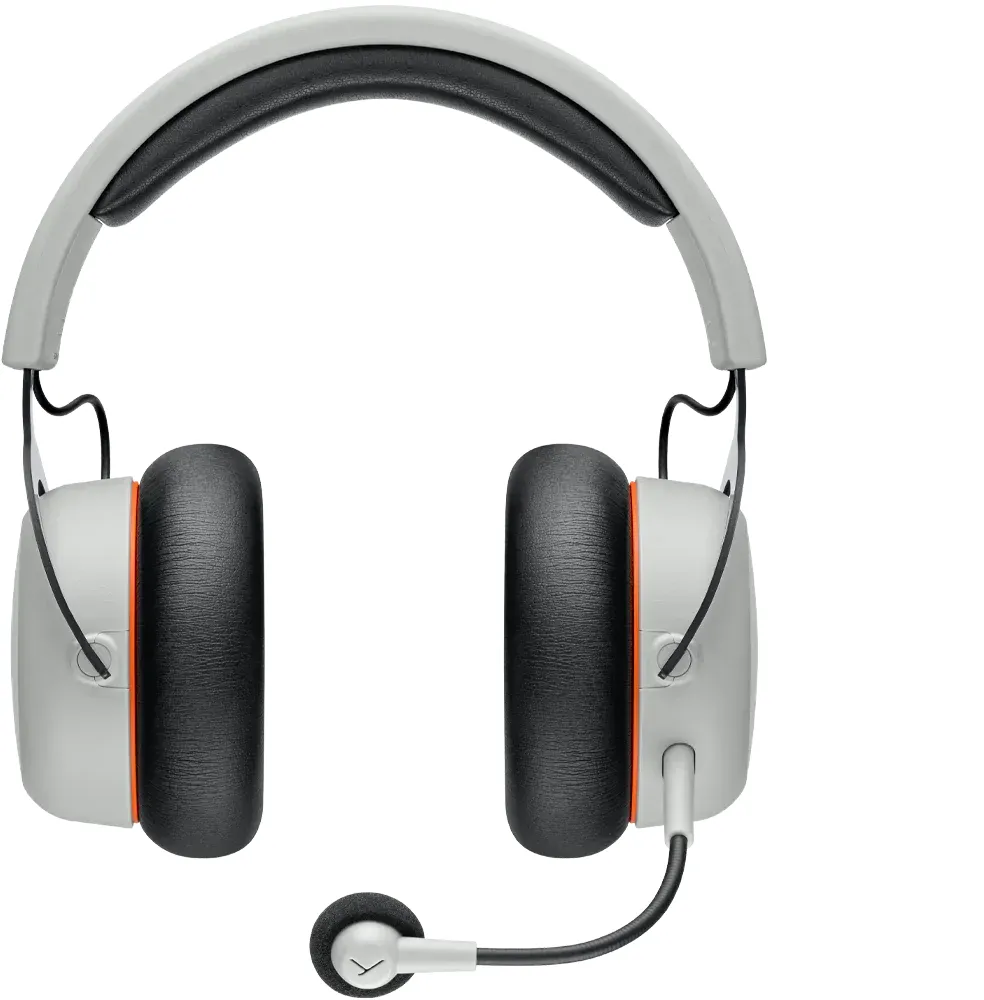
The beyerdynamic MMX 200 Wireless is a feature-rich gaming headset designed for long sessions, offering low-latency wireless audio, Bluetooth flexibility, hybrid analog mixing, and an integrated cardioid condenser microphone. Built with a closed dynamic transducer and a comfortable over-ear fit, it targets competitive gamers and content creators who need reliable wireless performance, clear voice pickup, and versatile connectivity.
Key features and usage
Equipped with a USB-C audio path and a low-latency USB-C dongle (LC3 codec), the MMX 200 Wireless delivers responsive audio for PC and console gaming. Bluetooth mode supports phone and mobile pairing (A2DP, HFP, SBC, LC3) for media and calls. Hybrid Mode mixes Bluetooth and a 3.5 mm analogue feed 50/50, useful when combining mobile voice/chat with console audio.
The headset includes a detachable 4‑pole gooseneck microphone plus built-in ear-cup mics that auto-activate if the boom is removed. An intuitive control wheel adjusts volume, toggles microphone mute, and enables Augmented Mode (transparancy-style pass-through) to hear surroundings and your own voice more naturally. A dedicated button cycles Low Latency and Bluetooth modes; multi-press patterns manage pairing, calls, and playback.
Battery life is up to 35 hours under typical conditions, and the headset can be charged via the supplied USB-C to USB-A cable while in use. A multicolor light guide indicates connectivity states, charging levels, pairing, and errors. Firmware updates are supported through the beyerdynamic Update Hub to keep codecs and performance current.
Design, comfort and maintenance
The MMX 200 Wireless weighs around 360 g (without cable) and uses replaceable ear pads that twist off for replacement. Build focuses on closed-back isolation and long-term comfort for gaming sessions. Maintenance is straightforward—clean with a soft damp cloth, avoid solvents and vacuuming, and replace the internal battery only through qualified service to retain warranty.
Accessories and support
Included: USB-C to USB-A cable (2.4 m), microphone pop shield, and low-latency dongle. Optional accessories include a USB-C to 4‑pole jack cable for analog use and replacement ear pads. Technical support and firmware downloads are available at beyerdynamic’s website; service inquiries go to [email protected].
Notes
- Default shipping mode is Low Latency for gaming; switch modes with button presses.
- Augmented Mode provides environmental awareness without removing the headset.
- Observe safe listening levels to prevent hearing damage.
Search for 67,706 Manuals online


Type-in Brand or Model