
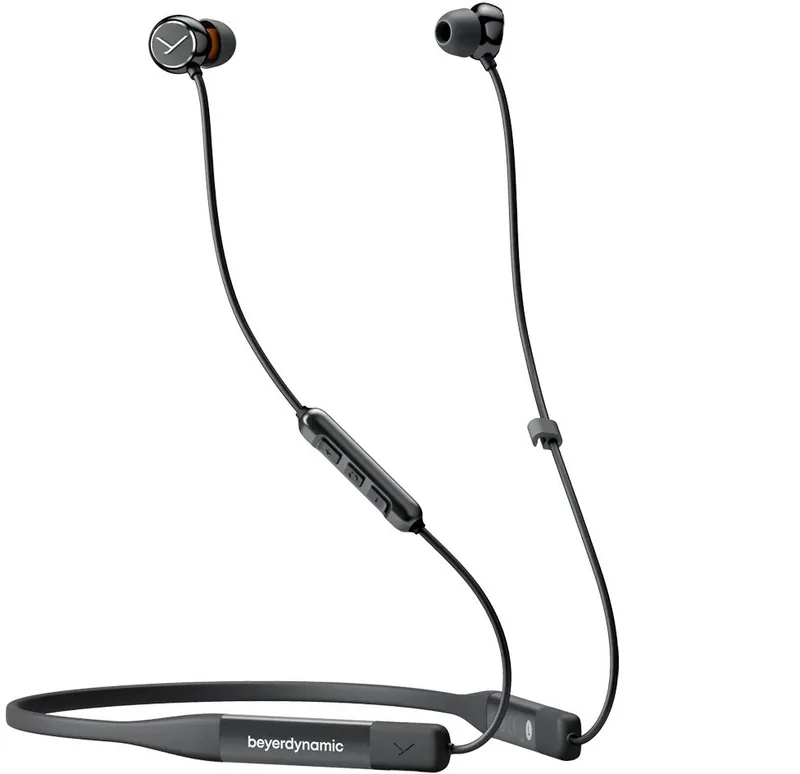
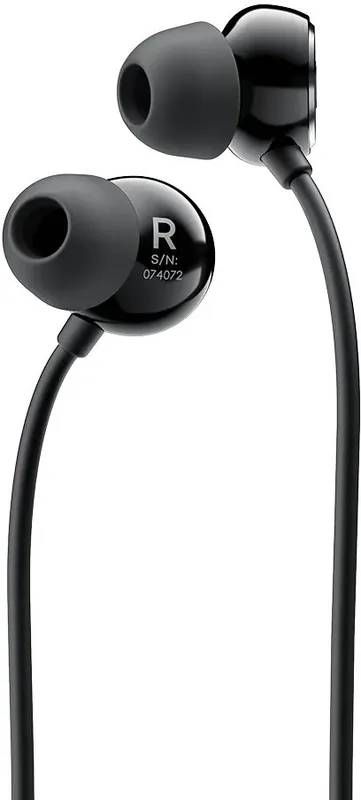
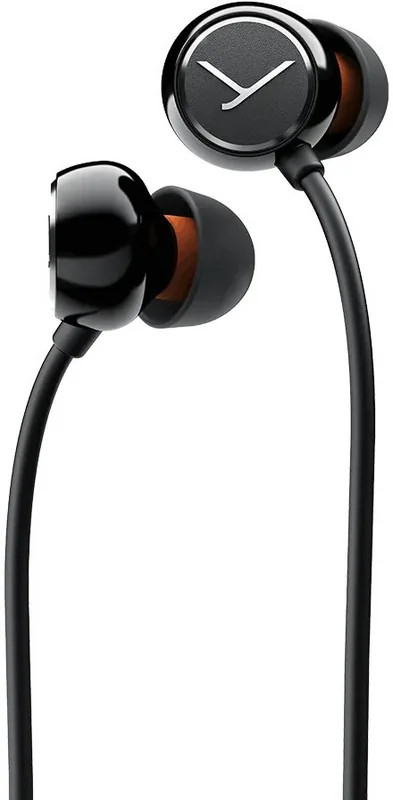
beyerdynamic Blue BYRD 2nd Generation Manual
PDF manual · 84 Pages
English



Quick check
Incorrect answer, please try again.
Chat with your beyerdynamic Blue BYRD 2nd Generation manual using AI
Get instant AI answers from your beyerdynamic Blue BYRD 2nd Generation manual
Ask anything about the beyerdynamic Blue BYRD 2nd Generation. Answers come from this manual, with the pages they are based on.
Blue BYRD 2nd Generation Maintenance Schedule
If using regularly, replace the silicone ear tips every three months to ensure fit and hygiene.
Regularly clean the ear tips to remove dirt and reduce the risk of ear canal infections.
Free maintenance reminders
Timed to your purchase date. Always free, unsubscribe anytime.
Ask a Question
Do you recommend Blue BYRD 2nd Generation?
Yes NoFrequently Asked Questions
Press and hold the On/Off button for two seconds until the LED flashes. To turn it off, hold the same button for four seconds.
Is this answer helpful?
Yes, the headphones support multi-point operation, allowing simultaneous connections with two devices. Phone calls take priority over music playback.
Is this answer helpful?
It supports SBC, AAC, and aptX Adaptive. The aptX Adaptive codec provides the highest audio quality available for this device.
Is this answer helpful?
For regular use, it is recommended to replace the silicone ear tips every three months to ensure hygiene and maintain a good acoustic seal.
Is this answer helpful?
Yes, there is a built-in microphone located on the back of the remote control for clear hands-free calling and voice assistant activation.
Is this answer helpful?
Press and hold both the [+] and [-] buttons simultaneously for four seconds. Note that this will delete all paired device information.
Is this answer helpful?
Advantages and Disadvantages
Advantages

- Supports aptX Adaptive codec for superior wireless audio quality
- Multi-point connection allows pairing with up to eight devices
- beyerdynamic MIY app offers personalized MOSAYC sound tuning
- Includes five pairs of silicone ear tips for custom fit
- Durable hard case provided for safe storage and transport
Disadvantages

- Volume synchronization may vary depending on the playback device
- In-ear design reduces ambient noise awareness in traffic
- Requires specific charging cable for optimal performance
- Resetting factory settings deletes all paired device data
- LED indicators may be difficult to see in bright sunlight
Product Specification
Type
In-Ear Headphones
Form Factor
Ear-hook-free, Neckband
Principle
Closed-back
Microphone
Wired Microphone
Wireless
Bluetooth 5.2, AAC, aptX, aptX Adaptive, Google Fast Pair, Multipoint
Controls
3-button Remote Control
Battery Life
14h
Battery
USB-C Charging Port, 1.4h Charge Time, Quick Charge (10min for 2h Battery Life)
Frequency Range
10Hz-25kHz
Device Features
Voice Assistant (Amazon Alexa, Apple Siri, Google Assistant), Equalizer Presets, Custom Equalizer, Sound Personalization, App Control
Color
Black
Weight
1.13oz
Product Description
Experience Premium Sound with the beyerdynamic Blue Byrd (2. Generation)
The beyerdynamic Blue Byrd (2. Generation) represents a significant leap forward in wireless audio technology, designed for users who demand high-fidelity sound and versatile connectivity. These in-ear headphones combine German engineering excellence with modern Bluetooth capabilities to deliver an immersive listening experience. Whether you are commuting, working out, or relaxing at home, these earphones adapt seamlessly to your lifestyle.
At the heart of the Blue Byrd lies support for advanced audio codecs, including aptX Adaptive. This ensures that music is transmitted with minimal loss, preserving the rich details and dynamic range of your favorite tracks. The device features a sleek neckband design that keeps the earbuds secure while resting comfortably around your neck when not in use. The included hard case provides robust protection during travel, ensuring your investment remains pristine.
Connectivity is effortless thanks to multi-point operation, allowing you to pair up to eight devices simultaneously while maintaining active connections with two. This feature prioritizes phone calls over media playback, so you never miss an important call even while enjoying your music. The integrated controls on the remote allow for intuitive management of volume, track skipping, and call handling without needing to reach for your smartphone.
Personalization is key to the user experience. Through the beyerdynamic MIY app, you can access MOSAYC sound personalization, which tailors the audio output specifically to your unique hearing profile. The app also tracks your listening statistics, helping you monitor exposure levels to protect your hearing health. With five pairs of silicone ear tips in various sizes included, finding the perfect fit for comfort and noise isolation is simple.
Battery life is optimized for all-day use, featuring a clear LED display that indicates charging status and connection modes. From flashing colors for battery levels to steady lights for full charges, visual feedback keeps you informed. Safety instructions emphasize proper usage to prevent hearing damage, recommending volume adjustments before insertion and regular cleaning of the ear tips to maintain hygiene.
Notes
- Always charge using the supplied USB-C cable for optimal battery health.
- Replace ear tips every three months for best hygiene and seal.
- Use the MIY app to update firmware and customize sound profiles.
- Avoid exposing the device to extreme temperatures or moisture.
Search for 67,706 Manuals online


Type-in Brand or Model