Manual.ly Logo

Beurer FC 96 Pureo Manual

5.0 · 1 Ratings

PDF manual · 52 Pages

English

M: OA-GPT-54-NAN
page

/ 52

Loading...
66aa180b10e5d2feaa00401d3bf00d35861e page b
11
7. Initial use
7.1 Charging the device
Charge the device for at least 4 hours before initial operation. To do this, proceed as follows:
1. Insert the mains cable into the charger.
2. Insert the mains adapter into the socket.
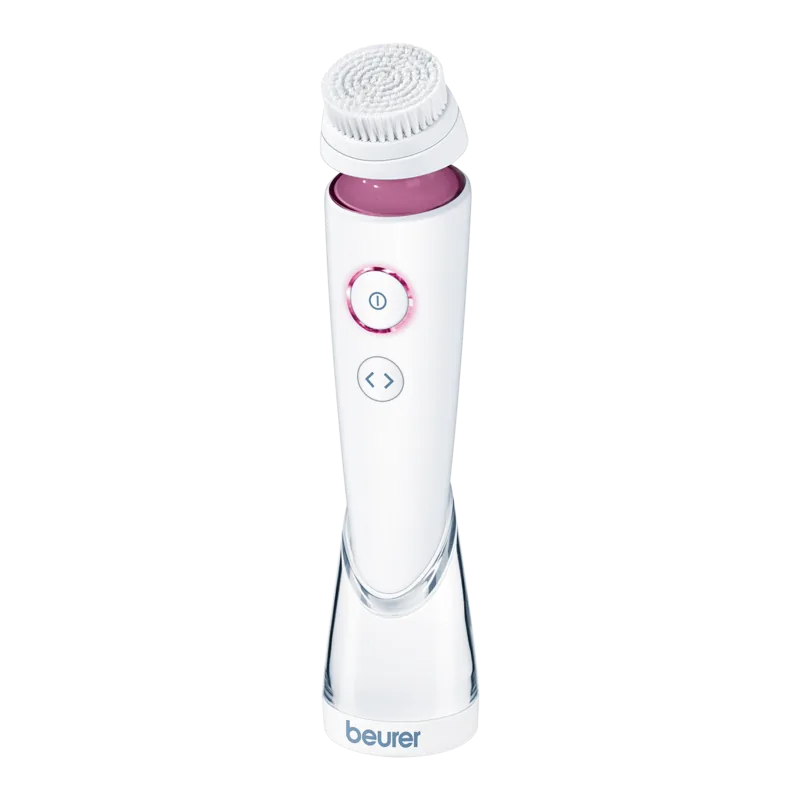
3. Insert the facial brush into the charger from above. The facial brush display lights up whilst charging is in progress.
The battery symbol
in the display shows the current charge status.
7.2 Attaching the brush
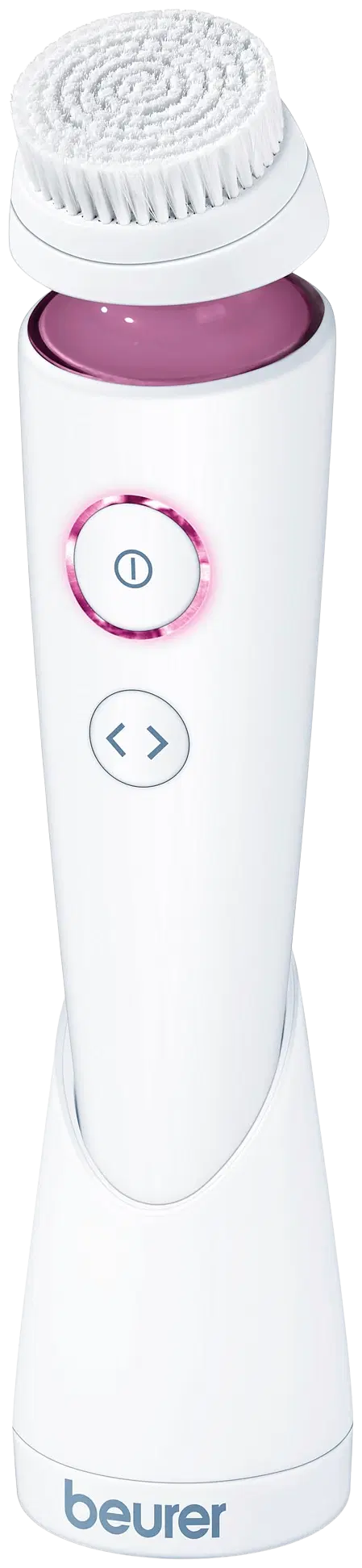
1. The attachment you wish to use should be fixed from above onto the mounting fixture of the device.
2. To remove the brush attachment after use, pull it up and o.
8. Use
1. Moisten the attached brush attachment with water. Never use the device with a dry brush attachment as this can ir-
ritate the skin.
2. Apply the cleansing gel to your facial skin.
3. To switch on the device, press and hold the ON/OFF/speed button for 1 second. The brush attachment will begin to
rotate.
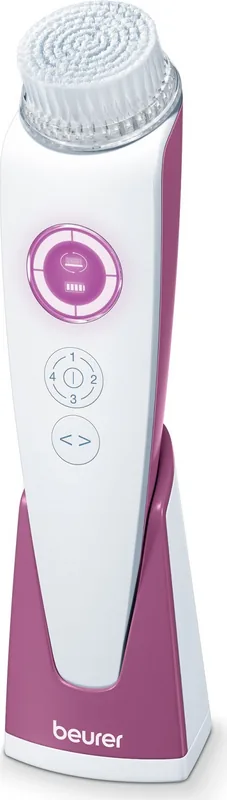
4. The device has four speed settings. To switch between the individual speed settings, briefly press the ON/OFF/speed
button. The selected speed setting is displayed via the corresponding circles in the display that are lit up.
5. Using the rotation button, select your desired rotation level. The device has circular rotation for gentle facial cleansing
and oscillating rotation for thorough facial cleansing.
6. Now apply the device gently to your face and cleanse your facial skin using even movements to remove residue, dirt
and dead skin cells.
Note
To ensure comfortable treatment, do not apply the rotating brush attachment too firmly to the skin. Treat each section of
skin for a maximum of 20 seconds only.
The brush features a 1-minute timer and stops every 20 seconds for 1 second to indicate that you should switch to clean-
sing a dierent area. The facial brush switches itself o automatically after 3x 20 seconds. The recommended application
period per use is 1 minute.
If the facial brush displays the following symbol in the display, we recommend changing the brush attachment. This
is the only way to continue to ensure optimum cleaning performance. You can obtain a new brush attachment in shops
or from the relevant service address (as specified in the service address list).
After you have changed the brush attachment, hold down the ON/OFF/speed button and the rotation button at the same
time for at least 2 seconds. The symbol illuminates continuously again.
7. Switch o the device after use. To switch o the device, press and hold the ON/OFF/speed button for 1 second.
8. Cleanse your face thoroughly with water to remove any residue from your skin.
9. Pat your skin dry with a towel and then apply a moisturising cream using even, circular movements.

Chat with your Beurer FC 96 Pureo manual using AI

Get instant AI answers from your Beurer FC 96 Pureo manual

Ask anything about the Beurer FC 96 Pureo. Answers come from this manual, with the pages they are based on.

FC 96 Pureo Maintenance Schedule

Remind me when maintenance is due
Every 4 months
Replace brush attachment

Replace the brush attachment every 4 months to ensure optimal cleaning performance. The device displays a symbol when replacement is recommended.

Show in the manual (page 11)
After each use
Clean brush attachments

Remove the brush attachment and clean it thoroughly with water after every use.

Show in the manual (page 12)
After each use
Clean device and charger

Wipe the device and charger with a soft, slightly damp cloth. Use mild soapy water for heavy soiling but avoid abrasive cleaners and prevent water from entering the device.

Show in the manual (page 12)

Free maintenance reminders

Timed to your purchase date. Always free, unsubscribe anytime.

By submitting you agree to the privacy policy. Unsubscribe with one click in any email.
M: QW-35-FL

Ask a Question

0/1000

Do you recommend FC 96 Pureo?

Yes No
0
User Pic

Barry Hughes

7 months ago

How is the battery life on this face brush, and does it really improve skin feel after the first use?

0
User Pic

Manual.ly

7 months ago

Based on user feedback, the battery lasts a long time. One reviewer used the brush for about two weeks and only needed to charge it once so far. Many people also report an immediate, pleasant skin feel after the first application, describing the skin as noticeably comfortable. If you have sensitive skin, start with gentle settings and shorter sessions to see how your skin responds. For best results, use it consistently and follow the recommended cleaning and charging routine.

M: OA-GPT-54-NAN
M: OA-GPT-54-NAN

Product Specification

Operating Mode

Battery Operation

Color

white, pink

Speed Levels

4

Cleaning Levels

2

Cleaning Modes

Rotation

Display

yes

Special Features

Timer, waterproof

Operating Time

30 min

Charging Time

4 h

Included

Charging Station

M: OA-GPT-54-NAN

Product Description

M: OA-GPT-54-NAN

© Copyright 2026 Manual.ly