
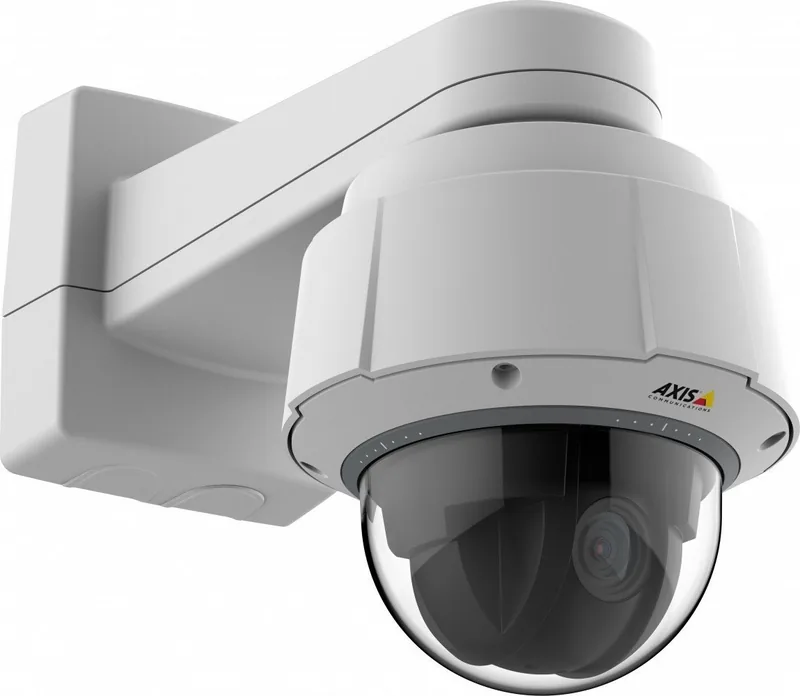
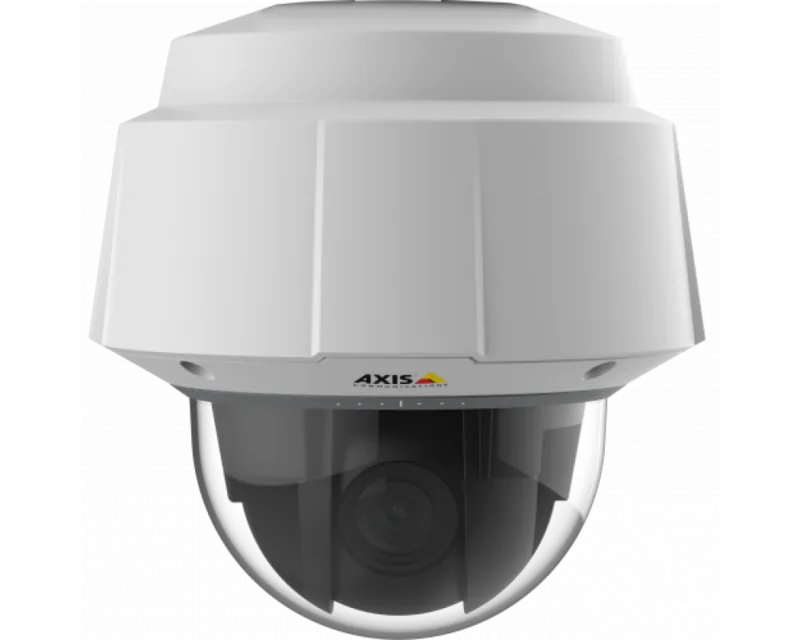
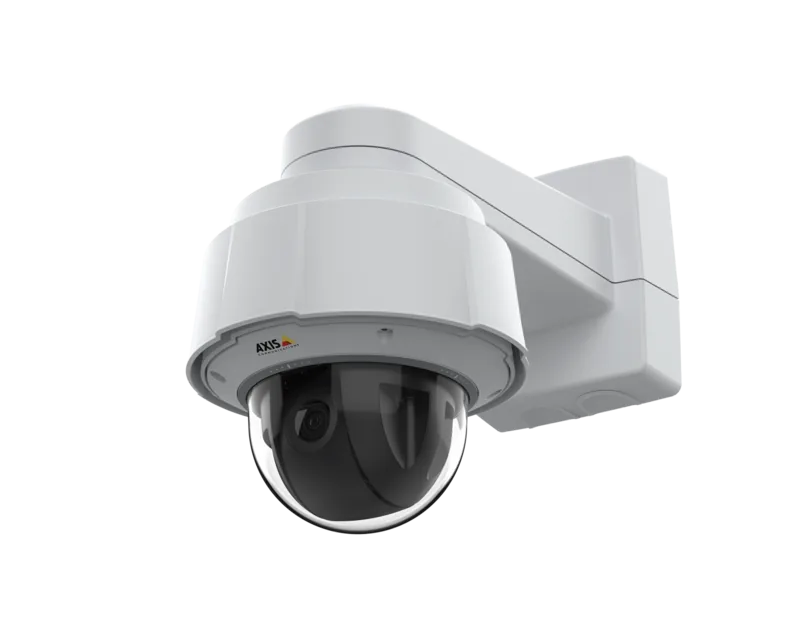
Axis Q6054-E Mk III Manual
PDF manual · 22 Pages
English



Quick check
Incorrect answer, please try again.
Chat with your Axis Q6054-E Mk III manual using AI
Get instant AI answers from your Axis Q6054-E Mk III manual
Ask anything about the Axis Q6054-E Mk III. Answers come from this manual, with the pages they are based on.
Ask a Question
Do you recommend Q6054-E Mk III?
Yes NoFrequently Asked Questions
It is a PTZ network camera designed for outdoor surveillance. It offers pan, tilt, and zoom control, making it suitable for covering large areas and focusing on specific activity when needed.
Is this answer helpful?
The 50Hz version is intended for environments that follow 50Hz power systems. It is commonly used in regions where this standard matches local electrical infrastructure and video timing expectations.
Is this answer helpful?
Yes. It includes night mode and infrared support for darker scenes. The camera can switch automatically as light levels drop, helping produce clearer black-and-white images at night.
Is this answer helpful?
Yes. Electronic Image Stabilization can reduce blur from vibration or movement. This is useful for poles, exposed areas, or places affected by wind and traffic.
Is this answer helpful?
It supports both Motion JPEG and H.264 streaming, plus SD card and network storage. This gives users flexibility to prioritize quality, bandwidth savings, or local recording.
Is this answer helpful?
Yes. It can trigger recordings, alerts, overlays, or PTZ moves through event rules. This makes it useful for automated surveillance workflows and targeted responses.
Is this answer helpful?
Advantages and Disadvantages
Advantages

- Strong PTZ control for wide-area monitoring and precise targeting.
- Useful image tools like WDR, EIS, night mode, and focus recall.
- Flexible event actions for motion, shock detection, presets, and recording.
- Supports multiple storage and streaming options to fit different deployments.
Disadvantages

- Many features require careful setup to get the best results.
- High image quality settings can increase bandwidth and storage use.
- Some functions depend on compatible applications or network conditions.
- Firmware, security, and PTZ limits must be managed properly by admins.
Product Specification
Type
Dome
Image Sensor
1/2.8" CMOS
Resolution
1280x720 Pixels (50fps)
Lens
0.17-5.08 in (F1.6-F4.7)
Light Sensitivity
0.15 Lux (Color), 0.01 Lux (B/W)
Viewing Angle
2.6-63.8 degrees (horizontal), 1.5-38 degrees (vertical)
Pan
360 degrees (motorized)
Tilt
220 degrees (motorized)
Zoom Function
30x optical, 12x digital
Compression/Codecs
MJPEG, H.264
Multistreaming
supported
Connections
1x RJ-45 100 Mb LAN
Data Storage
1x SD Card-Slot
Power Supply
PoE (Type 1)
Protection Class
IP66, IK10, NEMA 4X
Housing
suitable for outdoor use
System Compatibility
ONVIF (Profile G, S), IPv6
Zone & Analytics Functions
Motion detection, Privacy zones, IR filter
Product Description
Axis Q6054-E Mk III PTZ 50Hz: Practical Control for Demanding Surveillance
The Axis Q6054-E Mk III PTZ 50Hz is built for users who want flexible monitoring without sacrificing image quality or control. As a PTZ camera, it combines pan, tilt, and zoom in one unit, making it well suited for large outdoor areas, entrances, parking spaces, and other spaces that need active coverage. The 50Hz version is especially relevant for installations aligned with European power standards.
One of its strongest qualities is how much attention is given to image tuning. The camera supports focus recall areas, which helps it return to a saved focus point when it moves into a specific zone. That is a useful detail for sites with frequent manual camera control or preset-based patrols. It also supports automatic and manual exposure, night mode for low-light scenes, wide dynamic range for harsh lighting, and electronic image stabilization for windy or vibration-prone locations.
The platform is also designed for efficient operation. Users can work through a browser, manage settings from a clear web interface, and apply overlays such as timestamps, motion alerts, or pan and tilt values directly on the video stream. This makes the camera useful not only for live viewing, but also for investigations where context matters. Storage options include SD cards and network storage, while stream choices like H.264 and Motion JPEG let teams balance quality, bandwidth, and archive size.
Event handling is another highlight. The camera can respond to motion detection, shock detection, or scheduled rules by recording video, sending notifications, or moving to preset positions. That makes it easier to automate common security tasks and reduce manual intervention. For example, it can zoom toward a gate when activity is detected and return to a home position afterward.
For administrators, the manual emphasizes practical maintenance as well. It covers secure password setup, firmware upgrades, factory reset steps, and troubleshooting guidance for IP issues, streaming behavior, and performance tuning. In short, the Axis Q6054-E Mk III PTZ 50Hz Manual reflects a camera that is not just about surveillance hardware, but about adaptable operation in real-world deployments.
Notes
- Use secure passwords and HTTPS after first login.
- Keep firmware current for the latest fixes and features.
- Match stream settings to bandwidth and storage needs.
- Use presets, overlays, and events to automate routine monitoring.
Search for 67,732 Manuals online


Type-in Brand or Model