
Axis Q3505-VE Manual
PDF manual · 76 Pages
English



Quick check
Incorrect answer, please try again.
Chat with your Axis Q3505-VE manual using AI
Get instant AI answers from your Axis Q3505-VE manual
Ask anything about the Axis Q3505-VE. Answers come from this manual, with the pages they are based on.
Q3505-VE Maintenance Schedule
Replace the CR2032 lithium battery only when a low battery log message appears in the server report. Contact Axis support for assistance.
Click Calibrate from the Server Maintenance webpage if the lens moves down during cleaning or after exposure to extreme vibrations.
Free maintenance reminders
Timed to your purchase date. Always free, unsubscribe anytime.
Ask a Question
Do you recommend Q3505-VE?
Yes NoFrequently Asked Questions
It is a fixed dome network camera designed for professional surveillance. It focuses on reliable video capture, flexible configuration, and support for network-based monitoring and recording.
Is this answer helpful?
Yes. The camera includes exposure controls, day/night switching, IR-cut filter options, and wide dynamic range features that help improve performance in challenging lighting conditions.
Is this answer helpful?
Yes. It supports action rules and motion detection applications, so recordings can start automatically when movement, tampering, audio, or other triggers are detected.
Is this answer helpful?
The camera can store recordings on a microSD card or on a network share. It also supports continuous recording and event-based recording depending on how it is configured.
Is this answer helpful?
Yes. The camera includes audio input and output options, audio stream settings, and support for audio clips. Audio can also be used as part of event handling and alerts.
Is this answer helpful?
It explains hardware connectors, leveling assistance, browser access, streaming options, security setup, and maintenance tasks. That makes it valuable for both initial installation and long-term administration.
Is this answer helpful?
Advantages and Disadvantages
Advantages

- Flexible video settings, including H.264, MJPEG, stream profiles, and bitrate controls.
- Useful surveillance tools such as motion detection, tampering alarms, shock detection, and audio alerts.
- Supports storage options like SD cards and network shares for continuous or event-based recording.
- Outdoor-oriented design with PoE, I/O support, audio connectivity, and leveling assistance.
Disadvantages

- Initial setup can be complex for users without networking or camera configuration experience.
- Some advanced features depend on browser support, licenses, or specific viewer components.
- Correct cabling, grounding, and regional compliance checks are required for reliable deployment.
- Many options are powerful, but they may demand careful tuning to avoid false alarms or poor image settings.
Product Specification
Type
Dome
Image Sensor
1/2.8" CMOS
Resolution
1920x1200 Pixels (60fps)
Lens
0.35-0.87in (F1.6)
Light Sensitivity
0.28 Lux (Color), 0.06 Lux (B/W)
Viewing Angle
16-33° (horizontal)
Pan
360° (manual)
Tilt
-5° to 90° (manual)
Zoom Function
4x optical, 2x digital
Compression/Codecs
H.264, MJPEG
Multistreaming
supported
Connections
1x Audio Input, 1x Audio Output, 1x RJ-45 100Mb LAN
Data Storage
1x microSD slot
Power Supply
PoE (Type 1)
Protection Class
IP67, IK10, NEMA 4X
Housing
suitable for outdoor use
System Compatibility
ONVIF (Profile S), IPv6
Zone & Analysis Functions
Motion Detection, Audio Detection, Privacy Zones, IR Filter
Product Description
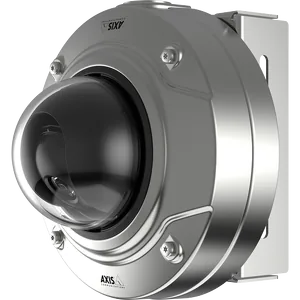
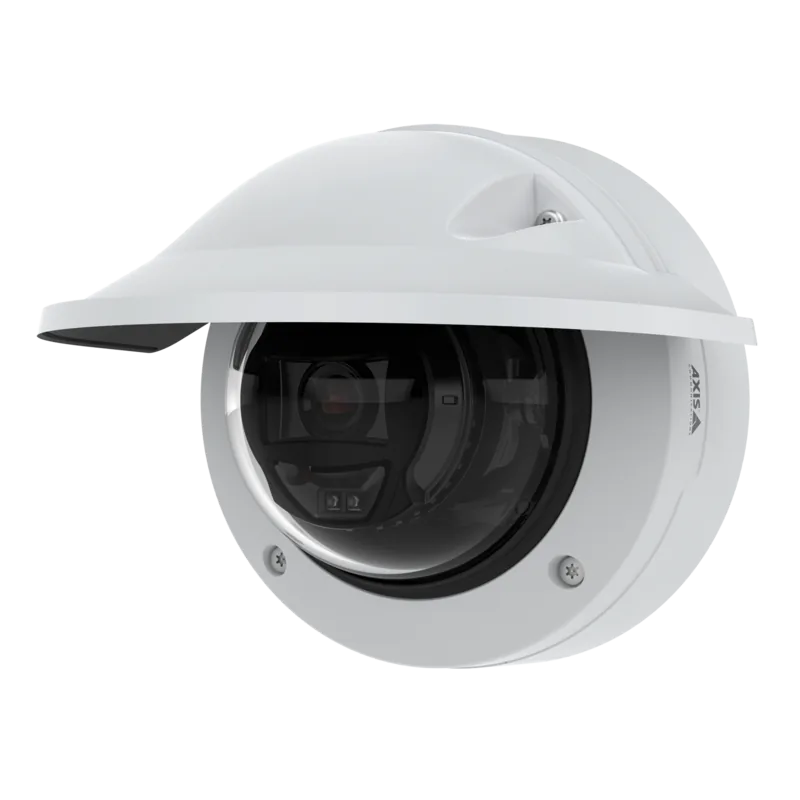
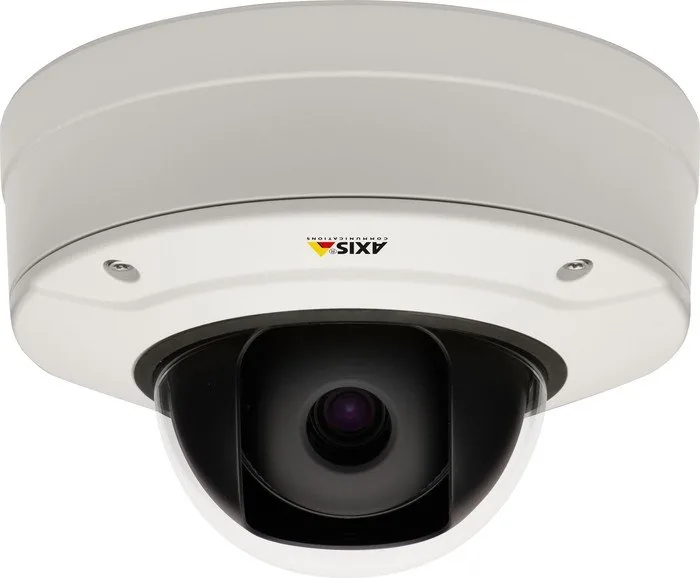
Axis Q3505-VE 22mm Manual: A Practical Look at a Versatile Dome Camera
The Axis Q3505-VE 22mm is built for projects that need dependable outdoor surveillance with a strong balance of image quality, flexible setup, and network-friendly operation. As a fixed dome network camera, it is designed to fit environments where consistent monitoring matters, whether that means entrances, public areas, loading zones, or perimeter coverage. The Axis Q3505-VE 22mm Manual highlights how much control administrators get over image tuning, streaming, storage, and event handling.
One of the biggest strengths of this camera is its adaptability. The device supports multiple viewing modes, including H.264 and Motion JPEG, along with audio options, stream profiles, overlays, privacy masks, and PTZ-related features when digital control is enabled. That makes it easier to tailor the camera to different scenes and requirements. For example, users can adjust compression, frame rate, exposure, white balance, and wide dynamic range to help the camera perform in both bright daylight and difficult low-light conditions.
The manual also shows that the camera is more than just a video device. It can work with action rules, motion detection, audio detection, tampering alarms, shock detection, and storage events. These features help turn passive monitoring into an active security workflow. With SD card support and network storage options, recordings can be saved locally or centrally, and important clips can be exported when needed.
Installation and management are also given careful attention. The device includes practical hardware details such as PoE, audio connectors, I/O support, LED indicators, and a function button for leveling assistance. Those details matter in real deployments, especially where setup time and long-term reliability are important. The manual also reminds users about safety, grounding, firmware management, and regulatory compliance, which is useful for professional installations.
Notes
- Best suited for organized surveillance systems that need flexible configuration.
- Strong image tuning options make it easier to match different lighting conditions.
- Event-based recording and alerts can reduce manual monitoring effort.
- Outdoor use and regulatory details should be checked before deployment.
Search for 67,732 Manuals online


Type-in Brand or Model